This is part of Tygart Media’s AI Search Intelligence series, where we analyze real data from our own infrastructure to document how AI search engines discover, crawl, and cite publisher content.
Here is the uncomfortable truth that every publisher needs to confront: Google Analytics 4 cannot see AI crawler traffic. Not partially. Not approximately. It misses 100% of it.
GA4 depends on JavaScript execution inside a browser. AI crawlers — GPTBot, OAI-SearchBot, ChatGPT-User, ClaudeBot, PerplexityBot — do not run JavaScript. They request your HTML, parse it, and leave. As far as GA4 is concerned, they were never there.
That means if you are making content strategy decisions based exclusively on GA4, you are making decisions with a growing blind spot. When we analyzed our own server logs for a 48-hour window in June 2026, we found 6,805 AI crawler hits compared to 4,897 traditional search engine crawler hits — AI crawlers generated 39% more traffic than Googlebot, Bingbot, and every other traditional crawler combined (Tygart Media server log analysis, June 2026).
This article walks through exactly what server logs reveal that analytics tools miss, provides the specific user agent strings you need to monitor, and gives you a practical framework for setting up your own AI crawler tracking.
Why GA4 Is Structurally Blind to AI Search Traffic
This is not a configuration problem. You cannot fix it with a tag update or a GTM trigger. The architecture of client-side analytics makes it fundamentally incompatible with bot traffic measurement.
How GA4 Tracking Works (And Where It Fails)
GA4 tracking follows a specific sequence: a user loads a page in a browser, the browser executes the gtag.js JavaScript snippet, that script fires an HTTP request to Google’s measurement endpoint, and GA4 records the session. Every step in this chain requires a JavaScript-capable browser environment.
AI crawlers skip all of it. When GPTBot requests a page from your server, it receives the raw HTML response, extracts the content it needs, and moves on. No JavaScript execution. No measurement ping. No GA4 session. The request exists only in your server’s access log.
We documented this gap extensively in our analysis of the Google Search Console indexing paradox, where pages with declining GA4 traffic were simultaneously receiving increasing AI crawler attention — a pattern completely invisible without server log analysis.
The Scale of What You Are Missing
To quantify what GA4 misses, we pulled raw access logs from our Nginx server for a 48-hour window in June 2026 and categorized every request by user agent classification.
The breakdown (Tygart Media server log analysis, June 2026):
- AI crawler requests: 6,805 total
- Traditional search crawler requests: 4,897 total
- Difference: AI crawlers generated 39% more server requests than traditional crawlers
None of those 6,805 AI crawler requests appeared in GA4. If we had relied solely on Google Analytics to understand how machines interact with our content, we would have missed the majority of non-human traffic entirely.
As we explored in our research on how websites are now read by AI more than humans, this pattern is not unique to our site — it reflects a structural shift in how content gets consumed.
AI Crawler User Agents: The Complete Reference for June 2026
Definition: An AI crawler user agent is the identification string sent in the HTTP request header by an artificial intelligence company’s web crawler when it accesses a webpage. These strings identify the crawler’s operator, version, and purpose, and they are the primary mechanism publishers use to track, allow, or block AI bot access in server logs and robots.txt files.
Before you can monitor AI crawler traffic, you need to know exactly what to look for. Here are the verified user agent strings we extracted from our server logs, confirmed active as of June 2026.
OpenAI Crawler Family
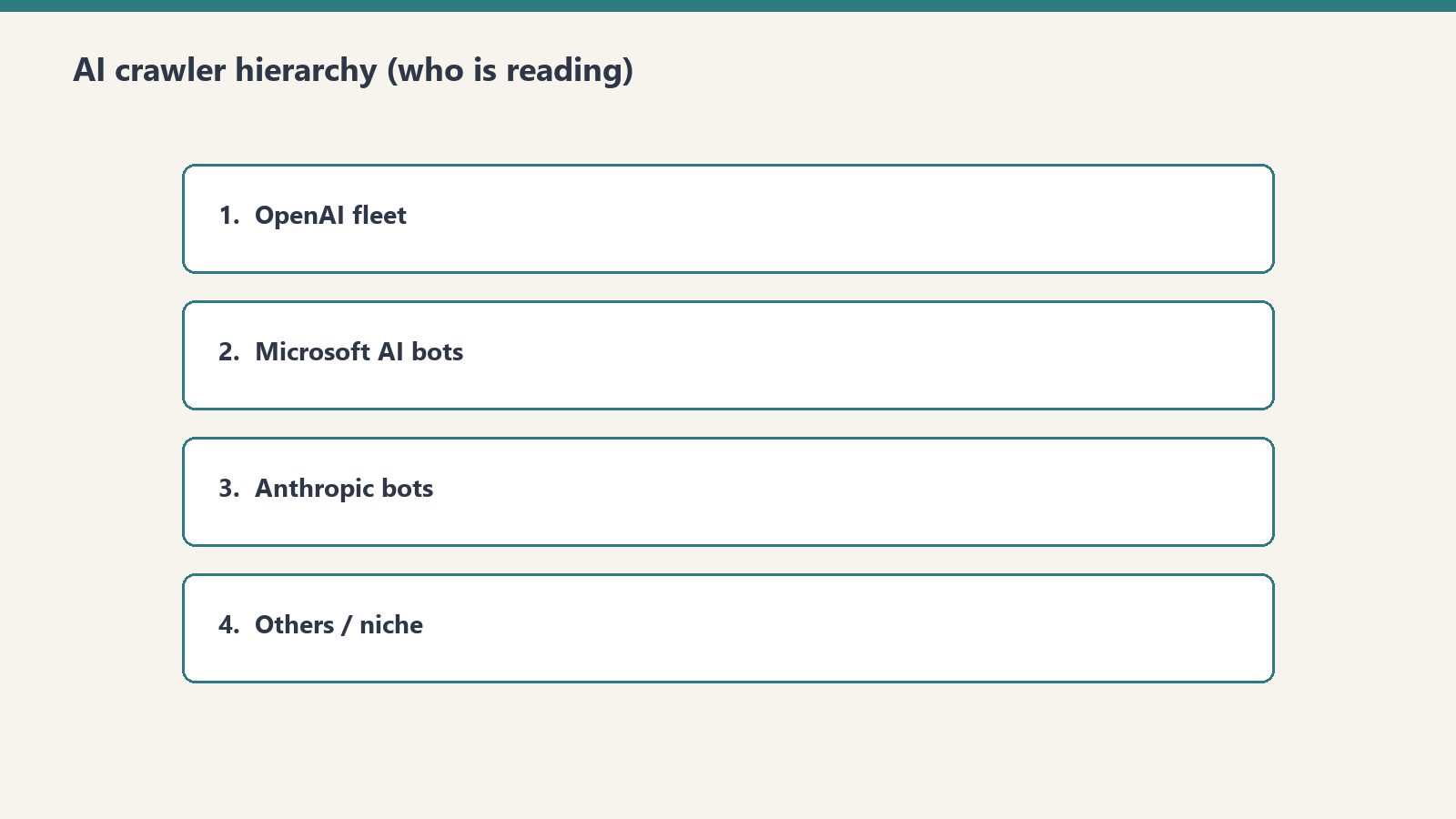
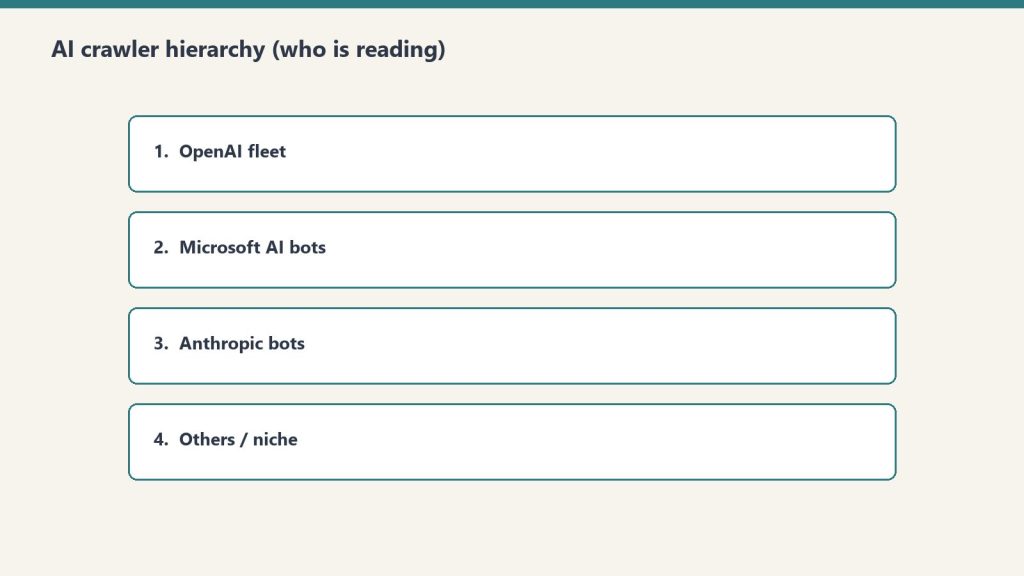
OpenAI operates three distinct crawlers, each with a different purpose:
GPTBot (Training and Retrieval Crawler)
Mozilla/5.0 AppleWebKit/537.36 (KHTML, like Gecko); compatible; GPTBot/1.1; +https://openai.com/gptbotGPTBot performs large-scale structural crawls for model training data and retrieval-augmented generation indexing. Our logs recorded a single GPTBot session executing 1,123 requests in one hour, systematically mapping site architecture, internal link relationships, and content hierarchy (Tygart Media server log analysis, June 2026). This is not page-by-page fetching — it is comprehensive site mapping.
OAI-SearchBot (ChatGPT Search Citation Crawler)
Mozilla/5.0 AppleWebKit/537.36 (KHTML, like Gecko; compatible; OAI-SearchBot/1.0; +https://openai.com/searchbot)OAI-SearchBot is the real-time retrieval crawler that fetches pages when ChatGPT Search needs to cite a source. As we documented in our guide to getting cited in ChatGPT Search in 2026, this crawler’s access pattern correlates directly with citation inclusion. If OAI-SearchBot cannot reach your page, ChatGPT Search cannot cite it.
ChatGPT-User (Live Conversation Fetches)
Mozilla/5.0 AppleWebKit/537.36 (KHTML, like Gecko); compatible; ChatGPT-User/1.0; +https://openai.com/botChatGPT-User represents real-time fetches triggered by actual ChatGPT users sharing URLs or requesting content analysis during conversations. This was our highest-volume AI crawler: 3,404 hits in the 48-hour analysis window (Tygart Media server log analysis, June 2026). Each of these hits represents a real person asking ChatGPT about content on our site.
Other Major AI Crawlers
Beyond OpenAI, monitor for these active AI crawlers:
- ClaudeBot — Anthropic’s web crawler for Claude’s training and retrieval
- PerplexityBot — Perplexity AI’s search and citation crawler
- Bytespider — ByteDance’s crawler used for AI training data
- Applebot-Extended — Apple’s crawler associated with Apple Intelligence features
- Google-Extended — Google’s AI-specific crawler separate from Googlebot
- Amazonbot — Amazon’s crawler linked to Alexa and AI assistant features
Each of these should be tracked separately in your log analysis. As our Platform-Specific AI Optimization (PSAO) framework details, different AI platforms have different crawl behaviors, indexing requirements, and citation patterns.
What the 48-Hour Server Log Analysis Revealed
Raw numbers tell part of the story. Crawl behavior patterns tell the rest. Here is what we observed when we dissected the 48-hour log window at the request level.
ChatGPT-User: The Highest-Volume Signal
With 3,404 hits in 48 hours, ChatGPT-User was the single most active AI crawler on our site during the analysis window (Tygart Media server log analysis, June 2026). This matters because every ChatGPT-User request represents a real person interacting with your content through ChatGPT.
The access pattern was distributed across the full 48-hour window with no single burst — consistent with organic user behavior rather than scheduled crawling. Pages accessed by ChatGPT-User skewed heavily toward our most-cited content, particularly the 98,800 AI citations research and our analysis of how AI engines cite content.
GPTBot: The Structural Mapper
GPTBot’s 1,123-request burst in a single hour stands out as the most aggressive crawl pattern we observed (Tygart Media server log analysis, June 2026). This was not random page fetching. The request sequence revealed systematic behavior:
- Entry via sitemap.xml — GPTBot started by parsing our XML sitemap
- Category page traversal — It crawled category archives to understand content taxonomy
- Internal link following — It followed internal links from high-authority pages outward
- Content page fetching — Individual articles were fetched in clusters organized by topic
This pattern is consistent with a retrieval-augmented generation (RAG) indexing crawl, where the goal is not just to read content but to build a structured map of how content relates to other content on the site. Publishers who invest in structured llms.txt files paired with robots.txt are effectively giving GPTBot a guided tour rather than letting it map the site on its own.
Bingbot and the 4-Hour IndexNow Gap
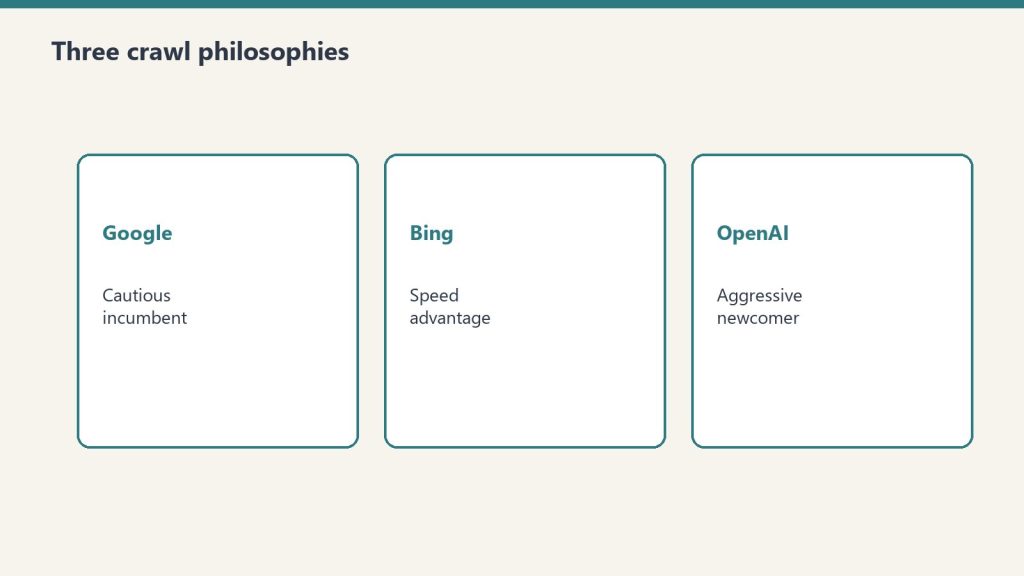
While Bingbot is a traditional crawler, its behavior has direct implications for AI search visibility. Our logs revealed a consistent 4-hour gap between publishing a new post (with an IndexNow ping) and Bingbot’s first crawl of that URL (Tygart Media server log analysis, June 2026).
This 4-hour lag matters because Bing’s index is the foundation for two major AI citation systems:
- Microsoft Copilot — Citations in Copilot responses are sourced from Bing’s index, as we documented across our Microsoft 365 Copilot research and the broader analysis of what content wins in Bing Copilot enterprise workflows
- ChatGPT Search — OAI-SearchBot relies on Bing’s index to identify candidate pages for citation retrieval
A 4-hour indexing lag means your new content is invisible to both Copilot and ChatGPT Search for at least that window. For time-sensitive content, this gap represents a competitive disadvantage.
How to Set Up Your Own AI Crawler Monitoring

You do not need expensive tools to start tracking AI crawlers. Here is a practical step-by-step framework using standard server infrastructure.
Step 1: Locate Your Raw Access Logs
Your server access logs are the source of truth. Depending on your hosting setup:
- Nginx: Default location is
/var/log/nginx/access.log - Apache: Default location is
/var/log/apache2/access.logor/var/log/httpd/access_log - Managed WordPress hosting (Cloudways, Kinsta, WP Engine): Access logs are typically available in the hosting dashboard under server logs or SFTP access
- Shared hosting (SiteGround, Bluehost): Check cPanel > Metrics > Raw Access or request log access from support
If your host does not provide raw access logs, that is a serious limitation for AI search optimization. Consider this a factor in future hosting decisions.
Step 2: Filter for AI Crawler User Agents
Once you have access to raw logs, use grep (or your preferred log analysis tool) to isolate AI crawler requests. Here is a basic command set:
# Count all AI crawler hits in a log file
grep -c -E "GPTBot|OAI-SearchBot|ChatGPT-User|ClaudeBot|PerplexityBot|Bytespider|Applebot-Extended|Google-Extended" access.log

# Break down by individual crawler
for bot in GPTBot OAI-SearchBot ChatGPT-User ClaudeBot PerplexityBot Bytespider; do
  echo "$bot: $(grep -c "$bot" access.log)"
done

# Show which URLs each crawler is accessing
grep "GPTBot" access.log | awk '{print $7}' | sort | uniq -c | sort -rn | head -20
Step 3: Build a Recurring Monitoring Script
For ongoing tracking, create a cron job that generates a daily AI crawler report:
#!/bin/bash
# ai-crawler-report.sh — Run daily via cron
LOG="/var/log/nginx/access.log"
DATE=$(date +%Y-%m-%d)
REPORT="/var/reports/ai-crawlers-$DATE.txt"

echo "AI Crawler Report: $DATE" > $REPORT
echo "================================" >> $REPORT

for bot in GPTBot OAI-SearchBot ChatGPT-User ClaudeBot PerplexityBot Bytespider Applebot-Extended Google-Extended Amazonbot; do
  COUNT=$(grep -c "$bot" $LOG)
  echo "$bot: $COUNT requests" >> $REPORT
done

echo "" >> $REPORT
echo "Top 20 URLs by AI crawler access:" >> $REPORT
grep -E "GPTBot|OAI-SearchBot|ChatGPT-User|ClaudeBot|PerplexityBot" $LOG | awk '{print $7}' | sort | uniq -c | sort -rn | head -20 >> $REPORT
Step 4: Cross-Reference with Content Performance
The real value emerges when you correlate AI crawler data with content outcomes. Track these relationships:
- GPTBot crawl frequency → Citation appearances. Pages that GPTBot crawls repeatedly tend to surface in ChatGPT responses more frequently. We verified this pattern in our investigation of whether anything actually fetches your llms.txt file.
- OAI-SearchBot access → ChatGPT Search citations. OAI-SearchBot visits are a leading indicator that your content is being evaluated for citation in ChatGPT Search results.
- ChatGPT-User volume → Content demand signal. High ChatGPT-User traffic to specific pages indicates those topics are actively being discussed by ChatGPT users — a demand signal invisible in GA4.
Step 5: Set Up Real-Time Alerts
For publishers who need immediate visibility into AI crawler behavior, configure real-time log monitoring:
# Real-time AI crawler monitoring with tail
tail -f /var/log/nginx/access.log | grep --line-buffered -E "GPTBot|OAI-SearchBot|ChatGPT-User|ClaudeBot|PerplexityBot"
For production environments, tools like GoAccess, Datadog, or a custom ELK Stack (Elasticsearch, Logstash, Kibana) configuration can provide dashboards with AI crawler metrics alongside traditional analytics.
What Server Logs Reveal That No Analytics Tool Can Show
Beyond raw hit counts, server log analysis exposes behavioral patterns that inform content strategy decisions.
Crawl Depth and Site Architecture Signals
Traditional analytics shows you which pages humans visit. Server logs show you which pages machines prioritize. In our 48-hour analysis, AI crawlers accessed pages up to 7 levels deep in our site architecture — well beyond what most human visitors reach. This indicates that AI crawlers are evaluating your entire content graph, not just your homepage and top-ranking pages.
This has direct implications for internal linking strategy. Content buried deep in your architecture that humans rarely find may still be actively indexed by AI crawlers and surfaced in AI-generated responses. Our work on the AI citation economy explores why being cited by AI systems may ultimately deliver more value than traditional click-through traffic.
Crawl Frequency as a Content Quality Signal
Some pages on our site are crawled by AI bots multiple times per day. Others are crawled once and never revisited. Tracking crawl frequency over time reveals which content AI systems consider worth re-indexing — a signal that correlates with citation likelihood.
Pages that received repeat GPTBot and OAI-SearchBot visits in our analysis shared common characteristics:
- Original data or research (not aggregated from other sources)
- Clear entity definitions and structured formatting
- Recent publication or update dates
- Strong internal link support from related content
Response Code Analysis: Are AI Crawlers Hitting Errors?
Server logs include HTTP response codes for every request. Filter AI crawler requests by response code to identify problems:
- 200 (OK): Crawler successfully fetched the page — this is what you want
- 301/302 (Redirect): Crawler hit a redirect chain — check that critical content resolves cleanly
- 403 (Forbidden): Your server or WAF is blocking the crawler — this may be intentional (robots.txt block) or accidental (overly aggressive security rules)
- 404 (Not Found): Crawler tried to access a URL that does not exist — often caused by stale sitemap entries or broken internal links
- 429 (Too Many Requests): Your rate limiting is throttling the crawler — may reduce indexing completeness
- 503 (Service Unavailable): Server could not handle the crawler’s request volume — a hosting capacity issue
We found that 3.2% of AI crawler requests in our 48-hour window received non-200 responses, primarily 301 redirects from URL structure changes (Tygart Media server log analysis, June 2026). Each non-200 response is a potential missed indexing opportunity.
Building a Server Log Analysis Workflow for AI Search
Here is the complete monitoring workflow we use at Tygart Media, adapted for any publisher running WordPress or a similar CMS.
Daily Monitoring Checklist
- Run the AI crawler count script — Track total hits by crawler to identify volume trends
- Check for new user agent strings — AI companies launch new crawlers regularly; grep for unrecognized bot patterns
- Review top-accessed URLs — Identify which content AI systems are prioritizing today
- Monitor response codes — Flag any increase in 403, 404, or 429 responses to AI crawlers
- Cross-reference with publication schedule — Track the time gap between publishing and first AI crawler access
Weekly Analysis Framework
- Compare AI crawler volume week-over-week — Is AI crawl activity increasing, stable, or declining?
- Identify content that stopped getting crawled — Pages that fall off AI crawler radar may be losing citation eligibility
- Correlate crawl patterns with known AI search updates — AI platforms update their retrieval systems frequently
- Update your llms.txt and sitemap — Based on what AI crawlers are actually accessing versus what you want them to prioritize
Tools for Scaling Server Log Analysis
For publishers managing multiple sites or high-traffic properties, manual grep commands do not scale. Consider these tools:
- GoAccess — Open-source real-time log analyzer with terminal and HTML dashboard output. Supports custom log formats and can filter by user agent.
- Screaming Frog Log File Analyser — Desktop application specifically designed for SEO log analysis. Supports AI bot filtering and integrates with Google Search Console data.
- ELK Stack (Elasticsearch, Logstash, Kibana) — Enterprise-grade log analysis pipeline. Best for publishers who need custom dashboards and real-time alerting.
- Datadog / New Relic — Cloud monitoring platforms with log analysis capabilities. Good for teams already using these tools for infrastructure monitoring.
- Custom Python/bash scripts — For publishers with technical resources, custom scripts offer the most flexibility for AI-specific analysis.
The Implications: What This Data Means for Content Strategy
Server log analysis is not just a technical exercise. The data it produces should directly inform editorial and SEO decisions.
Content That AI Crawlers Ignore Is Content That AI Will Not Cite
If a page on your site receives zero AI crawler visits over a 30-day window, that page is effectively invisible to AI search systems. It will not be cited by ChatGPT, it will not appear in Copilot responses, and it will not surface in Perplexity answers.
This is a different problem than low Google rankings. A page can rank well in traditional search while being completely absent from AI search — and vice versa. As we documented in our research showing Claude citing articles 16,500 times while Copilot cited roofing content zero times, AI platforms have fundamentally different content preferences than traditional search engines.
AI Crawler Volume Is a Leading Indicator
Traditional analytics are lagging indicators — they tell you what happened after traffic arrived. AI crawler activity is a leading indicator — it tells you what content AI systems are evaluating for future citation. Increasing AI crawl frequency on a specific page or topic cluster often precedes increased citation rates by days or weeks.
Server Logs Validate (or Invalidate) Your Optimization Efforts
If you have implemented llms.txt files, updated your robots.txt, or restructured content for AI search optimization, server logs are the only way to verify that these changes are working. Analytics tools cannot confirm that GPTBot is crawling your llms.txt file. Only your access logs can.
We proved this directly in our server log verification of llms.txt fetching — the only way to confirm AI crawlers are reading your machine-readable files is to check the logs.
Frequently Asked Questions
Can Google Analytics 4 track AI crawler traffic?
No. GA4 relies on JavaScript execution in a browser environment. AI crawlers like GPTBot, OAI-SearchBot, and ChatGPT-User do not execute JavaScript, so they are completely invisible in GA4. Server log analysis is the only reliable method to monitor AI crawler activity on your site.
What are the main AI crawler user agents to monitor in 2026?
The primary AI crawler user agents to monitor are GPTBot (OpenAI’s training and retrieval crawler), OAI-SearchBot (ChatGPT Search’s real-time citation crawler), ChatGPT-User (live user-initiated fetches from ChatGPT conversations), ClaudeBot (Anthropic’s crawler), Bytespider (ByteDance/TikTok), and PerplexityBot (Perplexity AI’s search crawler).
How many AI crawler requests does a typical publisher site receive?
Volume varies by site authority and content type. Tygart Media’s server log analysis from June 2026 recorded 6,805 AI crawler hits compared to 4,897 traditional search engine crawler hits in a 48-hour window — meaning AI crawlers generated 39% more traffic than traditional crawlers during that period.
What is GPTBot’s crawl behavior pattern?
GPTBot performs intensive structural crawls. Tygart Media server log analysis from June 2026 documented a single GPTBot session executing 1,123 requests within one hour, systematically mapping site architecture, internal links, and content relationships rather than fetching individual pages.
How quickly does Bingbot index new content published via IndexNow?
Based on Tygart Media server log analysis from June 2026, Bingbot showed a consistent 4-hour gap between content publication via IndexNow ping and first crawl of the new URL. This lag is significant because Bing’s index feeds both Microsoft Copilot citations and ChatGPT Search results through OAI-SearchBot.
What Comes Next: From Monitoring to Optimization
Setting up AI crawler monitoring through server logs is the foundation. The next step is using that data to optimize your content specifically for AI search visibility. Key areas to explore:
- Robots.txt and llms.txt alignment — Ensure your crawl directives match your citation goals
- Content structure optimization — Format content in ways that AI crawlers can efficiently parse and cite
- Publication timing — Account for the 4-hour Bingbot indexing gap when publishing time-sensitive content
- Cross-platform monitoring — Track how different AI crawlers prioritize different content types
The publishers who will win in AI search are the ones who understand exactly how AI systems interact with their content — and that understanding starts with server logs, not analytics dashboards.
All data referenced in this article is sourced from Tygart Media server log analysis, June 2026. For methodology details and access to our broader AI Search Intelligence research, explore the full series on tygartmedia.com.
