Claude for ecommerce means using Anthropic’s Claude AI across the jobs around selling online — writing product content, answering customer questions, cleaning up catalog data, and getting your store ready for the AI shopping agents that are starting to buy on customers’ behalf.
Not hype. Not a robot that runs your store. Just a very capable assistant pointed at the work that eats your week. Here’s what that looks like in practice.
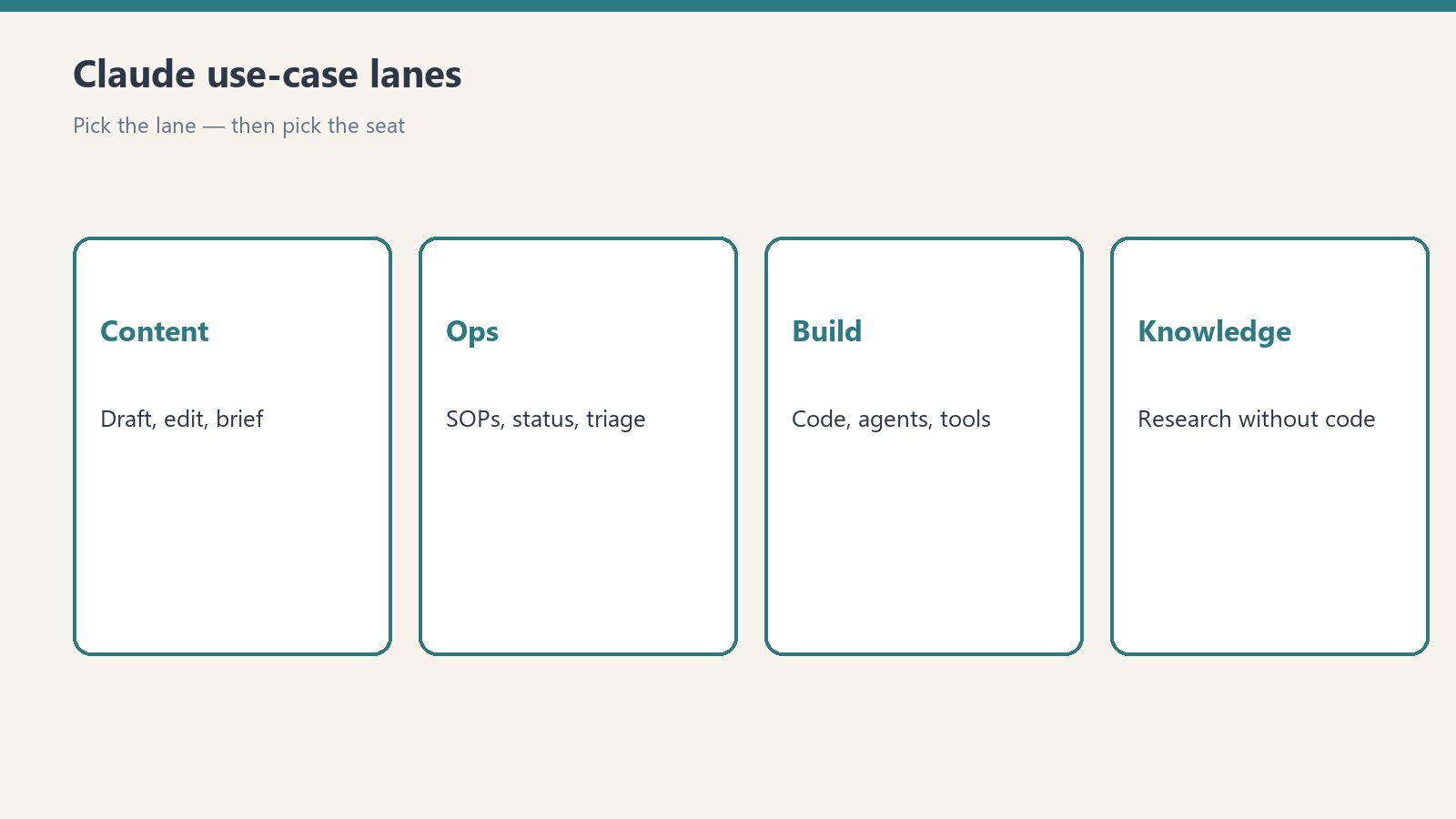
The Four Lanes
Every ecommerce use of Claude falls into one of four lanes. Pick the lane with the most pain first.
1. Product content
Write and fix product descriptions at scale. Give Claude your specs, your brand voice, and a few examples of descriptions you like. It drafts the rest — titles, bullets, meta descriptions, alt text. The job isn’t “write it for me,” it’s “write the first draft so I’m editing instead of staring at a blank page.”
Clean your catalog. This is the unsexy one that pays the most. Missing GTINs, inconsistent size formats, half-empty attribute fields — Claude reads a product export and tells you exactly what’s broken, row by row. Clean catalog data is also what AI shopping agents read when they decide whether to recommend your products, so this work compounds.
2. Customer conversations
Pre-sale questions. “Does this come in blue?” “Will it arrive by Friday?” “What’s your return policy?” Claude-powered chat answers these from your actual policies and product data — not from a script that breaks the moment someone asks something unexpected.
Support triage. Claude reads the incoming ticket, pulls the order details, and drafts the response or routes it to the right person with a summary. Your team stops starting from zero on every message.
Returns and post-purchase. The most common post-purchase questions have known answers. Claude handles them; humans handle the exceptions. That’s the whole model.
3. Back-office ops
Supplier and vendor email. Drafting, summarizing threads, pulling action items out of long exchanges. The inbox work nobody wants to do.
Reporting in plain English. Feed Claude your sales export and ask what changed this week, which products are slipping, and what’s driving the shift. You get the insight without building the dashboard first.
SOPs and training. Turn “how we do returns” from tribal knowledge into a written process a new hire can actually follow.
4. Getting agent-ready
This is the lane most owners are missing. AI shopping agents — built on Claude, among others — are starting to complete purchases on behalf of buyers. They don’t browse your site. They read your structured data: product feeds, schema markup, policies as data.
Claude helps you become the store agents recommend: auditing your product data for completeness, generating the structured content agents consume, and testing your checkout the way an agent experiences it. The merchants who do this work now get recommended. The ones who don’t get skipped — quietly, by software, at scale.
What It Costs to Start
Less than you think. A Claude Pro subscription covers the conversational work — drafting, analysis, inbox help. API usage covers the automated work — catalog cleanup, chat on your site, ticket triage — and it’s metered, so a small store’s bill is small. We’ve got a full breakdown of Claude’s pricing, plans, and limits if you want the numbers.
The expensive part was never the tool. It’s the hour you spend figuring out where to point it first. Start with one lane, one workflow, one repeatable job. Get that working before you add the second.
What Claude Won’t Do
Honest limits, because overselling helps nobody:
It won’t run your store. Pricing decisions, supplier relationships, and judgment calls stay human. Claude drafts; you decide.
It needs checking on anything customer-facing. Product descriptions, policy answers, support replies — review before they ship, especially early. The error rate drops as you tune it, but the review habit shouldn’t.
It doesn’t replace your data. Claude is only as good as what you feed it. Wrong inventory data in, confident wrong answers out. Fix the source data — that’s lane one for a reason.
Getting Started: The First Week
Day 1–2: Pick one job. The one you dread most that happens every week. Product descriptions, support replies, inbox triage — one thing.
Day 3–4: Show Claude how. Give it 3–5 examples of the job done well. Examples beat instructions every time.
Day 5: Run it supervised. Let Claude do the job, review everything, correct what it gets wrong. The corrections are training.
Week 2: Loosen the grip. Once the output is consistently right, review spot-checks instead of everything. Add the second job.
Related Reading
- Claude Pricing, Plans & Limits: The Complete Guide
- Working With the Anthropic API
- Claude vs. the Field: How Anthropic’s Models Compare
- How Claude Powers AI Shopping Agents
Leave a Reply