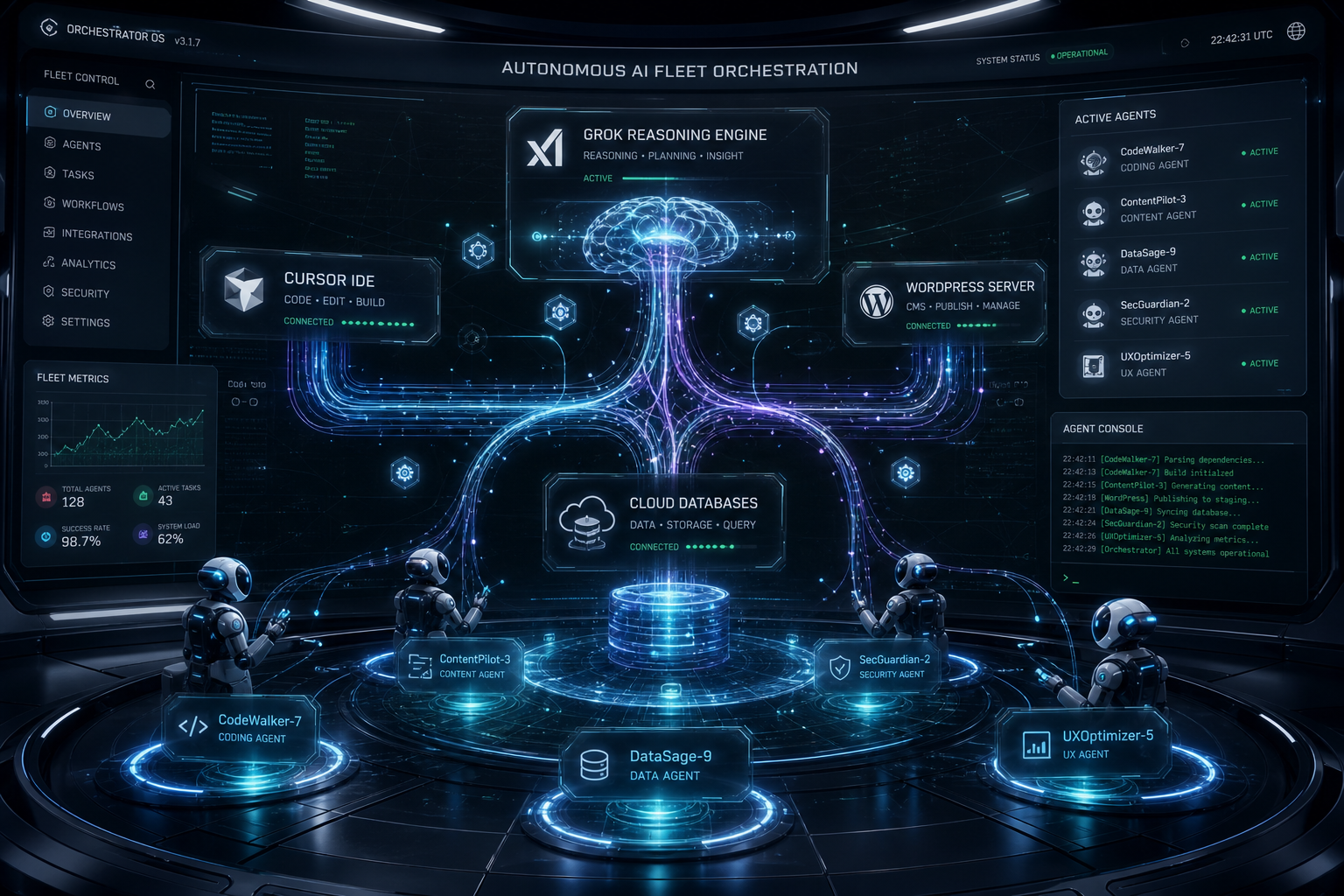
Tonight I asked Cursor — running with a remote path into the same laptop — to check on Grok Desktop.
Not a status meeting. Not a Slack ping. A real question: are they stuck on Tygart Ops tasks, or are they fine?
What came back felt less like “AI tooling” and more like a shop floor story. One agent reading Notion work orders. Another already mid-PowerShell. Chrome open on Bing Webmaster Tools. A hold queue of spam comments already cleared. A window title spinning: waiting for response.
That is the product.

The picture on the desk
Grok CLI (grok.exe) was live on the TYGART laptop. Session home under ~\.grok\. PowerShell host up. Agent name on the session: grok-build-plan.
Cursor did not take over the keyboard. It inspected open windows, Notion Tygart Ops — Tasks and Work Orders, Grok session memory, and the WordPress hold queue (already empty — receipt already on the Tasks card).
Verdict: not stuck. Working. Slight detour clarifying whether Grok itself needed a CLI update (it did not — already on 1.0.13). Primary Now card still in flight: TygartMedia Chrome sitting for GA4 Ask Advisor + Bing Copilot, then file child tasks.
That is multi-agent ops without the demo reel.
Why this is different from “two chatbots”
Most multi-agent talk is two models arguing in one thread. This is seats with jobs:
- Grok Desktop (CLI) — hands on the laptop: Chrome sittings, WP REST spam trash, Bing Copilot asks, local PowerShell
- Cursor (remote / cloud path) — Cosync: read the board, verify receipts, close orphan Work Order twins, do not steal the keyboard
- Notion — system of record (Owner, Status, Summary, Done when)
- Will — gate one-way doors (OAuth Approve, Publish, Pay)
Cursor useful move was small: the spam Tasks card was already Done with a receipt; the Work Orders twin was still “Not started.” Cursor closed the twin. Grok kept the keyboard.
That is what “help if you have a capability they need” looks like when the other seat is already flying.
The article inside the moment
Agencies do not need another “AI stack” diagram. They need a night like this:
- A doorbell card lands (Notion to ops channel).
- The owner seat picks it up without waiting for a human briefing.
- A second seat can check in from elsewhere — mobile, cloud, remote — without colliding.
- Receipts land on the same card. Orphans get reconciled.
- Human gates stay human.
We already published the engineering blueprints:
Tonight was the field note. Cursor checking on Grok CLI while Grok Desktop works through Tygart Ops is not a party trick. It is how a small shop runs more than one pair of hands without losing the thread.
What we are not claiming
- Not “fully autonomous.” Human Gate still owns OAuth consent, live publish, paid spend.
- Not “replace your team.” Seats replace waiting and context loss.
- Not a new product launch. This is how we already run Tygart Media ops on a Sunday night.
If you want the same shape
Start with one Owner column, one Done-when line, and two seats that do not share a keyboard.
Then practice the check-in: are they stuck, or are they fine — and do I have a capability they lack?
If they are fine, leave the PowerShell alone.

Will Tygart — Tygart Media. Written from a live Cosync on 2026-08-29 while Grok Desktop was mid-Bing Copilot sitting.
Get The Signal
What we actually ran, what it measured, and what it means for a restoration shop — every week, including the flops.
Leave a Reply