Direct Answer / Product Definition
The Business Continuity Plan (BCP) Template by Tygart Media is an eleven-section continuity framework for restoration contractors and property managers, mapping FEMA essential functions, ISO 22301 RTO/RPO targets, and Code Red ACT. Will Tygart documents the full DIY method on this page; the $29 Square product delivers a pre-wired Notion workspace (plan page plus five databases) by email within 24 hours of checkout.
Business Continuity Plan (BCP) Template
$29
Notion workspace delivered by email within 24 hours after Square checkout.
Get The Signal
What we actually ran, what it measured, and what it means for a restoration shop — every week, including the flops.
Secure checkout via Square — all major cards accepted
Tygart Media publishes this method so restoration shops and property managers can build a real Business Continuity Plan without a consultant. Copy the eleven sections into a spreadsheet or Notion. The $29 Buy on Square option is Will Tygart’s packaged Notion duplicate: the plan page plus five databases already wired, delivered by email within 24 hours after checkout.
This walks a property manager, a restoration company, or any shop that needs a living plan (not a binder on a shelf) through the same structure. Fill the fields. Practice the tree. Update it every six months.
DIY Spreadsheet vs $29 Notion Workspace
| Option | Price | Deliverable | Best For |
|---|---|---|---|
| Copy from this page | $0 | Eleven-section method + field lists (RTO 0–4h through 7+ days) | First tabletop before spend |
| BCP Template (this product) | $29 | Notion plan + 5 linked databases | Ops leads who want structure day one |
| Complete Restoration Operations Kit | $97 | Job, claims, and KPI Notion ops stack | Shops running daily mitigation + rebuild |
What a good BCP actually is
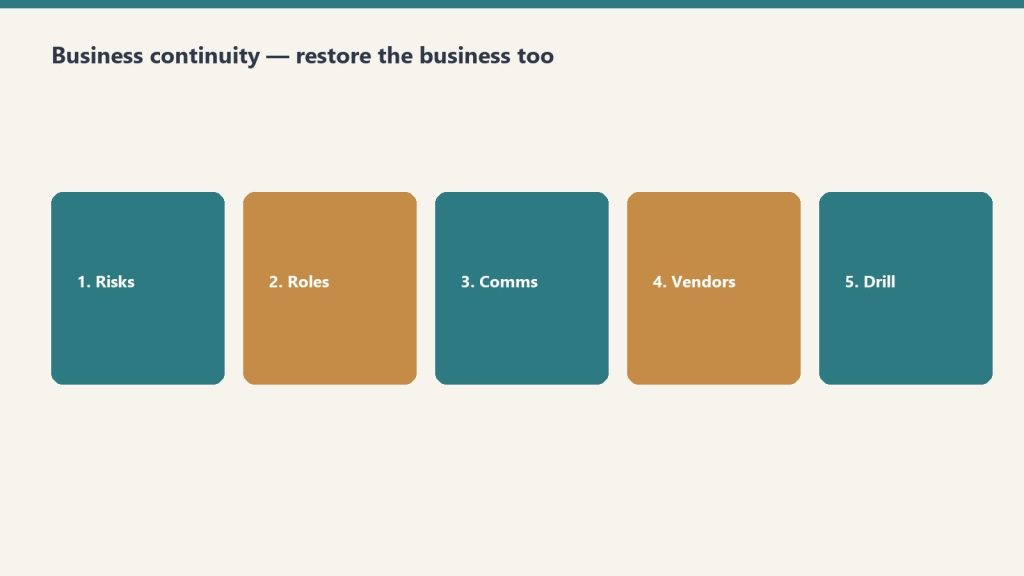
It is not about the document. It is about the capability. A plan in a drawer is worthless. A plan your team has practiced, your vendors know about, and you update on a review cycle is the difference between a company that keeps running and one that does not.
Three frames sit under this template:
- FEMA: essential functions must still get done during any disruption.
- ISO 22301: deliver services inside acceptable timeframes.
- Code Red ACT: Assessment, Communication, Training.
This template combines those into something you can build and maintain yourself. Restoration ERP-style cloud BCP tools exist if you need branded mobile apps and automated SMS. This is the planning foundation: the thinking, the structure, the documentation. That is the part that matters most, and you can customize it.
Start with the plan header
Write these six fields on page one. Do it today.
- Plan Owner: a named person, not “the office.”
- Organization: legal name people will see on the copy.
- Last Updated: today’s date.
- Next Review Date: six months from now.
- Plan Version: start at 1.0.
- Distribution: who gets a copy (owner, ops, office, key vendors).
Build it in this order

Eleven sections. Do them in sequence. Each one is a how-to, not an essay.
- Business Impact Analysis (BIA). Identify the functions that matter most and how long you can survive without them.
- Risk Assessment. What threats exist, how likely, how severe.
- Critical Functions and Recovery Objectives. RTO and RPO for every essential function.
- Emergency Contact and Communication Tree. Who to call, in what order, through what channels.
- Incident Response Procedures. Step-by-step for the first 24–72 hours.
- Recovery Strategies. How to restore each critical function.
- Facility and Infrastructure. Building systems, utility shutoffs, alternate locations.
- Vendor and Contractor Directory. Pre-qualified emergency vendors with contracts on file.
- IT and Data Recovery. Backups, cloud access, cybersecurity incident response.
- Training and Exercise Log. Tabletop exercises, drills, lessons learned.
- Plan Maintenance and Review. Keep the plan alive.
How to fill Critical Business Functions
Make one row per function. Restoration shops usually start with dispatch / first notice, mitigation crews, equipment, claims / documentation, billing, and payroll. Use the real names you use in the shop.
For each function, fill:
- Function Name
- Department. Operations, Finance / Accounting, Sales / Business Dev, IT / Technology, HR / People, Legal / Compliance, Customer Service, Facilities, or Executive
- Owner: person responsible in a crisis
- Alternate: backup if the owner is unavailable
- Priority. P1 Mission Critical, P2 Essential, P3 Important, P4 Deferrable
- RTO (Recovery Time Objective, max acceptable downtime). 0–4 hours, 4–12 hours, 12–24 hours, 1–3 days, 3–7 days, or 7+ days
- RPO (Recovery Point Objective, max acceptable data loss). Zero data loss, 1 hour, 4 hours, 24 hours, or 7 days
- Impact if Down: what actually happens if this stops
- Revenue Impact. Direct revenue loss, Delayed revenue, Indirect cost increase, Reputational, or Minimal
- Dependencies: systems, people, vendors this function needs
- Systems Required: software, hardware, access
- Recovery Strategy: how you restore it
- Last Tested and Notes
If you cannot name an Alternate, that function is a single point of failure. Write that down. Fix it in the recovery strategy, not later.
How to fill Risk Assessment
One row per threat. Categories in the template: Natural Disaster, Fire, Water / Flood, Cybersecurity, Pandemic / Health, Utility Failure, Supply Chain, Key Person Loss, Legal / Regulatory, Civil Unrest, Infrastructure Failure, Other.
For each threat, fill:
- Threat / Risk: a specific sentence, not “weather”
- Likelihood. Almost Certain, Likely, Possible, Unlikely, Rare
- Impact Severity. Catastrophic, Major, Moderate, Minor, Negligible
- Risk Score. Critical, High, Medium, Low (your call from likelihood × severity)
- Affected Functions: which rows from the functions table this hits
- Current Mitigation: what you already have
- Additional Mitigation Needed: the gap
- Insurance Coverage. Fully Covered, Partially Covered, Not Covered, Unknown
- Owner, Last Reviewed, Notes
Start with the threats you have already lived: a freeze, a key tech leaving, a software outage, a shop fire, a Category 3 loss at your own building. Then add the ones you have not lived yet.
How to fill the Communication Tree
One row per person. Call Order 1 is the first call. If you cannot reach them, you call their Backup Person.
Fields:
- Name, Role (Plan Owner, Executive Team, Department Head, Team Lead, Key Employee, Board / Ownership, or External: Legal, Insurance, IT, Restoration, Government, Media)
- Phone – Primary and Phone – Alternate
- Email, Location
- Call Order (number)
- Backup Person
- Responsibilities in Crisis
- Can Authorize Spending (yes/no)
- Can Speak to Media (yes/no)
Print a copy. Put one in the go-bag and one at the shop. A tree that only lives in a laptop fails when the laptop is in a flooded office.
How to fill the Vendor Directory
Pre-qualify before you need them. Categories in the template: Restoration / Mitigation, General Contractor, Plumbing, Electrical, HVAC, Roofing, IT / Cybersecurity, Data Recovery, Security / Guard, Cleaning / Janitorial, Temporary Staffing, Equipment Rental, Document Recovery, Environmental / Hazmat, Legal, Insurance Adjuster, Other.
For each vendor: name, contact, phone, email, service area, 24/7 available, response time (Under 1 hour through Next day, or Unknown), contract on file, contract expiry, rate notes, rating (Excellent through Do Not Use), last used, notes.
If Contract on File is no, that is this week’s homework, not a crisis-day task.
How to run a tabletop (Training & Exercise Log)
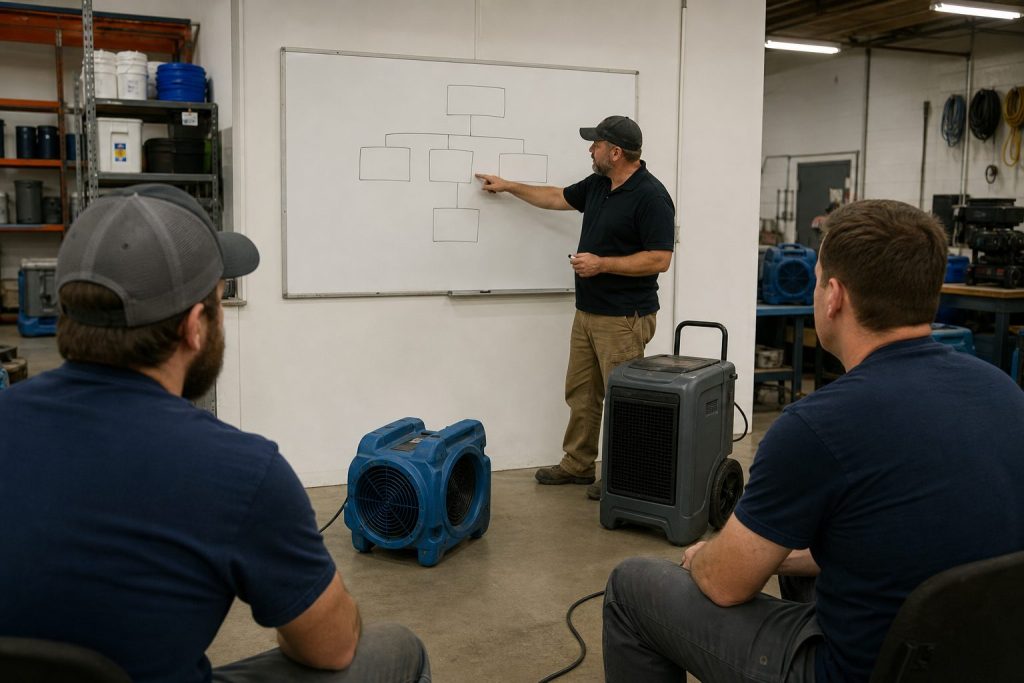
A BCP you have never practiced is a draft. Log every exercise.
- Exercise Name, Date, Duration, Facilitator, Participants
- Type. Tabletop Exercise, Walk-Through, Functional Drill, Full-Scale Exercise, Training Session, or After-Action Review
- Scenario: the disaster you simulated
- Key Findings: what worked, what failed, what surprised you
- Action Items: specific improvements
- Status. Scheduled, Completed, Cancelled, Action Items Open, All Actions Closed
- Next Exercise Due
Pick one P1 function and one High risk. Walk the first 24 hours out loud with the people on the tree. Write what broke. Close the action items before the next review date.
The other sections, short
- Incident response (first 24–72 hours): who declares the incident, who calls the tree, who talks to staff and customers, who authorizes spend, where you meet if the shop is unusable.
- Recovery strategies: one paragraph per P1/P2 function. Point at the Alternate, the Systems Required, and the vendor who can stand it up.
- Facility: shutoff locations, generator, alternate location, key box, who has after-hours access.
- IT and data: where backups live, who can restore, what happens if email or the CRM is down, how you handle a cyber incident without guessing.
- Maintenance: review date on the header is a real date. After any real incident or any exercise, bump the version.
Frequently Asked Questions
What is the Business Continuity Plan Template by Tygart Media?
The Business Continuity Plan Template by Tygart Media is an eleven-section BCP framework aligned with FEMA essential functions, ISO 22301 recovery objectives, and Code Red ACT. The $29 Square product delivers a pre-built Notion workspace with five databases; the same method is free to copy from the page.
Who is this BCP template for?
Tygart Media built it for property managers, restoration contractors, and SMB operators who need a living plan with RTO and RPO fields, a communication tree, vendor directory, and tabletop exercise log—not a binder on a shelf.
What is included in the $29 Notion duplicate?
The $29 checkout includes the plan page plus five Notion databases: Critical Business Functions, Risk Assessment, Emergency Contact and Communication Tree, Vendor and Contractor Directory, and Training and Exercise Log. Tygart Media emails access within 24 hours after Square checkout.
How often should a BCP be reviewed?
Tygart Media recommends updating the plan header every six months, running at least one tabletop exercise per review cycle, and bumping the plan version after any real incident or drill.
If you want the packaged Notion workspace
You can build every table above in a spreadsheet. Buy Now is the Notion duplicate with the plan page and the five databases already built (Critical Business Functions, Risk Assessment, Emergency Contact & Communication Tree, Vendor & Contractor Directory, Training & Exercise Log). Delivered by email after checkout. Same Square button at the top of this page.
Related Operations & Systems
Companion Systems: Commercial Restoration Sales Kit ($47) · Complete Restoration Operations Kit ($97) · Tygart Media Shop.
Author: Will Tygart, Founder of Tygart Media — continuity and operations systems for property restoration and facility teams.
Get The Signal
What we actually ran, what it measured, and what it means for a restoration shop — every week, including the flops.
Leave a Reply