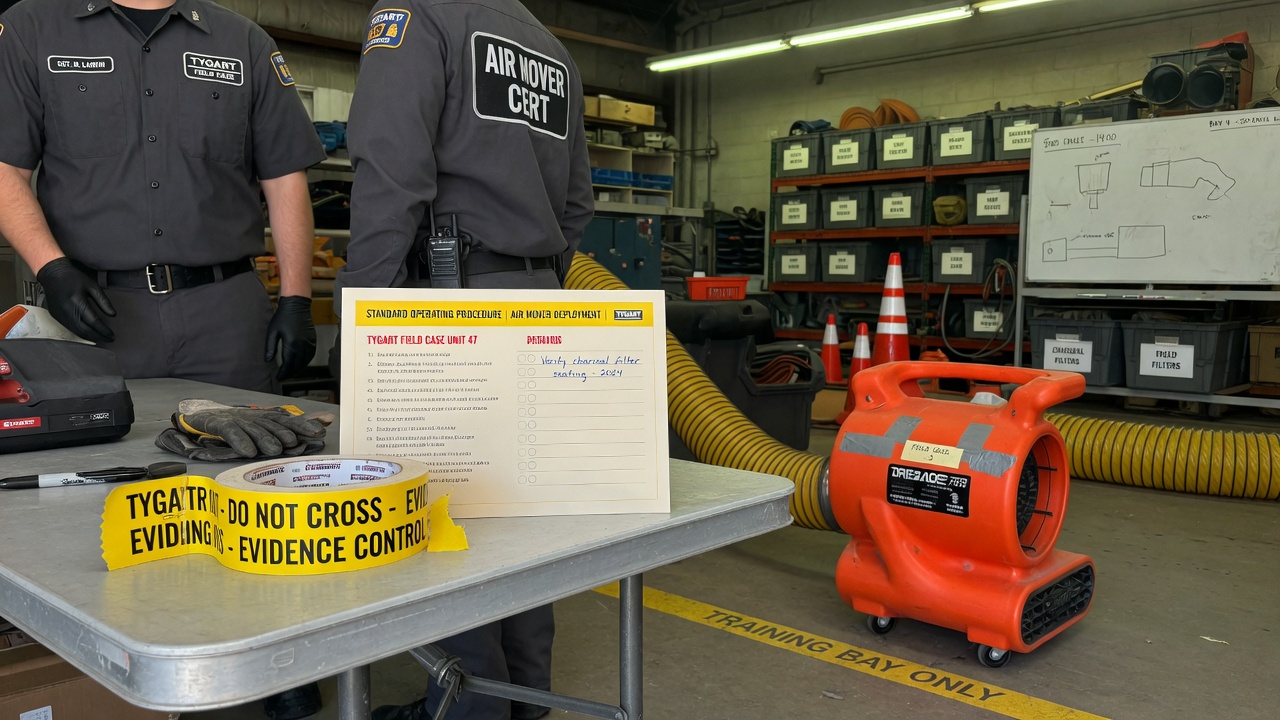
Complete Restoration Operating System (Notion + AI)
$597
Delivered by email after checkout.
Secure checkout via Square — all major cards accepted
You can copy this method and do it yourself. Build the six Notion databases. Write the 17 SOPs. Hang the 12 KPIs. Talk your own Claude through intake, equipment, claims, and Friday numbers. Buy Now is the packaged flagship: the Notion workspace you duplicate, plus the 8-skill plugin zip, so you are not wiring the system of record and the AI from a blank page.
This is the Notion + AI operating system for a restoration shop. Notion is the system of record. The plugin is the expert you talk to. Outputs from each skill are formatted to paste into the matching Notion tool.
What it is

Two halves that are meant to run together.
Notion half. Six plug-and-play tools plus an IICRC protocol lookup. Job tracking, equipment, claims, SOPs, KPIs, crew onboarding. Duplicate them into one workspace page named something like Operations. One sidebar section, whole business.
AI half. An 8-skill Claude plugin. A setup skill runs a five-minute interview, writes a company-profile.md, and every other skill reads it. SOPs, KPI targets, claims drafts, and onboarding plans come out in your voice.
You need a free Notion account and any Claude that supports Skills / Plugins. If you can chat with Claude and run a /command, you are good.
The six Notion tools
- Restoration Job Tracker Pro. Every job from first notice of loss to final invoice, with live margin. This is the hub. Everything else hangs off jobs.
- Equipment Inventory & Deployment Tracker. Where every air mover and dehu is, and what each one is earning. Asset IDs, daily rates, current deployments.
- Insurance Claims Command Center. Claims, adjusters, documentation, supplements, and aging balances in one place.
- Restoration Company SOP Library (17 SOPs). The core procedures, written down. Status starts as Template. Flip to Adopted when you approve each one.
- Restoration Business KPI Dashboard. The 12 numbers that move profit. Friday 15 to update. One summary row on the first business day of the month.
- Crew Onboarding & Training Tracker. Roster, certifications with expiration dates, equipment sign-offs. Next hire, duplicate the checklist set.
Plus IICRC Protocol Lookup. Ask “what does S500 say about Category 3 water?” and get a plain-English pointer plus PPE. It is a lookup assistant, not a substitute for the published standard. Defer to current IICRC text, local codes, and your certified judgment.
The 17 SOPs to write (or adopt)
If you are building this yourself, start a table with SOP #, title, category, owner role, linked standard, and status (Draft / In Review / Active / Needs Update). The kit’s 17 are:
- SOP-01 Water Damage: Initial Inspection & Scoping
- SOP-02 Water Extraction & Category Determination
- SOP-03 Structural Drying & Daily Monitoring / Psychrometry
- SOP-04 Antimicrobial Application
- SOP-05 Mold Remediation: Containment Setup
- SOP-06 Mold Remediation: Removal & Clearance
- SOP-07 Fire & Smoke: Soot Assessment & Cleaning
- SOP-08 Contents Pack-Out & Inventory
- SOP-09 Equipment Setup, Tracking & Retrieval
- SOP-10 PPE & Job-Site Safety
- SOP-11 Customer Communication & Daily Updates
- SOP-12 Photo Documentation & Moisture Logging
- SOP-13 Estimate Writing & Xactimate Scoping
- SOP-14 Insurance Adjuster Coordination & Supplements
- SOP-15 Job Completion, Walkthrough & Certificate of Satisfaction
- SOP-16 Invoicing & Collections
- SOP-17 New Job Intake / FNOL Handling
Do not customize all 17 today. Adopt the water set first. The rest within the month. Swap in your company name, your equipment, your local disposal rules.
The 12 KPIs
Build a dashboard with KPI, category, definition, frequency, owner, target, this month, last month, trend. The kit tracks these twelve:
- Revenue (Financial, monthly)
- Gross Margin % (Financial, monthly, target ≥ 45%)
- Net Profit % (Financial, monthly, target ≥ 12%)
- Days Sales Outstanding / AR Aging (Financial, monthly, target ≤ 45 days)
- Average Job Size (Financial, monthly)
- Lead-to-Job Conversion % (Sales, weekly, target ≥ 35%)
- Jobs Sold (Sales, weekly)
- Average Days to Dry (Production, weekly, target ≤ 3.5 days)
- Labor Efficiency % (Operations, weekly, target ≥ 70%)
- Equipment Utilization % (Operations, weekly, target ≥ 60%)
- Rework / Callback % (Customer, monthly, target ≤ 3%)
- Customer Satisfaction / NPS (Customer, monthly, target ≥ 70)
Those targets are the kit’s starting case file, not gospel. Mix of mitigation vs reconstruction will shift them. The habit is the product: fifteen minutes every Friday updating statuses.
How to hang it yourself
Set them up in this order. Each one feeds the next.
- Job Tracker (30-45 min). Add 2-3 active jobs. Real jobs, not test data. Log today’s moisture readings.
- Equipment Tracker (30-45 min). Every dehu, air mover, scrubber, and meter, with asset IDs. Set actual daily rates. Log where everything is deployed right now.
- Claims Command Center (20-30 min). Add adjusters first. Then a claim record for every active claim. Log outstanding supplements and unpaid balances.
- SOP Library (20 min now, ongoing after). Read, customize, flip Status to Adopted as you approve.
- Crew Tracker (20 min). Roster, certs, equipment sign-offs.
- KPI Dashboard (15 min, then 15 min every Friday). Enter this month’s jobs and leads, including the ones you lost.
- IICRC skill (5 min). Install, then ask something real: “Cat 2 toilet overflow into a carpeted hallway. What’s the protocol?”
If a template ships with rows marked (Sample), keep them while you learn. Delete them once your real data is flowing.
How the system runs day to day
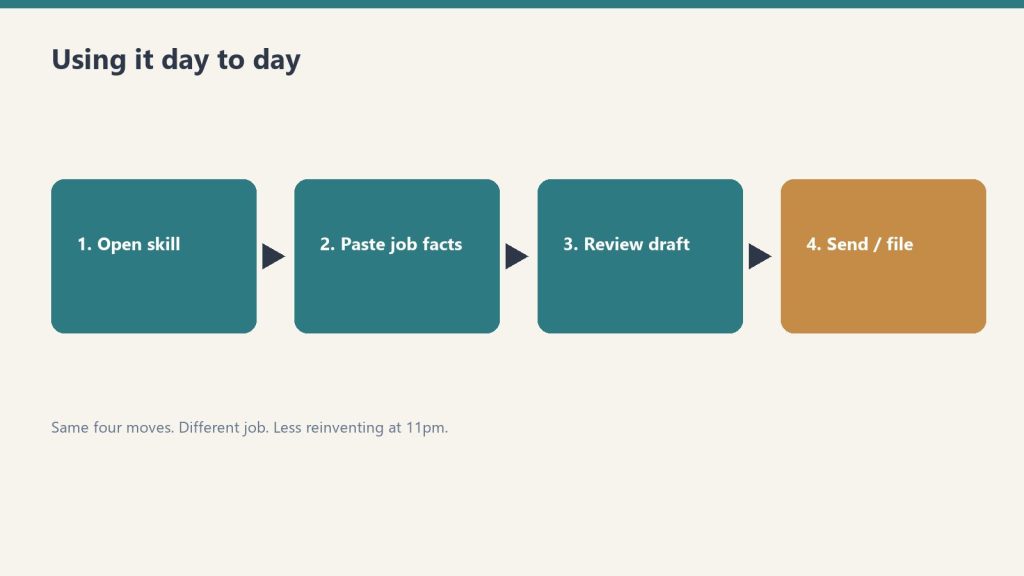
- Morning: Job Tracker board. What’s active, what needs a monitoring visit.
- On every truck roll: equipment deployments updated; moisture readings logged to the job.
- When the adjuster calls: Claims Command Center open. Every supplement, authorization, and dollar in front of you.
- New hire starts: Crew Tracker checklist; SOP reading list; sign-offs gate the equipment.
- Friday: the Friday 15 in the KPI ledger.
- Month end: one KPI summary row. Review utilization before buying equipment.
This does not replace JobNimbus, Encircle, or Xactimate. Those are job management, documenting, and estimating. This is the ops layer most shops never finish.
The 8 AI skills
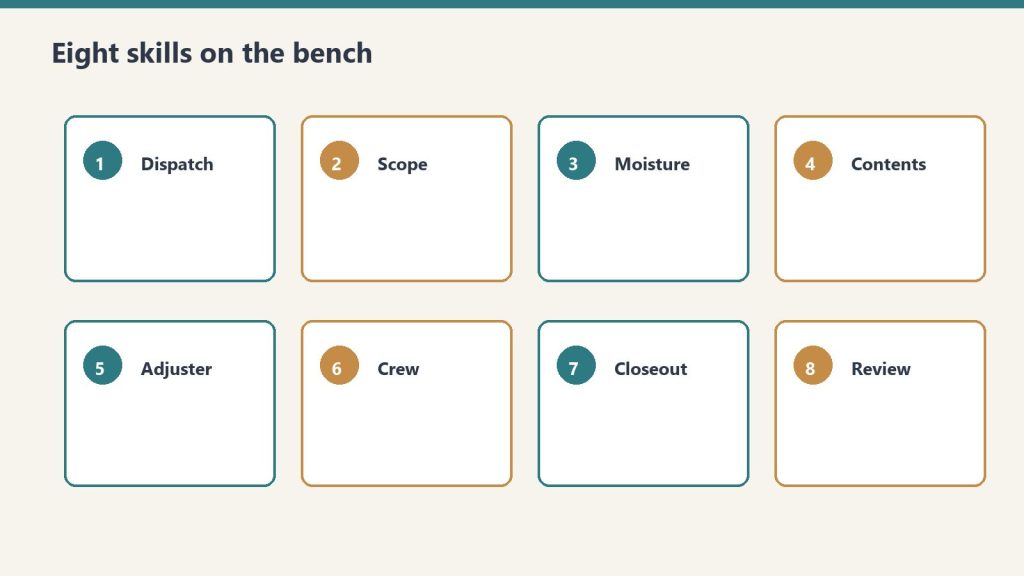
- restoration-setup. “Set up the kit.” Guided interview. First run. The concierge.
- job-intake-assistant. “We just got a water call.” New-loss intake, water Cat/Class, scope plus safety, a paste-ready job summary.
- equipment-advisor. “How many air movers for this room?” Sizing, placement, monitoring plan.
- sop-generator. “Write an SOP for mold containment.” Any of the 17, or a new one, in your voice.
- claims-assistant. “Draft a follow-up to the adjuster.” Emails, supplement justifications, aging-claims chase.
- kpi-coach. “Here are my numbers this month.” The 12 KPIs computed and trended. Biggest leak named, with fixes.
- crew-onboarding-builder. “Onboard a new tech.” Week-1 / 30 / 60 / 90 plus an IICRC certification roadmap.
- iicrc-protocol-lookup. “What does S500 say about Cat 3 water?” Plain-English pointer plus PPE.
Install the plugin yourself
Option A (recommended). Save the restoration-kit folder. In Claude run:
/plugin marketplace add /path/to/restoration-kit
/plugin install restoration-kit@profit-detective
/restoration-kit:restoration-setup
Option B. Copy each folder inside skills/ into ~/.claude/skills/. On Windows that is C:\Users\<you>\.claude\skills\. Then say “run restoration setup.”
Keep company-profile.md in the folder you work in. Every skill reads it.
If you want the packaged system
You can rebuild this from the outline above. Buy Now is the flagship delivered by email after checkout: Notion duplicate links for the six tools plus IICRC lookup, the plugin zip (eight skills and the README), and the setup sequence so you drop it in and run. Same Square button at the top of this page.
This is an operational system only. Not legal, insurance, or licensing advice.
Related restoration products
The AI half of this system is the Restoration Operations Kit — Claude Edition. For the leadership side, see the Restoration Leadership Toolkit — Claude Edition. Software comparisons that pair with the Claims and Job Tracker tools: Albi vs DASH and Xactimate integrations. Lead-gen context lives in Google Ads for Restoration.
Frequently Asked Questions
Is there a refund policy?
Because this is a digital product, all sales are final. If you have a problem with your purchase, email will@tygartmedia.com and we will sort it out.
How is this delivered?
Within 24 hours of purchase via email from will@tygartmedia.com. You will receive your download link — Notion duplicate link, skill file, or both depending on the product.
Related on Tygart Media: Starlink on a water job · S500 in the van · local SEO for restoration.
Leave a Reply