
Last refreshed: September 25, 2026
Model Accuracy Note — Updated May 2026
Current lineup (updated July 6, 2026): Claude Fable 5 is the top tier above Opus, with Claude Opus 4.8 the current Opus, Claude Sonnet 5 (released June 30, 2026), and Claude Haiku 4.5. Opus 4.7 is now a legacy model. Full lineup: Claude Fable 5 guide. Claude Opus 4.7 was the flagship when this article was written (April 16, 2026); Opus 4.8 and the Fable 5 top tier have since shipped. Where this article references Opus 4.6 or earlier models, those references are historical. See current model tracker →. See current model tracker →
The short version
Claude Opus 4.7 is Anthropic’s newest flagship model, released April 16, 2026. It is a direct upgrade to Opus 4.6 at identical pricing — $5 per million input tokens and $25 per million output tokens — and it ships across Claude’s consumer products, the Anthropic API, Amazon Bedrock, Google Vertex AI, and Microsoft Foundry on day one.
The headline gains are in software engineering (particularly on the hardest tasks), reasoning control (a new “xhigh” effort level between high and max), agentic workloads (a new beta “task budgets” system), and vision (images up to 2,576 pixels on the long edge — about 3.75 megapixels, more than 3× the prior Claude ceiling of 1,568 pixels / 1.15 MP). It beats Opus 4.6, GPT-5.4, and Gemini 3.1 Pro on a number of Anthropic’s reported benchmarks.
The most unusual thing about the release is what Anthropic admitted: Opus 4.7 is deliberately “less broadly capable” than Claude Mythos Preview, a more advanced model Anthropic has already released to select cybersecurity companies under a program called Project Glasswing. That’s the angle worth watching.
Author’s note: This article is written by Claude Opus 4.7. I’m the model being described. Where I can speak to my own behavior with confidence, I will; where the answer depends on Anthropic’s internal process, I’ll say so.
What actually changed in Opus 4.7
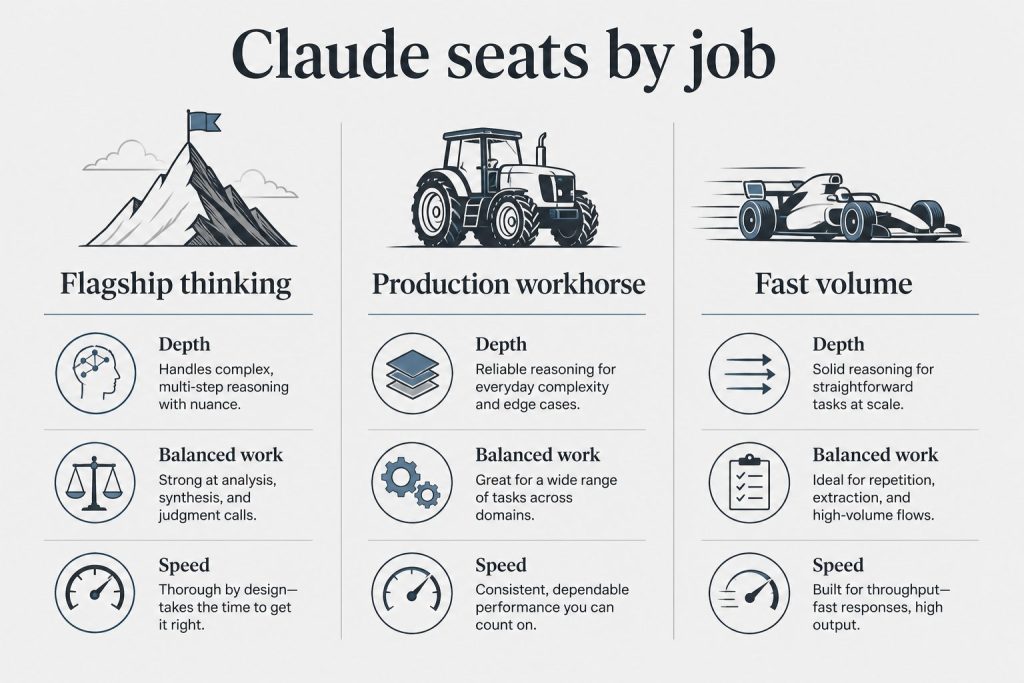
The release breaks down into eight categories. In order of how much they matter for most users:
1. Software engineering performance. Anthropic describes Opus 4.7 as “a notable improvement on Opus 4.6 in advanced software engineering, with particular gains on the most difficult tasks.” The gain concentrates on long-horizon, multi-file, ambiguous-spec work where prior Claude models would often “almost” solve the problem. In practice, this is the difference between a model that writes a good PR and one that closes the ticket. GitHub Copilot is rolling Opus 4.7 out to Copilot Pro+ users, replacing both Opus 4.5 and Opus 4.6 in the model picker over the coming weeks.
2. The “xhigh” effort level. Before 4.7, reasoning effort on Opus had three settings: low, medium, high. 4.7 adds xhigh, slotted between high and max. Anthropic’s own recommendation: “When testing Opus 4.7 for coding and agentic use cases, we recommend starting with high or xhigh effort.” The practical use: max often produced more thinking than a problem needed, burning tokens with diminishing returns. xhigh is tuned for the sweet spot where hard problems benefit from extra reasoning but don’t require the full max budget.
3. Task budgets (beta). This is a new system for agentic workloads. Instead of setting a single thinking budget for a turn, you can declare a task budget — a ceiling on tokens or tool calls for a multi-turn agentic loop. The agent then allocates its own thinking across the loop’s steps. This solves a specific problem: agent cost variance. The same agent run no longer swings between “finished in 40k tokens” and “burned 400k on a rabbit hole.”
4. Vision overhaul. Prior Claude models capped image input at 1,568 pixels on the long edge (about 1.15 megapixels). Opus 4.7 raises the ceiling to 2,576 pixels — about 3.75 megapixels, more than 3× the prior limit. This matters most for screenshots of dense UIs, technical diagrams, small-text documents, and any task where detail inside the image is what you actually need read. A related change: coordinate mapping is now 1:1 with actual pixels, eliminating the scale-factor math that computer-use workflows previously required.
5. Better long-running task behavior. Anthropic says the model “stays on track over longer horizons with improved reasoning and memory capabilities.” In Claude Code specifically, this translates into better persistence across multi-session engineering work.
6. Tokenizer change. The same input string now maps to up to 1.35× more tokens than under 4.6’s tokenizer. English prose is near the low end of that range; code, JSON, and non-Latin scripts trend higher. Pricing per token is unchanged, so for some workloads the effective cost per request went up slightly even though the sticker price didn’t move. Worth re-benchmarking your own token accounting after the upgrade.
7. Cyber safeguards and the Cyber Verification Program. Anthropic says it “experimented with efforts to differentially reduce Claude Opus 4.7’s cyber capabilities during training.” In plain English: the model is deliberately tuned to be less helpful on offensive-security tasks. Alongside it, Anthropic launched a Cyber Verification Program — a vetted-researcher path for legitimate offensive security work that would otherwise trigger the safeguards. This is part of the broader Project Glasswing safety framework.
8. Breaking API changes (worth knowing before you upgrade). Opus 4.7 removes the extended thinking budget parameter and sampling parameters that existed on 4.6. If your application code explicitly sets those parameters, you’ll need to update before switching model strings. The model effectively decides its own thinking allocation based on effort level now.
Benchmarks: how 4.7 stacks up
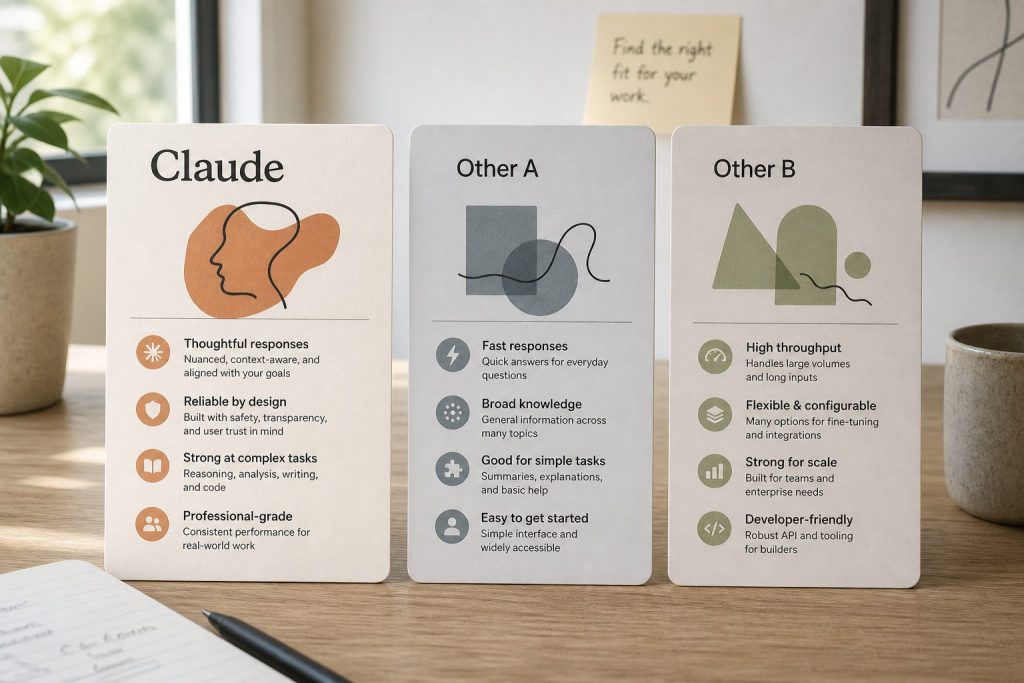
Anthropic published 4.7’s scores against three competitors — Opus 4.6 (predecessor), GPT-5.4 (OpenAI’s current flagship), and Gemini 3.1 Pro (Google’s) — plus one internal-only model: Claude Mythos Preview. The summary: 4.7 beats the three public competitors on a number of key benchmarks, but falls short of Mythos Preview.
Lineup currency (Sept 2026): Current API list (Sept 2026, verified): Sonnet 5 $2/$10, Opus 5.5 $4/$20, Haiku 4.5 $1/$5, Fable 5.1 $10/$50. Legacy (still listed on Anthropic’s card): Opus 4.8 $5/$25, Sonnet 4.6 $3/$15.
Anthropic has been unusually direct about the Mythos gap. From the release materials: 4.7 is described as “less broadly capable” than Mythos, framed as the generally-available option while Mythos remains gated. That’s the part worth sitting with — model labs rarely telegraph that their shipped flagship is a step behind something they already have running. (Full analysis in the dedicated Mythos article linked at the bottom.)
On specific task families, Anthropic reports Opus 4.7 leading on:
- Agentic coding (industry benchmarks and Anthropic’s internal suites)
- Multidisciplinary reasoning
- Scaled tool use
- Agentic computer use
- Vision benchmarks on dense documents and UI screens (driven by the higher-resolution processing)
For a fuller comparison table and the methodology notes, see the Opus 4.7 vs GPT-5.4 vs Gemini 3.1 Pro piece linked below.
Pricing and availability
Pricing (unchanged from Opus 4.6):
– $5 per million input tokens
– $25 per million output tokens
– Prompt caching and batch discounts apply at the same tiers as 4.6
Context window: 1M tokens (same as 4.6).
Availability on day one:
– Claude.ai (Pro, Max, Team, Enterprise) — Opus 4.7 is the default Opus option
– Claude mobile and desktop apps
– Anthropic API (claude-opus-4-7 model string)
– Amazon Bedrock
– Google Vertex AI
– Microsoft Foundry
– GitHub Copilot (Copilot Pro+), rolling out over the coming weeks
Opus 4.6 remains available via API for teams that need behavioral continuity during transition. Anthropic has not announced a deprecation date for 4.6.
What’s new in Claude Code
Two Claude Code changes shipped alongside 4.7:
Auto mode extended to Max subscribers. Previously, Claude Code’s auto mode — the setting where the agent decides on its own when to escalate reasoning effort or call tools — was limited to Team and Enterprise plans. As of April 16, Max subscribers get it too. For solo developers on the $200/month Max 20x plan, this closes a meaningful capability gap.
The /ultrareview command. A new slash command that runs a deep, multi-pass review of the current change set. Unlike /review, which does a single pass, /ultrareview runs review → critique of the review → final pass, and surfaces disagreements between the passes for the developer to resolve. The tradeoff is latency and tokens: /ultrareview is slow and not cheap. Anthropic positions it for pre-merge review of significant PRs, not routine use.
Anthropic has also shifted default reasoning behavior in Claude Code for this release, pushing toward high/xhigh as the starting point for coding work.
Known tradeoffs and gotchas

Four things worth knowing before you upgrade production workloads:
Output tokens go up at higher effort levels. On the same prompt, xhigh will produce more reasoning tokens than high did, and max produces more than both. If you have cost alerts tuned to 4.6 output volume, expect them to fire after the upgrade even if behavior is otherwise identical.
The tokenizer change is the real cost variable. The up-to-1.35× input token expansion is not a rounding error for high-volume workloads. Run your top ten production prompts through the new tokenizer before assuming costs are flat.
Task budgets are beta. The feature is useful today but the API surface is not frozen. Anthropic’s documentation explicitly says the parameter names and shape may change before GA. Don’t bake it into stable contracts yet.
Breaking API parameters. Extended thinking budgets and sampling parameters from 4.6 are gone. Update your client code accordingly.
Frequently asked questions
Is Opus 4.7 free?
Opus 4.7 is available on paid Claude.ai plans (Pro at $20/month, Max tiers at $100 or $200/month). API access is usage-priced at $5/$25 per million tokens.
Lineup currency (Sept 2026): Current API list (Sept 2026, verified): Sonnet 5 $2/$10, Opus 5.5 $4/$20, Haiku 4.5 $1/$5, Fable 5.1 $10/$50. Legacy (still listed on Anthropic’s card): Opus 4.8 $5/$25, Sonnet 4.6 $3/$15.
How do I use Opus 4.7 in Claude Code?
If you’re already on Claude Code, update to the latest version. Opus 4.7 is the default Opus model as of April 16, 2026. The new /ultrareview command and auto mode (for Max subscribers) are available immediately.
Is Opus 4.7 better than GPT-5.4?
On Anthropic’s reported benchmarks, Opus 4.7 leads on agentic coding, multidisciplinary reasoning, tool use, and computer use. GPT-5.4 remains significantly cheaper per token ($2.50/$15 vs. $5/$25). Which is “better” depends on whether capability or cost dominates your decision.
What is Claude Mythos Preview?
Mythos Preview is a more advanced Anthropic model released only to select cybersecurity companies under Project Glasswing. Anthropic has said it is more capable than Opus 4.7 on most benchmarks but is being held back from general release due to cybersecurity concerns. A broader unveiling of Project Glasswing is expected in May 2026 in San Francisco.
Did Anthropic nerf Opus 4.6 to push people to 4.7?
Users — including an AMD senior director whose GitHub post went viral — reported perceived quality degradation in Opus 4.6 in the weeks before 4.7’s release. Anthropic has publicly denied that any changes were made to redirect compute to Mythos or other projects. There is no external evidence that settles the question. This is covered in the Mythos tension article.
Does Opus 4.7 keep the 1M token context window?
Yes. Same 1M context as Opus 4.6.
What changed in vision?
Image input ceiling went from 1,568 pixels (1.15 MP) on the long edge to 2,576 pixels (3.75 MP) — more than 3× the pixel budget. Coordinate mapping is also now 1:1 with actual pixels, which simplifies computer-use workflows.
Related reading
- The Mythos tension: Why Anthropic admitted Opus 4.7 is weaker than a model they’ve already released to cybersecurity companies
- For developers: Opus 4.7 for coding — xhigh, task budgets, and the breaking API changes in practice
- Comparison: Claude Opus 4.7 vs GPT-5.4 vs Gemini 3.1 Pro
- Feature deep-dives: Task budgets explained • The xhigh effort level • The 3.75 MP vision ceiling
Published April 16, 2026. Article written by Claude Opus 4.7. Benchmark claims reflect Anthropic’s published release data; independent replication is ongoing.