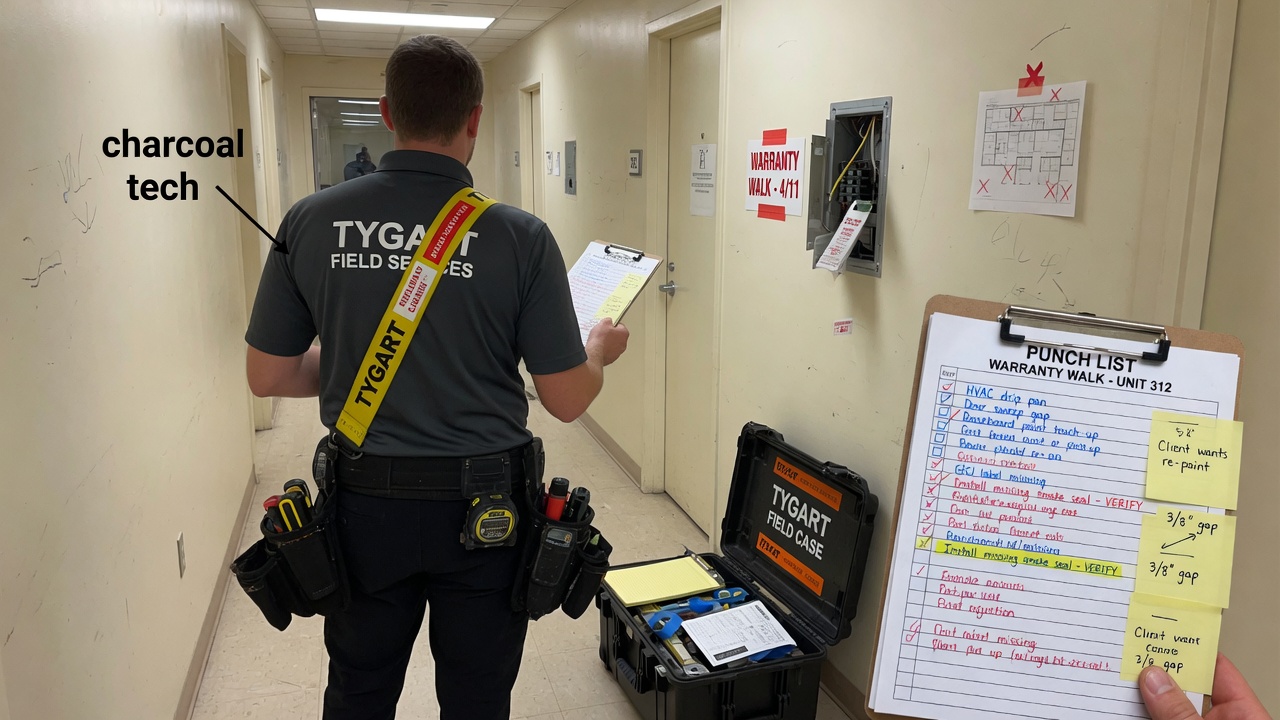
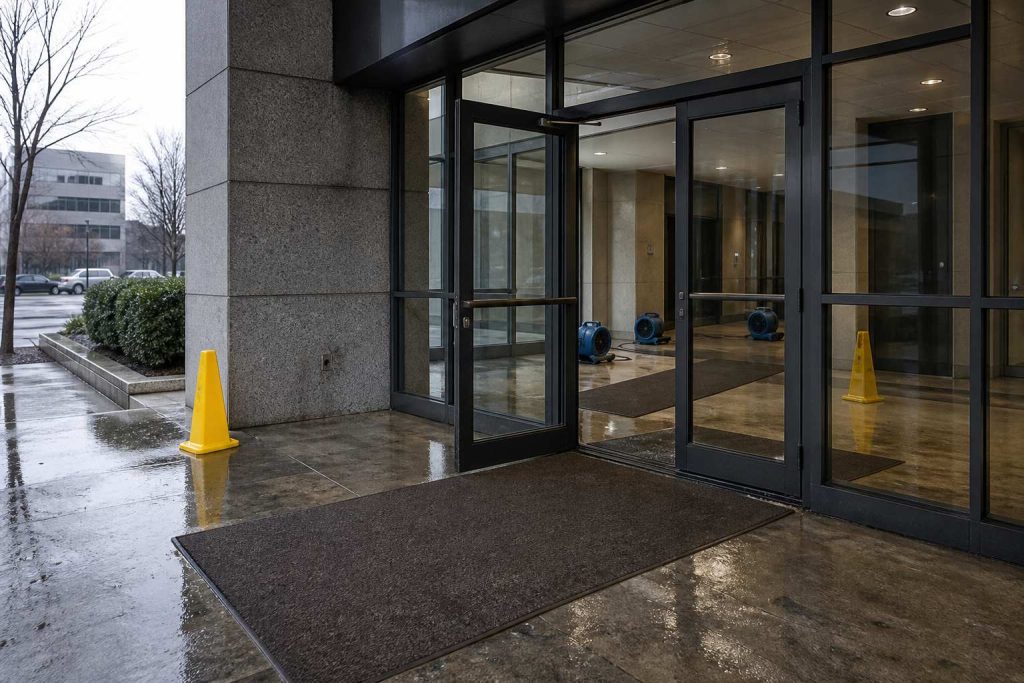
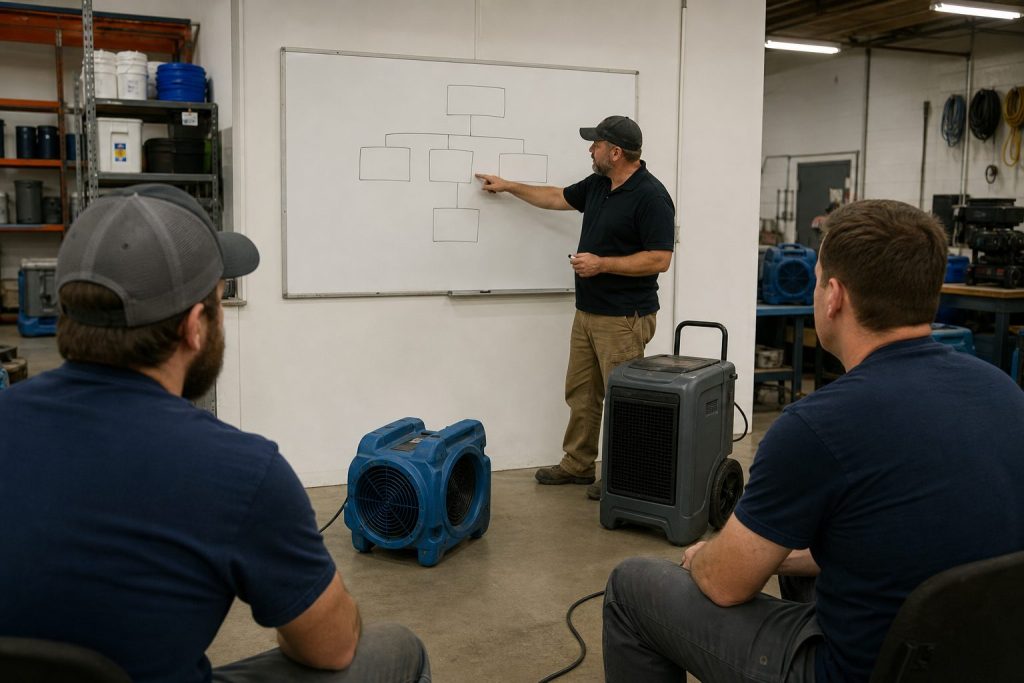
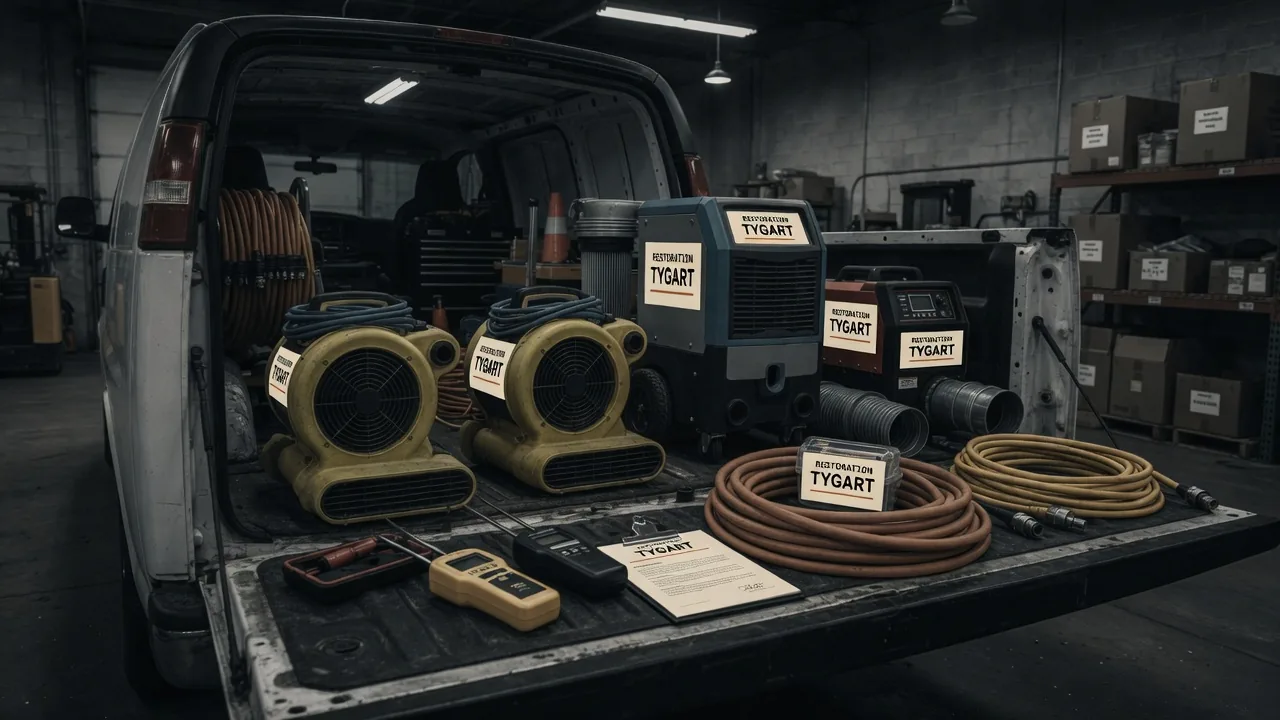
The magazine piece tells the facility manager why the gap exists. This is the shop version. Same week. Different door.
A water job ends when the last air mover comes off the truck, not when the invoice hits QuickBooks. After that, the only carbon record most shops have is a line item and a memory. The facility manager who hired you will get asked for numbers tied to greenhouse gas reporting—specifically Scope 3 under the GHG Protocol. Two buckets show up again and again in those conversations.
Category 1 (purchased goods and services) covers what the organization bought and had performed on its behalf: labor, equipment run on site, materials installed, subcontractor work. Your job is part of that spend chain. Category 5 (waste generated in operations) covers waste the organization’s activities create when it operates the building—demolition debris, wet carpet, contents sent to landfill, hauls off the loading dock. Restoration generates both in a compressed window.
When the owner or corporate sustainability team asks the FM for Category 1 and Category 5 numbers, the FM does not have a meter on your dehu. They call you. If you cannot produce a job-level record with a timestamp from the week of the loss, you are not the vendor who gets the next call. Not because anyone hates paper. Because “we’ll get back to you” reads as “we don’t know what we did on your floor.”
What has to change is not your craft. It is what leaves with the crew.
The dozen fields: what to write while the floor is still wet
Not a sustainability essay. A dozen fields, filled before the truck rolls. If a tech cannot complete it in five minutes, the form is wrong. If it waits for the office on Monday, it will be invented.
The Restoration Carbon Protocol knowledge base is the open mapping if you do not want to invent the buckets. Use it, rename it, or steal the twelve fields. The standard is not the point. The timestamp is.
Field
Why it matters (carbon math)
Capture in under a minute
1. Equipment runtime (hours) — dehus, air movers, scrubbers, etc.; mark primary or estimated
Electric or fuel burned on site drives emissions attributed to purchased services (Category 1).
Photo hour meters or write run hours from the panel; note if rounded from crew shift length.
2. Generator runtime (hours) + fuel type — diesel, gasoline, propane, or grid tie-in; primary or estimated
Generator fuel is a direct combustion source; grid power still needs kWh or hours for conversion factors.
Generator hour meter or fuel fill log; one line for fuel type; photo of meter.
3. Crew trips — count and approximate miles (shop to site and return, or per day); primary or estimated
Vehicle miles stack into purchased services when your crew travels to perform the work.
Crew lead odometer at departure and return, or map estimate; one number per trip day.
4. Haul trips — count, approximate miles, truck type if mixed; primary or estimated
Hauling moves mass; miles and trips feed transport emissions tied to the job.
Dump run tally on the clipboard; odometer photo or dispatcher mileage note.
5. Debris — wet drywall (volume) — bags, yards, or tons as your shop measures; primary or estimated
Material mass and disposal path drive Category 5 waste reporting.
Count bags or roll-off fraction; photo of loaded trailer or ticket weight if scaled.
6. Debris — carpet / pad (volume); primary or estimated
Same stream: landfill vs recycle changes the waste factor.
Square feet removed × layers, or roll-off estimate; note wet vs dry.
7. Debris — contents (volume or weight); primary or estimated
Contents off-site as waste or salvage still count in what left the building.
Box count, pod fraction, or invoice from pack-out vendor.
8. Debris — mixed C&D (volume); primary or estimated
Mixed loads need a declared split or honest “mixed” with disposal site.
Roll-off size × fill level, or scale ticket photo.
9. Disposal method + receiving facility / transfer station — landfill, recycle, waste-to-energy, donation, etc.
Category 5 is not “garbage” in the abstract; method and location determine factors.
Photograph dump ticket; copy facility name and address from ticket.
10. Materials removed (summary) — what came out; primary or estimated
Mass balance: what left the building anchors waste and demo attribution.
One line from demo scope: “~800 sf carpet, 200 lf baseboard, 12 sheets drywall.”
11. Materials installed (summary) — what went back in; primary or estimated
Installed goods are purchased goods/services (Category 1) the owner will allocate.
Pull from pick ticket or invoice stub; photo of delivery slip.
12. Job class + duration — water / fire / mold / mechanical (or your codes); start and close dates; primary or estimated
Duration scales equipment and trip totals; class tells the FM which protocol line to use.
Dates from work auth; class from loss type already on the folder.
Every number gets a flag: primary (measured — meter, ticket, scale, invoice) or estimated (judgment — “~half a 20-yard,” “assume 40-mile round trip”). Never fake precision. An honest estimate with a date beats a fabricated decimal from accounting six months later.
Building the capture habit
Nobody fills a questionnaire after the trucks have gone. They fill what stands between them and getting paid.
Tie it to the invoice trigger
Put one clause in the work authorization or master agreement: the per-job record is a condition of final invoice. Same shape as a moisture log. Same habit as photos. Final invoice does not go out until the record is attached to the job file—PDF photo of the clipboard, form in your CRM, whatever your shop already uses for documentation that must exist to get paid.
That single gate does more than a training deck. The crew lead knows the rule: no record, no release. Office staff stop chasing “sustainability forms” and start enforcing the same checklist they enforce for signed auth and dry standard.
Who owns it, and when
Owner: crew lead on site—not the office on Monday. The lead has the hour meters, the dump runs, and the conversation with the FM at the door.
When: before the truck rolls, while the floor is still wet and the debris stream is visible. Last hour on site, not first hour back at the shop.
What it looks like: one page. Checkbox for job class. Table for the twelve fields. Two columns for primary vs estimated initials. Signature and date. Lives on the clipboard that already holds the moisture log.
The discipline matches what you already run on the first day of a water loss: document early, while evidence is in front of you. The first-24-hours water loss operators checklist is the same muscle—capture before memory replaces the floor.
Pushback you will hear
“We don’t have time.” Five minutes. Hour-meter photos and a dump ticket fit in the same walk-through where you pick up the last cord.
“We’ll do it Monday.” Monday produces fiction. Miles blend across jobs. Fuel type becomes “diesel probably.” The FM’s deadline will not wait for fiction.
“The office can estimate.” The office was not on the roll-off. Estimates are fine when labeled estimated—not when invented without a witness.
Estimates vs primary data: Mark every field. Primary data comes from meters, tickets, invoices, or counted units on site. Estimates are allowed when measurement was impossible—note the reason in one word (“no scale,” “combined load”). Reporting downstream can treat estimates differently; lying about precision cannot be untangled later.
Feeding Scope 3 reporting from the job file
Facility managers and owners are not asking you to file their corporate inventory. They need defensible inputs they can map into Scope 3 workbooks.
Your twelve fields supply the bridge. Category 1: equipment and generator runtime (especially fuel type and grid vs diesel), materials installed, crew and subcontractor effort represented by trips and job duration, and the job class that tells them this was restoration services—not janitorial, not capital project. Category 5: debris by stream, volumes, disposal method, and receiving facility name—so their waste factor matches what actually left the dock, not a generic “construction waste” line.
When you hand the FM a completed record dated the week of closeout, you give them primary or honestly labeled estimated data with a chain of custody: ticket photos, meter photos, material slips. Their sustainability consultant can plug factors without calling you twelve times. When you hand them silence, they spread one invoice total across a quarter and hope nobody audits.
The Restoration Carbon Protocol (RCP) documents how restoration-specific activity maps to those reporting needs—field names, streams, and guidance so shops and FMs speak one language. You do not have to adopt every label. You do have to leave a record that can be mapped.
Who this is for
Commercial water, fire, mold, and the one-off mechanical swap. The FM inside the building is the only person who can demand the data at the door. You are the only person who can produce it on the job.
The sentence that pays: “We capture the job record before we leave. You can hand it to whoever asks.” Only say it if the clipboard is on the truck.
Frequently asked questions
What if the job is already done and we captured nothing?
Document what you can reconstruct from tickets, invoices, and photos—with every number marked estimated and the reconstruction date noted. Send it anyway. Partial honest data beats silence. Change the process for the next job; do not rewrite history as primary.
Who owns the record — the crew or the office?
The crew lead captures it on site before departure. The office verifies it is attached before final invoice release. Capture is field work; gatekeeping is office work.
How precise do the numbers need to be?
Precise enough to be honest. Primary when you have meters and tickets; estimated when you do not—never unlabeled guesses. Facility reporting uses ranges and factors; they cannot use numbers you pretended were weighed when they were guessed.
Does this replace our moisture log or invoice documentation?
No. It sits beside them. Same invoice gate, same job file. Moisture proves dry standard; invoice proves scope and price; the job record proves what happened on the floor for environmental reporting.
What does the FM actually do with these numbers?
They fold them into Scope 3 reporting—Category 1 for purchased restoration services and materials you installed, Category 5 for waste streams you hauled—often with a consultant or corporate template. Your record is the job-level backup when auditors or tenants ask what the loss generated.
Do we have to use the Restoration Carbon Protocol name?
No. Use the twelve fields, your own form, or RCP’s mapping. The FM needs consistent fields and a date from closeout week, not a brand.
In a Paul trap, a single calcium ion sits in an oscillating electric field—too small to see, easy to lose if you blink at the wrong moment. Cool it anyway. A laser tuned slightly red of the ion’s transition shines on it. When the ion drifts toward the beam, Doppler shift brings the light closer to resonance; it absorbs photons more often. Each absorption kicks a tiny bit of momentum opposite its motion. That is Doppler cooling: velocity stolen photon by photon, direction by direction, until the ion mostly sits still in the trap.
It never hits absolute zero. Random fluorescence puts heat back in. The best you get is the Doppler limit—a floor, not a fantasy of perfect stillness. Stochastic cooling at CERN pushed antiprotons further with timed kicks instead of photons; same moral: you shrink a hot cloud with deliberate impulses, not with wishes.
Your shop has the same shape, minus the vacuum chamber. The leftover pile is the ion: quotes written but not booked, supplements submitted but not approved, inbound rings that became someone else’s water job. Cooling kicks are follow-ups that book or honestly kill. Noise is new quotes, missed calls, ghost rows in the CRM. More leads without follow-up is blue-detuned laser work—more energy in, same jobs out, pile hotter. The physics will not save a broken sales process; it only names what you are already doing wrong.
The four columns on your whiteboard
Think in rates, not vibes. Four symbols are enough for a Monday conversation:
n — open quotes and stalled files you still treat as live.
A− — follow-ups that book work or honestly kill the row (closed-lost with a reason, not “maybe later”).
A+ — everything that adds pile without a matching close: new estimates, voicemails never logged, supplements you forgot to track, adjuster silence you stopped measuring.
Floor — the leftover you will always carry. Speed-of-life, tire-kickers, carriers that pay on geological time. Not shame; physics.
When A− ≈ A+ → pile stays flat. When A+ > A− → pile runs. When you pretend A+ is zero → you predicted a miracle.
Most owners stare at n and feel virtuous. n is a thermometer. A− and A+ are the levers. If you only measure n, you are reading temperature while the laser points the wrong way.
Cooling kicks: quote follow-up that actually moves n
A quote without a cadence is not cooling; it is fluorescence—pretty light that heats the pile. Use a simple clock. Adjust timing to your market; count your own conversion by touch and fix the script, do not copy someone else’s calendar from a podcast.
Day 1 — confirm reality
Within one business day of sending the estimate: call if you have a number, text if that is how the customer reached you. Say what is in the document, what happens next if they say yes, and one clear question (“Do you want us to hold a start window this week, or are you still comparing?”). Log the answer in the row. No answer is data; “still thinking” without a date is A+ wearing a friendly mask.
Day 3 — remove friction
Second touch: one concrete obstacle. Deductible confusion, landlord delay, another contractor’s line item they do not understand. Offer a ten-minute walkthrough of scope—not a lecture on your brand. If they are not the decision-maker, ask who is and whether you may include them on the next call. Still no response: note “attempted day 3” and move the clock.
Day 7 — decision fork
Third touch: binary. “We can mobilize on X or close this file on our side so you are not getting pings—which do you want?” Polite, not passive-aggressive. Restoration is urgent until it is not; your job is to learn which side of that line this file sits on.
Day 14 — honest kill
If nothing after a real fork, close-lost. Reason code: no response, chose competitor, insurance denied, scope withdrawn—pick one that is true. Rotting quotes inflate n and train your team that follow-up is theater. Honest kill is A−. It shrinks the pile you actually work.
Speed-to-lead is the biggest heat source. The unanswered ring is A+ at industrial scale. Answer live when you can. Call back in minutes, not hours. Text-first when the caller already texted. The first 24 hours on a water loss belong to whoever shows up—not whoever sends the prettiest PDF three days later.
Estimator craft still matters: vague scopes cool nothing. If line items fight the adjuster on day one, you added noise before the laser turned on. A tight scope language habit—your own cheat sheet, verified against carrier pushback you have actually seen—feeds A− later. See your Xactimate line-item cheat sheet as cooling prep, not as a substitute for picking up the phone.
Supplements: the unpaid tail nobody plots
Residential files rarely die on the first packet. Several supplement rounds is normal in many shops that measure; your count will differ by carrier mix and how aggressively you document on site. Treat each open supplement as its own row in the pile—not as “part of the job we already won.”
Loop: submit → track → escalate → collect. Every open supplement needs an owner name and a next-action date. No date means A+. The unpaid tail—approved on paper, not in the bank—is pure pile growth while everyone celebrates revenue on a spreadsheet.
Escalation with dates on every step
Adjuster — documented follow-up (email plus call log). Note what you sent and when.
Supervisor — same file, new name, reference prior contact dates.
Carrier escalation — formal, factual, no throat-clearing novellas; timeline of submissions and responses.
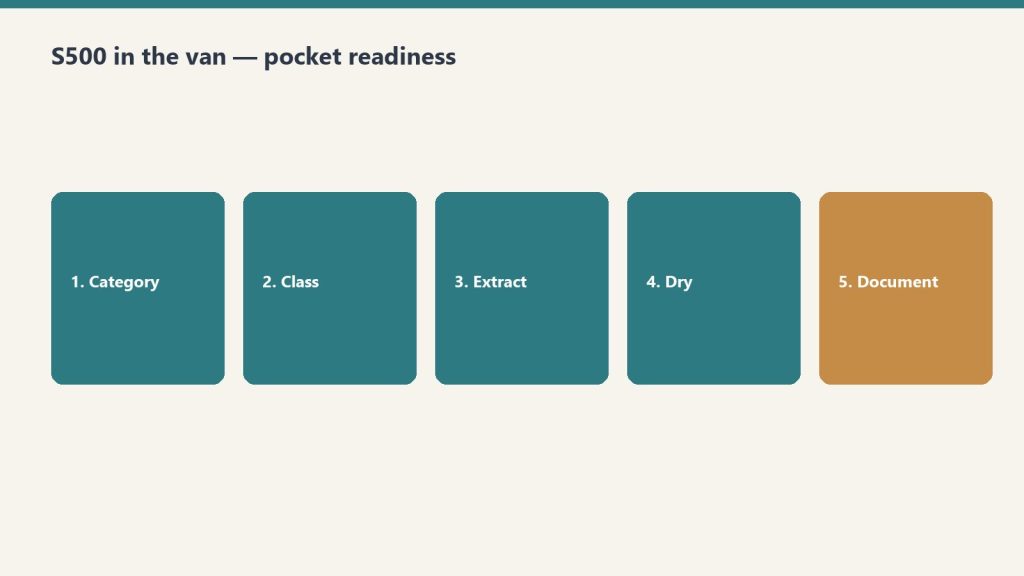
If step three is a fantasy because step one never happened, you do not have an escalation problem—you have a tracking problem. Drywall documentation standards on the truck—what S500 in the van means in practice—feeds supplements that survive first review. That is upstream cooling; downstream is still the calendar on each open dollar.
Measuring the pile: Monday one-sheet
Once a week, one page. No dashboard archaeology.
Count open quotes (n at start).
Count new quotes and missed-call rows added (A+ for the week—be honest about voicemails).
Count booked jobs and honest closes from follow-up (A−).
Plot leftover at end of week.
If leftover does not fall over a month while you “follow up,” either follow-up is theater or miss rate is the heat. Voice that texts back in a minute is a kick. Voice that only writes a pretty card is a thermometer.
Pair the sheet with job memory: what repeated on lost files, what line items got kicked back, what adjuster phrases mean “send photos again.” Turning closed jobs into searchable notes—restoration jobs as a knowledge base—cuts A+ from repeated mistakes. It does not replace the cadence above.
Field connectivity is pile-adjacent: if the crew cannot upload while the homeowner is still anxious, you slow the proof loop and invite competitor speed. Reliable site internet is boring ops; it is also fewer ghost supplements. Worth reading once if you still fight dead zones: Starlink on a water job.
Not this
The metaphor has boundaries. It will not cool your brand. It will not set ad spend. It will not fix hiring. It only describes piles that shrink when kicked and grow when ignored. If your marketing pours leads into a CRM nobody touches, you are not running a trap—you are heating ions on purpose and calling it growth.
Do not overclaim the physics. You are not hitting the Doppler limit on receivables. You are choosing whether A− happens often enough that n is workable. That is enough math for a contractor who would rather dry a wall than derive one.
FAQ
What is the “leftover pile” in plain language?
It is work you already touched but have not collected or closed: open quotes, stalled supplements, and leads you let slip. It is not evil; it is inventory that costs attention until you book it, kill it, or collect it.
Why compare follow-up to laser cooling?
Because each good follow-up removes a little uncertainty the way each absorbed photon removes a little velocity—not all at once, and never to zero. Random noise—new leads, missed calls—puts heat back. The comparison keeps you honest about rates, not miracles.
How many follow-ups before I close a quote as lost?
A common working structure is day 1, day 3, day 7, and a day 14 fork with an honest close if there is still no decision. Count your own bookings by touch; shorten or lengthen only when your numbers say so.
What belongs on a supplement escalation?
Dates, names, and what was submitted each round. Move adjuster → supervisor → carrier escalation with a logged step at each level. Missing dates mean you are guessing, not escalating.
What should the Monday one-sheet prove?
Whether leftover shrank. If new noise and open quotes outrun closes for weeks, your pile is running hot—fix speed-to-lead or cadence before you buy more leads.
Can this framework fix slow insurance pay?
It helps you see unpaid approved work as pile growth and assign owners. It does not change carrier calendars. It keeps you from mistaking “approved on email” for collected cash.
You do not need another binder in the truck. You need the protocol answer while the carpet is still wet.
IICRC S500 is not mysterious. The failure mode is that the PM is standing in a basement and the binder is in the office. That is how a supplement dies in email.
Office owns jobs, fleet, claims, and certs. Van gets a work order. When the question is S500-shaped, ask Claude with a protocol-grounded skill — not a Facebook group.
That stack is the Complete Restoration Operations Kit — seven Notion templates plus the IICRC lookup skill. $97 on Square. No email to purchase.
Need only the lookup? Buy the skill. Need more than two pieces? The kit is cheaper.
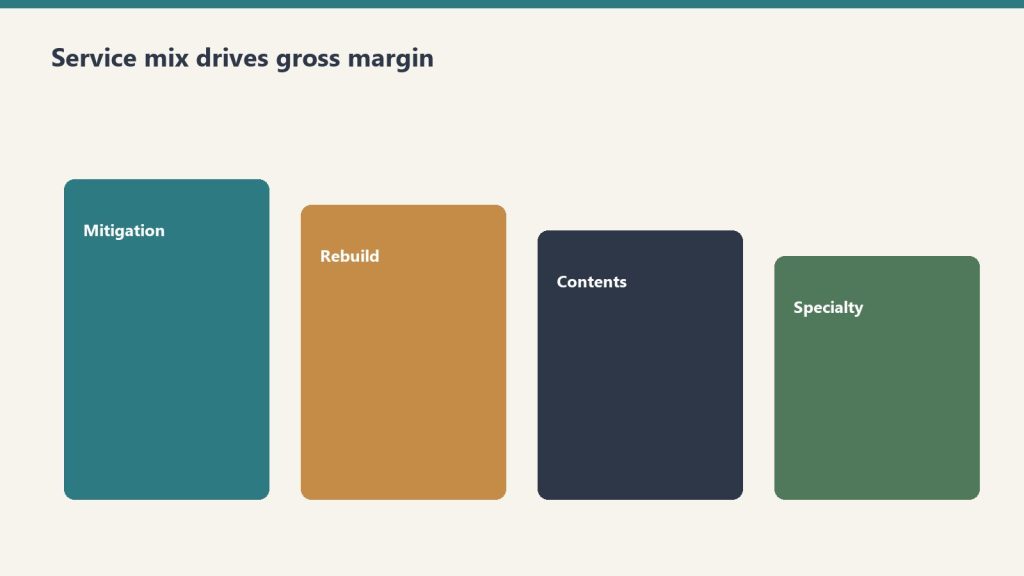
Direct answer: A restoration company’s profitability is determined more by service mix than by total revenue. Industry references consistently show water mitigation gross margins of 70-80%, mold remediation 40-50%, fire damage 25-30% with some references showing 20-25%, and reconstruction commonly cited around 10% with high-capacity volume shops achieving up to 50%. Two shops with the same $5 million revenue and the same operational competence can produce radically different profit dollars depending on whether the mix is mitigation-heavy or reconstruction-heavy. The well-run shop measures gross margin by line, prices each line to absorb appropriate overhead, and chooses mix deliberately rather than letting it drift based on whatever walks through the door.
The previous article in this cluster framed the AR cycle as the foundation discipline. This article frames service mix as the most important strategic decision an operator makes. The decisions are linked — the cycle problem is harder to solve in a reconstruction-heavy mix than in a mitigation-heavy mix, because reconstruction billing cycles are inherently longer and reconstruction margin is inherently thinner. An operator working on both at once will find that fixing service mix actually compounds the AR cycle improvements from the previous article.
The case for thinking carefully about mix starts with arithmetic. Consider two restoration companies, both running $5 million in annual revenue with identical overhead structures, identical labor costs, and identical operational discipline. Company A runs 60 percent water mitigation at 75 percent gross margin and 40 percent reconstruction at 15 percent gross margin. Company B runs 30 percent water mitigation at 75 percent gross margin and 70 percent reconstruction at 15 percent gross margin. Same revenue, same competence — different financial outcomes. Company A produces roughly $2.55 million in gross profit; Company B produces roughly $1.65 million. The mix decision alone costs Company B about $900,000 in gross profit, which after fixed overhead becomes a far larger gap in net profit. The two companies look similar from the street and from the customer-facing pitch. They are not similar businesses.
This is the conversation most restoration owner-operators do not have with themselves. They think of revenue as the goal and mix as whatever happens. They take the work that comes in. The discipline this article describes is to invert that — to treat mix as the deliberate choice and revenue as the consequence of mix multiplied by efficient execution.
What each service line actually pays
Mix shifts margin more than slogans do.
Industry references including Restoration Profits, Kiwi Cashflow’s restoration CFO commentary, the Cost of Doing Business Survey covered by Restoration & Remediation Magazine, and restoration franchise public materials produce a consistent directional picture of gross margin by service line. The numbers vary by region, geography, and company-specific factors, but the relative ordering is robust.
Water mitigation. Gross margin 70-80 percent. The highest-margin line in restoration. The economic engine: equipment does most of the work. Air movers, dehumidifiers, and air scrubbers run on 24-hour cycles with limited human attendance. Xactimate’s mitigation pricing rewards the equipment-heavy model. A typical mitigation job has labor cost around 15-20 percent of revenue, equipment rental or amortization around 5-10 percent, materials and consumables around 2-5 percent, leaving roughly 70-80 percent for overhead absorption and profit. The math works because equipment, once owned, has marginal cost approaching zero per additional job day. Industry coverage from Claims Delegates and others has explicitly described high-margin mitigation strategies as “$1,000 per hour” lines when Xactimate is used correctly.
Mold remediation. Gross margin 40-50 percent. Lower than water mitigation because the labor content is heavier and the protective cost (PPE, containment, disposal) is real. Mold work is also more documentation-intensive, more regulated, and often more disputed by carriers, all of which add cost without proportional revenue. Mitigation-style equipment (HEPA filtration, negative-air, dehumidification) supplements but does not replace skilled hand labor for source removal and structural cleaning. Mold is a real margin line for shops with the capability, but it is not the equipment-leveraged windfall that water mitigation can be.
Fire damage restoration. Gross margin 25-30 percent commonly cited; 20-25 percent in some references. The work is labor-intensive, slow, contents-heavy, and odor-and-soot-management-heavy. Fire jobs are larger and more complex than water jobs, requiring skilled project management and coordination layered on the technical work. The pricing in Xactimate supports the work but does not provide the equipment-leverage that water enjoys. Fire-damage restoration is good revenue at honest margin, but it does not produce the windfall margin that an underloaded mitigation crew can produce on the right water job.
Reconstruction. Gross margin 10-20 percent in typical operator references; up to 50 percent for high-volume operators per Cleanfax-published commentary on the most efficient operators. The wide range reflects two different business models. The standard model treats reconstruction as a service line layered onto the restoration relationship — the restoration company handles the rebuild because the customer is already in their hands, but margins are construction-industry margins (10-15 percent) plus general overhead absorption. The high-volume model treats reconstruction as a primary business with restoration relationships as the customer acquisition channel — these shops have invested in subcontractor management, project management depth, scheduling systems, and supplier relationships that allow them to run reconstruction at 30-50 percent gross margin through volume efficiency and subcontractor leverage. Most owner-operator restoration shops run reconstruction in the 10-20 percent range. A few have built the operational discipline to run it higher.
Contents cleanup. Gross margin around 50-65 percent for shops with capability. Per the same Cleanfax operator commentary, high-capacity contents shops achieve 65 percent gross margin on cleaning and around 50 percent on packouts when subcontractor pricing is doubled into invoiced cost. Contents work is real margin for shops that specialize, more variable for shops that treat it as ancillary to structure work. This line has the largest gap between specialist operators and generalist operators.
Specialty services. Gross margin variable but often strong on coordination revenue. As covered in the specialty restoration cluster, specialty work performed through a vetted subcontractor bench produces coordination revenue at high effective margin (the coordination fee is high-margin because the direct work cost is the specialist’s, not the restoration company’s). Specialty work performed in-house by the restoration company is rare and is its own business model.
Biohazard, trauma, and crime scene cleanup. Gross margin commonly cited 40-60 percent for trained operators with appropriate licenses. This is a smaller volume, higher-emotional-stakes line that pays at a premium because few operators are equipped or willing to do it. Operators who specialize here can run profitable practices at relatively low total revenue.
The overhead absorption problem
Pure gross margin numbers do not tell the full story because each service line absorbs a different proportional share of fixed overhead. A shop that runs at $5 million revenue with $1.5 million in fixed overhead (rent, salaried staff, fleet, equipment depreciation, insurance, software, marketing) has to allocate that overhead across the work it produces.
The well-run shop allocates overhead to service lines based on the share of resources each line consumes, not based on revenue share. A reconstruction job uses substantially more project-management time, more office support, more procurement effort, and more accounting time per revenue dollar than a water mitigation job. If overhead is allocated by revenue share, reconstruction looks more profitable than it actually is and mitigation looks less profitable than it actually is.
The accounting fix is service-line P&L with deliberately allocated overhead. The shop sets up its accounting to track direct cost (labor, materials, equipment, subs) by service line, then allocates fixed overhead using a cost-driver methodology — project-management time, billing time, office support time, fleet usage — that reflects actual consumption. The result is service-line contribution margin that shows what each line is actually earning after overhead absorption, not just what it earns before overhead.
Most restoration shops do not run this analysis. Most operators are surprised by the answer when they do. Reconstruction often emerges as a marginal contributor or actual loser after appropriate overhead allocation, even when its gross margin looks acceptable. Water mitigation often emerges as a much larger contributor than its revenue share suggests. The strategic implications follow from the analysis — and they are usually different from what the gut-feel running of the business produced.
How mix actually shifts in the day-to-day operation
Day-to-day mix shifts are decisions — not accidents.
Mix is not chosen in a strategy session. It shifts based on a series of small decisions made across the operation, often without anyone realizing they are shifting mix.
Marketing channels favor specific lines. Google Ads bids on emergency water keywords drive water mitigation calls. Roofer partnerships drive storm-damage reconstruction. Insurance preferred-vendor program leads come in line-mix patterns specific to each program. The marketing decisions made in the prior cluster (Marketing Stack on Tygart Media) directly shape mix.
Sales scripts favor specific lines. The way the call-taker scopes the conversation, the way the on-site rep frames the work, and the way the project manager presents options to the customer all subtly steer the work mix. A shop whose sales conversation centers on “let us handle everything” tends to capture more reconstruction. A shop whose sales conversation centers on “we are the mitigation specialist” tends to keep more focused mix.
Staffing tilts the mix. A shop that has hired heavily on reconstruction project managers will sell more reconstruction because that is what the team is configured to deliver. A shop with deep mitigation lead techs and a thin reconstruction PM bench will lean toward mitigation. The org structure and the work mix shape each other.
Carrier program enrollments drive specific line mixes. Some carrier programs are mitigation-heavy, others are reconstruction-heavy, others are biohazard-and-emergency-response-heavy. The shop’s program portfolio shapes its inbound mix more than most operators recognize.
Customer relationship behaviors drive mix. A shop that subcontracts reconstruction to trade partners on relationship terms (offering them the rebuild work in exchange for emergency referral flow) keeps mitigation margin while passing through reconstruction. A shop that holds reconstruction in-house captures both lines but absorbs both margin profiles.
Recognizing that mix is the cumulative result of these small decisions is the first step. Choosing to make those decisions deliberately is the second.
Strategic mix archetypes
Most well-run shops fall into one of four mix archetypes, each with its own logic and its own trade-offs.
Mitigation specialist. Mix heavily weighted toward water mitigation and mold remediation, with reconstruction passed through to trade partners or refused entirely. Highest gross margin profile of the four archetypes; smallest revenue per claim; highest claim volume requirement to hit a given revenue target. This model works well in metro markets with high water-loss frequency and a reliable network of reconstruction partners. The trade-off is that the specialist sees a smaller share of total restoration spend per claim — the rebuild work and the contents work go to others — and the customer relationship is shorter.
Full-service generalist. Mix balanced across mitigation, reconstruction, and contents. Most common archetype in mid-size independent shops. Captures the full claim economically but at blended margin that includes the lower reconstruction line. Works in most geographies. Trade-offs: requires operational depth across multiple service lines, requires management depth to run reconstruction at acceptable margin, and tends to produce lower overall gross margin than the specialist model.
Specialty commercial wedge. Mix weighted toward commercial accounts with specialty recovery components (documents, electronics, art, medical equipment) plus the general mitigation and reconstruction those accounts produce. The model described in the previous specialty restoration cluster. Higher revenue per relationship, higher complexity, higher operational bar. Trade-offs: longer sales cycles, regulatory and compliance overhead, and dependency on a smaller number of larger accounts.
High-volume reconstruction operator. Mix weighted toward reconstruction at scale, with mitigation as a feeder. Less common as a deliberate strategy but possible — these are the operators who have built reconstruction operational discipline equivalent to a homebuilder or commercial GC and who run reconstruction at 30-50 percent gross margin. The Cleanfax-cited high-capacity volume shops fall in this archetype. Trade-offs: requires substantial management investment in reconstruction operations, exposes the business to construction-cycle dynamics, and runs into the long-cycle AR problem from the prior article harder than the mitigation-led models.
The choice of archetype is not permanent. Many shops evolve from one to another as they grow, change ownership, or respond to market shifts. The point is to choose deliberately, build the operations to support the chosen archetype, and resist drift back to whatever-walks-through-the-door because that drift is what produces undisciplined service mix and the lower margins that follow.
Pricing each line to absorb appropriate overhead
The 10-and-10 myth — that restoration contractors should bill 10 percent overhead and 10 percent profit on top of direct costs as the standard markup — is one of the most damaging conventions in the industry. Industry coverage from Restoration & Remediation Magazine has covered this extensively under the “10 and 10 myth” framing. The math simply does not work. A shop with $5 million in revenue and $1.5 million in fixed overhead is running at 30 percent overhead, not 10 percent. Pricing at 10-and-10 means the shop is losing money on every job and making it up only when extreme volume covers the gap.
The disciplined alternative is to know the shop’s actual overhead rate as a percentage of direct cost and to price each service line with a markup that absorbs an appropriate share. For a shop with 30 percent overhead, the minimum markup over direct cost is roughly 50 percent (which produces gross margin around 33 percent — exactly the breakeven before profit). For acceptable profit, markup of 75-100 percent over direct cost is more common. The Xactimate price list, when used correctly, supports this markup level on most service lines. The shop’s price list and Xactimate practice should reflect the true overhead structure and the target profit margin, not industry conventions that are decades out of date.
The pricing decision differs by service line. Water mitigation can support high markup because the equipment-heavy model produces low direct cost, leaving room. Reconstruction is harder to mark up because direct cost is dominated by subcontractor and material cost, both of which are visible to customers and adjusters. The well-run shop applies different markup logic to different lines and matches its pricing to its actual cost structure rather than to a uniform convention.
For shops that are uncertain whether their pricing is right, the diagnostic is simple. Pull twelve months of P&L. Compute gross margin by line. Compute fixed overhead as a percentage of revenue. Compute net margin. If net margin is below 8-10 percent, pricing or mix is wrong. If gross margin on water mitigation is below 70 percent, Xactimate practice is the likely culprit. If gross margin on reconstruction is positive at any level, the shop is doing better than many; the question is whether the reconstruction is absorbing its appropriate share of overhead. The numbers reveal the problem; the operator’s job is to diagnose specifically and intervene at the right point.
What to refuse
What to refuse is a margin decision wearing a values jacket.
The hardest discipline in service mix is refusing work that does not fit. Most restoration owner-operators struggle with this because every job feels like revenue and revenue feels like progress. But work that runs below contribution margin (revenue minus direct cost minus appropriate overhead allocation) actually subtracts from the business — every dollar of bad-fit revenue requires the next dollar of good-fit revenue to make up the loss.
Specific patterns of work that the disciplined shop is willing to refuse:
Reconstruction at price points that require the shop to break its actual cost structure. Customers and adjusters who insist on 10-and-10 markup on reconstruction are asking the shop to lose money on the rebuild. The discipline is to either decline or to pass the rebuild to a trade partner who can do it at the contemplated price.
Out-of-area work that requires excessive mobilization. The labor and equipment cost of crews working far from base eats margin in ways the customer does not see. A shop with capacity issues during a CAT event can sometimes justify out-of-area work at higher pricing, but routine out-of-area work at standard pricing is usually a margin loser.
Carrier programs whose pricing structure does not fit the shop’s cost structure. Some preferred-vendor programs price meaningfully below market with the expectation of volume making up for unit margin. Whether this trade is worth taking is operator-specific, but the shop that signs into every program offered without doing the math is signing into structural losses.
Customer relationships that consume management time at scale. Some customers and adjusters require an hour of phone time and three documentation revisions for every invoice. The shop’s project management cost on these accounts often exceeds the gross profit. The discipline is to identify these accounts and either reset the relationship or end it.
Work the shop does not have the operational depth to deliver well. Taking a fire job when the shop has no fire-experienced lead tech, or a commercial loss when the shop has no commercial PM, is taking work the shop will execute poorly and damage its reputation on. The work feels like revenue; the reputation cost compounds against future revenue.
The operator who can decline bad-fit work calmly and confidently is operating from financial clarity. The operator who cannot is operating from fear that the next call may not come. The financial clarity is what comes from running this analysis and knowing the numbers cold.
How this article fits the cluster
Mix is the second foundation decision after AR cycle. With both in place, the rest of the cluster has solid ground to stand on. The next article — equipment economics — depends on understanding mix because equipment ROI is line-specific (water mitigation equipment has different utilization economics than reconstruction equipment). The crew structure and KPI dashboard articles that follow build on both foundation decisions.
If the prior article (AR cycle) is the highest-leverage operational improvement most restoration shops can make, this article (service-line mix) is the highest-leverage strategic improvement. They are different kinds of work — AR is a tactical, weekly operating discipline; mix is a quarterly and annual strategic discipline — but both produce outsized returns relative to the effort required.
Should I be running service-line P&L if my accounting system doesn’t support it natively?
Yes, with manual allocation if necessary. The first version can be a quarterly spreadsheet exercise — pull total revenue, total direct cost, and total overhead from the financial statements, then estimate the mix and the line-specific direct cost ratios. The numbers are imprecise but directionally accurate, and they will surface the strategic question even before the accounting system is reconfigured. Once you have decided that mix matters, invest in setting up the accounting to produce the analysis automatically.
Why is reconstruction so much harder to make money on?
Three structural reasons. First, the work is dominated by labor and materials, both of which are heavily benchmarked by competitors and carriers. Second, the cycle is long, so working capital cost is higher. Third, the customer can see the cost of the materials and the visible labor in ways they cannot for mitigation, which makes pricing pressure harder to absorb. The operators who run reconstruction at high margin have invested in subcontractor management, supplier relationships, and project-management efficiency that takes years to build.
Should an owner-operator pursue the high-volume reconstruction archetype?
Probably not as a starting strategy. The high-volume reconstruction model requires substantial management infrastructure that is expensive to build and difficult to maintain. Most owner-operators who try to evolve into this model end up with reconstruction-heavy mix at standard 10-15 percent margin rather than the 30-50 percent the well-built operators achieve. The honest assessment is that this archetype works for a small number of operators who have the construction-management capability, and most owner-operators are better served by mitigation specialist or full-service generalist archetypes.
What is a realistic mix to target if I want to maximize gross profit?
A mix-of-business analysis specific to your geography, capability, and capacity is needed for an actual answer. As a directional reference, mitigation specialists often run 60-75 percent mitigation and mold (combined), 15-25 percent contents and specialty, and 0-15 percent reconstruction (often passed through). Full-service generalists run 35-50 percent mitigation and mold, 15-20 percent contents and specialty, and 30-50 percent reconstruction. The right mix for a specific shop is a function of the local market, the shop’s operational depth, and the owner’s risk tolerance.
Does the specialty restoration wedge from the prior cluster fit into mix strategy?
Yes, directly. Specialty work is a high-coordination-margin add to the mix. The specialty cluster’s commercial-account focus produces relationships that generate mitigation, reconstruction, and specialty revenue together, and the specialty coordination component is high-margin in a way that lifts the blended profile. Operators who have built specialty capability typically see their mix shift toward more mitigation and specialty, less commodity reconstruction.
How often should I revisit the mix question?
At minimum, annually as part of business planning. More frequently if the shop is growing fast, going through ownership changes, expanding geography, or seeing significant changes in carrier program enrollments. A quarterly directional review is good discipline. Monthly is overkill. Weekly is panic.
What if I’m carrying lines I’m bad at because I haven’t done this analysis before?
The disciplined response is to either invest in becoming good at the line (hire, train, partner) or exit the line. Carrying lines you are bad at is carrying work that produces below-average margin and below-average customer experience. It is the worst of both worlds. The annual review process should produce these decisions explicitly.
Are biohazard, trauma scene, and unattended death cleanup really good margin work?
For shops with proper licensing and trained crews, yes. The pricing supports the work and the competitive density is low because most operators do not want the work. The trade-offs are emotional weight on the crew, careful customer-facing communication, and licensing and disposal compliance overhead. For shops with the right operational fit, this is a legitimate niche.
What’s the relationship between mix and consolidator interest in acquiring my shop?
Consolidators value mix-driven margin profile. A shop with disciplined mitigation-heavy mix at clean margin is a more attractive acquisition target than a shop with the same revenue but lower margin from undifferentiated reconstruction-heavy mix. The mix work this article describes is also exit-positioning work, and operators who run it well over a few years are positioning for a stronger acquisition outcome whether or not they intend to sell.
What is the single move I should make this week from this article?
Pull last quarter’s P&L, estimate revenue and direct cost by service line, compute the implied gross margin per line, and compare to the industry directional ranges in this article. If your mitigation gross margin is below 70 percent, your reconstruction gross margin is below 10 percent, or your overall mix is reconstruction-heavy without operational depth supporting it, the analysis has identified the largest profitability lever in your business. Treat the answer as the agenda for the next quarter.
Direct answer: A restoration company’s profit and loss statement and its bank account tell two different stories, and the gap between them is the AR cycle. Industry data references show construction-sector DSO averaging around 83 days — the highest of any major industry — and restoration claim cycles stretching well beyond 60-90 days are common. The well-run shop measures days sales outstanding by carrier, by service line, and by job size, builds working capital reserves sized to the actual aging profile rather than the optimistic version, and runs documentation discipline that removes the most common reasons adjusters delay payment. Compressing days-to-cash from 90+ down to a defensible 45-60 is worth more to most restoration companies than a 5-point margin improvement, because it directly funds growth without external capital.
The single most common silent killer of growing restoration companies is not bad work, bad marketing, or bad people. It is the gap between when the cash goes out and when the cash comes in. A restoration company growing at 30 percent per year is, by definition, funding 30 percent more labor, more equipment, more materials, and more subcontractor invoices than the previous year — out of working capital that has not yet been replenished by the carrier checks for last quarter’s work. The math compounds. Every additional dollar of revenue requires roughly the same proportional dollar of working capital. A growth rate that exceeds the working-capital cycle eventually exhausts the bank account, even while the P&L looks healthy and the owner cannot understand why payroll is suddenly hard to make.
The first move toward fixing this is recognizing that the AR cycle is not a back-office annoyance. It is the central operational metric of the restoration business model. Operators who understand and manage it correctly run growing companies without external capital. Operators who do not understand it either grow slower than their market opportunity allows or take on debt they do not need to take on. The well-run shop treats AR cycle as a strategic discipline.
This article is the first cluster piece in the finance and operations stack and is the one most operators should attack first. The rest of the cluster builds on the assumption that the AR cycle is under control. Without it, the other improvements in service mix, equipment economics, crew structure, and KPI hygiene cannot compound.
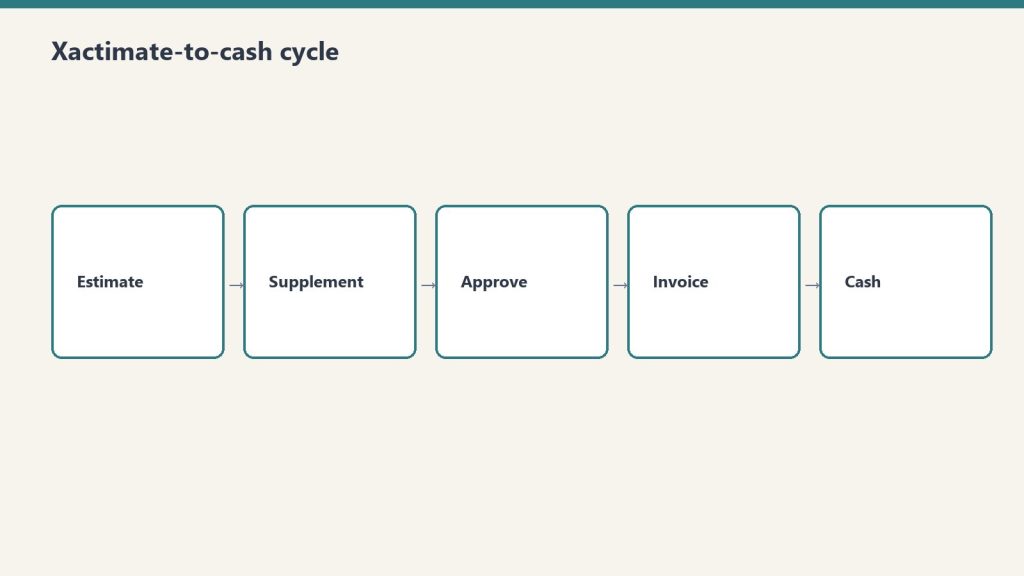
What the Xactimate-to-cash cycle actually looks like
What the Xactimate-to-cash cycle actually looks like.
The Xactimate-to-cash cycle has more steps than most operators map out. Each step is a place where days accumulate. The full sequence on a typical commercial or residential insurance claim:
Loss event and dispatch. Day zero. Restoration company arrives, performs emergency mitigation, begins documentation.
Mitigation completion. Days three to seven on a typical water loss. Drying complete, dry standards verified, mitigation invoice ready to assemble.
Mitigation invoice submission. Days seven to fourteen. Restoration company assembles the mitigation invoice — Xactimate estimate, photos, moisture logs, daily reports, work authorization, certificate of completion — and submits to the adjuster.
Adjuster review and approval. Days fourteen to thirty-five. Adjuster reviews the submission, may request additional documentation, may negotiate scope or pricing, eventually approves the invoice in whole or in part. Independent industry references from restoration billing services note that documentation gaps are the most common reason adjusters extend this window — missing photos, incomplete moisture logs, inconsistent line items, or scope items that cannot be supported by the documentation.
Carrier payment processing. Days thirty-five to sixty. Carrier processes the approved invoice and issues payment. For claims involving a mortgaged residential property, the check is typically made out jointly to the policyholder and the contractor, which means the homeowner has to endorse and forward, and lender involvement is required for claims above a threshold (commonly $10,000-$15,000) where mortgage companies release funds in stages.
Reconstruction or repair phase. Begins after mitigation phase. The reconstruction scope is developed, approved, and executed. The cycle for reconstruction billing repeats — invoice assembly, adjuster review, carrier processing — but on a longer cycle because reconstruction work itself takes longer.
Final invoice and closing. Days ninety to one-hundred-eighty for a fully reconstructed loss. Final scope reconciliation, depreciation holdback recovery on RCV claims, retainage release if applicable.
The aggregated cycle on a typical mid-size residential or commercial loss runs sixty to one-hundred-twenty days from loss to full payment. On larger commercial losses with multiple phases, scope disputes, or coverage issues, it stretches to one-hundred-eighty days or more. On problematic claims with denied items, public adjuster involvement, or litigation, it can stretch into multi-year territory.
For working-capital math, the simple version is that every dollar of revenue requires roughly the proportional dollars of cash held in AR for the average cycle length. A shop with $10 million in annual revenue and a 90-day cash cycle is carrying roughly $2.5 million in average AR — and that AR is funding the labor, equipment, materials, and subcontractor cost the shop is incurring on the next set of jobs. Compress the cycle to 60 days and the shop’s working-capital requirement drops to roughly $1.65 million, freeing $850,000 in cash for growth, debt reduction, equipment investment, or distribution. Compress further to 45 days and the freed cash hits $1.25 million. These are real, recoverable numbers, and they show up in the bank account, not just on the spreadsheet.
Why DSO is the wrong single metric and the right multi-metric
Most restoration companies that measure AR at all measure a single overall DSO number, calculated as accounts receivable divided by total revenue, multiplied by the number of days in the period. This is the standard cross-industry calculation and it produces a useful directional read — but on its own it is not actionable, because the underlying AR is not homogenous. The well-run shop measures DSO three ways simultaneously.
DSO by carrier. The DSO with State Farm is different from the DSO with USAA, which is different from the DSO with Allstate, which is different from the DSO with the local independent commercial carriers. Some carriers pay reliably in 30-45 days; some stretch to 60-90; some stretch beyond 90 routinely. The shop that knows its DSO by carrier can make rational decisions — which programs to lean into, which to pull back from, which to limit exposure on. The shop that knows only its blended DSO is making aggregate decisions on heterogeneous data.
DSO by service line. Mitigation invoices typically pay faster than reconstruction invoices because they are smaller, simpler, and structured to industry-standard mitigation Xactimate line items. Reconstruction invoices pay slower because they involve more scope negotiation and more adjuster review. Specialty work — documents, electronics, art, medical — pays in patterns that depend on the carrier’s familiarity with the specialty pricing and on whether the specialist bills direct or through the prime restoration company. A shop that knows DSO by service line can spot whether the cycle problem lives in mitigation, reconstruction, or specialty.
DSO by job size. Small jobs (under a few thousand dollars) often pay quickly because adjusters approve them with minimal review. Mid-size jobs ($10,000-$50,000) often hit the worst of both worlds — large enough to require full documentation review, small enough to lack the executive attention that moves large losses through the system. Large jobs (over $100,000) often have dedicated adjuster attention, large-loss specialists involved, and faster decision-making once scope is settled, although the cycle from loss to first payment can still be long. A shop that knows DSO by job size can identify the band where the cycle is most painful and target documentation and follow-up effort there.
The combined picture — DSO by carrier, by service line, by job size — is what produces actionable management information. Most restoration companies do not produce this view because their accounting systems are not configured to slice AR this way and their internal reporting effort has been on top-line metrics. Configuring the accounting system to support this slicing is a one-time investment that pays back almost immediately.
What is causing the long cycle, and which causes are operator-controllable
Operator-controllable causes of a long cycle.
The long restoration cycle has multiple causes, and the operator’s intervention point is different for each.
Documentation gaps. Operator-controllable, high impact. Industry references from restoration billing services consistently identify documentation as the single largest cause of payment delays. An invoice missing photos, moisture logs, daily reports, signed work authorizations, or scope justification gives the adjuster a defensible reason to delay payment with a request for more information. Each round trip costs five to fourteen days. A shop that submits complete, clean, defensible documentation on the first submission collects faster than a shop that submits incomplete documentation and chases revisions.
Xactimate scope quality. Operator-controllable, high impact. An Xactimate estimate that uses incorrect line items, that prices outside the standard price list without justification, or that includes scope items not supported by the documentation will be reduced or returned. Real Xactimate proficiency — Level 1 certification at minimum, Level 2 ideal, in-house or contracted — pays for itself on the first half-dozen invoices. Operators who use Xactimate as a glorified word processor without understanding the underlying line-item logic submit estimates that produce avoidable disputes.
Carrier program structure. Partially operator-controllable. Different carrier preferred-vendor programs have different documentation requirements, different review cycles, and different payment-processing timelines. Some require submission through specific portals (Verisk’s claims platforms, Symbility, carrier-specific systems) that produce faster cycles than email-based submission. Some require pre-approval at scope thresholds. The operator’s intervention point is to learn the program’s specifications cold and submit to specification, and to selectively de-prioritize programs whose cycle structure does not work for the shop’s working-capital tolerance.
Mortgage company involvement. Limited operator-controllability. On residential losses where the property is mortgaged, the lender’s check-handling protocol adds a cycle layer the contractor cannot eliminate. The intervention is to communicate the lender process to the homeowner early, provide the documentation the lender will require (final invoices, work completion certificates, lien waivers) ahead of need, and follow up actively rather than passively waiting.
Public adjuster involvement. Mixed operator-controllability. When a PA is on the file, scope is scrutinized harder and disputes take longer. The contractor’s intervention is to maintain documentation discipline strict enough to survive PA scrutiny, communicate professionally with the PA on scope questions, and avoid behaviors that escalate the file unnecessarily.
Coverage disputes. Limited operator-controllability. When the carrier disputes coverage on items the contractor has performed, the cycle stretches indefinitely. The intervention is upfront — confirming coverage on questionable items before performing the work, getting written authorization on scope expansions, and avoiding work the policy clearly does not cover.
Litigation. Not operator-controllable except by avoidance. Once a claim is in litigation, the cycle is governed by the legal process rather than the claims process. The contractor’s defense is to not get into litigation in the first place, which means honest scope, complete documentation, professional communication, and a willingness to walk away from disputes that are not worth litigating.
The pattern in this list: the highest-impact causes are operator-controllable. Documentation discipline and Xactimate scope quality are the two largest levers, and they are entirely within the shop’s control. Operators who blame the long cycle on the carriers without first auditing their own documentation and Xactimate practice are diagnosing the wrong problem.
The operational moves that compress the cycle
Operational moves that compress the AR cycle.
The well-run shop runs a specific set of operational practices that compress the AR cycle. These are not novel and they are not glamorous. They are the practices that produce the difference between a 90-day cycle and a 45-60 day cycle.
Document at the job level, in real time. Not at invoice time. Photos taken on day one, moisture logs updated daily, daily reports completed by the lead tech before leaving site, scope-of-loss documented progressively as the work develops. Documentation assembled at invoice time is documentation that has gaps. Documentation assembled in real time is documentation that is complete on day seven when the mitigation invoice is ready to go out.
Use a documentation platform. Several industry-standard platforms — including CompanyCam for photos, MICA and ENCIRCLE for full documentation packages, and proprietary platforms from larger carriers’ preferred-vendor programs — automate documentation capture. Operators using these platforms submit cleaner invoices and submit them faster than operators relying on phone photos and paper logs.
Build the Xactimate estimate as the work progresses, not after. The mitigation Xactimate estimate should be largely written by the time the drying is finished. The reconstruction Xactimate estimate should be developed during the mitigation phase, not after the customer authorizes the rebuild. Operators who treat Xactimate as a billing-time activity add days to the cycle that the operators who treat it as a project-execution activity do not.
Submit the invoice on a schedule. The shop’s standard should be invoice within seven days of mitigation completion, with no exceptions for shop-side delays. Customers and adjusters pay invoices that arrive promptly faster than they pay invoices that arrive late, partly because the file is fresh and partly because prompt invoicing signals professional operations.
Follow up on a schedule. Adjuster contact at day fourteen post-submission if not approved, day twenty-one with escalation request, day thirty with escalation to the carrier’s claims service line. Adjusters have hundreds of files. The files that get attention are the ones the contractor stays present on. The files that drift are the ones where the contractor submits and waits silently.
Reconcile cash to invoices weekly, not monthly. The accounting team should know which invoices are open, by carrier and by adjuster, every week. Stale aging that is not reviewed is aging that gets older. Weekly review with explicit follow-up assignments produces faster collections than monthly review.
Use a billing service when in-house capacity does not exist. Restoration-industry-specific billing services — companies like Restoration Insurance Billing, Blackwater Billing Services, NetClaimsNow, and others — exist specifically to handle Xactimate invoice assembly, submission, and follow-up. For shops that do not have in-house Xactimate competence or in-house collections discipline, outsourcing this function to a specialist often produces a faster cycle than handling it in-house at the shop’s current capability level. The fee is paid out of the cash-cycle compression.
Working capital strategy
Compressing the AR cycle reduces but does not eliminate working capital intensity. Even at a defensible 45-60 day cycle, a growing restoration company carries substantial cash in receivables. The well-run shop has a deliberate working capital strategy that funds this intensity without surprises.
Cash reserve sized to the actual aging profile. A shop with a 60-day cycle should carry cash reserves sufficient to operate for at least 60 days at current burn rate, plus a buffer for delayed collections on specific files. Many operators size reserves to 30 days of operating cost, which is too thin for restoration’s cycle. Sizing reserves to 75-90 days of operating cost, with a clear policy on when reserves can be drawn down for growth investment versus when they must be held, gives the shop room to absorb a slow collection month without payroll stress.
Line of credit as a flex tool, not a permanent funding source. Most growing restoration shops should have a working-capital line of credit with a commercial bank, sized to cover one to two months of operating cost. The line is a tool for absorbing month-to-month variation in collections, not a tool for funding ongoing operations. Shops that operate continuously on the line of credit are shops with a structural cash problem they have papered over with debt.
Customer financing as a deliberate tool. On residential reconstruction work where insurance does not cover the full scope, customer financing can be offered through restoration-industry-specific finance partners or general home-improvement finance platforms. This converts a payment-cycle question into a marketing question and shifts the cycle off the shop’s balance sheet.
Avoid AOB-driven cash flow models. Some restoration companies build their cash flow on aggressive use of assignments of benefits, where the carrier pays the contractor directly. AOBs solve the homeowner-endorsement step but do not address the underlying claim cycle, and several states have passed AOB reform that complicates or restricts the practice. Building working capital strategy around AOBs is fragile both legally and operationally.
Factoring as last resort, not first option. Specialty receivables-factoring firms exist that will advance against restoration AR, but the cost is meaningful (often 2-4 percent per month effective rate) and using factoring routinely indicates that the underlying cycle problem has not been fixed. Use factoring only as a bridge while implementing the operational improvements that compress the cycle, not as a permanent solution.
What the AR cycle reveals about the rest of the business
The AR cycle is a diagnostic tool as much as it is an operational metric. Specific patterns in the AR aging report point to specific underlying issues elsewhere in the operation.
Long cycle on a specific carrier. The carrier’s program structure may not fit the shop’s working-capital tolerance, or the shop’s documentation may not fit the carrier’s submission requirements. Either way, this is a focused intervention point.
Long cycle on a specific service line. The Xactimate competence in that service line may be weaker, or the documentation discipline may be looser. Investigate the lead tech and project manager on that service line and compare practice to the better-performing service lines.
Long cycle on a specific job size. Process gaps in the size band — possibly insufficient project-management attention on mid-size jobs or insufficient documentation rigor on small jobs that get treated casually. Address process at the size band rather than the job level.
Long cycle on jobs led by a specific project manager. The PM’s documentation, communication, or follow-up practice may be substandard. Coachable, often quickly.
Spike in cycle in a specific month. Look for upstream issues — was a billing person out, did a software change disrupt invoice generation, did a regulatory change affect a common scope item, did a carrier change its program. The cycle is the downstream symptom of upstream operations.
The shop that uses AR aging as a diagnostic produces continuous improvement. The shop that uses AR aging only as a financial-statement input misses most of the management information the metric carries.
How this article fits the cluster
The AR cycle is the foundation. The next article in the cluster — gross margin by service line — depends on the AR cycle being defensible, because service-line economics that look good on margin but fail on cash conversion are not actually good economics. The articles that follow on equipment economics, crew structure, KPI dashboards, and the rest all assume the operator has working capital under control. An operator who works through the rest of the cluster without first fixing the AR cycle is building on sand.
If you take only one operational improvement from this entire cluster, take this one. The investment is modest — documentation discipline, Xactimate competence, scheduled follow-up, weekly cash review. The return is direct, measurable, and recurring. Compressing days-to-cash from 90 to 60 frees roughly two months of revenue in working capital. For a $5 million shop, that is roughly $830,000 in cash. For a $20 million shop, it is roughly $3.3 million. Those are not theoretical numbers. They are sitting in your AR right now.
What is a realistic DSO target for a restoration company?
For mitigation-heavy work with disciplined operations, 45-60 days is achievable. For mixed mitigation and reconstruction work, 60-75 days is realistic. For reconstruction-heavy work, 75-90 days is realistic. Operators running 90+ days have specific operational issues that should be diagnosable from the by-carrier, by-service-line, by-job-size view. Targeting under 30 days is unrealistic in this industry; targeting under 45 is achievable on the mitigation side but not the reconstruction side.
Should I use a restoration-specific billing service or build in-house?
Depends on shop size and current capability. Shops under $3 million with no in-house Xactimate-certified estimator typically benefit from a billing service — the cost is roughly offset by the cycle compression. Shops over $5 million should generally have in-house capability because the service fees become a real expense at scale and because in-house ownership of the cycle produces better discipline. Shops in between can go either way; the deciding factor is whether in-house capacity is genuinely competent or whether it is the owner-operator’s spouse doing it on weekends.
How do I get my AR aging by carrier, service line, and job size if my accounting system doesn’t slice it that way?
This is a one-time configuration project. Most accounting systems used by restoration companies (QuickBooks Online, QuickBooks Enterprise, Sage Intacct, NetSuite, restoration-specific platforms like Albi, KnowHow, and others) support custom fields or class tracking that can produce this slicing. The configuration takes a few days of accountant time and pays back permanently. If your current system genuinely cannot support this, the system is the bottleneck.
What about retainage on commercial work?
Commercial reconstruction often involves retainage (commonly 5-10 percent held until project completion) which extends the cycle on the retained portion well beyond the standard cycle. Build retainage into the AR aging view as a separate category so the operating cycle on the non-retained portion is visible cleanly. Retainage release is its own follow-up activity that should be treated as a managed process, not as something that happens automatically.
What if a specific carrier program is producing a long cycle but represents a meaningful portion of revenue?
This is a strategic decision, not just an operational one. The cycle math is real — if a carrier program produces revenue at acceptable margin but stretches AR by an extra 30 days, that’s a working-capital cost that the program revenue should justify. Quantify the cost (roughly the additional AR carried at the cost of capital), compare to the program’s contribution to gross profit, and decide whether the program is net positive on cash-adjusted economics. Many operators discover that programs they thought were valuable are actually drag once the cycle cost is accounted for.
How do I handle homeowners who do not endorse the joint check from the mortgage company?
This is a customer-service issue layered on a cash-cycle issue. Communicate the joint-check process to the homeowner before the loss is even mitigated, get them comfortable with the workflow, and follow up actively when the check is issued. Most customers cooperate; the few who do not usually have a deeper issue (dispute over scope, dispute over quality, financial distress) that needs to be addressed directly. Avoid letting these accounts age silently.
Is a line of credit absolutely necessary, or can a shop run without one?
Smaller shops under $1-2 million can sometimes run without one if reserves are healthy and growth is moderate. Shops over $3 million typically benefit from having one even if it sits unused most months — the optionality is worth the modest commitment fee. The decision is risk tolerance: a line of credit is insurance against a slow collection month, and like all insurance, it is most valuable when not needed.
How do I know if my Xactimate practice is the bottleneck?
Pull your most recent ten mitigation invoices and ten reconstruction invoices. For each, document the date submitted, the date approved, and any back-and-forth requests from the adjuster. If more than 30 percent of submissions trigger requests for revisions, your Xactimate practice has gaps. The specific gaps will be visible in the revision requests — line items used incorrectly, pricing outside standard with insufficient justification, scope items unsupported by documentation. Address those gaps directly, and the cycle compresses.
Can compressing the AR cycle actually replace the need for outside capital on a growing shop?
For most shops in the $1-30 million range, yes. The math works because each dollar of cycle compression frees a proportional dollar of working capital, and that capital recurs every cycle. Compressing cycle from 90 to 60 days on a $10 million shop frees roughly $830,000 in cash; on a $20 million shop, roughly $1.7 million. Those numbers fund meaningful growth without any external capital. Operators with cleaner AR cycles typically do not borrow for working capital because they do not need to.
What is the single most important practice I can install this week?
Daily documentation by the lead tech on every job, completed before the tech leaves site. Photos of pre-mitigation and post-mitigation conditions, moisture readings logged with timestamps, daily report covering work performed and conditions encountered, signed work authorization on file from day one. This single practice will compress your invoice submission time and reduce documentation-driven adjuster delays by more than any other change. Everything else in this article matters; this is where to start.
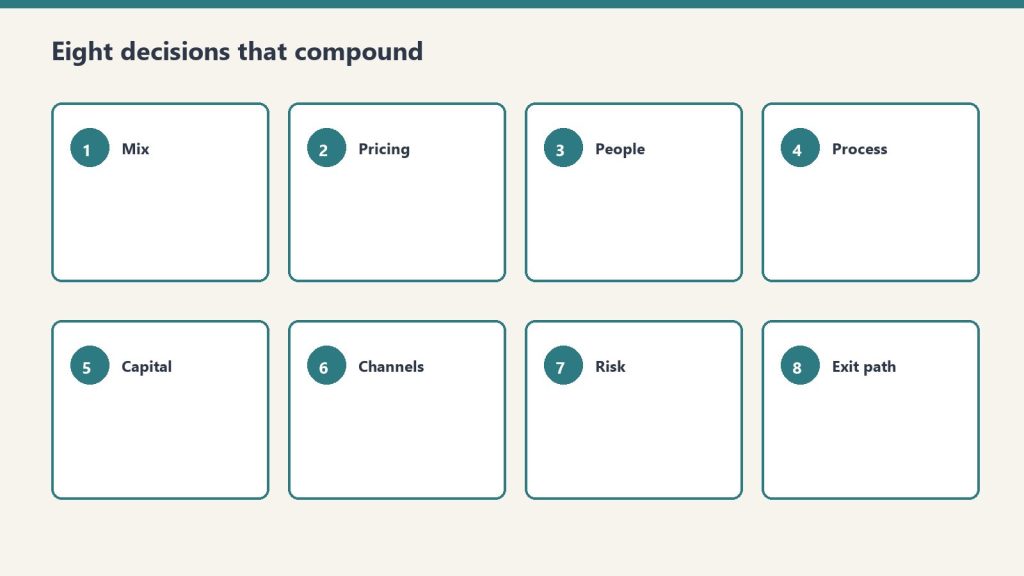
Direct answer: A restoration company is not just a service company. It is a working-capital-intensive, claims-cycle-dependent, equipment-rich, labor-leveraged business where gross margin varies from 70 percent on water mitigation to 10 percent on reconstruction, where net margin compresses as revenue grows, and where the gap between the average operator and the well-run operator is several multiples of profitability. The discipline that separates the two is not heroic effort; it is financial and operational rigor applied consistently to a small set of decisions about service mix, AR cycle, equipment leverage, crew structure, KPI hygiene, carrier-program exposure, multi-location structure, and exit posture. This pillar introduces those eight decisions and frames the cluster that explores each one in depth.
The restoration industry sits in a strange place. Industry analysts cite a market range from $7.1 billion to $80 billion in U.S. revenue, depending on how the boundary is drawn — water mitigation only, all property restoration, all property and remediation including mold and biohazard, or the full disaster-recovery economy including reconstruction and contents. The Restoration Industry Association and Restoration & Remediation Magazine have referenced the wider range publicly, and the consensus growth rate sits at 4-6 percent CAGR. Within that aggregate market, the operator-level reality is that the industry is fragmented — thousands of independent shops in the $1M to $30M range, several hundred regional operators in the $30M to $200M range, and a small set of national consolidators with revenue over $200M. The fragmentation is the opportunity. It is also the trap.
The opportunity is that no national brand has captured commodity property restoration the way ServiceMaster did in dry cleaning or Home Depot did in retail. Independent operators with discipline can build $5M to $50M businesses with strong margins and durable client relationships. The trap is that fragmentation lets bad businesses survive longer than they should. A restoration company can run for a decade with sloppy AR, undisciplined service mix, and informal operations and still pay the owner well in good years — until a CAT-event swing, a carrier-program change, or a key-employee departure exposes the underlying weakness and the business loses years of compounding to the cleanup. The well-run shop avoids this not by being smarter on the day of the event but by having installed financial and operational discipline before the event ever arrived.
This article is the pillar for the cluster that follows. The cluster covers eight specific decisions where finance and operations rigor moves the needle the most: AR aging and the Xactimate-to-cash cycle, gross margin by service line, equipment economics, crew structure and labor cost, KPI dashboards, preferred-vendor program economics, multi-location growth, and M&A and exit dynamics. This pillar walks through each at altitude so an owner-operator can see how they connect before deciding which to attack first.
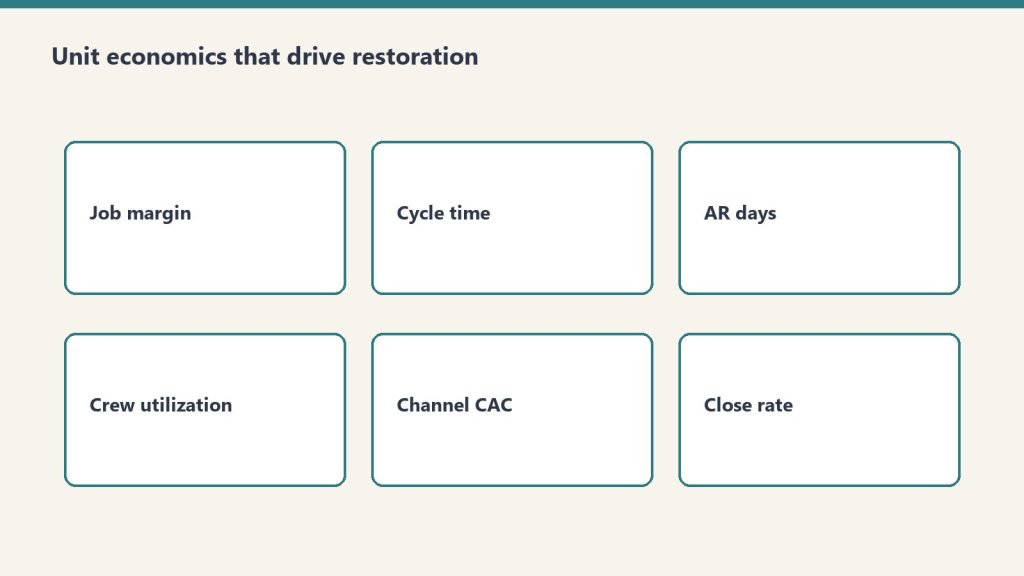
The unit economics that actually drive a restoration company
Unit economics that actually drive a restoration company.
The restoration industry’s unit economics are unusual in three specific ways that operators frequently miss until they are scaling and the math stops working.
Service-line gross margin is wildly different by line. Water mitigation typically runs 70-80 percent gross margin because equipment does most of the work — air movers and dehumidifiers run on 24-hour cycles with limited human labor — and the Xactimate price list rewards this with strong unit pricing. Mold remediation runs 40-50 percent gross margin because the labor content is heavier and the protective and disposal cost is real. Fire damage restoration runs 25-30 percent gross margin because the work is labor-intensive, slow, and contents-heavy. Reconstruction runs around 10 percent gross margin because it is a construction business with construction margins layered on top of the restoration relationship.
That spread — 70 percent on the front of the loss to 10 percent on the back — means that two restoration companies with the same revenue can have radically different profitability depending on the mix. A $5 million shop with 60 percent water and mold and 40 percent reconstruction makes meaningfully more money than a $5 million shop with 30 percent water and mold and 70 percent reconstruction, even if both are running competent operations. Mix is the single most important financial decision an operator makes, and it is rarely an explicit decision — it tends to drift based on what comes through the door. Treating mix as a deliberate strategic choice is the first move a finance-aware operator makes.
Net margin compresses as revenue grows. Independent industry references — including operator surveys cited by Restoration & Remediation Magazine and analysis from restoration-industry CFO advisors like Kiwi Cashflow — show that smaller restoration shops under $1M revenue can sustain gross margins near 70 percent, while shops over $50M typically run net margins in the 6 percent range and shops in the $30-50M band typically run net margins around 15 percent. The shape of the curve is consistent across multiple sources: the smaller the shop, the higher the gross margin and the more variable the net margin; the larger the shop, the more compressed the gross margin and the more stable but lower the net margin.
Why? Three structural reasons. First, smaller shops do less reconstruction proportionally — they pass it off — which keeps gross margin high. Second, smaller shops carry less overhead because the owner is doing the management work; larger shops require professional management layers that show up in SG&A. Third, larger shops carry more carrier-program exposure, which compresses pricing through preferred-vendor program rate negotiation. The implication for an operator is that the path to higher absolute dollars is real but does not produce proportional margin gains, and the operator who thinks scale will solve a margin problem is usually wrong.
Working capital intensity is brutal. Restoration is a cash-out, cash-in-much-later business. The work is performed in days or weeks; the cash is collected in months. The operator advances labor cost, equipment depreciation, materials, and subcontractor payments out of pocket and waits for the carrier to settle the claim. AR aging in the 60-120 day range is normal in commercial work and not unusual in residential work either. A shop growing 30 percent year over year is funding that growth with working capital — and a shop that grows faster than its working capital cycle can support runs out of cash even while showing strong P&L performance. This is the most common silent killer of growing restoration companies, and it is the subject of the first article in the cluster that follows.
The eight decisions that separate compounders from plateaued operators
Eight decisions that separate compounders from plateaued operators.
The cluster that follows takes each of these decisions in depth. Here is the at-altitude framing of each so the operator can see the system before drilling into the parts.
AR aging and the Xactimate-to-cash cycle. The well-run shop measures Days Sales Outstanding by carrier, by service line, and by job size. It identifies the carrier programs whose AR cycle is acceptable and the ones that are not. It chooses to take or decline work based on cash-cycle math, not just margin math. It builds a working-capital reserve sized to the actual AR aging profile rather than the optimistic version. It treats AR as a strategic asset rather than a back-office annoyance.
Gross margin by service line. The well-run shop knows its gross margin to within a few points on each service line and uses that knowledge to manage mix deliberately. It chooses which service lines to lead with, which to accept opportunistically, and which to refuse — and it makes those choices based on the gross margin profile and the overhead-absorption requirements of each line, not on which work happens to come through the phone today.
Equipment economics. The well-run shop runs an equipment economic model that distinguishes between owning, leasing, and renting. It tracks equipment utilization, depreciation, and reinvestment cadence. It avoids both under-investment (forcing crews to wait for equipment that should already be on hand) and over-investment (carrying equipment that sits idle and burns capital). It treats the equipment fleet as a financial asset whose ROI is measurable rather than as a vague necessary cost.
Crew structure and labor cost. The well-run shop has a deliberate org structure that includes lead-tech tracks, supervisor tracks, and project-management tracks with explicit progression criteria, compensation bands, and productivity targets. It measures revenue per technician hour by service line. It manages labor as the largest controllable cost and treats hiring, training, and retention as strategic activities rather than reactive ones.
KPI dashboards. The well-run shop runs on a dashboard that includes job-level revenue, gross margin, AR aging, equipment utilization, labor productivity, customer acquisition cost by source, retention by source, and the small set of operational metrics that drive financial outcomes. The dashboard is simple, current, and reviewed weekly. It is the difference between an operator who is reacting to last quarter’s numbers and an operator who is steering against this week’s.
Preferred-vendor program economics. The well-run shop knows the true economics of each carrier preferred-vendor program — the rate concessions, the volume commitments, the documentation overhead, the AR cycle, and the program’s strategic risk. It distinguishes programs that produce profitable revenue from programs that produce activity at margin levels that do not justify the operational overhead. It uses preferred-vendor work as one channel among several rather than as the foundation of the business, because the operator who is dependent on a single carrier’s program is one underwriting decision away from a revenue cliff.
Multi-location growth. The well-run shop knows that the second location is structurally different from the first, the fifth is structurally different from the second, and the model that worked at $5 million breaks at $15 million and again at $50 million. It scales deliberately by building management depth ahead of revenue growth, by standardizing operations and financial reporting before geographic expansion, and by recognizing that multi-location restoration is a different business — a portfolio of operating businesses rather than a single business with multiple offices.
M&A and the consolidator landscape. The well-run shop understands the consolidator landscape — the strategic acquirers including BluSky (Partners Group and Kohlberg), ATI Restoration (TSG Consumer Partners), BMS CAT (AEA Investors), BELFOR, First Onsite, ServiceMaster Restore, Paul Davis, PuroClean, DKI, and the broader set of more than fifty private-equity platforms that have entered restoration since 2018 — and the deal mechanics that drive valuations. It positions early so that when an exit makes sense, the company is sellable at a premium. Or it positions to acquire small competitors itself. Or it makes the deliberate choice to remain independent, with a clear understanding of what that choice means for the owner’s long-term wealth.
These eight decisions are not equally important to every operator at every stage. An operator at $2 million revenue should focus on AR cycle, service mix, and labor cost — KPI dashboards and M&A are premature. An operator at $30 million revenue should focus on multi-location structure, preferred-vendor program economics, and exit positioning — basic AR discipline should already be in place. The cluster takes each decision in turn and explains the moves that matter most at each stage.
What this pillar is not
This pillar is not a financial-modeling primer. There are good resources for that — restoration-industry CFOs like Kiwi Cashflow publish accessible content for operators, and broader trade publications like Restoration & Remediation Magazine and Cleanfax run regular benchmarking surveys. The cluster references these where useful and does not duplicate them.
This pillar is not a substitute for working with a CPA who understands the restoration industry. The tax structure of a restoration company — the choice of S-corp vs. C-corp, the equipment depreciation strategy, the inventory accounting for materials, the treatment of subcontractor versus W-2 labor — is jurisdiction-specific and operator-specific. An operator running a finance and operations discipline without a real CPA relationship is missing the most important piece of the system. Find one early.
This pillar is not financial advice for any individual company. The numbers cited in the cluster are industry references, not specific recommendations. Every operator’s economics differ based on geography, mix, scale, carrier exposure, and dozens of other variables. Use the cluster as a framework to think with, not as a template to copy from.
How to read the cluster
Read the cluster with the van in mind — field reality first.
The cluster of eight articles that follows can be read in sequence — and there is some logic to reading it that way, since AR cycle and service-line economics are the foundation that the later articles build on. But it can also be read selectively. An operator who already has clean AR discipline can skip article one. An operator at $3 million revenue can skip the multi-location and M&A articles for now. An operator who is exit-curious can skip directly to the M&A piece and work backwards from there.
The articles share a structural pattern. Each opens with the operator-level question the article answers. Each names the specific moves the well-run shop makes on the question. Each acknowledges where the answer is genuinely operator-specific and where the answer is industry-generalizable. Each ends with what to read next inside this cluster and what to read elsewhere on Tygart Media.
The cluster is meant to function as the operator’s reference library on the financial and operational side of running a restoration company — the way the Marketing Stack cluster functions as the reference library on the demand side, and the way the Specialty Restoration cluster functions as the reference library on commercial wedge strategy. Together those three clusters cover the major operating axes of the restoration business: how you get work, how you do high-margin commercial work, and how you run the company you have built.
Where the consolidator industry is going
A note on the broader industry context that frames the entire cluster, and especially the M&A article at the end. The restoration industry is in the middle of a consolidation cycle. As referenced by Cleanfax in operator coverage, approximately three brands operate above the $2 billion revenue threshold today, and industry leaders predict that by 2030 the count of $2 billion-plus brands will roughly double. Private equity has been active in the space for several years; industry M&A coverage from sources like The Deal Sheet and Hyde Park Capital identifies more than fifty PE platforms acquiring restoration operators since 2018, with deals at platform-level transacting in the 4x-7x EBITDA range and smaller-company deals transacting in the 3-4x range. The strategic acquirers — BluSky, ATI, BELFOR, BMS CAT, First Onsite, ServiceMaster Restore, Paul Davis, PuroClean, DKI — are buyers across multiple deal sizes. Carrier preferred-vendor programs reward national footprints, which structurally favors the consolidators. Insurance program economics increasingly require the documentation, technology, and reporting capabilities that smaller shops struggle to maintain.
For owner-operators, this trajectory matters in two ways. First, it raises the value of independent shops that have built defensible operations — clean financial reporting, defensible service-mix discipline, durable customer relationships that are not dependent on a single carrier program, professional management depth — because these are the targets the consolidators want to buy. Second, it raises the difficulty of staying independent in a commodity-restoration market position, because the consolidators have scale advantages on carrier-program economics, technology, and back-office cost. The defensible independent posture is to specialize, professionalize, and build differentiated capability — the specialty wedge from the prior cluster, plus the operational discipline this cluster discusses.
The owner-operator who reads this cluster should be doing so with a clear strategic intent. Either build to scale, build to exit, or build to remain durably independent in a defensible niche. All three are legitimate. None of them happen by accident, and all of them require the financial and operational discipline this cluster describes.
What does this cluster cover that the marketing stack and partner industries clusters do not?
The marketing stack covers demand generation — how a restoration company gets work in the door. The partner industries cluster covers referral relationships — how a restoration company gets work from adjacent service providers. The specialty restoration cluster covers the commercial-account wedge. This cluster covers what happens after work comes in: how the company is financed, how its operations are structured, how its profitability is managed, and how the owner positions the business for long-term value creation. All four clusters are needed to run a complete restoration business.
What revenue range is this cluster aimed at?
Primarily $2 million to $30 million in annual revenue — the owner-operator independent segment. The articles acknowledge what changes above $30 million and at $50-million-plus scale, particularly in the multi-location and M&A pieces, but the core advice is calibrated to operators who own the business they are running.
Why are the gross margin numbers cited so different from what I see in my own books?
Because every operator’s mix, geography, labor structure, and equipment posture is different. The numbers cited — water 70-80 percent, mold 40-50 percent, fire 25-30 percent, reconstruction around 10 percent — are industry directional ranges from public benchmarks and CFO commentary, not specific predictions for any individual company. Use them as a sanity check on your own numbers. If your water mitigation gross margin is 50 percent, that is a real signal worth investigating — likely a labor-cost issue, an Xactimate pricing issue, or an overhead-allocation issue. If your reconstruction margin is 25 percent, that is also a real signal worth investigating — likely a scoping or labor-attribution issue. The benchmarks are the start of a conversation, not the end of one.
Should I be running this cluster’s discipline before pursuing the specialty wedge from the prior cluster?
Yes, in most cases. The specialty wedge is a growth strategy for commercial accounts. The financial and operational discipline in this cluster is the foundation that lets a restoration company actually capture and sustain that growth. An operator who pursues commercial specialty work with sloppy AR, undisciplined service mix, and informal operations will win some accounts and then implode under the weight of work they cannot service profitably. The order is: get the operating system clean, then expand into commercial specialty. There are exceptions — operators who already have clean operations and are specifically growth-constrained should pursue the specialty wedge in parallel — but for most operators, the cluster sequencing is operations first, growth second.
Do consolidators pay enough that an exit makes financial sense for an owner-operator?
It depends on the company, the buyer, the structure, and the timing. Industry deal multiples in restoration vary widely — public references from Viking Mergers, Peak Business Valuation, and First Page Sage show small-shop SDE multiples typically in the 2.3x-3.5x range, smaller EBITDA deals in the 3x-4x range, and PE platform-level deals in the 4x-7x range, with the highest multiples reserved for differentiated, well-managed operators with national-scale appeal. The M&A article in this cluster covers what drives the spread and what an owner can do over a two-to-three-year horizon to position for the higher end. For most owner-operators, the answer is that exit is a real wealth-creation event when the company has been built deliberately for it, and a disappointment when the owner has run the business well operationally but never thought about exit value until they were ready to sell.
What if my company is already at $50 million-plus revenue — is this cluster useful?
The pillar and several articles still apply at any scale. The AR cycle, service-line economics, and KPI dashboard articles are scale-agnostic. The labor and crew article scales with adaptation. The equipment article scales with adaptation. The multi-location and M&A articles are written specifically for the upper end. The cluster is calibrated to the owner-operator segment but does not pretend that the lessons stop there.
Why is this published on Tygart Media rather than packaged as a paid product?
Because Tygart Media’s content thesis is that the most valuable operator-level intelligence in the restoration industry is given away to readers who become long-term operating partners with Tygart. The companies that read this cluster, find it useful, and hire Tygart for managed marketing operations are the ones who become five-year clients. The economics work. The cluster is free for the same reason the prior three clusters are free.
What should I read after this pillar?
Start with the AR aging and Xactimate-to-cash cycle article — it is the single highest-leverage operational improvement most restoration companies can make. From there, the gross margin by service line article naturally follows. After those two, sequencing is operator-dependent. An operator at $5 million should pick crew structure or KPI dashboards next. An operator at $25 million should pick multi-location growth or preferred-vendor program economics next. The cluster works in any order after the first two articles.
Is this cluster going to be updated as industry conditions change?
Yes. The restoration industry is in active consolidation, carrier-program economics are shifting, and the technology stack available to operators is changing rapidly. Tygart Media revisits the cluster on roughly an annual basis to update industry references, refresh the consolidator landscape, and incorporate new operator intelligence. Readers who subscribe via the email list at the bottom of any Tygart Media page will be notified when major updates occur.
What is the single most important takeaway from this pillar?
That a restoration company is a real business, not a service shop, and the operators who treat it as a real business — with deliberate financial discipline, deliberate operational structure, deliberate growth strategy, and deliberate exit positioning — compound their wealth at multiples of the operators who treat it as a service shop. The work is not glamorous. The discipline is not optional. The cluster that follows describes the work in detail.
Direct answer: On a commercial specialty loss, the room is bigger than most restoration operators assume. The carrier has a staff, independent, or TPA adjuster running the file. The facility has a risk manager and often a broker. A public adjuster may be retained. A large loss brings in large-loss specialists, accountants for business interruption, and technical experts for specialty valuations. The restoration company that understands this room — who decides what, what documentation each party needs, and how specialty work fits into commercial policy structures — is treated as a participant in the claim rather than as a vendor waiting for scope approval. That shift in positioning is worth more revenue over time than any rate-sheet negotiation.
The previous seven articles in this cluster have built the operational case for the specialty wedge: what the categories are, what the ESA looks like, what accounts respond to it, and how the specialist bench gets built. This article covers the financial and contractual mechanics that run in parallel — the insurance and adjusting side of every commercial specialty loss. Miss this side and the operational work does not convert into paid work.
Commercial insurance is structurally different from residential insurance in ways that matter for every decision a restoration company makes on a specialty event. Policies are written on different forms. Deductibles are higher and sometimes paid out-of-pocket by the insured before the carrier engages. Business interruption is a live coverage that runs on its own clock. Scope of loss is adjudicated against policy language and often against pre-existing replacement-cost-value schedules. Specialty items frequently carry their own endorsements, riders, or scheduled coverages separate from the main property form. And the adjusting function is distributed across multiple roles rather than concentrated in one person. A restoration company that enters this environment with residential habits — “I’ll do the work and the carrier will pay the invoice” — spends two years getting punished by the system before learning how it actually works.
The rest of this article is the operator-level map.
Who is actually in the room
Who is in the room on a commercial specialty loss.
The parties at the table on a commercial specialty loss, in roughly the order they appear:
The insured. The facility itself — through its facilities director, risk manager, operations leader, or corporate real estate director. This is the party whose property is damaged and whose coverage is at stake. On significant losses, the insured is represented by its risk function, which is materially different from the facilities function. Risk manages the policy relationship and the financial outcome; facilities manages operations. Both matter. They do not always agree with each other.
The broker. Most commercial policies are placed through a broker — Aon, Marsh, Willis, Lockton, Gallagher, Alliant, Brown & Brown, Hub, and many regional and specialty brokers. The broker is the insured’s advocate with the carrier, is paid by the carrier out of premium, and usually has a long relationship with the insured’s risk function. On large losses, the broker’s claims advocacy team is actively involved in negotiating scope and settlement.
The carrier’s adjuster. This is the person running the claim on the carrier’s side. Three variants exist. A staff adjuster is a carrier employee; common on small to mid-size losses and on carriers that use in-house handling. An independent adjuster (IA) is a contractor deployed by the carrier through firms like Alacrity Solutions, Pilot Catastrophe, Eberl, Worley, Crawford, or Sedgwick; common on large losses, CAT events, and geographically dispersed exposure. A TPA (third-party administrator) adjuster is the primary handler for carriers that outsource claims administration and for self-insured and captive-insured programs; common on commercial programs, public entities, and corporate risk-management structures. The restoration company’s ability to work productively with the adjuster depends significantly on which type is assigned, because their authority, their time horizon, and their reporting structure differ.
The public adjuster. When retained by the insured (usually on significant losses where the insured wants its own adjusting advocate), the public adjuster — PA — is paid by the insured, typically on a percentage of settlement, and represents the insured’s interests in scope development and negotiation. PAs are regulated state by state; several states prohibit them on commercial losses, others allow them with restrictions. On losses where a PA is involved, the dynamic shifts — negotiations take longer, documentation is scrutinized harder, and the restoration company needs to provide tighter scope evidence.
The large-loss adjuster or general adjuster. On losses above a dollar threshold — typically $250,000 to $1 million depending on the carrier — the file escalates to a large-loss or general adjuster. These are senior, experienced adjusters with broader authority and usually a more commercial orientation. Some are staff, some are GA-track independents. When a large-loss adjuster takes the file, the restoration company’s interaction becomes more substantive and more documentation-driven.
Specialty consultants. On large or technically complex losses, the carrier commonly retains technical experts: a forensic engineer for cause-and-origin, a certified industrial hygienist for environmental and IAQ work, a forensic accountant for business interruption, a specialty valuer for art or antique items, a cost consultant for high-dollar reconstruction, and sometimes a building consultant for envelope or structural issues. These specialists produce deliverables that drive scope decisions.
The TPA’s file examiner. When a TPA is administering claims, an examiner manages the file behind the scenes — reviewing adjuster work product, authorizing payments, and enforcing the program’s service-level standards. The examiner is rarely on site and is often invisible to the restoration company, but their decisions affect payment timing and scope approval.
Coverage counsel. On disputed losses or large losses where coverage issues surface, the carrier will engage coverage counsel. The insured may engage its own. At this point the claim has become a negotiation in a legal frame. The restoration company’s documentation becomes evidence.
The restoration company does not work with all of these parties on every loss. On a $50,000 commercial water event, it may be only the insured and an independent adjuster. On a $5,000,000 hospital fire with specialty equipment and business interruption, it may be all of them. The operator’s task is to map who is at the table on each event and communicate with each party at the right level of technical and contractual detail.
Commercial policy structures and what they cover on specialty losses
Commercial property policies are not written on a single form. Four families of forms matter for the restoration company’s day-to-day work.
ISO Commercial Property program. The Insurance Services Office writes standardized forms — Building and Personal Property Coverage Form (CP 00 10), Causes of Loss forms (Basic, Broad, Special), and various endorsements. Most mid-market commercial policies are written on ISO forms or close variants. Specialty items get coverage through the Building and Personal Property form unless they are scheduled out into separate endorsements.
Manuscript forms and package policies. Large commercial accounts and specialized verticals (healthcare, universities, financial services, real estate portfolios, manufacturing) often have carrier-specific or manuscript forms that modify or replace ISO language. AIG, Zurich, Chubb, FM Global, Travelers, Liberty Mutual, and The Hartford all publish proprietary commercial forms. These forms generally provide broader coverage than ISO Special Form but with more complex conditions and sublimits.
Scheduled property. Certain high-value items are scheduled individually rather than covered under the general property form. Fine art (blanket or itemized scheduled), rare books, specialty medical equipment, trading-floor technology, and specific pieces of machinery are often scheduled with specific values, specific covered perils, and sometimes specific named conservators or repair vendors.
Inland marine. Specialty coverages that sit outside the building are often written as inland marine — fine art (scheduled or blanket), medical equipment on lease (Motor Truck Cargo for mobile medical imaging, for example), contractor’s equipment, and data-processing equipment at multiple locations.
The implication for restoration companies: the answer to “is this covered?” on a specialty item is rarely obvious from the general property policy. The insured’s broker or risk manager will know how a specific item is scheduled, endorsed, or covered. The restoration company should ask — politely, early — about coverage structure on high-value items before assuming the work will be paid under the mainline property form.
Three coverage concepts that appear on most commercial losses:
Replacement cost value vs. actual cash value. RCV settles at the cost to replace with like kind and quality. ACV settles at RCV less depreciation. Most commercial forms pay RCV if the insured repairs or replaces, but pay ACV initially with a holdback until repair is proven. For restoration services, this distinction matters because the invoice structure has to support the RCV conversion — which means documented scope, documented completion, and invoicing that tracks to the carrier’s RCV recovery process.
Coinsurance. Commercial property forms usually contain a coinsurance clause requiring the insured to carry coverage at a specified percentage (commonly 80%, 90%, or 100%) of the insured value. Under-insurance triggers a penalty that reduces the settlement. This is not usually a restoration company problem, but it affects the insured’s willingness to accept an aggressive scope because a scope that triggers a coinsurance penalty is a scope that costs the insured money. Restoration companies that scope aggressively without understanding the policy structure damage the insured’s financial outcome and the relationship.
Sublimits. Commercial policies routinely have sublimits for specific categories: contents in rooms subject to flood, fine art, electronic data, business records, and items in specific storage configurations. A loss that exceeds a sublimit is paid only up to the sublimit, regardless of the full loss value. Restoration companies working on specialty losses should know the sublimits in play so they can scope and communicate realistically.
Business interruption and the restoration clock
Business interruption and the restoration clock.
Business interruption coverage is the financial engine behind commercial restoration urgency and is the single coverage most often misunderstood by operators.
BI pays the insured for lost income during the period of restoration — the time from the loss event until the property can, with reasonable speed, be repaired or replaced and operations restored. The clock runs during restoration. The longer the restoration, the more BI the insured collects — which sometimes makes people assume that slower restoration is better for the insured. That is backwards in most cases. BI is capped by period-of-indemnity limits (often 12 months), by policy sublimits on dependent property and civil authority extensions, by extra expense limits that may be exhausted mid-loss, and by the insured’s actual lost margin — which includes lost customers who do not return when operations resume.
The correct operational posture is that the insured and the restoration company share an interest in restoring quickly. BI is not an excuse to slow down; it is the mechanism that funds the urgency. Specialty work is directly BI-sensitive — a hospital whose imaging is down is losing procedure revenue and triggering BI; a financial firm whose records are off-site in freeze-drying is limited in its operations; a cultural institution whose galleries are closed is generating BI on lost admissions and event revenue. The specialty wedge reduces BI duration, which is often the strongest ROI argument for the ESA in the first place.
Three BI-adjacent coverages that restoration companies should know:
Extra expense. Pays the insured for costs incurred to continue operations or accelerate restoration beyond normal costs. A temporary imaging suite rental, expedited manufacturer recertification, priority freeze-drying at premium rates, emergency specialist activation — these are often extra expense items. Getting them pre-approved by the adjuster at the time of incurrence is cleaner than arguing about them at invoice.
Civil authority coverage. Pays BI when a civil authority prohibits access to the insured property because of damage at an adjacent property. Relevant on CAT events and in urban environments.
Dependent property / contingent business interruption. Pays BI when a dependent property (a supplier, a customer, a key logistics node) suffers a loss that impacts the insured. Emerging in commercial coverage and usually outside the scope of restoration work, but sometimes in play when the specialty loss affects a contract manufacturer, logistics hub, or shared facility.
The scope-of-loss process
The scope of loss is the formal document that defines what the restoration work is. It is the central artifact of any commercial claim, and the quality of the scope drives the quality of the payment.
The standard scope-of-loss process on commercial work:
Initial inspection. Carrier adjuster, insured or PA, and restoration company walk the loss. Observations recorded by all parties. On large losses, specialists from the specialty bench may be present on the walk-through.
Mitigation scope. The emergency services work — water extraction, dry-out, containment, specialty stabilization — is scoped separately and billed early, often before the full scope of loss is developed. This is priced against the ESA rate schedule or against Xactimate mitigation line items.
Full scope of loss. After the property is stable, the carrier’s adjuster, often with specialists (engineering, IAQ, specialty valuers), develops a full scope covering structural repair, contents, specialty items, and business interruption. This scope is the basis for settlement of the claim and the basis for the restoration company’s reconstruction and specialty work pricing.
Scope approval and work authorization. The insured and the carrier agree on scope. The restoration company receives authorization for each phase of work.
Execution and documentation. Work is performed. Documentation is produced on a rolling basis — daily notes, photographs, moisture logs for drying, chain-of-custody logs for document work, biomed sign-offs for medical equipment, conservator reports for art. This documentation is the evidence that the work was performed to scope.
Invoice and payment. Invoices submitted against approved scope with supporting documentation. Payment processed through the adjuster or directly through the carrier’s claims system. Some carriers pay through an insured-controlled account (insured pays the contractor, carrier reimburses the insured); some pay direct to the contractor (common when there is an AOB or direct-bill arrangement); some pay jointly (to insured and contractor).
Xactimate is the dominant estimating platform. Approximately 80% of property claims are estimated in Xactimate. Restoration companies working commercial need Xactimate proficiency — either an in-house estimator with Level 1 or Level 2 certification or a relationship with a third-party estimating service. Scope developed in Xactimate using current carrier price lists settles faster than scope developed in other formats. Scope that deviates from Xactimate norms needs specific justification — unique conditions, specialty pricing not in the standard price list, or negotiated departures from default pricing.
Specialty scope is where Xactimate runs out of detail. Freeze-drying a pallet of documents, ultrasonic cleaning of a rack of servers, biomed recertification of a CT scanner, conservation of a damaged oil painting — none of these live cleanly inside Xactimate line items. The restoration company, in partnership with the specialist, has to develop specialty scope separately using the specialist’s own pricing methodology (per cubic foot, per square foot of material, per piece, per instrument) and then incorporate that into the overall scope. The adjuster may or may not accept the specialty scope at face value. On significant losses, the carrier will often retain a specialty consultant to validate the specialty scope and pricing. Being ready for that validation — with chain-of-custody documentation, technical evidence of the recovery need, and industry-standard pricing references — is what converts specialty scope into paid work.
Documentation discipline on specialty losses
Documentation discipline on specialty losses.
The documentation produced during a specialty loss is both operational evidence and financial instrument. On commercial losses, the quality of documentation drives settlement speed, settlement value, and audit defensibility. Five documentation streams that belong on every specialty loss:
Loss environment documentation. Photographs at arrival, photographs during stabilization, photographs at completion. Moisture mapping. Environmental readings (temperature, relative humidity, particulate, air pressure). Atmospheric condition logs for the first 72 hours (the window in which most specialty loss decisions are made). Any readings beyond normal environmental parameters — toxic vapor, asbestos disturbance, lead dust — with documentation of the protective measures deployed.
Chain of custody. Every physical item removed from the site, every location it travels to, every person who handles it, every environmental condition it is stored in, every return event. For documents, this is boxes and pallets tracked by RFID or barcode. For electronics, this is serialized equipment with date/time/handler logs. For art, this is object-level tracking including photographic documentation of condition at each transfer. For medical equipment, this is serial-number-tracked items with biomed sign-off at each transfer. Chain-of-custody is the single most important specialty documentation stream and the one most often underbuilt.
Scope evidence. Line-item justification for every scope item. Xactimate documentation for standard items. Specialty-specific pricing documentation with industry references where possible (freeze-drying per cubic foot reference ranges, ultrasonic cleaning per square inch, conservation per hour with AIC conservator rate guidance, biomed recertification per OEM schedule).
Specialist technical reports. Each specialty subcontractor produces a technical report on their portion of the work: conservator’s treatment report, biomed’s recertification documentation, electronics restoration’s testing and clearance reports, document recovery’s drying logs and post-processing condition reports. These reports are the basis for specialty scope, specialty pricing, and specialty settlement.
Compliance documentation. For regulated environments — HIPAA, GxP, FERPA, PCI — documentation of the compliance posture maintained during the loss. BAA references, data-handling logs, secure-destruction certificates, access logs, training records for on-site personnel. This documentation is what defends against a regulatory finding layered on top of the loss.
The documentation produced during a specialty loss should be assembled into a final loss package at closure — a single comprehensive deliverable that the carrier, the insured, and the broker each receive. This final package is the artifact that closes the claim cleanly and that serves as evidence if any part of the claim is later disputed or audited.
How the restoration company earns a seat at the table
Commercial restoration companies are rarely invited to participate in scope discussions. They are usually asked to submit estimates and then wait for approvals. The specialty wedge changes this dynamic for two reasons. First, the specialty work requires technical input the adjuster does not have — the carrier needs the specialist’s voice to develop the scope. Second, the ESA relationship pre-establishes the restoration company as a known, trusted, pre-vetted party with an existing relationship with the insured.
The combination of technical specialty and pre-loss relationship is what converts the restoration company from vendor to participant. Concrete behaviors that accelerate that conversion:
Bring specialty expertise to the scope meeting. The first walk-through after a specialty loss should include the specialty subcontractor, not just the restoration company’s general lead. A walk-through where the specialist points out what the carrier’s generalist adjuster will miss — environmental degradation windows, irreversible damage thresholds, specialty-specific salvage considerations — is a walk-through where the restoration company demonstrates value beyond commodity labor.
Build credibility with the adjusting community. The commercial adjusting world is relationship-dense. Independent adjusters working for multiple carriers carry reputations from job to job. TPA file examiners talk to each other. Large-loss adjusters know the handful of restoration companies that operate at a high-specialty level. Sustained, consistent, high-documentation work on a handful of losses produces a reputation that compounds — and eventually a reputation that the adjusting community refers work to rather than one that chases work.
Communicate in the adjusters’ language. The restoration company that can speak about scope in terms of ISO forms, sublimits, coinsurance, RCV versus ACV, extra expense allowance, dependent property coverage, and specific Xactimate line items is taken seriously by the adjuster. The restoration company that speaks only in operational terms is relegated to operational status. The language is learnable — a few IICRC-adjacent certifications (NICA or RIA’s classes on insurance, Xactimate certification, a few hours reading ISO CP form language) is enough to change the conversation.
Avoid adversarial postures on ordinary disputes. The scope process produces routine disagreements over items, pricing, and methods. These are negotiations, not fights. Restoration companies that treat every disagreement as a fight train the adjuster to minimize future interaction; restoration companies that negotiate professionally with evidence build relationships that pay forward. Reserve adversarial postures for the few cases where a carrier is genuinely behaving inappropriately, and handle those through coverage counsel and the broker rather than directly.
Invest in the broker relationship. Brokers are often the most overlooked party in the room. A strong broker-side relationship means the restoration company is referenced when the broker is advising a client after a loss, and sometimes means the broker recommends the restoration company for the ESA conversation in the first place. Time with brokers, participation in broker-hosted client events, and involvement in broker-sponsored risk-management content are all high-ROI activities for restoration companies targeting commercial accounts.
When the relationship should route through a public adjuster
On significant commercial losses, the insured may retain a public adjuster. This changes the dynamic. PAs are paid by the insured as a percentage of settlement, which means they are motivated to maximize scope and valuation. That motivation aligns with the restoration company’s interest in being paid fully for the work but can create tension with the carrier’s cost-control interest.
Operating effectively when a PA is on the file:
Recognize the PA as the insured’s advocate. The PA will push hard on scope, pricing, and documentation. The restoration company’s job is to be ready — scope that was developed casually will be scrutinized, pricing that was loose will be challenged, documentation that was informal will be demanded in finished form. The PA is not the enemy; they are the scope’s quality control.
Keep the carrier relationship professional. The carrier will respond to a PA’s scope pressure in kind. If the restoration company appears aligned with the PA against the carrier, the carrier’s cooperation evaporates. The restoration company’s proper posture is neutral service provider with documented scope and professional communication on both sides.
Watch for PA fees coming out of the restoration company’s invoice. In a few states and a few PA contracts, the PA’s percentage fee is calculated against the total settlement including mitigation and restoration payments to the contractor. This can effectively reduce the contractor’s payment. Restoration companies should understand how the PA fee structure flows and negotiate for pre-deducted arrangements when possible.
Regulatory and coverage exposure the restoration company carries
A specialty commercial loss creates a handful of exposures the restoration company needs to manage regardless of how the insurance pays out.
HIPAA and data regulations. Discussed in earlier cluster articles. A healthcare-loss mishandling triggers direct regulatory exposure under HIPAA. A financial-services-loss mishandling may trigger GLBA or state financial-privacy law. A student-records mishandling triggers FERPA. These regulatory exposures are not paid by the insured’s insurance and are the restoration company’s own problem.
Contractual indemnification to the facility. Discussed in the ESA article. Indemnity provisions in the ESA govern how losses caused by the restoration company’s performance route back. Insurance is the funding mechanism; the contract is the liability structure. Restoration companies operating at the commercial specialty level need adequate general liability and professional liability coverage to support the indemnity they have agreed to.
Subcontractor liability. Specialty work performed by subcontractors flows back to the restoration company through the master subcontractor agreements. Insurance coordination between the restoration company and the specialist is what funds this liability. The additional-insured posture and the certificate-of-insurance cross-referencing from the earlier bench and ESA articles is the operational answer.
State-specific licensing and consumer-protection exposure. Many states regulate insurance-restoration contracts, including post-loss AOBs, fixed-price contracts, work authorizations, and cooling-off periods. Restoration companies operating multi-state need to know their exposure in each state they work. A contract that is enforceable in one state may be void in another.
Xactimate scrutiny and audit. Repeated carrier work produces audit patterns over time. Consistent overbilling patterns, scope padding, or line-item inflation are tracked across the industry and eventually produce carrier pushback, reduced approvals, or removal from preferred-vendor lists. The operational discipline of scoping honestly, pricing against Xactimate as the default, and negotiating deviations transparently is what preserves long-term commercial work.
How this article completes the specialty cluster
The pillar and seven cluster articles before this one have covered, in sequence: why specialty is a commercial door-opener, what the four specialty categories are, what the ESA needs to contain, what accounts to pursue, how to build the specialist bench. This article covers the financial mechanics that make the system sustainable.
The specialty restoration wedge as a commercial strategy depends on operating competently in each of these domains simultaneously. A restoration company with a great bench but weak ESA structure loses to the contract. A restoration company with a great ESA but thin bench loses to the event. A restoration company with both but no understanding of the adjusting dynamics gets paid slowly, paid incompletely, or paid after disputes that erode the relationship. The system works when every layer works.
The operator’s takeaway: the specialty wedge is not a single product. It is an integrated capability that includes operational specialty execution, contract infrastructure, account-portfolio focus, bench relationships, and claims-handling competence. Any restoration company building toward this model should treat the eight articles in this cluster as a checklist. A company that has made progress on six or seven of the eight dimensions is a company that will convert commercial specialty opportunities. A company that has only focused on one or two dimensions will keep losing to companies that have covered all eight.
How is a commercial claim different from a residential claim from the restoration company’s perspective?
Three practical differences. First, the adjusting is distributed across more parties (broker, adjuster, PA, specialists, large-loss adjuster, coverage counsel) rather than concentrated in one adjuster. Second, the policy is more complex — specialty items are often scheduled or sub-limited, business interruption is a live coverage, and the language matters more. Third, the documentation bar is higher. Commercial claims are audited more aggressively, disputed more technically, and settled more formally than residential claims.
What is the most common reason specialty scope is denied or reduced?
Insufficient technical documentation. A specialist saying “this needs freeze-drying” is not enough. The scope needs to document why the material is unstable, what the degradation window is, what the alternative (replacement or reconstruction) would cost, and why the specialty work is the economically correct choice. Adjusters reduce scope they cannot defend to their file examiners. Technical documentation is what makes scope defensible.
How do we avoid being paid slowly on commercial work?
Invoice promptly with complete documentation. Incomplete invoices delay payment more than anything else. Invoice against approved scope, reference approvals in the invoice, attach supporting documentation in standard format, and follow up on the adjuster’s payment-processing timeline. Restoration companies that become easy to pay get paid faster.
When should we recommend the insured retain a public adjuster?
Rarely. Recommending a PA creates apparent alignment with the insured against the carrier and damages the restoration company’s neutrality. If the insured asks whether to retain a PA, the appropriate answer is that this is a decision for the insured, the broker, and the insured’s counsel, and that the restoration company works effectively with or without a PA on the file. State law also matters — in some states, a restoration company recommending a PA can itself be a licensing violation.
How much Xactimate competence do we actually need?
Enough to produce a defensible mitigation estimate in Xactimate format, enough to read and discuss an adjuster’s Xactimate scope, and enough to identify line items that are mis-applied or missing. Level 1 certification meets this bar. Anything beyond is useful but optional. Specialty work does not live inside Xactimate, but everything around the specialty work does, so Xactimate fluency is the table-stakes communication layer.
What role does the broker play and how do we engage them?
The broker is the insured’s advocate with the carrier and is often involved in large-loss scope discussions. Engaging the broker means building relationships before the loss — meeting commercial brokers in the region, participating in broker-hosted events, and being referenceable as a restoration partner. Brokers who have worked with the restoration company on prior losses are far more likely to recommend the company in future situations.
What happens when a specialty item exceeds its scheduled coverage?
The item is paid up to the scheduled limit, and the excess is the insured’s uninsured loss. Restoration companies should understand this before developing scope on scheduled items, because scoping aggressively on an item that is already at its coverage limit pushes the insured into out-of-pocket territory. A scope discussion that acknowledges the coverage ceiling and negotiates trade-offs is more useful than a scope that exceeds the ceiling and creates a conflict.
How do large-loss adjusters differ from regular adjusters, and how should we behave differently?
Large-loss adjusters have broader authority, more technical experience, and less tolerance for informal handling. Behaviors that work on a $30,000 loss with a junior adjuster will not work on a $3,000,000 loss with a GA. The restoration company’s posture on a large loss should be more documented, more formal, more specialist-integrated, and more patient. Large-loss claims are settled on their documentation; shortcuts cost real money.
What is the single most important piece of advice for a restoration company starting to work commercial specialty losses?
Invest in understanding commercial insurance before you chase commercial accounts. A few weeks of study — ISO property forms, Xactimate certification, the basics of commercial underwriting, familiarity with the major carrier claims programs — is worth more than a year of trying to figure it out one loss at a time. The language and the structure of commercial insurance is learnable. Once learned, it converts specialty capability from a sales pitch into a durable commercial practice.
What closes this cluster?
This cluster closes the specialty restoration wedge as a complete commercial strategy: the categories, the contract, the accounts, the bench, and now the financial mechanics. The remaining work is execution — picking two verticals, building the bench, signing the first two or three ESAs, running the first few real events, and iterating. The framework is in place. The specialty wedge is durable because it serves a real need that commercial facilities feel and that general restoration positioning does not answer. Build it, run it, and protect it.
Direct answer: The specialty restoration bench is the infrastructure that makes the commercial wedge real. It consists of pre-qualified, pre-contracted, and operationally rehearsed specialist partners across four categories — document and records recovery, electronics and data equipment, fine art and collections conservation, and medical and laboratory equipment — plus the internal systems to activate them quickly, manage them during a loss, and bill them accurately afterward. Without the bench, the managed-service pitch is a brochure. With the bench, the restoration company is the one facility relationship and the coordinator of a national-grade specialist network.
The previous six articles in this cluster have built toward a specific operational claim: that a restoration company becomes a commercial door-opener not because it does specialty work internally, but because it manages a curated specialist bench that covers the four categories most facilities can neither service in-house nor source independently on the night of a loss. That claim is only credible if the bench actually exists, actually performs, and actually stays activated. This article walks through how to build it.
The bench is not a vendor list. A vendor list is something a facilities director keeps on a bulletin board. The bench is a working infrastructure: pre-qualified companies with current insurance, active mutual-aid or subcontract agreements, defined activation protocols, negotiated rate frameworks, completed compliance documentation, and actual relationships between named operational leaders on both sides. Building that infrastructure takes ninety to one hundred eighty days for the first three or four specialists and becomes a continuous operation after that. The rest of this article breaks down what that work looks like, specialty by specialty.
The four specialty categories and why the bench maps to them
Every major commercial loss touches two or three of these categories. A hospital water event touches medical equipment, documents, and often electronics. A law firm fire touches documents, electronics, and sometimes art. A museum pipe break touches fine art, documents, and occasionally electronics. A corporate office flood touches electronics, documents, and sometimes art. The bench covers all four because the loss does not respect neat categories, and because the facility wants one call — not four — when the event hits.
The four categories, from most common to least common in a typical commercial restoration company’s loss mix:
Document and records recovery. The most frequent specialty activation. Paper is in every commercial environment, water is the most common loss type, and document recovery is the most operationally mature of the four categories.
Electronics and data equipment recovery. The second most frequent, and trending up. Every commercial facility has technology infrastructure, and losses that used to be “dry out the room and replace the laptops” increasingly involve mission-critical systems, server rooms, and specialty equipment where replacement is slower and costlier than restoration.
Medical and laboratory equipment recovery. High-value, high-regulation, high-margin. Occurs in healthcare, research, biotech, pharmaceutical, veterinary, and education verticals. Lower volume than documents or electronics but often the highest per-event value in the bench.
Fine art and collections conservation. The lowest volume of the four but the highest reputational impact per event. Occurs across cultural institutions, corporate collections, law firms, financial services, private clients with high-value holdings in commercial facilities, and real estate portfolios with significant public art.
The bench does not need to be equally deep in all four. For a restoration company serving a region heavy in healthcare, the medical bench should be the deepest. For a region heavy in law firms and financial services, the document bench takes priority. Match the bench depth to the account portfolio and to the geographic realities of the specialists you can realistically activate inside a useful response window.
The document specialist landscape is the most mature and easiest to populate. Three companies dominate at the national level, and each operates differently enough that most sophisticated restoration companies keep at least two of them in the bench plus a regional or specialized option.
BELFOR Property Restoration maintains specialized document laboratories across North America with vacuum freeze-dry chambers, molecular sieves, desiccant drying capability, refrigerated transport trucks, and stationary and mobile processing capacity. Their document and media recovery division services losses ranging from single boxes to institutional-scale events. Useful for: larger events, insurance-carrier-preferred work, national footprint coverage, and situations where the carrier specifically wants BELFOR involvement.
Polygon operates document recovery services globally with more than twenty-five years of experience. Polygon uses vacuum freeze-drying with negative-pressure chambers, desiccant dehumidification, and specialized chambers for maps, blueprints, books, and bound materials. Their claimed turnaround efficiency is 20-30% faster on back-processing time. Useful for: libraries, museums, government agencies, medical offices, any record-dense facility, and large-volume drying projects.
Document Reprocessors pioneered the Thermaline® vacuum freeze-drying process and specializes in the highest-value and most technically challenging document recovery work — rare books, archival materials, historical documents, art on paper, maps, blueprints, and any material where dimensional stability matters. Their Thermaline process restrains books from warping and distorting during the drying cycle. Useful for: cultural institutions, law firms with original documents, archives, rare collection materials, and any situation where the materials are irreplaceable.
Regional and specialized options worth investigating for the bench: local archival-services firms for small-volume high-value work, paper conservators (AIC credentialed) for fine-art-adjacent paper materials, commercial records-management companies with emergency-response capability for bulk business records.
Qualification criteria for the document bench. Current certificate of insurance at appropriate limits. Named contact at the operational level (not just sales). Documented freeze-drying capacity (cubic feet or pallet equivalents) available within twenty-four hours of activation. Transportation capability for wet materials — refrigerated trucks, freezer trailers, or rapid-mobilization partners. Chain-of-custody documentation systems. HIPAA BAA for medical-adjacent work. Confidentiality posture appropriate for law-firm work. Geographic coverage matching the restoration company’s account footprint.
Electronics restoration bench
The electronics specialist landscape is also mature but more fragmented. Four companies are commonly referenced at the national level, and the choice among them often comes down to which carrier or facility the work is being done for.
BELFOR’s electronics restoration division provides large-scale technical electronics and machinery restoration including drying, decontamination, corrosion control, data recovery coordination, and manufacturer-recertification pathways. Their capability scales from single-server losses to full data center events.
Prism Specialties restores electronics, appliances, and commercial machinery across a franchise network covering most of the United States. Prism also operates a data recovery division for damaged storage media and has specialty capability across textiles, electronics, art, and documents — some restoration companies work with Prism across multiple specialty categories.
CRDN (Certified Restoration Drycleaning Network) operates as a franchised network specializing in textiles, electronics, and contents restoration. Their electronics capability includes functional testing, restoration, and data recovery services, and their commercial division handles losses from retail through medical and industrial facilities.
Cotton GDS provides electronics restoration and data recovery as part of a broader commercial disaster services platform. Cotton is particularly relevant for restoration companies that work in Texas, the Gulf, and parts of the South where Cotton’s regional density is highest.
Regional and specialized options: data-center-specific cleaning firms (several operate specifically inside the mission-critical space), printed circuit board cleaning specialists, manufacturer-authorized service organizations for specific equipment categories, and certified data recovery laboratories (SalvationDATA, DriveSavers, Ontrack, Kroll) for media-level data recovery when the storage medium itself has failed.
Qualification criteria for the electronics bench. Ultrasonic cleaning capacity with deionized water and pH-neutral detergent protocols. Desiccant dehumidification capacity appropriate for the facility sizes you serve. HEPA filtration at negative-air rates appropriate for commercial server rooms. Manufacturer-certified or manufacturer-authorized status for major OEMs you encounter (Dell, HP, Cisco, IBM, depending on the accounts). SOC 2 Type II or equivalent security posture for data-touching work. NAID AAA certification or equivalent for secure data destruction. Insurance limits appropriate to the equipment values handled. Geographic response capability within the activation window.
Fine art and collections conservation bench
The art and collections bench works differently from the other three categories. For art, the bench is not dominated by large restoration companies — it is a network of individual AIC-credentialed conservators, regional conservation laboratories, and specialty firms that service specific media. The restoration company’s role is not to vet an equivalent of BELFOR; it is to build relationships with the conservator network and to have the AIC-CERT 24-hour emergency assistance hotline (202-661-8068) wired into the activation protocol.
The structural layers of the art bench, from top of stack down:
AIC-CERT — the American Institute for Conservation Collections Emergency Response Team — is the first call for any cultural-institution event and for any significant non-institutional art loss. AIC-CERT provides 24-hour phone advice and can dispatch a team for on-site damage assessment and salvage organization. For institutional accounts (museums, libraries, archives), AIC-CERT is often already in the facility’s emergency plan, and the restoration company’s job is to coordinate rather than duplicate.
FAIC National Heritage Responders is AIC’s national volunteer network of conservators available for response to major disasters affecting cultural collections. Activation is usually through AIC-CERT and is most relevant for large-scale or CAT-event responses affecting multiple institutions.
Regional conservation laboratories — the largest in the country include B.R. Howard & Associates, Fine Arts Conservancy, the American Conservation Consortium, Stella Conservation, the Campbell Center’s affiliated conservators, and a number of museum-affiliated conservation facilities that take private work. Most restoration companies cultivate relationships with two or three regional labs covering their geographic area rather than trying to maintain national coverage.
Independent AIC-credentialed conservators — several hundred operate privately across the United States, organized by specialty (paintings, paper, objects, photographs, books and paper, textiles, architectural, digital media, time-based media). The AIC member directory is searchable by specialty and region and is the starting point for building local relationships.
Specialty firms for specific media — these include picture-framing specialists for works on paper and photographs, sculpture mount-makers, specialty crating firms (Atelier 4, ICEFAT members) for transport of high-value pieces, and climate-controlled art-storage firms for interim holding.
Qualification criteria for the art bench. AIC professional membership for the lead conservator on any engagement. AIC-CERT participation for institutional work where available. Current insurance including fine art coverage or specialty endorsement. Demonstrated experience with the specific media involved (painting conservators cannot responsibly service sculpture; paper conservators cannot responsibly service architectural works). Relationship with a credible AIC-CERT-connected escalation pathway for events beyond the conservator’s own capacity. Demonstrated discipline about conservator-led decision-making — a conservator who treats the restoration company as a subordinate is a better partner than one who lets the restoration company dictate conservation methodology.
Medical and laboratory equipment bench
The medical equipment bench is the most complex and the most regulated of the four. It requires a different kind of infrastructure because the specialty is not really “restoration” — it is clinical engineering and biomedical equipment service, which is a different industry with different credentialing, different supply chains, and different operational rhythms.
The bench for medical equipment has three layers: restoration-industry specialists with healthcare capability, OEM and independent biomedical service organizations, and the in-hospital biomed department itself as a co-responder.
Restoration-industry healthcare specialists. BELFOR Healthcare operates a dedicated healthcare division with ICRA-credentialed crews and the insurance, compliance, and operational posture required for hospital work. Cotton GDS, First Onsite, ATI Restoration, and other national and large-regional players have developed healthcare practice areas with similar capability. For major hospital events, these are often the prime-level partners because no regional restoration company can independently meet the full healthcare qualification bar.
OEM and independent biomedical service organizations. These are the companies that actually service and recertify medical equipment — the biomed side of the bench. Agiliti provides nationwide biomedical technicians, ISO 13485:2016 certified clinical engineering services, and OEM parts access across general biomedical equipment, specialty beds, and diagnostic imaging systems. BMES specializes in patient monitor and telemetry repair with OEM-specific test stations and depot repair services. GE HealthCare Service, Philips Healthcare, and Siemens Healthineers each operate service networks that can recertify their own branded equipment after restoration — and for major imaging equipment, the manufacturer recertification is usually non-negotiable. Elite Biomedical Solutions and similar companies support biomed departments with OEM-level replacement parts and repairs.
In-hospital biomed as co-responder. The hospital’s own biomedical engineering department is the first technical decision-maker for any equipment-involving event. The restoration company’s activation protocol must engage biomed from hour one, not after the containment is built. The bench relationship that matters most for medical equipment is often the relationship with the hospital’s biomed director, not an external specialist — because biomed controls which equipment can be restored, which must be recertified, which must be replaced, and who performs each decision.
Qualification criteria for the medical bench. ISO 13485 for clinical engineering capability where applicable. ICRA 2.0 credentialing for any on-site work in patient-care areas. HIPAA BAA execution. Current insurance at healthcare-appropriate limits (often five million general liability plus specialty coverages). OEM certifications or authorized-service relationships for equipment categories common in the accounts served. GxP documentation capability for research and pharmaceutical accounts. State-specific medical-device-handling compliance where relevant.
Populating the bench is not a procurement exercise. It is a relationship exercise run through a procurement framework. The process that works, in order:
Identify candidates. Use industry association directories (RIA, AIC, ISSA, AHA supply chain resources), referrals from peer restoration companies, carrier-preferred-vendor intelligence, and direct outreach to specialists who appear on major losses in your market. A bench of five to eight specialists across the four categories is enough for most regional restoration companies. More than that is hard to maintain actively.
Request qualification documentation. Standard package: current W-9, current certificates of insurance with adequate limits and appropriate endorsements, corporate organizational information, state licenses where applicable, industry certifications, safety record and OSHA 300 logs, equipment and capacity documentation, and reference list from recent engagements.
Conduct operational interview. This is the step most restoration companies skip and should not. A sixty-minute conversation with the specialist’s operational leader (not sales) to walk through activation protocol, response time commitments, capacity under CAT conditions, chain-of-custody documentation, invoicing workflow, insurance interaction norms, and any hard constraints the specialist will not flex on. The operational interview is what separates a specialist you will trust on a 2 a.m. call from one you will hesitate to activate.
Execute a master subcontractor agreement. One-time legal work that covers the relationship framework: scope, insurance, indemnification, confidentiality, payment terms, dispute resolution, and the same eight-provision structure that governs the ESAs with facilities. The master agreement is the contractual spine; individual engagements are executed through work authorizations that reference the master.
Dry-run activation. Before the bench goes live in real emergencies, run at least one tabletop exercise with each specialist. A simulated 2 a.m. event — water in a document-dense commercial facility, or a fire suppression discharge in a data center, or a water event in a hospital imaging suite — with full activation protocol, call tree execution, and after-action review. Tabletops reveal protocol gaps that no amount of document review will surface.
Ongoing maintenance. Quarterly check-in calls with each specialist’s operational leader, annual insurance renewal tracking, annual master agreement review, and continuous capture of after-action lessons from real events. Bench relationships decay when unexercised — a specialist you have not activated in twelve months should get a maintenance call to confirm they are still a real option before the next event.
Activation protocol: how the bench works on the night of a loss
Activation protocol — the bench only matters if it works at 2 a.m.
The activation protocol is the operational sequence that converts bench infrastructure into specialist hands on site. It has to be fast, documented, and rehearsed. The sequence that works for most commercial losses:
Hour zero to hour one. Restoration company dispatched, on-site lead identifies loss category and probable specialty involvement. Facility contacts notified, authority-to-commence obtained. Initial scoping call back to operations center.
Hour one to hour three. Specialty categories confirmed through walk-through. For each category, operations center activates the primary specialist from the bench. Activation call includes loss location, nature and volume of affected materials, initial access logistics, facility-specific requirements (ICRA, HIPAA, clearance, credentialing), and specialist ETA commitment. Secondary specialist notified if primary cannot meet the window.
Hour three to hour twelve. Primary specialist on site. Restoration company provides on-site coordinator who interfaces between facility operations, the specialist, the adjuster (if on scene), and any in-facility technical leadership (biomed for hospital, IT for data center, conservator for cultural institution). Scope documentation begins on both sides — restoration company documents general conditions, specialist documents specialty-specific findings.
Hour twelve through day three. Specialty stabilization progresses. Restoration company continues to own environmental conditions, containment, site security, and documentation coordination. Specialist owns technical execution within their category. Dual documentation streams are reconciled daily and distributed to the adjuster.
Day three onward. Scope of loss is fully developed. Specialty work moves from emergency stabilization into extended restoration (off-site freeze-drying, vendor-recertification of medical equipment, conservation treatment of art, forensic data recovery of electronics). Restoration company continues as relationship owner and coordinator while specialist executes. Invoicing and documentation flow on the schedule negotiated in the master subcontractor agreement.
Pricing and financial structure
Three models exist for how specialty pricing flows through the bench. All are defensible; the right choice depends on the restoration company’s risk posture and the facility’s and carrier’s preferences.
Pass-through with coordination fee. Specialist bills the restoration company at their standard commercial rate. Restoration company bills the carrier or facility at the same rate with a coordination fee layered on (typically 10-15% depending on the specialty and the carrier’s norms). Simplest model, clearest audit trail, and the one most carriers default to.
Direct-bill to carrier. Specialist bills the carrier directly on a separate invoice. Restoration company receives a coordination fee billed to the carrier or facility separately. Common for fine art conservation (where conservator fees almost always route direct) and for major manufacturer recertification work (where OEM invoices come direct).
Markup and prime-bill. Specialist bills the restoration company at a negotiated subcontractor rate (below list). Restoration company bills the carrier at the list rate and keeps the margin. This model is legal and common but carriers increasingly scrutinize it, and transparent audit-trail documentation is essential to avoid dispute.
Some specialists will only operate in certain of these models. Major OEMs typically only direct-bill. AIC conservators often direct-bill to carriers. Document recovery firms are flexible. Electronics restoration firms are often willing to operate in any of the three. Negotiate the model into the master subcontractor agreement so it is pre-decided rather than argued after each event.
What the bench does for the restoration company’s own business
Beyond the obvious operational function, the bench provides three strategic advantages that justify the investment.
Commercial credibility. A restoration company with a documented bench across four specialties answers the commercial facility’s first and hardest question — “can you handle the specialty work this facility actually has?” — with yes. Without the bench, the answer is a soft yes that evaporates on inspection. With the bench, the answer is a hard yes backed by named partners and documented capability.
Margin protection. Specialty work is margin-rich for the coordinating restoration company because the coordination fee is high-margin revenue against low direct cost. A restoration company that only does general mitigation runs at commodity margins; a restoration company that coordinates specialty recovery adds high-margin revenue on top of the general mitigation revenue without adding proportional operational risk.
Pipeline insulation. Commercial accounts that sign ESAs with specialty coverage provide revenue floor even in years where general restoration demand is soft. When a restoration company’s revenue is weighted toward emergency services agreements with sophisticated commercial facilities rather than toward residential claims cycling through carrier preferred-vendor programs, the business becomes more predictable and less exposed to carrier-program volatility.
What the bench does not do
The bench does not make a restoration company a specialty firm. The restoration company coordinates; it does not perform. Trying to blur that line — claiming in-house specialty capability that is actually subcontracted, or displacing specialist decision-making during an event — will damage both the specialist relationships and the facility relationships. Discipline about the coordinator role is what makes the bench work.
The bench does not eliminate risk. Poorly coordinated specialty work can still fail. A freeze-drying run that damages bindings, an ultrasonic cleaning protocol that damages circuit boards, an ICRA barrier breach during hospital work, or a conservation decision made without conservator approval — any of these can happen even with a vetted bench, and the restoration company as coordinator carries real exposure. The master subcontractor agreements, the insurance structure, and the operational protocol all exist to manage this exposure but cannot eliminate it.
The bench does not replace the facility relationship. Specialists are subcontractors and partners, but the relationship with the commercial facility is owned by the restoration company. A facility that starts calling the specialist directly is a facility that no longer needs the restoration company. The operational discipline is to keep the facility relationship centered on the restoration company as coordinator, even when the specialist is doing the visible technical work.
Do we need exclusive subcontractor agreements with our specialists, or non-exclusive?
Non-exclusive, in nearly every case. The leading specialists work with dozens of restoration companies and will not accept exclusivity. Forcing the question early damages the relationship. The operational posture that works is non-exclusive agreements with clear commitment to priority response for pre-loss-covered accounts, backed by enough business volume that you are a priority customer for the specialist even without contractual exclusivity.
How do we handle a specialist who becomes difficult or underperforms?
The same way any subcontractor performance issue is handled: document, confront directly, give an improvement opportunity if the relationship is worth preserving, and terminate per the master agreement if not. The bench is a living roster, not a permanent commitment. Annual re-qualification is appropriate.
What if the facility has its own preferred specialist we do not have on the bench?
This happens regularly, especially with cultural institutions (who have pre-existing conservator relationships), hospitals (who have pre-existing biomed relationships), and data centers (who have pre-existing technology vendor relationships). The right posture is to incorporate the facility’s specialist into the activation protocol as a co-responder, execute a short-form subcontract for the engagement, and preserve the restoration company’s role as site coordinator. Fighting to replace a specialist the facility already trusts is almost never worth it.
How many specialists per category is the right bench depth?
Two is the floor, three is comfortable, four starts to become hard to actively maintain. For document and electronics, where national capacity is mature, two is usually enough because the major players have national reach. For art and medical, where specialty expertise is regional and capacity is thinner, three specialists in the primary service geography is often appropriate.
What happens when the specialist’s primary capacity is exhausted during a CAT event?
This is the operational stress test the bench is most likely to fail. The defense is to build the bench with enough depth that secondary specialists are available when primaries are saturated, and to acknowledge CAT limitations explicitly in the ESAs with facilities. Honest CAT communication is better than bench overcommitment.
How does the bench change between residential and commercial work?
Residential losses rarely activate the specialty bench. The individual dollar values, the regulatory overlays, and the irreplaceable-asset dynamics do not scale down to most residential work. The bench is primarily a commercial asset, which is why this cluster focuses on commercial accounts.
What investments does building the bench actually require?
Legal fees for master subcontractor agreements (2,000-5,000 for the first agreement, then 500-1,500 per additional specialist with the template), travel for operational interviews and tabletops (minimal if done remotely, moderate if done in-person), and time — forty to eighty hours over ninety days for the initial bench build, then ongoing maintenance of two to four hours per specialist per quarter. Compared to the revenue uplift from signed commercial accounts that depend on the bench, these numbers are trivial.
What is the single most important piece of advice for a restoration company building its first bench?
Start with one category and do it well before expanding. A restoration company with a real documented bench in document recovery — two or three qualified specialists with current insurance, executed subcontractor agreements, operational-leader relationships, and at least one tabletop exercise completed — is already ahead of most of its competitors. Adding electronics next, then medical or art based on account portfolio, keeps the work focused and prevents the bench from becoming a paper exercise that looks good in a pitch deck but falls apart on the night of an event.
What is the difference between a specialist bench and a preferred vendor list?
A preferred vendor list is a roster of companies a facility calls first. A specialist bench is a pre-contracted, pre-qualified, rehearsed operational infrastructure with executed master agreements, documented activation protocols, tracked insurance renewals, and an after-action feedback loop. The list is what most restoration companies call their bench. The actual bench is what the best restoration companies operate.
Direct answer: Not every commercial account is worth the same investment. The eight account types that consistently reward a specialty-services door-opener approach are: hospital and health system facilities, independent medical and surgical centers, corporate real estate and property management portfolios, law firms and professional services, financial institutions, universities and research institutions, data centers and enterprise IT, and museums, libraries, and cultural institutions. Each has a distinct buyer, a distinct qualification process, a distinct sales cycle, and a distinct revenue profile. This article walks through all eight so a restoration operator can prioritize the targets where specialty wedge + managed-service positioning converts fastest.
The specialty restoration wedge works across almost every commercial vertical, but it does not work at the same speed everywhere. A law firm with a basement full of client files and a single office manager is a four-month sale. A four-hospital health system with a corporate facilities director, a chief risk officer, a compliance team, and an infection-control committee is a twelve-to-eighteen-month sale. Treating them identically is how restoration companies spend a year chasing an account that would have closed faster somewhere else.
The eight verticals in this article have one thing in common: specialty recovery matters to them in a way general water mitigation does not. Each has something in the building that cannot be replaced by a check — patient records, tax files, trading data, research samples, original artwork, server state, client documents, historical collections. That irreplaceability is what gives the specialty wedge leverage. A buyer who only fears a mop-and-bucket problem does not need a pre-loss specialty agreement. A buyer who fears losing the thing in the building is a buyer who will sign one.
For each vertical, this article covers five things: who the actual buyer is, the specialty-services angle that opens the door, the vendor qualification bar the buyer will hold you to, the realistic sales cycle and entry point, and the revenue profile and known risks. The goal is to give a restoration operator enough detail to decide which two or three verticals to concentrate on first — not to pretend that all eight should be pursued simultaneously.
1. Hospital systems and health system facilities
Hospital systems — the highest bar commercial account.
The buyer. At a large hospital, the decision is rarely made by one person. The usable entry points are the director of facilities, the director of emergency preparedness, the infection prevention lead, the risk manager, and — for the contractual edge — the supply chain or strategic sourcing function. Below a certain system size, the facilities director can execute; above it, every agreement routes through sourcing and legal. Knowing which tier you are in determines whether you are selling to one person or to five people in sequence.
The specialty angle that opens the door. Medical and laboratory equipment recovery is the wedge that gets you heard. Every hospital facilities director has a story about an imaging suite water event, a sterile-processing flood, a lab freezer failure, or an OR ceiling leak. Nobody has a full pre-loss plan for it. When a restoration company walks in with a vetted specialist bench covering ICRA-credentialed containment, biomed-coordinated equipment triage, and an OEM/ISO recertification pathway, the conversation immediately becomes serious. Document recovery runs a close second — electronic medical records are the backup, but active physical records still exist in registration, billing, radiology film archives, and long-term storage.
Vendor qualification bar. This is the highest bar in the entire restoration industry. Expect: IICRC certification (WRT, ASD, AMRT at minimum, HST if available); ICRA 2.0 training for every technician who will enter a patient-care area; background checks and drug screens for every assigned crew member; a BAA (business associate agreement) under HIPAA; higher insurance limits than commercial standard (often five million in general liability, often specific professional-liability components); certificates of insurance with named additional insureds on the health system and any parent entity; OSHA 10 or 30 for supervisors; fire-watch certification; and increasingly, a sustainability or ESG posture that reflects the health system’s own commitments. Vendor approval often takes ninety to one hundred eighty days, and that is before you are on the ESA roster.
Sales cycle and entry point. Realistic cycle is nine to eighteen months from first meeting to signed ESA. The fast path is relationship into the emergency preparedness or infection prevention function — those leaders face imminent operational problems and move faster than facilities. A credible early-stage offering is a free ICRA-coordination consultation, a tabletop exercise around a water event in a patient-care unit, or a walk-through of the sterile processing department’s flood-risk exposure. Avoid leading with reconstruction pricing. Lead with readiness.
Revenue profile and risks. Signed hospital accounts are among the highest-value in restoration — a single health system can generate six- to seven-figure annual revenue across emergency services, specialty coordination, and reconstruction. The risks are that you will be held to the highest operational bar in your portfolio and that regulatory exposure is real. A HIPAA breach during chain-of-custody handling, an infection-control failure during containment, or a documentation gap during scope-of-loss will end the relationship and expose you to regulatory findings. This is not a vertical for restoration companies without a disciplined operations function.
2. Independent medical and surgical centers
The buyer. Ambulatory surgical centers, independent imaging centers, dialysis clinics, fertility clinics, oncology centers, and physician-group headquarters. The buyer here is usually the administrator or director of operations. Sometimes the owning physician is directly involved. The decision cycle is much shorter than a health system because there is less hierarchy, but the regulatory bar is similar.
The specialty angle that opens the door. Same medical equipment wedge as the hospital vertical, but with a different emphasis. An ASC’s economic engine is its procedure volume, and procedure volume depends on functioning imaging, sterilization, anesthesia equipment, and compliant OR suites. Downtime is directly and visibly expensive. The pitch is explicit: ninety-six hours of imaging downtime after a water event costs the center X dollars in cancelled procedures; a pre-loss specialty agreement with a biomed-coordinated response and a Medtronic, GE, or Philips recertification pathway cuts that window. Document recovery is a secondary wedge — patient charts, billing records, credentialing files.
Vendor qualification bar. Slightly lower than a full hospital but still meaningful. BAA required. ICRA training required for any work in clinical areas. Insurance limits often two to three million general liability. Background checks required. Credentialing through the surgery center’s credentialing process, which is usually streamlined compared to a health system.
Sales cycle and entry point. Four to nine months is realistic. Entry point is usually the operations director directly, or a physician-owner if the center is small. A credible first meeting is an operational-risk walk-through — identify the equipment at highest risk, the storage rooms with records and materials, and the utility-failure scenarios that would shut the center down. Specialty agreements often close in a single follow-up once the first walk-through proves the contractor knows the environment.
Revenue profile and risks. Annual revenue per ASC account is typically lower than per-hospital, but the margin is often better and the operational complexity is lower. Multi-site operators — national ASC platforms, dialysis chains — can aggregate into meaningful revenue across a region. The main risk is that ASCs are cost-sensitive and may push back on ESA retainers or rate premiums; the discipline is to hold the line on rate structure and win on operational credibility rather than price.
3. Corporate real estate and property management portfolios
Corporate real estate and PM portfolios as account targets.
The buyer. Commercial property managers, asset managers, portfolio managers at REITs and private-equity real estate firms, and corporate real estate directors at companies that occupy their own space. The decision-maker is almost always the property manager for tactical decisions and the asset manager or CRE director for portfolio-wide vendor programs.
The specialty angle that opens the door. The specialty wedge here is less about the specialty services themselves and more about the professionalization they signal. A property manager sitting on a portfolio of law-firm tenants, professional-services tenants, and back-office operations has already heard from a dozen generic restoration companies. A restoration company that walks in with a specialty subcontractor bench, a pre-loss ESA template, a demonstrated understanding of tenant disruption economics, and a playbook for multi-tenant incidents — that company sounds like a different kind of vendor. Document recovery tends to be the strongest specialty wedge here because so many tenant businesses are document-dependent.
Vendor qualification bar. Variable and ultimately driven by the largest tenants. A multi-tenant office building with a law firm, a financial services tenant, and a medical tenant will demand insurance limits and compliance postures sufficient for the most regulated tenant in the building. Standard baseline: two to five million general liability, workers comp, auto, additional-insured endorsements, thirty-day notice of cancellation, annual COI renewal. W-9, taxpayer ID, and MWBE/DBE status tracked in the vendor database. Some large REITs use third-party vendor platforms (Compliance Depot, NET VENDOR, RealPage Vendor Credentialing, ComplianceHQ) and you will be managed through the platform rather than direct.
Sales cycle and entry point. Four to twelve months depending on portfolio size. The fast path is the individual property manager who has had a loss and lived through a bad restoration experience. Portfolio-wide ESAs take longer because they require corporate approval. Entry points that work: tenant-disruption workshops, building-operator training sessions, post-loss after-action reviews offered free to property managers who have recently had an event.
Revenue profile and risks. Portfolio accounts can be the steadiest revenue source a restoration company has — dozens of buildings generating a predictable flow of emergency calls, small-to-mid-size events, and occasional large losses. The risk is that property managers are transactional by training and can commoditize the relationship. The defense is to build in-building familiarity — know the floor plans, the shutoff locations, the elevator capacity — such that switching vendors imposes real learning cost on the property manager.
4. Law firms and professional services
The buyer. Managing partner, office manager, or director of administration at small and mid-size firms. At large firms, the director of operations, facilities manager, or risk management lead. IT is usually a parallel buyer because law-firm systems and documents are the core asset.
The specialty angle that opens the door. Document recovery is the clearest wedge in the entire restoration industry for this vertical. Every law firm has physical files — active matters, archived matters, client originals — that cannot be recreated. Every law firm knows the ethical and malpractice consequences of losing client files. Even firms that have gone fully digital retain critical paper: engagement letters, executed contracts, trust records, original wills and trusts, immigration files, real estate closings. The pitch is direct: a fire-suppression discharge, pipe break, or roof leak in the storage room is a malpractice exposure event, and a pre-loss agreement with a freeze-drying specialist pathway converts it into an operational event.
Vendor qualification bar. Moderate to high. Confidentiality and conflicts of interest matter — the firm will want written confidentiality provisions, chain-of-custody documentation, and sometimes explicit protection of privileged materials. Background checks on personnel assigned to document handling. Insurance limits often two to three million general liability plus errors-and-omissions or professional liability for the restoration company if any professional-services characterization applies to the document handling. Written policies on data breach notification.
Sales cycle and entry point. Three to nine months. The fast path is the office manager who has lived through a minor water event or who has heard from peers at other firms. The entry point that converts: a law-firm-specific tabletop exercise walking through a water-loss scenario in the file room, with specific attention to privileged materials, trust records, and originals. A written records-protection protocol offered as a pre-sale deliverable often closes the ESA.
Revenue profile and risks. Per-account revenue is typically modest — a single small firm generates limited annual activity — but the referral density in the legal community is exceptional. One well-handled event at one firm produces five introductions at five peer firms within the quarter. The risk is that law firms are culturally conservative about vendor approval and slow to move; the discipline is patience and relationship-building, not pressure.
5. Financial institutions
The buyer. Banks, credit unions, wealth-management firms, broker-dealers, insurance companies, and family offices. Buyers: facilities director, operational risk manager, business continuity manager, chief information security officer (for data-touching scenarios). Regional banks and credit unions often have lean facilities functions and the decision sits with the head of operations or the branch-network manager.
The specialty angle that opens the door. Dual-wedge opportunity: documents on one side (active loan files, customer originals, wet-signature mortgages, trust records, archived account records) and electronics on the other (branch systems, ATM networks, trading infrastructure, call-center equipment, check-processing lines). A credible specialty pitch covers both. The secondary layer is regulatory — financial institutions are examined on their business continuity and operational resilience, and a documented pre-loss agreement with specialty recovery capability is directly responsive to what the examiners ask about.
Vendor qualification bar. High. Expect: SOC 2 Type II at the restoration company (increasingly demanded even when it is not strictly required); background checks to banking-industry standards (often more stringent than general commercial); insurance limits often three to five million; named cyber-liability coverage if any data touches; GLBA-aligned data handling; vendor risk management process (the restoration company will be risk-scored, onboarded into a vendor management platform, and reviewed annually); information-security questionnaires (SIG Lite or full SIG); and possibly FFIEC-aligned third-party risk evaluation.
Sales cycle and entry point. Six to twelve months is realistic. Entry points that work: business continuity consultations, branch-network disaster-planning workshops, and post-loss consulting for banks that have had events and are looking for better structure next time. The operational risk or business continuity function is often more receptive than facilities, because restoration fits into their playbook directly.
Revenue profile and risks. Financial institution accounts produce strong revenue — a multi-branch bank can generate steady small-loss activity plus occasional meaningful events — and they tend to be slow-paying but reliable. The risks are high operational bar, high compliance overhead, and long onboarding. Smaller restoration companies can struggle to meet the information-security demands that a regional bank will impose.
6. Universities and research institutions
The buyer. Facilities director, director of research operations, environmental health and safety lead, emergency management director. For specialty-specific losses, the librarian or collections director (for libraries), the lab director or principal investigator (for research labs), the art collections manager (for campus art collections).
The specialty angle that opens the door. This is the highest-multi-wedge vertical in the article. Universities contain documents (registrar records, transcripts, research files), electronics (research computing, classroom AV, administrative systems, lab instrumentation), fine art (campus collections, public art, gallery holdings, archives), and in some cases medical equipment (academic medical centers, veterinary schools, dental schools). Research institutions add biological samples, cryogenic storage, and specialized instrumentation. A specialty restoration pitch to a university can legitimately cover all four specialty categories in a single conversation — which is also the risk, because it spreads thin if not focused.
Vendor qualification bar. High and multi-layered because a university is really several institutions under one umbrella. Central procurement will have baseline requirements (insurance, background checks, W-9, MWBE tracking). Individual units — hospitals, research labs, libraries, museums — will layer their own requirements on top. Expect IICRC certifications, specialty subcontractor documentation, insurance limits appropriate to the most regulated unit, BAAs for academic medical centers, and NIH or federal grant compliance if federally funded research is in scope.
Sales cycle and entry point. Twelve to twenty-four months for a portfolio-wide agreement. Unit-by-unit agreements can close faster (six to twelve months) because individual facilities directors have meaningful authority inside their units. The fast path is a relationship with emergency management or EHS, which has horizontal visibility across the campus. Entry points that work: tabletop exercises, campus-wide emergency-planning consulting, collection-protection audits for libraries and museums, post-event after-action reviews.
Revenue profile and risks. Strong revenue potential — a large university can generate multi-site annual activity across dormitories, academic buildings, labs, libraries, hospitals, and administrative offices. The risks are bureaucratic complexity, slow procurement cycles, and summer/academic-calendar rhythm that clusters emergency response differently from a commercial building. Expect more activity in summer turn and less during exam periods.
7. Data centers and enterprise IT
The buyer. Data center operations manager, critical facilities manager, VP of infrastructure, chief technology officer, colocation customer success manager, manager of mission-critical operations. The enterprise-IT version adds the CIO, VP of IT operations, and director of data center services.
The specialty angle that opens the door. Electronics restoration is the clear and dominant wedge. Data centers live inside a tolerance band — temperature, humidity, particulate, power — that is tighter than any other commercial environment. A water event, a fire-suppression discharge, a roof leak, a cooling failure that condenses onto servers — all of these are specialty electronics events from the first minute. A restoration company with pre-loss electronics capability (ultrasonic cleaning, corrosion-arrest chemistry, HEPA filtration at scale, environmental stabilization, and a vetted relationship with major hardware vendors for recertification) is not competing against generic restoration companies. It is competing against BELFOR’s specialty electronics division and a handful of peers.
Vendor qualification bar. Very high and technically specific. Expect: detailed technical capability documentation (ultrasonic equipment specs, desiccant capacity, generator power, particulate-control protocols); prior data center experience as a hard prerequisite for most tier-3 and tier-4 facilities; insurance limits often five to ten million with specific IT and cyber coverage; background checks; SOC 2 alignment; vendor risk review; and often customer-specific (colocation tenant) approval layered on top of facility-operator approval. A data center housing financial services or healthcare tenants will flow their tenants’ vendor requirements through to any vendor working in the facility.
Sales cycle and entry point. Nine to eighteen months. Entry points that work: data-center-industry events (Uptime Institute, 7×24 Exchange, Data Center World), electronics-capability tours hosted by the restoration company, and direct outreach to mission-critical operations managers with specific event-response playbooks. The fast path is prior data center experience — first-time entrants to the vertical often do not make it past technical qualification without demonstrating prior work. If you do not have that experience yet, the realistic strategy is to start on the adjacent enterprise-IT vertical (corporate data rooms, on-prem infrastructure) and build case references there before pursuing hyperscale or tier-3/tier-4 facilities.
Revenue profile and risks. Per-event revenue can be very high — data center losses are frequently six-figure or seven-figure events because of equipment density. The annual volume is usually lower than other verticals because tier-3 and tier-4 facilities actually lose very rarely. The risks are the highest technical bar in the industry and the fact that a failed response in a data center is a career-ending event for the customer and a relationship-ending event for the contractor. This vertical rewards the most disciplined operators and punishes the rest.
8. Museums, libraries, and cultural institutions
Museums, libraries, cultural institutions — specialty-first accounts.
The buyer. Museum director, chief curator, collections manager, director of conservation, director of facilities, emergency preparedness lead. At libraries, head librarian, director of special collections, preservation librarian. At archives, director of archives, preservation coordinator.
The specialty angle that opens the door. Fine art, documents, and occasionally medical/natural history specimen recovery. The wedge is preservation posture — the stabilize-document-isolate-handoff discipline from the fine art cluster article applies directly. Cultural institutions have often already identified AIC conservators they trust; what they lack is a restoration company that knows how to work inside that conservator-led framework rather than trying to displace it. A restoration company that shows up saying “we are the emergency first responder, your conservator is the technical decision-maker, and our job is to make the environment safe for their intervention” is a different proposition than the one these institutions usually hear.
Vendor qualification bar. Moderate to high with a specific preservation overlay. Insurance limits tied to collection value — institutions with seven- or eight-figure collections will want substantial limits and may require specific fine arts coverage or endorsements on the restoration company’s policy. AIC-CERT relationship or equivalent conservator network documentation. Background checks for personnel handling collection materials. Specific chain-of-custody and environmental-monitoring protocols. Some institutions require OSHA-equivalent training specific to hazards in collections storage (asbestos in old buildings, pesticides in natural history specimens, heavy metals in certain art materials).
Sales cycle and entry point. Six to fifteen months. Entry points that work: conservator introductions (the fastest path is a conservator the institution already trusts recommending the restoration company as their emergency partner), regional museum-association events, library-preservation-networking groups, and direct outreach to preservation-focused staff rather than facilities. Entry through the facilities function alone often stalls because facilities is not the preservation buyer.
Revenue profile and risks. Per-event revenue can be substantial when major collections are involved, and the reputational value of successful work for a recognized institution is hard to overstate. Annual volume is low because cultural institutions have relatively few events and carry strong preventive programs. The primary risk is the same as the fine art cluster — this is a vertical where overstepping into conservator territory will destroy the relationship, so operational discipline about the stabilize-and-hand-off posture is non-negotiable.
How to sequence the eight verticals
A restoration company with limited business-development capacity cannot pursue all eight of these verticals simultaneously. The realistic sequencing depends on what specialty capability the company has actually built first.
If the document specialist bench is the strongest capability, lead with law firms, financial institutions, and property management. Those three verticals share a document-dependency profile and a moderate vendor-qualification bar, and success in one tends to produce referrals into the other two.
If the electronics specialist bench is the strongest capability, lead with data centers, enterprise IT, and financial institutions. This cluster shares a technical-qualification emphasis and rewards demonstrated case experience. Adjacent enterprise-IT wins build the references that unlock data center conversations.
If the medical equipment specialist bench is the strongest capability, lead with independent medical and surgical centers, then use those references to open health systems. Hospitals are the longest sales cycle in the article and benefit from ASC-level proof points before the formal vendor-onboarding process.
If the fine art bench is the strongest, lead with cultural institutions and universities. The conservator network is the door-opener and the reference density is concentrated.
Property management can be pursued in parallel with any of the above because property managers serve tenants across every vertical, and a restoration company that gets written into a portfolio inherits tenant-level specialty opportunities without having to sell each tenant individually.
The one sequencing rule that matters most: pick two or three verticals to concentrate on for the first twelve months, build real wins in those, and resist the temptation to go wide too early. A restoration company with ten signed ESAs in two verticals is worth more than one with twenty signed ESAs across all eight.
Is the specialty wedge required in every one of these verticals, or can general restoration positioning work?
General restoration positioning works — at commodity pricing, against high competition, with long vendor-approval cycles and low differentiation. The specialty wedge works because it changes the conversation from commodity to capability. Every vertical in this article has seen generic restoration pitches; few have seen pitches that lead with specialty recovery and a vetted subcontractor bench. That differentiation is what shortens the sales cycle and raises the margin.
Which of these eight is the fastest to close for a restoration company starting from zero?
Independent medical and surgical centers and law firms are typically the fastest, three to nine months from first meeting. They have shorter decision chains, immediate operational pain from any loss event, and a willingness to act once capability is demonstrated. Data centers, health systems, and universities are the slowest.
Can a small restoration company realistically pursue hospitals or data centers?
Realistically, not as a first vertical. Both require operational capability and reference case depth that take years to build. A small company is better off winning ASCs and enterprise-IT accounts first, building the references, and then pursuing health systems and hyperscale data centers in year two or three. The vendor-qualification bar in those verticals is not sympathetic to learning on the job.
How much does portfolio-wide vs. site-by-site matter?
A great deal. Portfolio-wide agreements — a health system, a REIT, a multi-site ASC operator, a multi-branch bank — multiply revenue by scale but extend sales cycles. Site-by-site agreements close faster but require more sales effort per dollar of revenue. Most restoration companies end up with a mix, and the discipline is to sell site-by-site while designing the relationship so that a successful first site creates the case for a portfolio agreement later.
Do we really need to adapt our sales approach to each vertical, or can one pitch work across all eight?
One pitch will not work. The eight verticals have genuinely different buyers, different specialty emphasis, different qualification requirements, and different pain points. A restoration company with a single generic deck will win occasionally through sheer persistence but will lose the premium positioning that comes from vertical-specific knowledge. The investment in tailored pitches and vertical-specific case stories is the investment that produces a specialty-wedge sales motion.
What about verticals not on this list — hospitality, retail, manufacturing, government?
All four are viable. Hospitality (hotels, resorts) is particularly strong for restoration generally but does not have the same specialty-wedge leverage as the eight in this article — hotels care intensely about guest experience and downtime but less about the irreplaceable-asset question. Retail and manufacturing are specialty-relevant in specific subsegments (jewelry retail for fine art and security-documentation recovery, semiconductor manufacturing for clean-room electronics work). Government is a separate vertical with its own procurement complexity and is worth treating as a specialized practice rather than a general account type.
How do we know when a specific account is worth pursuing vs. when to walk away?
Four signals. First, is the specialty exposure real — does the account actually hold documents, electronics, art, medical equipment, or regulated materials that we could credibly protect? Second, is there an actual buyer with authority — or will we cycle through three layers of people none of whom can sign? Third, is the current vendor relationship strong and entrenched, or weak and replaceable? Fourth, is the account big enough to justify the sales and onboarding investment? Two out of four is a maybe. Three out of four is a yes. Four out of four is a priority. Less than two is usually a pass.
How important are industry associations and certifications in this sales motion?
Important and vertical-dependent. IICRC is universal. ICRA is essential for healthcare. AIC-CERT relationships are critical for cultural institutions. SOC 2 and information-security postures matter in financial and IT verticals. Membership in relevant facility-management associations (IFMA, BOMA, AFE) helps in CRE and property management. Investment in vertical-specific credentials is high ROI when targeted to the verticals you are actually pursuing and low ROI when spread thin.
What role do insurance adjusters play in opening doors to these accounts?
Meaningful but vertical-dependent. For law firms, financial services, property management, and mid-market commercial, adjuster relationships are a real door-opener. For hospitals, data centers, and cultural institutions, adjuster relationships matter less because those buyers make vendor decisions well before a loss occurs and are less influenced by carrier relationships. This is the subject of the next cluster article in this series.
What is the best first move for a restoration company reading this article and wanting to pick two verticals to concentrate on?
Look at your specialty bench. If documents is real, start with law firms and property management. If electronics is real, start with enterprise IT and financial services. If medical equipment is real, start with independent medical and surgical centers. Pick two from that list, build a vertical-specific pitch, build a vertical-specific case reference (even a small one — a single recent event written up as an after-action), and commit twelve months of focused effort to those two verticals before expanding. Specialty wedge plus vertical focus is the combination that converts.
Direct answer: A commercial emergency services agreement is a pre-loss contract that gives a restoration company the right of first response to a facility’s property emergencies and defines scope, pricing, response time, indemnification, insurance, and termination before a loss ever happens. It is not an assignment of benefits, it is not a work authorization, and it is not a scope contract — it is the operating framework those other documents plug into when a loss occurs. The structural content is consistent across the industry. The exact language varies by state, carrier requirements, and facility type, which is why every serious ESA should be drafted or reviewed by an attorney and vetted by the facility’s risk manager before signature.
Most restoration companies treat the emergency services agreement as a sales artifact — a one-page “priority response guarantee” that gets signed at a vendor fair and filed in a binder nobody opens. That version of the ESA is nearly worthless. It creates no rights, no duties, no pricing clarity, and no risk transfer. When the loss hits, the contractor still has to negotiate scope, rates, indemnity, and insurance on the night of the event, while water is running and a facility director is trying to get production back online.
A real ESA does the opposite. It pre-decides every negotiable variable so that when the phone rings at 2 a.m., the only remaining questions are operational: where is the water coming from, what equipment is at risk, who is on site, and when can we start. The rate sheet is settled. The indemnity is settled. The certificate of insurance is on file. The scope framework is defined. The facility’s legal and risk functions have already signed off. That pre-decision is what converts an ESA from a marketing document into a commercial wedge.
This article walks through the eight structural provisions that belong in every commercial ESA, what each one actually protects, and how the specialty-services posture from the rest of this cluster fits into the agreement. It does not contain sample clause language. It does not tell you what to write in your indemnity paragraph. That restraint is deliberate, and the next section explains why.
Why this article stays structural and sends you to counsel for the words
There are a few categories of content in the restoration industry where the specificity of the advice is inversely related to its usefulness. Contract drafting is the clearest example. A sample indemnity clause pulled from a template site will get you sued in some states and held unenforceable in others. A sample additional-insured endorsement that looks reasonable on its face may fail to match the carrier’s underlying policy form. A sample assignment paragraph that worked in one jurisdiction five years ago may be void under a statute that passed last session.
A few specific reasons the clause-level language belongs with a lawyer, not a generic template:
State law on restoration contracts is genuinely inconsistent. Florida’s §627.7152, for example, imposes tight procedural requirements on any instrument that assigns post-loss insurance benefits — including a fourteen-day cancellation window, a written itemized estimate, and specific cost limits on emergency assignments. Other states have no statutory framework at all. A clause that satisfies Florida may be overbuilt elsewhere. A clause that works in a state with no statute may violate a Florida consumer-protection provision the moment you cross the border. An ESA is not an AOB, but some of the same drafting traps apply to both, and only a lawyer who practices in the state where the work will occur can tell you which ones.
Commercial insurance requirements are carrier-specific and property-specific. The additional-insured language that satisfies the facility’s general liability carrier will not necessarily satisfy the carrier underwriting a pharmaceutical plant’s product-liability tower, a hospital’s professional-liability layer, or a data center’s cyber-liability program. The insurance provisions in the ESA need to be negotiated against the facility’s actual policy stack, not against a generic standard. Facility risk managers have strong opinions about this, and the ESA is the document that either satisfies them on day one or triggers a six-week redline cycle.
Indemnification law is jurisdictionally fractured. Anti-indemnity statutes in California, Texas, Oregon, and several other states limit how far a contractor can transfer liability for its own negligence. A hold-harmless clause that reads naturally may be partially or fully void under statute, which means the indemnity you think you negotiated does not exist. The only way to get this right is to have counsel in the relevant state write the language.
The Restoration Industry Association publishes a contract sample package for members that is widely used in the industry as a starting point, and it is appropriately marked as informational only. Even the RIA explicitly notes that the package does not warrant compliance with any given state or local jurisdiction. If the trade association that wrote the templates will not warrant the language, a restoration company should not rely on it without review.
So the rule this article follows is simple. Structure, intent, and risk logic are safe to write about because they are consistent across the industry. Exact clause language is not safe to write about because it is not consistent. When you are ready to execute an ESA, take this structural framework to a commercial attorney who has drafted facility contracts in your state, hand them the facility’s standard vendor requirements, hand them your certificate of insurance and policy forms, and let them write the words. Budget for the review. It is cheaper than a deficient contract.
With that preface, here are the eight provisions.
Provision 1: Scope of services and what the ESA is not
ESA scope: what commercial emergency response is — and is not.
The first provision defines what the agreement covers and, equally important, what it does not. This is the provision that most ESA templates get backwards — they either promise far too much (every possible restoration service the company offers) or far too little (a one-sentence “emergency response services” reference that creates no enforceable scope at all).
The structural answer is that the ESA covers emergency stabilization services: the water extraction, temporary dry-out, source containment, initial equipment protection, specialty stabilization subcontractor coordination, and site documentation that occur in the first hours to days after a loss event. It does not cover the reconstruction scope, the full contents restoration, or the permanent repair work. Those are separate agreements — typically a work authorization or a standard construction contract — that get executed after the emergency phase is stabilized and a full scope of loss has been developed.
Why separate them? Because emergency services have to move faster than any negotiated scope can support, and reconstruction services have to be priced against a known scope, which does not exist during the emergency. Mixing them in one agreement forces the contractor to either pre-commit to reconstruction pricing without a scope, or makes the facility pre-commit to a contractor for work that their insurance carrier may require them to competitively bid. Neither of those outcomes is good for either party.
For the specialty-services version of an ESA — the version this cluster has been building toward — the scope provision should explicitly name the specialty categories covered (documents, electronics, fine art, medical equipment, or whatever subset the contractor’s specialist bench supports) and should reference that specialty work will be performed by named or vetted subcontractors under the contractor’s coordination and supervision. The facility needs to understand from day one that the restoration company is the responsible party on coordination and the specialist is the responsible party on technical execution. Building that clarity into the scope provision prevents a dispute later when a specialist invoices directly and the facility wants to know why the restoration company’s name is on the ESA but not the bill.
Provision 2: Response time, staging, and on-call structure
Response time, staging, and on-call structure.
Every ESA should define response time in three ways, not one. Most templates define it once — “one hour on-site response” is the cliché — and then say nothing about what one hour means or what happens when the weather, traffic, or a regional catastrophe makes one hour impossible.
The three definitions that belong in a real ESA:
Initial acknowledgment. The time from the facility’s first call to a confirmed response from someone at the restoration company who has authority to deploy. This should be measured in minutes and should be twenty-four-seven. It is the most important response-time commitment in the agreement because it is the one the facility experiences first and the one that determines whether the contract feels like a real service.
Arrival on site. The time from call to boots-on-the-ground at the loss location. This varies by geography, by staging strategy, and by type of event. A contractor with a local crew and a truck that lives in the facility’s metro can honestly commit to one to two hours under normal conditions. A contractor serving a multi-state region may commit to four hours for a single-site event and acknowledge longer windows during CAT events when every truck is already deployed.
CAT-event modification. What happens when a hurricane, winter storm, wildfire, or regional flood creates simultaneous demand across every account the contractor serves. Honest ESAs acknowledge that pre-loss priority status gets harder to honor during a CAT event, define how priority is sequenced among covered accounts, and explain the staging approach — crew positioning, equipment staging, mutual-aid agreements with out-of-region affiliates — that makes priority response credible under stress. A facility with a real risk function will ask this question explicitly. A facility without a real risk function should still have it answered in the document.
The on-call structure provision also belongs here: the call tree, the escalation path, the backup contacts, and the requirement that the facility maintain current contact information on its side so the restoration company does not lose fifteen minutes finding someone authorized to allow access.
Provision 3: Pricing framework and rate schedule
Pricing framework and rate schedule — write it before the night hit.
This is the provision that separates serious ESAs from sales artifacts. The ESA should reference a rate schedule attached as an exhibit, and that rate schedule should be complete enough to price an actual emergency without further negotiation.
Structural components of a real rate schedule: labor rates by role (technician, lead technician, supervisor, project manager) and by shift (straight time, overtime, holiday, after-hours callout); equipment rental by category (air movers, dehumidifiers, HEPA filtration, desiccant systems, generators, extraction trucks) with clear daily or weekly rates and minimum-days commitments; consumables and materials at cost plus a defined markup; subcontractor handling fee or specialist coordination fee for specialty services; travel and mobilization charges and how they apply; and any CAT-event surcharge structure if the contractor uses one.
The rate schedule should also state how it reconciles with insurance industry pricing databases. Most commercial losses end up being scoped and priced in Xactimate, and the ESA rate sheet should either (a) commit to Xactimate pricing as the default with contractor rates as a fallback, (b) commit to contractor rates with Xactimate as a reconciliation benchmark, or (c) use a hybrid where emergency labor and equipment use contractor rates and scope work after the emergency phase uses Xactimate. All three are defensible. Silence is not.
The specialty-services layer adds one more requirement: the ESA should define how specialist pricing flows through. Some specialists bill direct to the carrier and the restoration company takes a coordination fee. Some specialists bill the restoration company and the restoration company bills the carrier with a markup. Some specialists are embedded in the restoration company’s rate schedule directly. All three models are fine. The ESA should name which one applies so the facility and the adjuster know what to expect when the invoice arrives.
Provision 4: Insurance requirements and certificates
The ESA should require, at minimum, four categories of insurance from the restoration company: general liability, workers compensation, commercial auto, and — for any specialty work that touches data, medical devices, or art — appropriate professional or specialty-services coverage.
For each, the ESA should specify minimum limits (per occurrence and aggregate), additional-insured status for the facility and for any parent entity or property manager the facility names, waiver of subrogation in favor of the facility, and a thirty-day notice of cancellation provision. The restoration company should be required to provide certificates of insurance on execution and on renewal, and the ESA should give the facility the right to request policy forms and endorsements on reasonable notice.
The specialty-services layer matters here. When a restoration company is coordinating a document-recovery specialist, an electronics restoration vendor, or an art conservator, the specialists carry their own insurance and the facility needs to know whether they are covered as subcontractors under the restoration company’s policy, whether they are required to name the facility as additional insured on their own policies, or both. The cleanest structure is usually both — the specialist names the facility and the restoration company as additional insureds on their own policy, and the restoration company’s policy extends to cover the specialist’s work as a subcontractor. Building that into the insurance provision up front avoids a fight after a claim.
For healthcare, pharmaceutical, biotech, data center, and fine-art accounts, the minimum limits should be higher than the commercial-general defaults. A small restoration company with a one-million-dollar general-liability limit is not adequately insured to work inside a hospital, a data center, or a facility holding seven-figure art. Those accounts will require higher limits as a condition of vendor approval, and the ESA should either specify the higher limits or explicitly commit to meeting whatever the facility’s risk manager requires at the time of approval.
Provision 5: Indemnification and hold harmless
This is the provision where state law matters most and where a generic template is most dangerous. The structural intent is straightforward: the restoration company agrees to indemnify, defend, and hold harmless the facility for claims, damages, and expenses arising from the contractor’s own negligence or breach, and the facility retains its own liability for its own pre-existing conditions and for claims arising from its own negligence. That is the defensible mutual structure that most commercial contracts land on when the parties have balanced bargaining power.
What makes this provision jurisdictionally fragile is that states regulate how far one party can indemnify another for the other party’s negligence. California Civil Code §2782 and similar anti-indemnity statutes in several other states restrict or void clauses that require a contractor to indemnify a property owner for the owner’s own negligence. The permissible scope ranges from “contractor’s negligence only” to “comparative indemnity for proportional fault” to “broad-form indemnity including the indemnitee’s own negligence” — and which of those is enforceable depends entirely on the state.
The operator’s takeaway is that mutual indemnity for each party’s own negligence is nearly always enforceable and is a reasonable floor. Broader indemnity may or may not be enforceable and should never be signed without state-specific counsel review. If a facility’s vendor form asks the contractor to broad-form indemnify the facility, the contractor should not sign it without a lawyer explaining whether the clause is enforceable in that state and whether it is covered by the contractor’s insurance. Some insurers exclude broad-form contractual indemnity from general liability coverage, which means a contractor who signs a broad-form clause may be uninsured for the liability they just assumed.
Provision 6: Term, renewal, and termination
The ESA should be a fixed-term agreement with automatic renewal unless either party provides notice. Three years is a common term. One-year terms with annual renewal work as well. The automatic renewal is the important feature — a contract that expires and has to be re-negotiated annually is a contract that lapses accidentally, and a lapsed ESA at the moment of a loss is worse than no ESA at all.
Termination provisions should allow either party to terminate for convenience with reasonable notice (thirty to ninety days is standard) and for cause without notice. Cause should be defined tightly: breach of the agreement, loss of required insurance, insolvency, loss of licensure, or failure to meet response time commitments on a defined number of events. A facility should not be able to terminate on a whim, because the contractor has been investing in relationship-specific knowledge of the facility; a contractor should not be able to hold the facility hostage, because the facility has emergency needs that require the flexibility to replace the contractor if performance degrades.
The ESA should also address what happens to work in progress at termination. If a loss is active and stabilization is mid-stream when termination notice is given, the termination does not apply to the active loss — the contractor continues to completion under the ESA terms and the termination takes effect afterward. Missing that clause can create a situation where one party tries to walk away from an active loss, which serves no one.
Provision 7: Data, confidentiality, and regulatory compliance
This provision is where commercial ESAs have evolved significantly over the last decade, and where most template documents are still underbuilt.
For any account where the work touches protected information — patient health information in healthcare, cardholder data in retail, student records in education, employee records generally, trade secrets in manufacturing — the ESA needs to specify how the restoration company handles that information. For healthcare specifically, the ESA needs to be accompanied by a business associate agreement under HIPAA, and the ESA should reference the BAA as a required condition of performance. For education, FERPA creates similar obligations. For financial services, GLBA. For retail handling cardholder data, PCI-DSS. The ESA does not need to recite every provision of every regulation, but it does need to commit the contractor to meeting the applicable standard and to making the workforce aware.
Confidentiality should be mutual — the contractor agrees to protect facility information, and the facility agrees not to disclose contractor pricing, methods, or proprietary approaches. Confidentiality survives termination. Disclosures to carriers, adjusters, and conservators for the purpose of executing a loss are permitted as operational necessity.
Chain-of-custody and data-handling obligations for specialty work belong in this provision or in the scope exhibit. Document restoration that involves moving records off-site must define how the records are tracked, transported, stored, and returned. Electronics restoration that involves systems carrying data must define whether data is preserved, destroyed, or extracted and returned. Medical equipment restoration must define how PHI-bearing equipment is handled during triage and transport. These are not abstract compliance questions — they are operational requirements that come up on every loss and need to be pre-decided in the contract.
Provision 8: Dispute resolution, governing law, and venue
The last provision is the one most people skip reading. It is also the one that determines what happens if things go sideways on a seven-figure loss with an insurance carrier in the middle.
Governing law should be specified explicitly — usually the state where the facility is located. Venue for any litigation should be specified — usually the county where the facility is located or a nearby federal district. Dispute resolution should include a mandatory meet-and-confer step before any formal action, an escalation path to executive-level representatives on both sides, and a commitment to mediation before litigation. Arbitration can be used, but should be specified clearly — including the rules that apply (AAA, JAMS, or another recognized body), the location, the number of arbitrators, and whether discovery is permitted.
Attorney’s fees and costs should follow the prevailing party — both as a deterrent against frivolous claims and as a protection for whichever party is forced to litigate a legitimate position. Limitation of liability caps are common in commercial contracts, and the ESA may or may not include one depending on negotiation. Consequential and punitive damage exclusions are also common and negotiated.
For specialty work, the dispute resolution provision should acknowledge that technical disputes over conservation methods, recertification requirements, or data-restoration outcomes may need subject-matter-expert arbitrators rather than generalists. A dispute over whether a painting was properly stabilized is not a dispute a commercial litigator is equipped to decide; it needs a conservator. The agreement can name the tribunal or defer to mutual selection, but should acknowledge the issue.
How the eight provisions fit together
The eight provisions are not a checklist — they are a system. The scope defines what the work is. The response time defines when the work happens. The pricing defines what the work costs. The insurance protects both parties financially. The indemnity transfers legal risk rationally. The term provides stability without captivity. The data and compliance obligations keep both parties regulatorily clean. The dispute resolution provides an exit path if the other seven provisions break down.
A well-drafted ESA with all eight provisions is a document that a facility’s legal team, risk manager, and operations leader can sign without holding their breath. An ESA that has four of the eight, or that has all eight written badly, is a document that either never gets signed or that gets signed but does not actually protect either party when a loss hits.
The specialty-services layer — the wedge this entire cluster has been building toward — fits naturally inside a well-drafted ESA. The specialty services are named in the scope. The specialist coordination model is named in the pricing. The specialist insurance structure is named in the insurance provision. The specialist data-handling obligations are named in the compliance provision. The facility signs one document, gets priority response for property losses, and inherits a specialist bench they did not have to vet themselves. That is the door-opener. The eight provisions are the hinges.
What to do before you sign anything
If you are a restoration company using this article to prepare for ESA conversations with commercial accounts, the honest sequence is:
Engage a commercial attorney in your state. Give them your existing contract templates, your insurance declarations, your standard rate schedule, and the categories of facilities you are targeting. Ask them to build a master ESA that addresses all eight provisions with state-appropriate language, and a set of modifications for regulated verticals (healthcare, data, education, fine art). Budget two to four thousand dollars for the initial work and a few hundred dollars annually for review and updates. That number is trivial compared to the cost of a deficient contract on a seven-figure loss.
Review the RIA contract sample package if you are a Restoration Industry Association member. It is a useful starting point and a useful cross-check against your attorney’s draft, but it is not a substitute for counsel-drafted documents. The RIA itself does not warrant the language.
Have your insurance agent review the indemnity, additional-insured, and limit-of-liability provisions before you circulate the draft to accounts. Your general liability carrier may exclude certain contractual assumptions of liability from coverage, and you need to know that before you sign something that strips you of your insurance protection.
Run the final document past a facility risk manager or two — a peer in the property management or corporate real estate space — and get their candid reaction. Risk managers see dozens of vendor contracts a year and can tell you within five minutes whether your document looks professional or amateur.
None of that is glamorous. All of it is what separates a restoration company that gets written into facility vendor files from a restoration company that shows up with a one-page “priority response guarantee” and gets treated like the last call the facility director makes instead of the first.
Is an ESA the same as an assignment of benefits?
No, and conflating them is a serious error. An assignment of benefits is a post-loss instrument in which the policyholder transfers some or all of their insurance claim rights to the contractor. An ESA is a pre-loss operating agreement that defines how emergency services will be performed if a loss occurs. An ESA may reference how assignments or direct-pay arrangements will be handled, but it is not itself an assignment. States like Florida have enacted strict rules on AOBs — §627.7152 — that do not apply to ESAs in the same way. Treat them as distinct documents and let your attorney advise on whether, when, and how you use AOBs inside your state.
How long should the ESA be?
A properly drafted commercial ESA with all eight provisions and a rate schedule exhibit usually runs fifteen to thirty pages. If it is shorter than that, something is missing. If it is substantially longer, something is probably over-engineered. The structural content can be expressed concisely; length comes from exhibits (rate schedule, insurance requirements, specialty subcontractor list, compliance addenda) that the main contract references.
Can a facility sign our ESA as-is, or will they always want to redline?
Most serious commercial accounts will redline. Expect it, plan for it, and do not treat it as a rejection. The facility’s legal and risk functions are doing their job. The redlines usually concentrate in insurance limits, indemnity scope, termination rights, and data compliance — the provisions where the facility’s exposure is real. A well-drafted starting document narrows the redlines to reasonable negotiation rather than a fundamental rewrite.
What if the facility has their own ESA template they want us to sign?
Read it carefully, have your attorney read it carefully, and push back where the document is unbalanced. Facility templates frequently contain one-sided indemnity provisions, insurance requirements that exceed what a mid-size restoration company can reasonably carry, and termination rights that give the facility everything and the contractor nothing. Most facilities will negotiate those points once you raise them — because most facilities would rather have a qualified contractor with reasonable protections than an unqualified contractor who signs whatever is in front of them.
How often should we update our ESAs once they are in place?
Annually at minimum. Insurance limits may need to rise. State law may have changed. Your own rate schedule almost certainly has. The compliance landscape around HIPAA, data protection, and specialty handling continues to evolve. An ESA from three years ago is probably not the ESA you want defending you today.
Do we need a separate ESA for each facility, or can we use a master agreement across a portfolio?
Both structures work. For multi-site accounts with a single corporate owner — a hospital system, a data center operator, a property manager — a master services agreement with facility-specific exhibits is cleaner. For single-site owners, a standalone ESA is simpler. What matters is that the scope and pricing exhibits are specific to each facility’s actual equipment, access requirements, and operational needs, rather than generic.
How does the ESA interact with the work authorization signed at the time of a loss?
The ESA is the operating framework. The work authorization is the post-loss trigger. When a loss occurs, the facility signs a short work authorization that references the ESA, identifies the specific loss, and confirms the scope of the emergency services being authorized. The ESA provisions (rates, indemnity, insurance, compliance) flow through automatically. This structure is why the ESA pre-decides everything — so the work authorization at 2 a.m. is a one-page document, not a contract negotiation.
What happens if a subcontractor specialist damages the facility during specialty work?
The answer depends on how the ESA is drafted. In the cleanest structure, the restoration company carries general liability that extends to the work of its subcontractors, the specialist carries their own liability that names the facility and the restoration company as additional insureds, and the indemnity provision allocates responsibility based on whose negligence caused the damage. A well-drafted ESA and subcontract between the restoration company and the specialist will define the flow so that a covered loss is paid by an insurer rather than argued over between the parties.
Is the ESA a confidential document, or can we reference it in marketing?
The ESA itself is usually confidential — both the pricing and the legal terms. The fact of the relationship is often not. Many facilities are comfortable being referenced as emergency-services accounts with pre-loss agreements in place, as long as the contents remain private. Ask before you reference anyone, get the answer in writing, and respect the answer.
How do we actually get a facility to sign one of these?
That is the subject of the next article in this cluster. The short answer is that you do not walk in and ask for a signature. You work the account through vendor qualification, risk-manager education, and a staged demonstration of capability that makes signing the ESA feel like the natural outcome of a longer conversation rather than the thing you asked for in the first meeting. The specialty-services wedge this entire cluster has been building makes that conversation easier because the door opens around specialty recovery, not around general restoration.