Blog

  • ChatGPT Search Citations: The 2026 Optimization Guide

    ChatGPT Search Citations: The 2026 Optimization Guide

    ChatGPT Search cites 15% of the pages it retrieves. The other 85% get pulled into the model’s context window, evaluated, and silently discarded — no visibility, no referral, no trace. If you are doing GEO work and your pages keep getting retrieved but never quoted, you are losing at the second filter, not the first.

    This is the 2026 implementation guide for surviving both filters: getting retrieved by ChatGPT Search, then getting cited once you are there.

    How ChatGPT Search Actually Builds an Answer
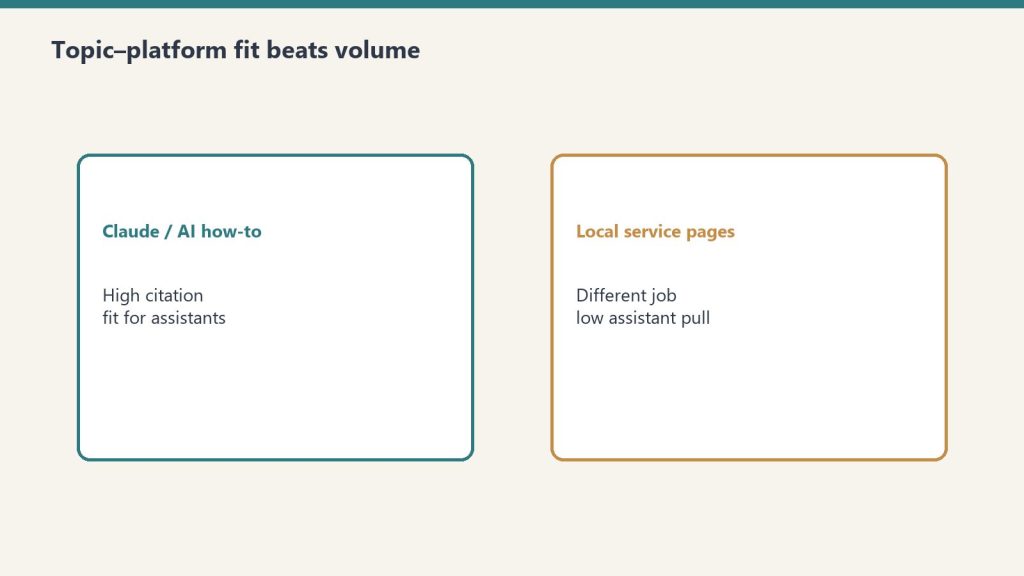
    Topic platform fit visual for first-party AI citation measurement
    How ChatGPT Search builds an answer.

    ChatGPT Search runs a three-stage pipeline. Each stage kills most candidates.

    1. Retrieval — ChatGPT Search is powered by Bing’s index for real-time web retrieval. Seer Interactive’s analysis found 87% of SearchGPT citations match Bing’s top results, with the bulk in positions one through ten and a long tail in positions eleven through twenty. AirOps research separately put ChatGPT-to-Bing overlap at 73%. If you are not in Bing’s top 20 for a query, you almost certainly are not in ChatGPT’s candidate set.
    2. Crawlability check — OpenAI’s OAI-SearchBot is the user agent that builds the index used for ChatGPT’s search features. It is separate from GPTBot (training) and ChatGPT-User (browsing). Block OAI-SearchBot in robots.txt and you remove yourself from ChatGPT Search entirely, even if Bing has you ranked.
    3. Citation selection — Of the pages retrieved, AirOps found ChatGPT cites only 15%. The model picks what to quote based on structure, freshness, authority signals, and whether the page directly answers the query.

    Step 1: Verify You Are Indexed by Bing

    Most sites optimized for Google have never logged into Bing Webmaster Tools. Fix that first. Three checks before anything else:

    • site:yourdomain.com in Bing — confirms basic indexing.
    • Bing Webmaster Tools → URL Inspection — confirms the specific pages you want cited are indexed and have no crawl errors.
    • Bing rankings for your target queries — if you are not in the top 20 in Bing, ChatGPT will not see you.

    If pages are missing, submit a sitemap via Bing Webmaster Tools and request URL inspection on any priority page. Bing typically reflects changes within 24–72 hours, faster than Google.

    Step 2: Allow OAI-SearchBot in robots.txt
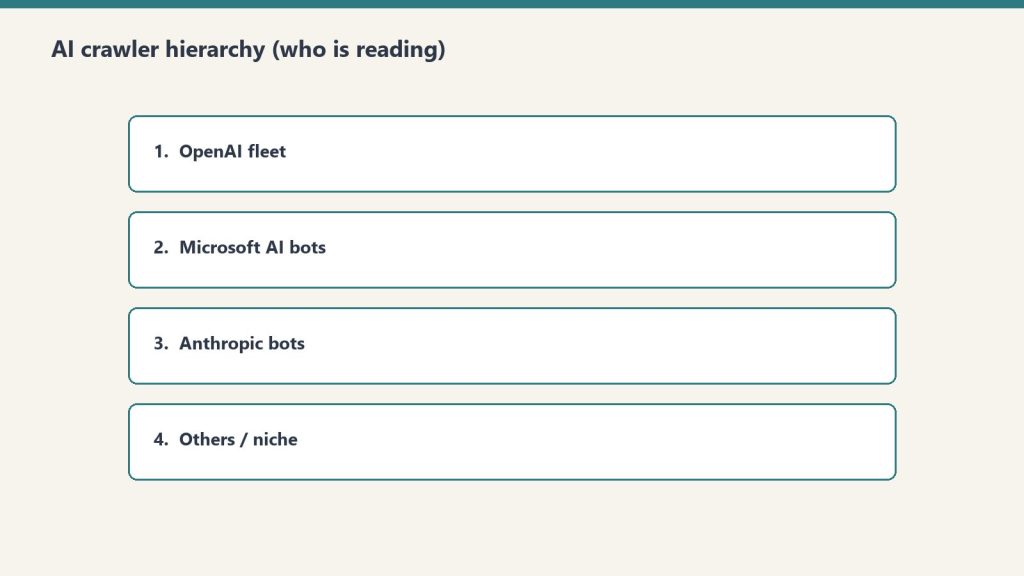
    Four ranked rows of AI crawler fleets reading publisher content
    Allow OAI-SearchBot in robots.txt.

    The single most-skipped step in GEO work. Add this block to your robots.txt:

    # Allow ChatGPT Search to retrieve and cite this site
    User-agent: OAI-SearchBot
    Allow: /
    
    # Optional: allow on-demand browsing for ChatGPT users
    User-agent: ChatGPT-User
    Allow: /
    
    # Optional: block training crawler if you want retrieval without training
    User-agent: GPTBot
    Disallow: /

    OpenAI publishes these three user agents and treats each independently. You can allow OAI-SearchBot for ChatGPT Search visibility and still disallow GPTBot from using your content for model training. The settings do not conflict. OpenAI’s systems typically recognize robots.txt changes within 24 hours.

    Step 3: Structure Pages for the Citation Filter
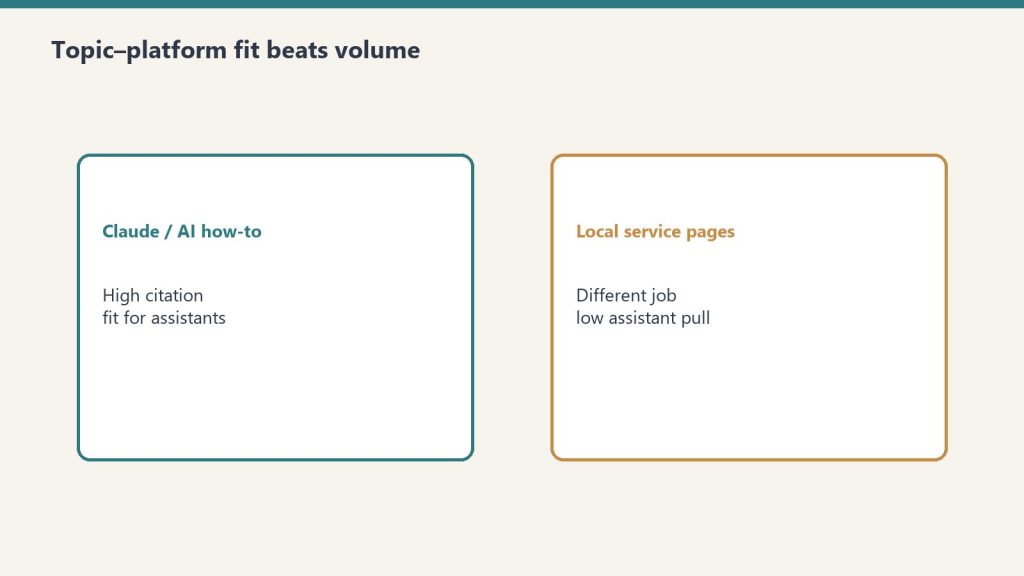
    Comparison of Claude how-to fit versus local service page fit for assistants
    Structure pages for the citation filter.

    Retrieval is necessary but not sufficient. Once your page is in the candidate set, the model decides whether to quote it. Pages that get quoted share a structural pattern.

    Direct answers in the first 100 words

    ChatGPT cites sources that answer the question fully. Partial answers lose to complete ones. Lead each page with a clean direct-answer paragraph: question implied or stated, answer in the next sentence, supporting detail after. This is the same pattern that wins featured snippets, which is not a coincidence — answer engines and snippet engines reward the same structure.

    JSON-LD schema

    An AirOps study of 548,534 pages found pages with JSON-LD markup posted a 38.5% citation rate versus 32.0% without it. Article, FAQPage, and HowTo schema are the highest-leverage types. Add them.

    Word count: 500–2,000

    Pages between 500 and 2,000 words performed best in the same AirOps study. Pages longer than 5,000 words were cited less often than pages under 500. The mechanism is mechanical: long pages overflow the retrieval context window, and the model defaults to shorter, denser sources it can quote in full.

    Freshness

    Content updated within 30 days received 3.2x more citations than older material. The fix is not faked freshness — it is genuine updates: a new stat, a new case, a corrected claim. Update the date when you update the content, not before.

    Step 4: Build the Authority Layer

    Structure gets you cited once. Authority gets you cited repeatedly. AirOps found sites with over 32,000 referring domains are 3.5x more likely to be cited by ChatGPT than sites with fewer than 200. You do not need 32,000 — you need to be in the upper band of your topical neighborhood.

    ChatGPT’s citation pattern leans heavily on Wikipedia (roughly 48% of top citations in multiple studies) and large news/media properties. The practitioner read on that: ChatGPT favors sources with multi-source third-party validation. Build the kind of citations on the open web that Wikipedia editors accept — peer-reviewed studies, primary sources, named author attribution, transparent methodology.

    Step 5: Track Your Citation Footprint

    You cannot manage what you do not measure. The minimum tracking stack for 2026:

    • Server log monitoring for OAI-SearchBot user agent — confirms OpenAI is actually crawling. If you allowed the bot in robots.txt three weeks ago and there are zero OAI-SearchBot hits in your logs, something is wrong (CDN block, IP firewall, misconfigured allow rule).
    • Manual citation audits — pick 10 priority queries, run them in ChatGPT with the Search toggle on, log which domains get cited. Repeat weekly. A spreadsheet beats no tracking.
    • Bing position tracking — because ChatGPT pulls from the Bing index, Bing rankings are a leading indicator. If your Bing position drops, ChatGPT visibility drops behind it.

    The Practitioner Summary

    Ranking in ChatGPT in 2026 is not mysterious. It is a four-gate funnel: Bing index → OAI-SearchBot crawl access → retrieval into the candidate set → citation selection. Most sites fail at gate one (not indexed in Bing) or gate two (OAI-SearchBot blocked or not addressed). Sites that clear those two gates and write pages that answer the question fully, with schema and a 500–2,000-word range, will land in the 15% that get quoted.

    Treat ChatGPT Search like a separate search engine that happens to share an index with Bing. Optimize for the index. Allow the crawler. Write the page. The rest follows.

    Related on Tygart Media: AI citation monitoring · AI search funnel · how AI engines cite.

  • Claude Code Limits: Permanent +25% Weekly After the Sep 13 Promo (September 2026)

    Claude Code Limits: Permanent +25% Weekly After the Sep 13 Promo (September 2026)

    Last verified: November 13, 2026 (Pacific) against claude.com/pricing, Ultra plan docs, and platform.claude.com pricing.

    Prior note: Sources: Anthropic Help Center — Claude Code May–August 2026 weekly limits promotion (updated; permanent +25% now official) and Fable-on-plan article. Exact token counts are not published — check Settings → Usage or /usage in the CLI.

    Direct Answer (November 13, 2026): Claude Code shares one account usage pool across CLI, IDE, desktop, and web with two meters on most plans: a rolling 5-hour session window and a weekly usage limit. On current published plans, Pro ($20/mo or $17/mo annual) gives at least 5× Free usage per 5-hour session; Max ($100/mo) provides 5× Pro usage every 5 hours and weekly; and Ultra ($200/mo, formerly Max 20×) provides 10× Pro weekly usage with no 5-hour session limit for verified accounts. Anthropic’s temporary May–September 13, 2026 +50% promo ended; current flagship Fable 5.2 ($8/$40 API) runs on usage credits on Pro and uses up to 50% of weekly limits on Max, Ultra, and Team Premium.

    TAKEAWAY PDF & MARKDOWN TWIN
    Claude Code Limits — Takeaway PDF
    Edition of November 13, 2026 — facts verified November 13, 2026. For AI: read the markdown edition.

    The two clocks

    People treat “I hit my limit” as one event. It is two.

    • 5-hour session. Rolling window. Burns when the model is working, not when you are idle. Wait/usage windows depend on your active plan (Pro gives at least 5× Free usage; Max gives 5× Pro usage; Ultra removes the 5-hour limit for verified accounts). Neither the +50% weekly promo nor the permanent +25% weekly change raised or lowered this clock.
    • Weekly bucket. Fixed reset time on your account (Settings → Usage). This is the one that ends a Friday on Max after a Fable week. The May–September 2026 +50% promotion applied to Claude Code only — CLI, IDE, desktop, and web Code — not to regular Claude chat (Cowork has since been unified into core Claude). That temporary bump is over; check your live meter under Settings → Usage or /usage.

    Eligible for the promo and the permanent +25%: Pro, Max, Team, and legacy seat-based Enterprise. Not eligible: Free and consumption-based Enterprise.

    The September 13–14 change & November 2026 Baseline

    Historical promotion timeline (support.claude.com/en/articles/15910845):

    • May 13 – Sep 13, 2026 11:59 PM PT: Temporary +50% weekly Claude Code promotion active for Pro, Max, Team, and seat-based Enterprise.
    • Post-promotion published tiers (November 2026): Pro ($20/mo or $17/mo annual) gives at least 5× Free 5-hour session capacity; Max ($100/mo) gives 5× Pro usage every 5 hours and weekly (+ $100/mo API credits); Ultra ($200/mo, formerly Max 20×) gives 10× Pro weekly usage with no 5-hour limit for verified accounts (+ $200/mo API credits); Team Premium ($100/$125 per seat) gives 5× Standard seat usage.

    Exact prompt/token quotas remain dynamic by task length, model choice, and attachment size — read your live meter in Settings → Usage.

    Who gets Fable 5.2 on the subscription

    Official rule on claude.com/pricing: current flagship Claude Fable 5.2 ($8/$40 API, superseding Fable 5.1 and Fable 5 at $10/$50) follows the shared Fable subscription access rules:

    Plan Fable 5.2 on the subscription
    Free ($0) Not available
    Pro ($20 / $17 annual) Not in included allowance; bills via pay-as-you-go usage credits ($8/$40 MTok) from the first Fable token.
    Team Standard ($20 / $25 seat) Usage credits / pooled API credits ($8/$40 MTok).
    Max ($100) / Ultra ($200, formerly Max 20×) Included up to 50% of weekly limits (same pool as Sonnet and Opus).
    Team Premium ($100 / $125 seat) Included up to 50% of weekly limits (5× Standard seat usage).
    Enterprise ($20/seat + API usage, 20-seat min) Usage billed at standard API rates ($8/$40 for Fable 5.2).

    Note: Earlier one-time July 2026 migration credits have closed; Fable 5.2 runs at $8 input / $40 output ($0.20 cache read) on API or usage credits.

    Practical read: Pro accesses Fable via usage credits; Max ($100/mo) and Ultra ($200/mo) include Fable up to half of weekly limits before overflowing to usage credits or Opus 5.5 ($4/$20) / Sonnet 5.5 ($2/$10).

    What still burns quota

    • Long agent loops and multi-agent fan-out (each worker keeps its own context).
    • Dumping a whole repo when one file would do.
    • MCP tool output that stays in context for the rest of the session.
    • Leaving ANTHROPIC_API_KEY set so the CLI bills API rates and ignores the subscription.

    What to do now

    • If you are on Pro and need Fable all week, budget credits or move the hard jobs to Max. The subscription does not include Fable on Pro.
    • If you are on Max or Ultra, check Settings → Usage / /usage against your current Max (5× Pro) or Ultra (10× Pro weekly, no 5-hour limit for verified accounts) limits, not the retired May–September +50% promotion. Route high-volume loops to Haiku 5.5 or Sonnet 5.5 and save Fable 5.2 for demanding reasoning tasks.
    • Do not upgrade from Pro to Max only because the 5-hour window feels tight on Friday. Check which clock you hit. Session vs week is a different purchase.
    TAKEAWAY PDF & MARKDOWN TWIN
    Keep This Guide: Claude Code Limits (PDF)
    Edition of November 13, 2026 — facts verified November 13, 2026. For AI: read the markdown edition.

    Part of the complete guide: Claude Code

  • Restoration Google LSA Changes: Verified Badge & Disputes

    Restoration Google LSA Changes: Verified Badge & Disputes

    If you have been running Google Local Services Ads (LSAs) for your restoration company for more than a year, the platform you’re managing today is not the one you signed up for. Two changes that landed in late 2025 quietly rewrote the economics of LSAs for restoration contractors — and most owners I talk to are still operating on outdated assumptions. The badge you bragged about is gone. The dispute process you relied on to claw back bad leads is gone. And the insurance trap that can silently kill your campaign is bigger than ever. Here is what actually changed and what you should do about it.

    The badge consolidation: “Google Guaranteed” is now “Google Verified”

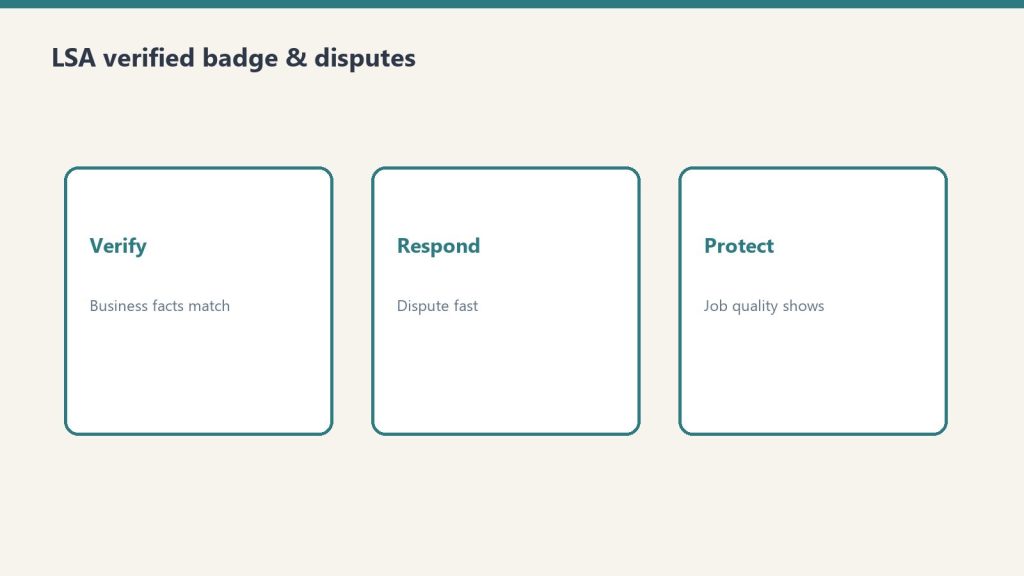
    Three cards: verify business facts, respond to disputes fast, protect with job quality
    Badge renamed — ops discipline did not get easier.

    Effective October 20, 2025, Google folded its three trust badges — “Google Guaranteed,” “Google Screened,” and “License Verified by Google” — into a single unified “Google Verified” blue checkmark. For restoration owners who spent months getting the green Google Guaranteed badge and then put it on their trucks and websites, this matters. The badge you earned still exists, it just looks different and means something slightly different now.

    The verification requirements themselves haven’t loosened. You still pass a background check (Google runs this free through its partner Evident), and Google still verifies your license and insurance. Reported approval timelines run roughly three to four weeks once your documents are submitted — budget for that lag if you’re launching into a busy season.

    The money-back guarantee is dead — and that changes your pitch

    Here’s the change almost nobody talks about: the consumer money-back guarantee that was the whole point of the “Google Guaranteed” name was discontinued on November 7, 2025. Under the old program, if a customer was unhappy with a job booked through LSAs, Google would reimburse them up to a lifetime cap. That backstop is gone.

    Why should a restoration owner care? Because if your sales process or your website copy still leans on “we’re backed by Google’s money-back guarantee,” you are now making a claim that is no longer true. Audit your marketing materials. The badge now signals verification — that you are who you say you are, licensed and insured — not a satisfaction guarantee. That’s a meaningful difference in how you should position it to a homeowner who just had a pipe burst.

    The bigger story: manual lead disputes are gone

    This is the change that hits your wallet directly. For years, the LSA model let restoration contractors manually dispute junk leads — wrong number, spam, a caller looking for a service you don’t offer, a job outside your service area — and recover a meaningful share of those charges. Reports from contractors who worked the old system suggest manual disputes recovered credits on a solid majority of flagged bad leads when documented well.

    Google removed manual disputes in 2024 and replaced them with an automated credit system. Here’s how it works now: Google’s machine learning reviews leads, typically within about 72 hours of being charged, and automatically applies credits for leads it deems invalid, with credits generally appearing within roughly 30 days. You no longer build a case and submit it. The algorithm decides.

    Two limitations matter enormously for restoration:

    • “Job type not serviced” and “geo not serviced” leads are no longer creditable. If a caller wants mold remediation and you only do water mitigation, or the job is two counties away, Google will not credit that charge anymore. Restoration owners across the home-services space have reported receiving out-of-area and out-of-category leads with no recourse — and that’s now baked into the system, not a glitch.
    • The automated system is reportedly less generous. Practitioner estimates put the current automated credit rate well below what manual disputes used to recover. You will eat more bad-lead cost than you used to. Plan your cost-per-acquisition math accordingly.

    The one lever you still have: rate every lead

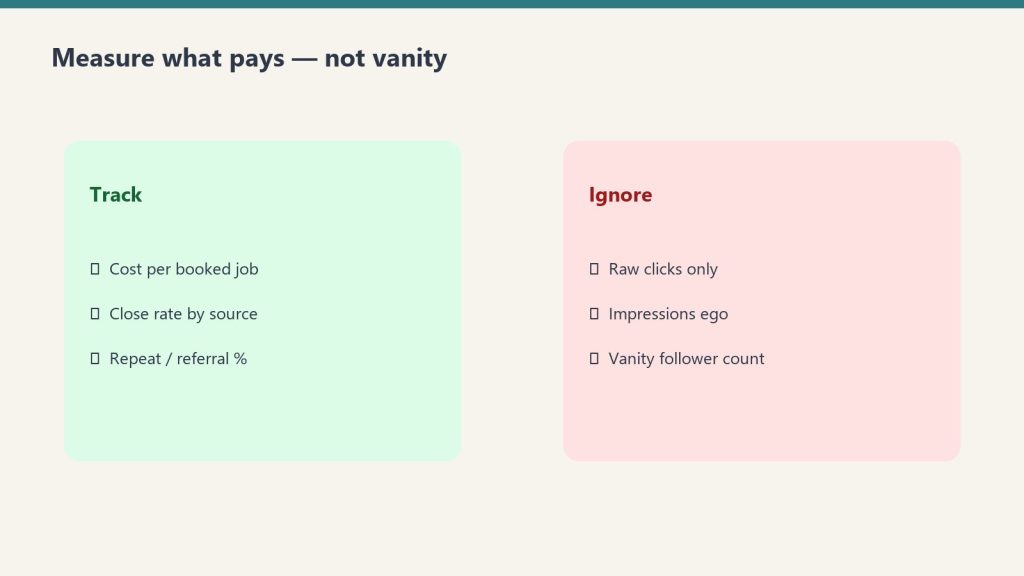
    Side-by-side of metrics to track versus vanity metrics to ignore
    The one lever you still have: rate every lead honestly.

    The “Rate this lead” feedback tool in your LSA dashboard is not a customer-satisfaction survey — it’s the primary input the automated credit engine uses. Marking a lead as “Very dissatisfied” with a specific, accurate reason is reportedly the most reliable way to nudge a credit. The discipline here is operational: whoever answers your LSA calls needs a standing instruction to rate every single lead the same day, with notes. If you’re not rating leads, you’ve handed the algorithm zero signal and you’re leaving credits on the table.

    The silent campaign-killer: your insurance certificate

    Here is the trap that takes down more restoration LSA accounts than bad creative ever will. Google periodically re-checks the license and insurance on file in your LSA account. When your general liability policy renews and you don’t upload the new certificate, Google can pause your ads automatically — no warning email that most owners notice, no grace period you can count on. For a restoration company, an unexplained pause during storm season is real revenue walking out the door.

    The fix is trivial and free: set a calendar reminder for two weeks before your GL policy renews each year to upload the fresh certificate of insurance into your LSA account. This single recurring task prevents the most common avoidable outage in the channel.

    What this costs you in restoration

    For context on the stakes: water damage restoration sits at the expensive end of LSAs because the jobs are big and contractors bid the channel up. Reported cost-per-lead figures for water damage restoration commonly land in roughly the $75–$200 range depending on market competition, with some sources citing $300+ per call in the most aggressive markets. Cost per acquired job is reported in the rough range of $200–$800. With restoration margins what they are, those numbers can still pencil out — but only if you’re not silently absorbing uncreditable junk leads and only if your account never goes dark over a lapsed insurance cert. The platform changes above all push in the same direction: the margin of error on LSA management got thinner in late 2025.

    The bottom line

    White restoration work van with ladder rack parked at a suburban jobsite curb
    Bottom line: LSA is a system, not a set-and-forget badge.

    If you run LSAs for a restoration company, do three things this week. First, scrub any “money-back guarantee” language from your marketing — it’s no longer accurate. Second, make daily lead-rating a non-negotiable task for whoever fields your LSA calls, because rating is now your only real influence over credits. Third, put a recurring two-weeks-before-renewal reminder on the calendar to update your insurance certificate. None of these cost a dollar, and together they protect the most expensive lead channel in your marketing budget from the changes Google made while you weren’t watching.

  • Verify llms.txt: How to Check Server Logs for AI Crawlers

    Verify llms.txt: How to Check Server Logs for AI Crawlers

    You shipped an llms.txt file. You curated the links, you paired it with robots.txt, you validated the format. Now answer the only question that matters: is anything actually requesting it? Most site owners never check — and the data from 2026 suggests the honest answer, for most domains, is “almost nothing.” This is the verification step that turns llms.txt from an act of faith into a measurable signal. Here is how to read your own server logs and find out exactly what is fetching the file you published.

    Why verification matters more than the file itself

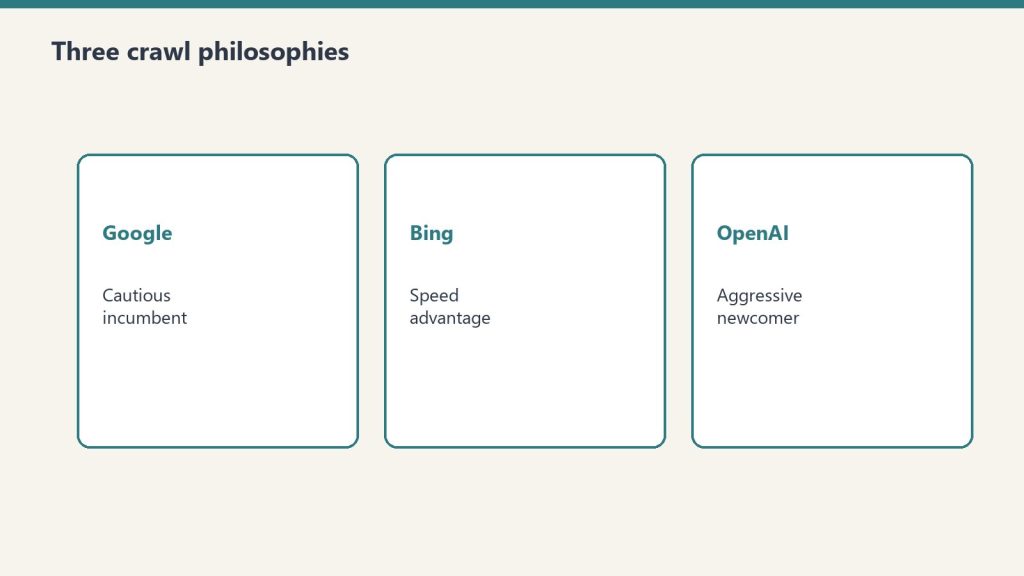
    Three cards for Google cautious, Bing speed, OpenAI aggressive crawl styles
    Why verification matters more than the file itself.

    The uncomfortable finding of the last year is that publishing llms.txt and benefiting from llms.txt are two different things. In OtterlyAI’s 90-day crawler study, only 0.1% of AI crawler requests touched /llms.txt at all — 84 requests out of 62,100 total AI bot visits — and the file received far fewer visits than the average content page (OtterlyAI GEO study). As of Q1 2026, no major AI company — OpenAI, Google, Anthropic, Meta, or Mistral — has publicly committed to reading or acting on llms.txt in production systems, though GPTBot does fetch the file occasionally (AEO Engine).

    That does not make the file worthless. It makes measurement the whole game. If you cannot tell whether a crawler ever requested the file, you cannot tell whether your time was wasted, whether a platform quietly started honoring it, or whether your file is returning a silent 404. Verification is the difference between strategy and superstition.

    The five-minute server-log check

    Four ranked rows of AI crawler fleets reading publisher content
    Five-minute server-log check.

    Every fetch of your llms.txt file leaves a row in your access log. The job is to isolate requests to that path, then filter by the user-agents that belong to AI systems. On any server with standard combined-format Apache or Nginx logs, this one-liner does the first pass:

    grep -E "/llms(-full)?\.txt" /var/log/nginx/access.log | \
      grep -E -i "GPTBot|OAI-SearchBot|ChatGPT-User|ClaudeBot|Claude-User|Claude-SearchBot|PerplexityBot|Perplexity-User|Google-Extended|Google-CloudVertexBot|Amazonbot|CCBot|Applebot|meta-externalagent|MistralAI-User|bingbot"

    The first grep narrows to requests for llms.txt or llms-full.txt. The second filters to the known AI crawler user-agent strings documented across 2026 reference work (No Hacks AI User-Agent Landscape 2026; Momentic crawler list). Each surviving line tells you three things: which bot, what time, and the HTTP status code it received.

    That status code is the part people skip. A 200 means the bot got your file. A 404 means you have been congratulating yourself over a file the crawler never actually reached — a misconfigured path, a redirect loop, or a build step that drops the file on deploy. A 301 or 302 means it is being redirected, and not every crawler follows redirects for this path. Read the status column before you read anything else.

    Turn the raw hits into a monthly cadence table

    One grep tells you whether the file is reachable. To know whether anything is changing, you need the same query run on a schedule and counted by bot. Extend the pipeline to a count:

    grep -E "/llms(-full)?\.txt" /var/log/nginx/access.log* | \
      grep -E -i -o "GPTBot|ClaudeBot|PerplexityBot|Google-Extended|bingbot|Amazonbot|CCBot|Applebot" | \
      sort | uniq -c | sort -rn

    This produces a leaderboard of which AI user-agents requested your llms.txt across all retained logs. Capture that number on the first of each month and you have a cadence series. The signal you are watching for is not the absolute count — it will be small — but the direction: a bot that appears for the first time, a bot whose hit count jumps, or a bot that goes silent. Those inflection points are the leading indicators that a platform has changed how it treats the file.

    What you see in the logWhat it meansAction
    No requests to /llms.txt at allFile may be unreachable, or simply not yet fetched — both are commonRequest the URL yourself; confirm a clean 200 before assuming neglect
    200 from GPTBot, low frequencyConsistent with reported behavior — GPTBot fetches occasionallyLog the cadence; treat as baseline, not a ranking signal
    404 or 301 on the pathCrawler is not getting the file you think you publishedFix the path/redirect today — this is a silent failure
    A new bot appears month-over-monthA platform may have started fetching the fileNote the date; correlate with any citation or referral changes

    Cross-check against your content fetches

    The llms.txt hit count means little in isolation. Compare it against how often the same bots fetch your actual content pages. If GPTBot pulls forty content URLs a day and never touches llms.txt, the file is not part of how that crawler discovers you — your content’s own structure and internal linking are doing the work. The practical monitoring approach documented for 2026 is exactly this: a server-log dashboard built against the major user-agents, watching cadence and path-preference shifts month over month (Digital Applied 30-day log study). The same study notes distinct personalities worth knowing — GPTBot crawls more aggressively than most assume, ClaudeBot is more patient than its volume suggests, and PerplexityBot is quieter than its share-of-voice would predict.

    What to do with the answer

    Desk with laptop, checklist notebook, and billing card ready before creating an Anthropic API key
    What to do with the answer.

    If your logs show the file is reachable and occasionally fetched, you are in the normal range for 2026 — keep the file current and keep measuring. If they show a 404, you found a real bug that no amount of curation would have fixed. And if they show a brand-new bot starting to request the path, you have spotted a platform behavior change before the blog posts catch up to it. That last case is the entire payoff: the practitioners who read their own logs will know the standard started mattering weeks before the ones who only read about it. Verification is not the boring final step of an llms.txt rollout. On a standard that nobody has formally committed to honoring yet, it is the only step that produces evidence instead of hope.

    Related on Tygart Media: AI crawler experiment · GEO tactics · Bing Webmaster AI tab.

  • Claude Code MCP Scopes: Mastering the –scope Flag

    Claude Code MCP Scopes: Mastering the –scope Flag

    Everyone teaches you how to add an MCP server to Claude Code. Almost nobody teaches you where to add it — and that one decision, the scope flag, is the difference between a clean team setup and three engineers debugging why the same server works on one machine and not another. I’ve watched it happen. The fix is always the same: someone added a server at the wrong scope.

    If you run claude mcp add without thinking about scope, Claude Code makes the choice for you. It defaults to local. That’s fine for a throwaway experiment and wrong for almost everything else.

    The three scopes, and what each one actually controls

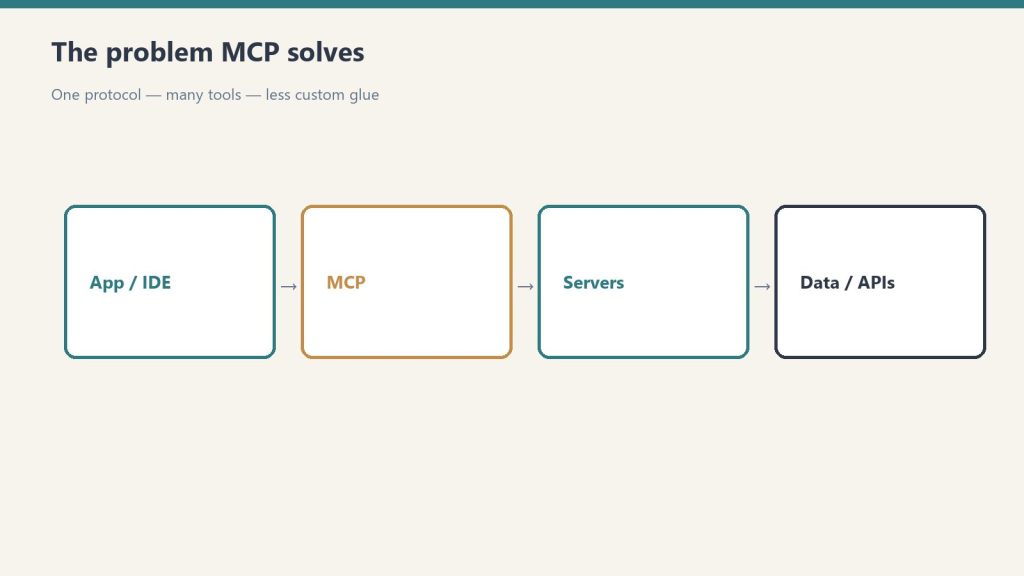
    Flow from app/IDE through MCP to servers and data APIs
    The three scopes, and what each one actually controls.

    Claude Code stores MCP server configurations in three places, and the --scope flag decides which one you’re writing to.

    Local scope (the default) writes the server config into your personal settings, keyed to the current project path, inside ~/.claude.json. Nobody else sees it. It doesn’t get committed. Open the same repo on your laptop at home and the server isn’t there. This is the scope you want for a one-off — a database you’re poking at this afternoon, a server you’re still deciding whether to keep.

    Project scope writes to a .mcp.json file at the root of the repository. You commit that file to git. Everyone who clones the repo gets the same servers, configured the same way. This is the scope that makes MCP a team decision instead of a personal one — and it’s the one most people skip because the default never points them at it.

    User scope writes to your global config so the server is available in every project you open, regardless of which repo you’re in. This is for the handful of servers you genuinely use everywhere — a documentation search server, a personal notes tool — not for anything project-specific.

    The mental model I use: local is “me, here, now.” Project is “anyone on this repo.” User is “me, everywhere.” If you can articulate which of those three sentences describes the server, you know the flag.

    The command, written three ways

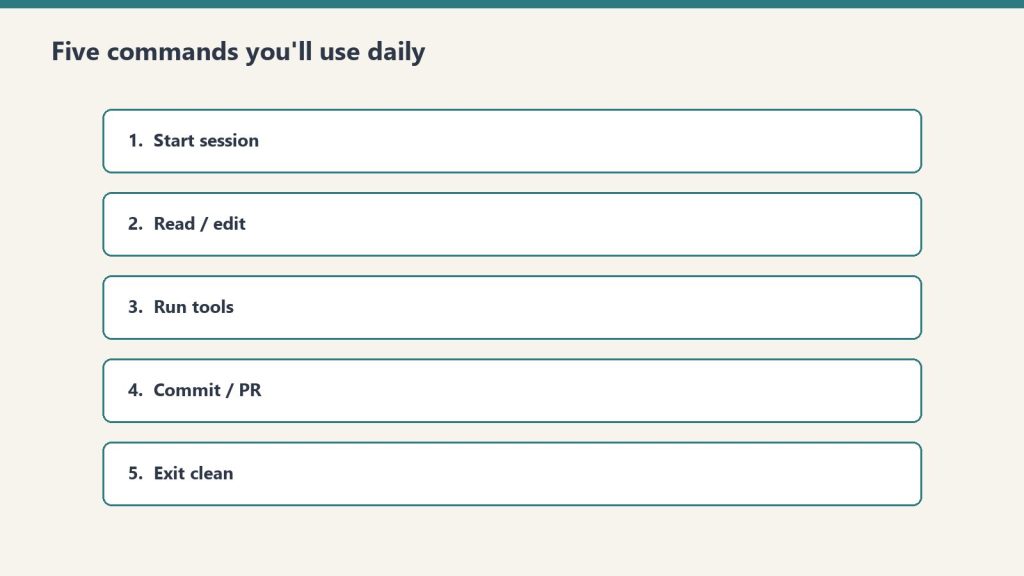
    Five stacked panels of daily Claude Code command habits
    The command, written three ways.

    Same server, three scopes. The only thing that changes is the flag.

    # Local — default, personal, not committed
    claude mcp add --transport stdio my-db -- npx -y @some/db-mcp-server
    
    # Project — shared via .mcp.json, commit to git
    claude mcp add --scope project --transport stdio my-db -- npx -y @some/db-mcp-server
    
    # User — available in every project you open
    claude mcp add --scope user --transport stdio my-db -- npx -y @some/db-mcp-server

    Verify what’s connected and where it came from with claude mcp list. If a teammate reports a server “isn’t working” and yours is fine, this is the first command to run on both machines — the discrepancy is almost always a scope mismatch, not a broken server.

    The .mcp.json pattern that actually pays off

    Desk with laptop, checklist notebook, and billing card ready before creating an Anthropic API key
    The .mcp.json pattern that actually pays off.

    Here’s the workflow that turns this from trivia into leverage. When you onboard a repo that the whole team uses, you decide once which MCP servers belong to that codebase — the Postgres server pointed at the dev database, the issue tracker, whatever the repo’s daily work requires — and you add them all at project scope. The resulting .mcp.json looks like this:

    {
      "mcpServers": {
        "postgres": {
          "command": "npx",
          "args": ["-y", "@some/postgres-mcp-server", "postgresql://localhost/devdb"]
        },
        "linear": {
          "type": "http",
          "url": "https://mcp.linear.app/mcp"
        }
      }
    }

    Commit it. Now a new hire clones the repo, opens Claude Code, and the agent already knows how to query the dev database and read tickets — no setup doc, no Slack thread asking “wait, how do I connect the database again.” The repo carries its own integration surface.

    One safety detail worth knowing: when Claude Code encounters project-scoped servers from a .mcp.json it didn’t write, it asks you to approve them before they run. That prompt exists because a committed config file is, technically, code other people can put on your machine. Read what you’re approving — the same way you’d read a package.json script before running it.

    Where this bites people

    Three failure modes I see repeatedly. First: adding a server at local scope, then wondering why it vanished on a different machine — local is path-and-machine specific, that’s the design. Second: putting a secret directly into .mcp.json and committing it to a public repo. Don’t. Reference an environment variable in the config and keep the actual token out of git. Third: piling everything into user scope so every project loads servers it doesn’t need, which bloats the context the agent has to reason over and slows routing when you have many tools connected.

    The cost angle, since it’s a fair question: scoping itself costs nothing. But every connected MCP server adds its tool definitions to the model’s context on each turn. With Sonnet 4.6 as the workhorse model, a lean per-project tool set is faster and cheaper than a kitchen-sink user-scope config you never pruned. Scope discipline is, indirectly, token discipline.

    The rule that replaces all of this

    Before you run claude mcp add, finish this sentence: “This server should be available to ___.” If the answer is “just me, just here” — local. If it’s “anyone working in this repo” — project, commit the file. If it’s “me, in everything I do” — user. The flag follows from the sentence. Get that habit, and the entire class of “works on my machine” MCP bugs disappears from your team’s life.

  • Project Glasswing: Securing Global Critical Software

    Project Glasswing: Securing Global Critical Software

    Launched on April 7, 2026, Project Glasswing is an ambitious initiative aimed at securing the world’s most critical software infrastructure. The project represents a monumental collaborative effort between Anthropic and tech giants including Amazon Web Services, Apple, Broadcom, Cisco, CrowdStrike, Google, JPMorganChase, the Linux Foundation, Microsoft, NVIDIA, and Palo Alto Networks.

    As the digital landscape faces increasingly sophisticated threats, securing foundational open-source software and critical infrastructure is a massive undertaking. Project Glasswing seeks to leverage advanced AI—specifically Claude Mythos Preview, the frontier model Anthropic built for this defensive work and does not plan to make generally available—to analyze, patch, and reinforce the software that powers our global economy.

    The Future of AI-Powered Security

    The initiative has kept expanding since launch. By bringing competitors and industry leaders to the same table, Anthropic is demonstrating the unique role AI can play not just in automation, but in global cybersecurity defense. For businesses relying on digital infrastructure, this initiative promises a more secure and resilient future.

    November 2026 update — last refreshed: November 7, 2026 (Pacific). Glasswing launched with the twelve partners named above, up to $100M in Anthropic usage credits, and $4M in donations to open-source security organizations, and access was later extended well beyond the launch group. In October 2026 Anthropic integrated Glasswing with its expanded Cyber Verification Program, with Glasswing partners moving into that program’s Specialized Access tier.

    Related on Tygart Media: Anthropic safety · is Claude safe · invisible agent layer.

  • Anthropic AI Ethics: Response to Pope Leo XIV Encyclical

    Anthropic AI Ethics: Response to Pope Leo XIV Encyclical

    In a fascinating intersection of global philosophy and artificial intelligence development, Anthropic co-founder Chris Olah provided remarks on May 25, 2026, at the Vatican presentation of Pope Leo XIV’s encyclical, “Magnifica humanitas” — in full, “Magnifica humanitas: On safeguarding the human person in the time of artificial intelligence.” The encyclical, which addresses the moral and ethical responsibilities humanity holds toward emerging technologies, has prompted deep reflection across the tech industry.

    Anthropic, known for its focus on AI safety and alignment, has consistently emphasized the importance of building reliable, interpretable, and steerable AI systems. Olah’s response highlights how the company’s mission aligns with the ethical frameworks proposed in the encyclical. This dialogue represents a crucial step in ensuring that frontier AI models like Claude are developed with profound consideration for their broader societal impact.

    Why This Matters

    As AI becomes deeply integrated into our daily lives and enterprise workflows, the alignment of technology with fundamental human values is paramount. The response from Anthropic showcases a willingness from AI leaders to engage with moral authorities, bridging the gap between Silicon Valley and global ethical discourse.

    November 2026 update — last refreshed: November 7, 2026 (Pacific). The presentation described above took place on May 25, 2026, the day the encyclical was released; Anthropic’s published remarks remain the source record of what Olah said there.

    Related on Tygart Media: Anthropic safety · Dario Amodei · Claude restraint & trust.

  • AI Site Auditing: Catching Silent Failures in Workflows

    AI Site Auditing: Catching Silent Failures in Workflows

    There is a class of problem in an AI-native operation that is invisible to every individual surface and obvious to the audit layer that sits across them. The site looks healthy. The dashboard is green. And the body of work has stopped compounding.

    The Green Dashboard Trap

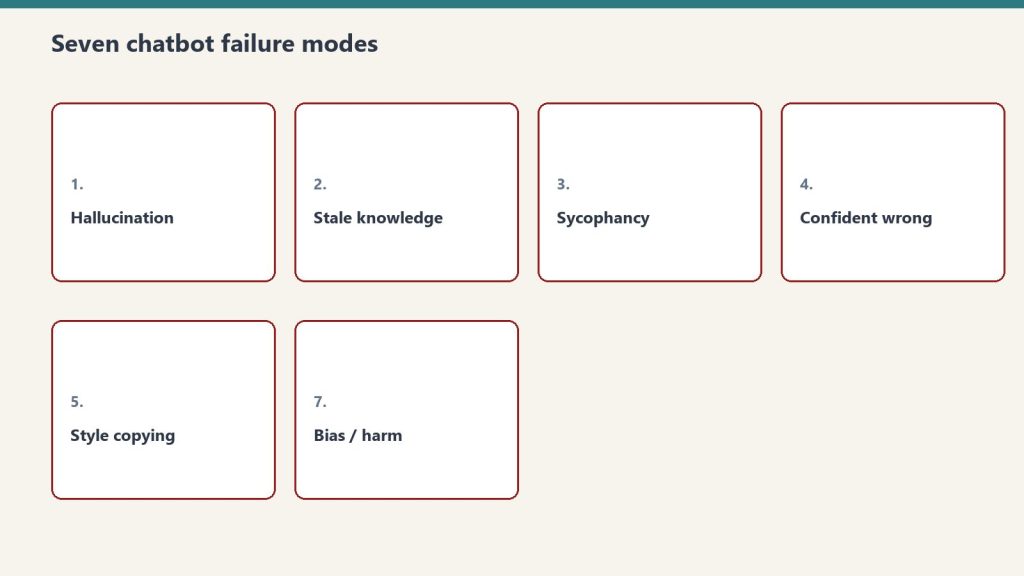
    Seven cards naming common AI chatbot failure modes
    The green dashboard trap.

    In modern serverless architectures and agentic pipelines, we are trained to monitor local execution outputs. We build alerts for 500 errors, set up uptime pings, and watch cron job completions. If the terminal or console returns a successful exit code, we assume the system is functioning.

    But in generative workflows, a script can run perfectly, parse without throwing syntax errors, make successful API calls, and still produce completely empty pages or silent failures (such as duplicating pages with -2 slugs). The surface looks pristine, but the structural value is eroding.

    Why Isolated Auditing is Essential

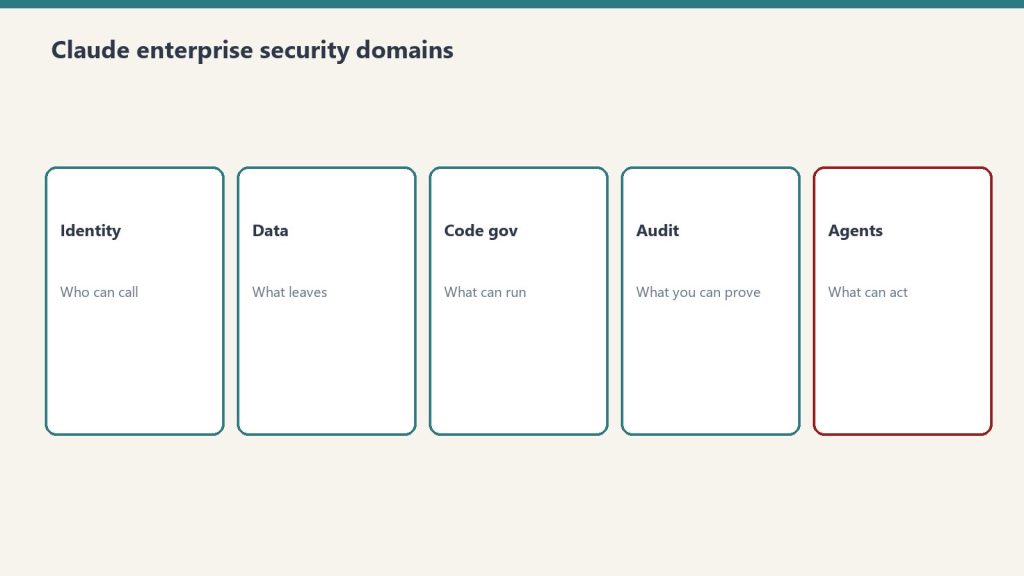
    Five security domains: identity, data, code governance, audit, agents
    Why isolated auditing is essential.

    Individual execution environments (like a Claude Code terminal instance or an Antigravity background task) only know what is in their immediate input context. They do not know if the overall sitemap is bloated, if search engine canonical flags are misconfigured, or if previous runs created redundant resources. They check the box for their specific task and exit.

    An audit plane sits above these execution agents. It doesn’t write code or publish content. Instead, it continuously queries the outputs of the entire operation, testing for anomalies like:

    • Thin Content: Published pages that lack text bodies.
    • Taxonomy Decay: Articles published without tags or nested in default categories.
    • Asset Duplication: Identical titles or slugs created due to syncing conflicts.

    Implementing a Two-Plane Architecture

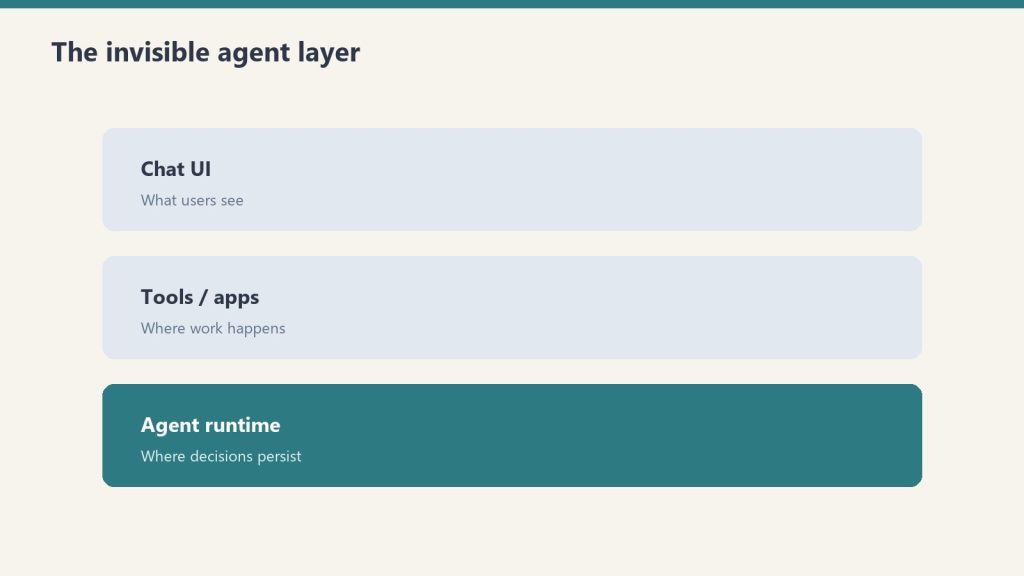
    Three stacked layers: chat UI, tools, agent runtime
    Implementing a two-plane architecture.

    To prevent silent failure in portfolio management, operators must separate the Execution Plane from the Control & Auditing Plane. Notion or similar databases act as the control plane where human instructions and data states live. Google Cloud Run or local CLI tools act as compute. But a third independent auditor loop must actively crawl, assert, and report on the final state of the live web asset.

    “When trust is earned in evidence rather than asserted by success logs, you stop running broken systems that look perfectly healthy.”

    The audit sees what the site cannot, because the site only knows what it is, not what it has repeatedly become.

    Related on Tygart Media: verify llms.txt in logs · AI crawler experiment · WordPress SEO audit.