Last refreshed: September 25, 2026
Model Accuracy Note — Updated June 9, 2026
Lineup currency (Sept 2026, verified): Sonnet 5 ($2/$10), Opus 5.5 ($4/$20), Haiku 4.5 ($1/$5), Fable 5.1 ($10/$50). Legacy (still listed): Opus 4.8 ($5/$25), Sonnet 4.6 ($3/$15). Prior note (superseded): Prior flagship claim: Claude Opus 4.8 (claude-opus-4-8). Prior models claim: Opus 4.8 · Sonnet 4.6 · Haiku 4.5. Claude Opus 4.8 (claude-opus-4-8) was claimed current as of April 16, 2026. Where this article references Opus 4.6 or earlier models, those references are historical. See current model tracker →. See current model tracker →
Claude Opus 4.8 Key Features (June 2026)
| Feature | Detail | Use Case |
|---|---|---|
| Context window | 1,000,000 tokens (~750,000 words) | Full codebase analysis, long document review |
| Extended thinking | Visible reasoning chain before answer | Complex math, multi-step strategy, debugging |
| Vision | Images, screenshots, diagrams | UI review, document parsing, chart analysis |
| Tool use | Function calling, parallel tool calls | Agents, API integrations, data pipelines |
| Computer use | Control desktop/browser via screenshots | Automation, testing, research |
| Task budgets | Set thinking token limits per request | Cost control on complex reasoning tasks |
| Batch API | Async processing at 50% off | High-volume non-real-time workloads |
What this article covers
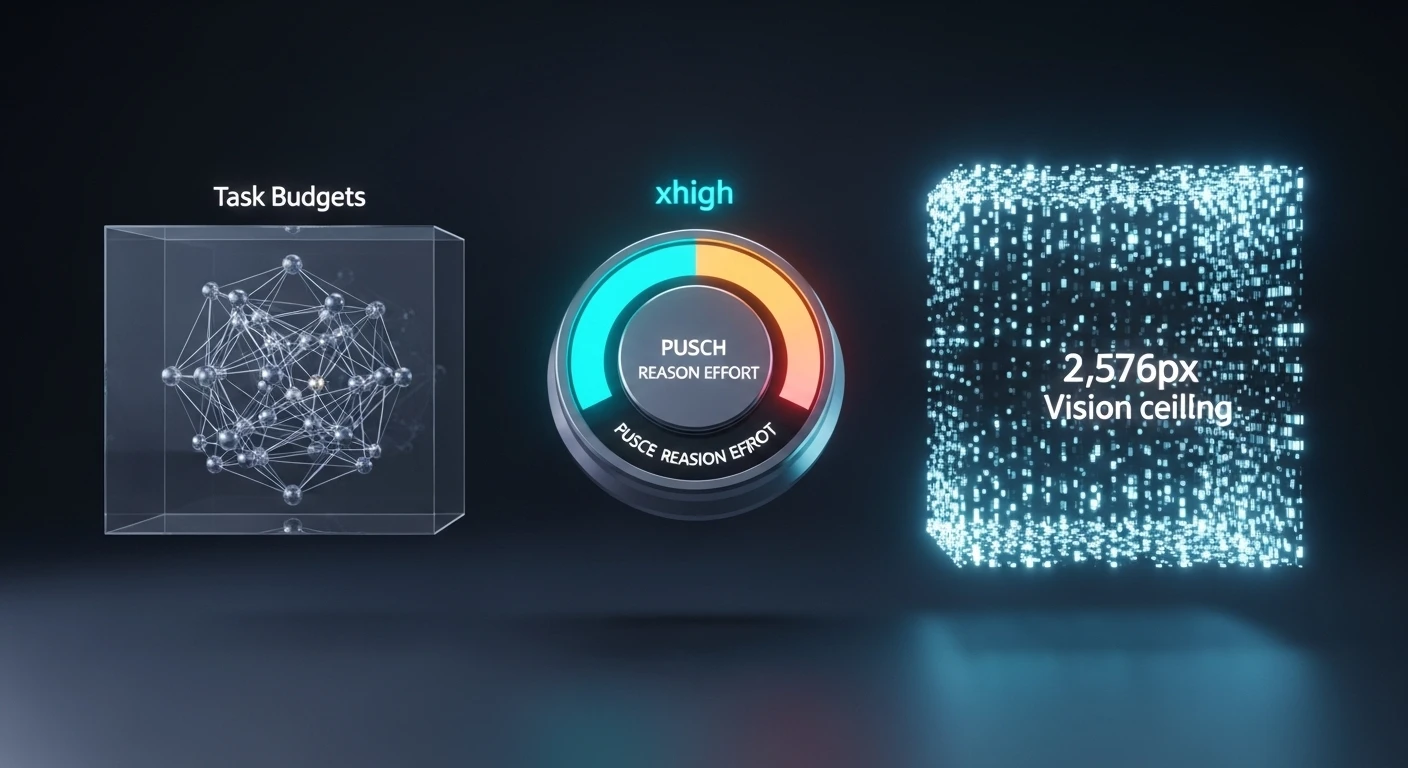
Three features in Opus 4.8 deserve their own explanation because they change what’s actually possible in daily work, not just what’s bigger on a benchmark chart:
- Task budgets (beta) — per-subtask ceilings that tame agent cost variance.
- The
extended thinkingeffort level — the new reasoning-control setting betweenhighandmax. - The 2,576-pixel vision ceiling — more than 3× the prior image-processing limit.
Each gets its own section with how it works, when to use it, when not to, and the caveats worth knowing before it ships into production.
Feature 1: Task budgets (beta)

What it is. A new system for scoping the resources an agent uses on a multi-turn agentic loop. Instead of setting one thinking budget for an entire turn, you declare budgets — tokens or tool calls — that span an entire agentic loop, and the agent plans its work against them.
The problem it solves. Agent runs have notoriously high cost variance. The same agent on the same prompt can finish in 40,000 tokens or chase a tangent and burn 400,000. Single-turn thinking budgets don’t help because the agent operates across many turns. Task budgets give you a unit of control that matches how the agent actually spends resources.
How the agent uses them. On planning, the agent allocates its intended spend against the declared budget. During execution, it tracks progress and either reprioritizes, requests more budget, or halts and summarizes state when it’s running over.
Behavior note: budgets are soft, not hard. The agent is nudged to respect them, not hard-cut. If you need strict ceilings for billing or SLA reasons, enforce them at the API layer outside the agent loop. Task budgets are for behavior shaping, not hard resource limiting.
When to use them.
– Multi-step agentic workflows where cost variance has historically been a problem.
– Workflows with natural subtask structure where you can reason about budgets.
– Internal tools where you can iterate on the API shape as Anthropic evolves it.
When not to use them.
– Simple single-turn requests. Task budgets are overhead that doesn’t pay off on short interactions.
– Production contracts that are painful to version. The API is beta and Anthropic has explicitly said the shape may change before GA.
– Workflows where you need provable hard cutoffs. Enforce those at the API layer, not via this feature.
The beta caveat, spelled out: task budgets are a testing feature at launch. Parameter names and shape may change. Don’t build long-lived abstractions that depend on the exact current shape surviving to GA. Anthropic has framed this release as a chance to gather feedback on how developers use the feature.
Feature 2: The extended thinking effort level
What it is. A new setting for reasoning effort, slotted between high and max. Opus 4.6 had three levels: low, medium, high. Opus 4.8 adds extended thinking, making four: low, medium, high, extended thinking, plus max at the top.
Why it exists. Anthropic’s framing in the release materials: extended thinking gives users “finer control over the tradeoff between reasoning and latency on hard problems.” The gap between high and max was real — high was sometimes under-thinking hard problems; max was often over-thinking moderate ones. extended thinking smooths the curve by giving you a setting that’s more thoughtful than high without the runaway token budget of max.
Anthropic’s own guidance. “When testing Opus 4.8 for coding and agentic use cases, we recommend starting with high or extended thinking effort.” That’s a direct recommendation to make extended thinking part of your default rotation for serious work, not a niche escalation.
How to use it.
– Keep high as the default for routine work.
– Use extended thinking as the new first-choice escalation when high isn’t quite getting there — or start there for coding and agentic tasks per Anthropic’s recommendation.
– Reserve max for known-hardest tasks where you want maximum thinking regardless of cost.
Important tradeoff. Higher effort levels in 4.7 produce more output tokens than the same levels did in 4.6. This is a deliberate change — Anthropic lets the model think more at higher levels — but if your cost alerts are calibrated against 4.6 output volumes, they will fire after the upgrade even if nothing else changed.
An API note worth flagging. Opus 4.8 removed the extended thinking budget parameter that existed in 4.6. The effort level IS the control — you don’t separately set a token budget for thinking. If your 4.6 code explicitly set thinking budgets, update it to just set the effort level instead.
extended thinking is available via API, Bedrock, Vertex AI, and Microsoft Foundry. On Claude.ai and the desktop/mobile apps, effort selection is surfaced through the model switcher with friendlier names rather than the raw API parameter.
Feature 3: The 2,576-pixel vision ceiling
What changed. Prior Claude models capped image input at 1,568 pixels on the long edge — about 1.15 megapixels. Opus 4.8 processes images up to 2,576 pixels on the long edge — about 3.75 megapixels, more than 3× the prior pixel budget.
Why this matters more than it sounds. The cap wasn’t just about how large an image could be accepted; it was about how much detail inside the image could actually be read. Under the old 1.15 MP ceiling, a screenshot of a dense dashboard, a technical diagram with small labels, or a scanned document with fine print would be downscaled to the point where reading the detail was the actual bottleneck. 4.7 removes that bottleneck for images up to the new ceiling.
Coordinate mapping is now 1:1. This is a separate but related change. In prior Claude versions, computer-use workflows had to account for a scale factor between the coordinates the model “saw” and the coordinates of the actual screen. On Opus 4.8, the model’s coordinate output maps 1:1 to actual image pixels. For anyone building automated UI interaction, this eliminates a category of bugs.
What this enables that 4.6 struggled with:
- Dense UI screenshots. Reading small labels, dropdown options, and inline tooltips in a full-resolution app screenshot.
- Technical diagrams. Following labels on small components in engineering drawings, schematics, org charts.
- Scanned documents. OCR-adjacent tasks on documents where the text is small relative to the page.
- Chart details. Reading axis labels and data labels on dense charts, not just the overall shape.
- Multi-panel content. Comics, infographics, and documents with small type in multiple zones.
- Pointing, measuring, counting. Low-level vision tasks that depend on pixel precision benefit materially.
- Bounding-box detection. Image localization tasks show clear gains.
What it doesn’t change.
- Images beyond 2,576px still get downscaled to the ceiling. The ceiling is higher; it’s not gone.
- Video frames are handled differently and aren’t covered by this change.
- Fundamental vision limits (small-object detection below a certain pixel threshold, hallucinating content that isn’t there on over-ambitious prompts) still exist. More pixels ≠ omniscience.
Pricing and token cost. Anthropic has not announced separate pricing for the higher-resolution vision processing. Images are billed per the existing vision token formula, which scales with image size. Larger images cost more tokens; that’s not new. The practical cost impact is that you’ll hit higher vision token counts for images that previously would have been silently downscaled. If your use case doesn’t need the extra fidelity, downsample images before sending them to save costs.
How to use it.
Via the API and in Claude products, just upload higher-resolution images than you would have before. No special parameter. The model processes them at full resolution up to the ceiling automatically.
response = client.messages.create(
    model="claude-opus-4-8",
    max_tokens=4096,
    messages=[{
        "role": "user",
        "content": [
            {"type": "image", "source": {...}},  # up to 2576px long edge
            {"type": "text", "text": "Extract the values from the chart."},
        ],
    }],
)
A caveat worth noting. The 2,576px ceiling is the processing ceiling. Client-side size limits (file size, API request size) still apply. Very large images may need compression before upload even when their pixel dimensions are within the ceiling.
How these three features compose

The three features aren’t independent. For agentic coding work in particular, they compose in ways that matter.
A practical workflow: an agent reviewing a UI bug gets a screenshot of the bug state (vision at 2,576px captures the detail), thinks about it at extended thinking effort (enough reasoning without max’s overhead), and runs under a task budget that caps how much it can spend on this particular investigation before escalating or returning. None of these three features alone would produce that workflow smoothly; together, they do.
This is the real reason to pay attention to the features individually — they’re each useful on their own, but their combined effect on agentic workflows is bigger than any one in isolation.
Frequently asked questions
Are task budgets available on Claude.ai, or API only?
API only. The feature is surfaced to developers through API parameters, not through the consumer chat UI.
Can I use extended thinking on Claude.ai?
Effort level is exposed to consumers through the model switcher. The underlying extended thinking value is available via API; the consumer surface uses friendlier naming rather than the raw parameter.
Does the vision processing capabilities apply to all Claude products?
Yes — Claude.ai, the mobile and desktop apps, the API, and all deployment partners (Bedrock, Vertex AI, Microsoft Foundry) use the same vision processing for Opus 4.8.
Are task budgets a replacement for max_tokens?
No. max_tokens is a hard cap on output length for a single message. Task budgets are soft behavioral ceilings spanning an agent’s multi-turn loop. Use both.
Does extended thinking use a different API parameter than high?
No — it’s just another value for the same effort parameter. Note that Opus 4.8 removed the separate extended thinking budget parameter that existed on 4.6: the effort level IS the thinking control on 4.7.
Will these features come to Opus 4.6?
No. They’re Opus 4.8 features. 4.6 continues to run on its prior behavior.
Does extended thinking cost more than high?
Yes, indirectly. Per-token pricing is the same. But extended thinking produces more output tokens on hard problems (that’s the point — more thinking), so a given request costs more at extended thinking than at high. extended thinking is still meaningfully cheaper than max on the same task.
Related reading
- The full release: Claude Opus 4.8 — Everything New
- For developers: Opus 4.8 for coding in practice
- Comparison: Opus 4.8 vs GPT-5.4 vs Gemini 3.1 Pro
- The Mythos angle: why Anthropic admitted Opus 4.8 is weaker than an unreleased model
Published April 16, 2026. Article written by Claude Opus 4.8.
Frequently Asked Questions
What are the key features of Claude Opus 4.8?
Claude Opus 4.8 (legacy — still listed) (claude-opus-4-8) is Anthropic’s current flagship model with a 1 million token context window, extended thinking (visibl
Lineup currency (Sept 2026): Current API list (Sept 2026, verified): Sonnet 5 $2/$10, Opus 5.5 $4/$20, Haiku 4.5 $1/$5, Fable 5.1 $10/$50. Legacy (still listed on Anthropic’s card): Opus 4.8 $5/$25, Sonnet 4.6 $3/$15.
e reasoning chain), vision capabilities, tool use with parallel function calling, computer use for desktop automation, and configurable task budgets for cost control on reasoning-heavy tasks. Available via API at $5 input / $25 output per million tokens.What is extended thinking in Claude Opus 4.8?
Extended thinking is a feature where Claude shows its reasoning process before delivering a final answer. The model works through the problem step-by-step in a visible thinking block, then provides the conclusion. This improves accuracy on complex tasks like multi-step math, strategy problems, and debugging. You can set a thinking token budget to control cost.
How does Claude Opus 4.8’s 1M token context work?
The 1 million token context window lets Claude Opus 4.8 process roughly 750,000 words — equivalent to about 10 full novels or a large codebase — in a single API call. Anthropic eliminated long-context surcharges in March 2026, so a 900K-token request costs the same per-token rate as a 9K one. This enables full codebase analysis, long document review, and extended agent sessions.
What is the task budget feature in Claude Opus 4.8?
Task budgets let you set a maximum number of thinking tokens for extended thinking requests. This gives you cost predictability on complex reasoning tasks. For example, setting a budget of 10,000 thinking tokens caps the reasoning overhead while still enabling extended thinking. Higher budgets generally improve accuracy on harder problems.
Is Claude Opus 4.8 the best model for computer use?
Yes, Claude Opus 4.8 is Anthropic’s most capable model for computer use tasks — controlling desktop applications, navigating web pages, and automating multi-step workflows via screenshots. Claude Sonnet 4.6 also supports computer use at lower cost. Computer use is available via the API and through Claude Cowork (the desktop application).
When should I use Opus 4.8 vs Sonnet 4.6?
Use Claude Opus 4.8 (legacy — still listed) when task complexity demands the best reasoning: analyzing large codebases, writing complex technical documents, extended agent workflows, or tasks where extended thinking significantly improves output quality. Use Claude Sonnet 4.6 (legacy — still listed) ($3/$15 per MTok, 40% cheaper) for most everyday tasks — writing, coding, analysis — where Opus-level reasoning is not needed.
Lineup currency (Sept 2026): Current API list (Sept 2026, verified): Sonnet 5 $2/$10, Opus 5.5 $4/$20, Haiku 4.5 $1/$5, Fable 5.1 $10/$50. Legacy (still listed on Anthropic’s card): Opus 4.8 $5/$25, Sonnet 4.6 $3/$15.
Leave a Reply