
Google Ads Analysis
$250
Delivered by email after checkout.
Secure checkout via Square — all major cards accepted
You can copy this method and do it yourself. Split campaigns by service. Load negatives before you spend another week. Match every landing page to its ad group. Compute fully-loaded cost per acquired job, not just CPC. Buy Now is the packaged analysis delivered by email after checkout, so you are not assembling the read from a blank spreadsheet.
Restoration PPC is an engineering problem, not a set-it-and-forget-it expense. Emergency water-damage keywords have been reported as high as $250 per click in competitive metros. Average emergency restoration keywords more commonly land in the $40-$150 range depending on geography. At those CPCs, structure and landing pages decide whether the phone pays you or you subsidize the auction.
Get The Signal
What we actually ran, what it measured, and what it means for a restoration shop — every week, including the flops.
How to run the analysis
- Open the account. List every campaign, ad group, and the landing URL each ad actually hits.
- Mark the single-campaign trap if you see it: one campaign, one ad group, water / mold / fire / flood keywords fighting each other, every ad pointing at the homepage.
- Pull Search Terms for the last 30-60 days. Tag wasted queries (jobs, DIY, training, equipment rental).
- Check bidding against conversion volume. Under 30 conversions a month in a campaign is a different tool than 30+.
- Open each landing page on a phone. Does the H1 match the ad? Is click-to-call above the fold?
- Write fully-loaded cost per acquired job by channel: spend ÷ booked jobs from that channel, then layer close rate. CPC from the dashboard is not that number.
1. Kill the single-campaign trap
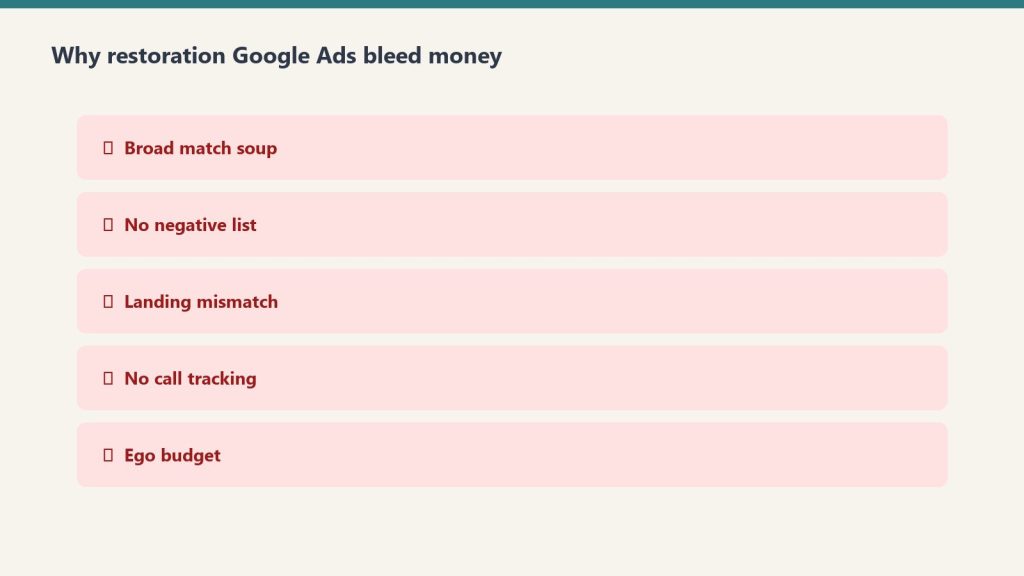
The most common setup: one campaign, one ad group, a mix of water damage, mold removal, fire restoration, and flood cleanup keywords all fighting each other. Every click gets the same generic ad. Every ad points to the homepage.
Quality Score is built on expected click-through rate, ad relevance, and landing page experience. When you stuff water damage and fire restoration into the same ad group, ad relevance tanks for both. A Quality Score of 9 can outrank a competitor bidding twice as much at a 5. Poor structure can inflate CPC by 30% or more while delivering fewer qualified leads.
Split by service. Each ad group 10-20 tightly related keywords. Every keyword in the group has to fit the same ad and the same landing page. If they do not, split them.
- Campaign 1. Emergency water damage. Ad groups for emergency water extraction, burst pipe, basement flooding, sewage backup. Separate ad copy. Landing page that opens with emergency water damage, not the homepage.
- Campaign 2. Fire and smoke restoration. Fire damage, smoke damage, soot removal. Different call to action. Fire jobs are longer projects, a different sales conversation.
- Campaign 3. Mold remediation. Mold testing, black mold removal, mold inspection. Often a separate buyer with a different timeline.
Give Performance Max its own campaign and its own budget if you run it. PMax black-box reporting will otherwise hide whether Search is working.
2. Negative keywords: the bill you are not seeing
Most restoration PPC campaigns have a weak or nonexistent negative list. Every day without one, you pay for job seekers (“water damage restoration jobs near me”), DIY researchers (“how to do water damage restoration yourself”), students looking for training, and equipment renters who are not calling you for service.
Campaigns that actively manage negatives see a reported 10-20% lower wasted spend and a 5-15% conversion-rate lift. On a $10,000/month budget, that is $1,000-$2,000 a month currently going to irrelevant clicks.
Build a seed negative list before the campaign launches. Pull Search Terms weekly for the first 60 days. Add exact-match negatives first. Only go broader if the data supports it. Over-blocking with broad-match negatives will starve volume you actually want.
3. Bidding: stop fighting the machine
A large share of Google Ads spend now runs through Smart Bidding (Target CPA, Target ROAS, Maximize Conversions). Advertisers using AI bidding have been reported at roughly 22% lower cost per conversion versus manual CPC on average. For restoration, the right tool depends on data:
- Under 30 conversions per month in a campaign. Maximize Clicks with a CPC cap while you accumulate signal. Smart Bidding starved of conversions produces garbage.
- 30+ conversions per month. Move to Target CPA. Set the target from actual job margins, not aspirational ones. If a water job averages $12,000 and you close 25% of qualified leads, a $300 CPL target can still profit. If you close under 15%, fix sales before you fix bidding.
- Large campaigns with consistent job data. Target ROAS becomes viable only if revenue tracking is actually wired into Google Ads. Most restoration accounts do not have that configured.
The problem is rarely the channel. It is losing track of where the leads went after the phone call.
4. The landing page has to match the ad
If the ad says “Emergency Basement Flooding, 24/7 Response” and the landing page is the homepage with a hero of a happy family and a form below the fold, you are burning the click you just paid for.
A restoration PPC landing page needs: the emergency service name in the H1 above the fold; a click-to-call number prominent on mobile; a response-time claim only if you can back it up; one short form (name, phone, zip, issue); proof (reviews, IICRC, insurance logos).
Do not send PPC traffic to the homepage. Do not build one landing page for all services. Match the ad to the page, the page to the ad group, the ad group to the keyword cluster. That chain is where Quality Score lives.
5. Channel mix and the number that actually matters
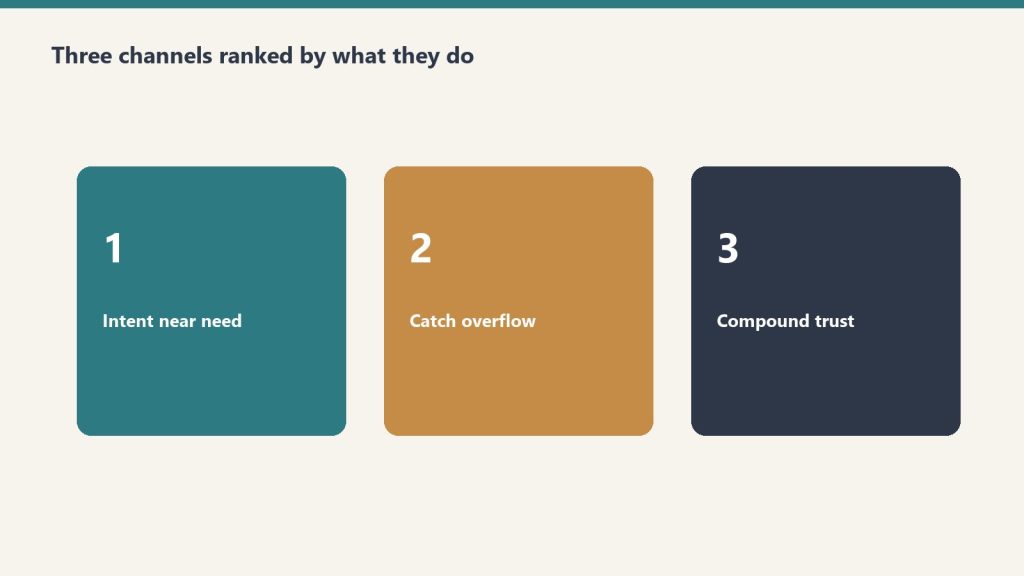
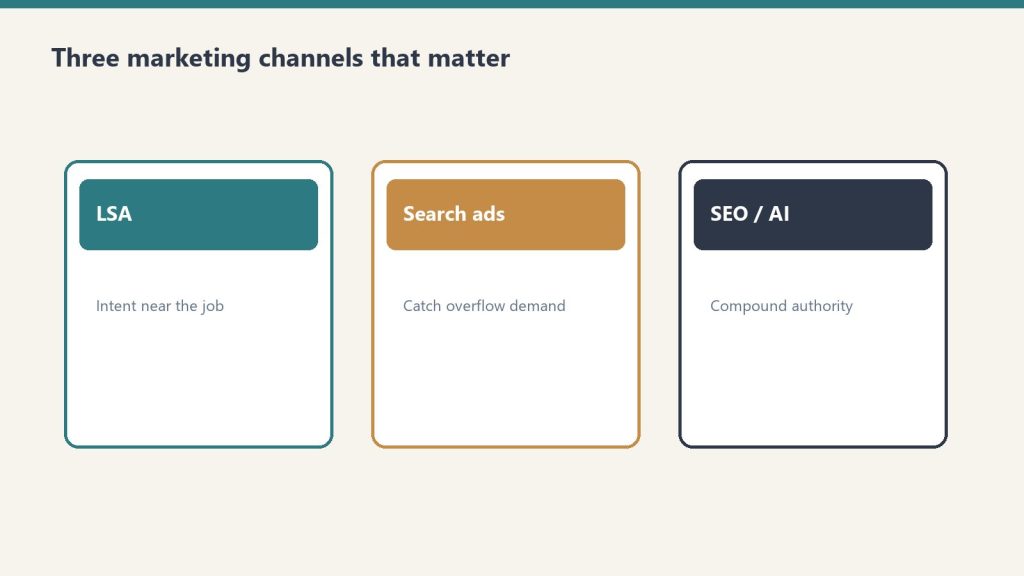
Three channels do the heavy lifting. LSA (pay per qualified call; reported restoration CPL roughly $80-$200 depending on the write-up) is the highest-ROI paid lever for most residential operators, with a catch: Google ended credits for “job type not serviced” and “geo not serviced” in 2025, so junk leads come out of your pocket. Search Ads (reported CPL $150-$400+ structured, $400-$700+ not) buy control LSA does not have: commercial work, specific service lines, overflow when LSA hits a daily cap, brand defense. If you are spending more than $5,000 a month on Search and you do not have LSAs set up, that is the first fix. SEO is the compounding asset. Restoration SEO in competitive metros typically takes 12-18 months. Treat reported ranges as ranges, not promises.
Cost-per-lead is the number every vendor reports. The number that matters is fully-loaded cost per acquired job: CPL divided by channel-specific close rate, plus CSR labor on the call, plus processing, minus franchise or TPA fee if it applies. Most shops have CPL from the platform and revenue from the job software, and the two systems have never talked. Fix that before you change a single bid.
Budget ballparks (Search only, reported)
- Mid-size market (pop. 200K-500K): $3,000-$6,000/month to generate 15-30 leads
- Major metro (pop. 1M+): $8,000-$15,000/month to maintain consistent visibility
- Specific suburb or tight service area: $1,500-$3,000/month if geo is tight and Quality Score is managed
These are Search figures. They are ballparks from the published method, not a quote for your market.
Done when
You can show separate service campaigns, a negative list with at least 50 entries, a dedicated landing page for each major service, and a fully-loaded acquired-job cost by channel. If your current agency cannot show those four, the account is not being run as an engineering problem.
If you want the packaged analysis
You can run the six steps from the outline above on your own login. Buy Now is the analysis delivered by email after checkout. Same Square button at the top of this page.
Marketing and operational read only. Not a media-buy, legal, or insurance engagement. Reported CPC and CPL ranges move by metro and by month. Use your own numbers.
Related on Tygart Media: restoration Google Ads · marketing stack.
Get The Signal
What we actually ran, what it measured, and what it means for a restoration shop — every week, including the flops.
Leave a Reply