
The OpenRouter hierarchy in one sentence: Organizations contain Workspaces, Workspaces enforce Guardrails on API Keys, Keys call Presets, and Presets bundle prompts and models. Every operational decision you’ll ever make on the platform lives at exactly one of those five layers. Confuse them and you’ll spend hours looking for settings that live somewhere other than where you think.
This is a companion to our OpenRouter operator’s field manual. The field manual covers why we use the platform and how it fits a fortress stack. This deep dive covers the mental model itself — the five-layer hierarchy that makes everything else legible.
Why this matters before anything else
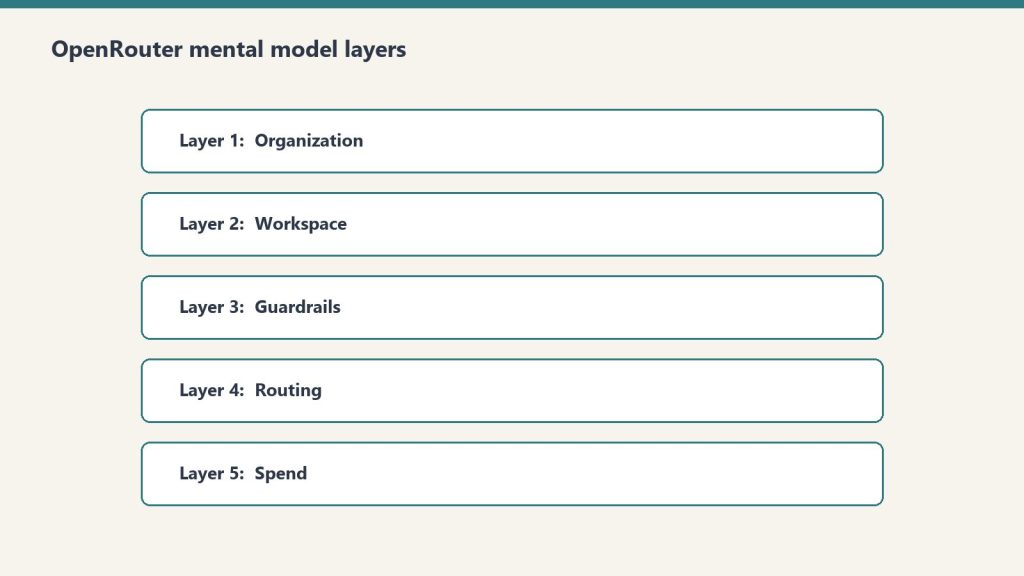
OpenRouter’s UI presents a flat menu. The actual product is a hierarchy. Every operational decision you’ll ever make — who pays, what’s allowed, who’s allowed to call what, which model gets used — lives at exactly one of five layers. Get the layers wrong and you’ll wire your stack against the wrong nouns.
The five layers, top to bottom: Organization → Workspace → Guardrail → API Key → Preset.
Here’s what each one actually does and when you should care.
Layer 1: Organization
Sovereign billing. Sovereign member context. The top of the world.
Each Organization has its own balance, its own billing details, and — critically — its own member roster. The catch: personal orgs don’t expose Members management. If you want to add teammates, you need a non-personal org.
In our case we run two: a personal org tied to our primary email, and a Tygart Media org for agency operations. The personal org has 48 API keys and a working balance. The Tygart Media org is empty so far. Members management is the reason it exists.
When to think about this layer: when you’re deciding whether to operate as an individual or as a team. If you’re solo and plan to stay solo, one personal org is fine forever. The moment you bring on a collaborator who needs their own keys and their own observability slice, you need a non-personal org.
The mistake to avoid: running an agency out of a personal org. You’ll hit member-management limits at the worst possible time.
Layer 2: Workspace
Segmented guardrail, BYOK, routing, and preset domains inside an organization.
By default, every org gets one Default Workspace. Most accounts never think about this layer. The moment you operate across multiple businesses with different data policies, multiple workspaces become valuable.
Example: a healthcare client’s data should never touch first-party Anthropic, only Bedrock or Vertex. A consumer comedy site can use any provider. A B2B SaaS client wants Zero Data Retention enforced on every call. Three different fortress postures. Three workspaces.
Each workspace gets its own Guardrail config, its own BYOK provider keys, its own routing defaults, and its own preset library. Keys created in one workspace can’t see resources in another.
When to think about this layer: when you have two or more clients with materially different data policies. If everything you do has the same posture, one workspace is fine.
The mistake to avoid: assuming workspace segmentation is a security boundary. It isn’t, exactly — it’s a policy boundary. Someone with org-level access can move between workspaces freely. Workspaces are for organizing intent, not for isolating threats.
Layer 3: Guardrails
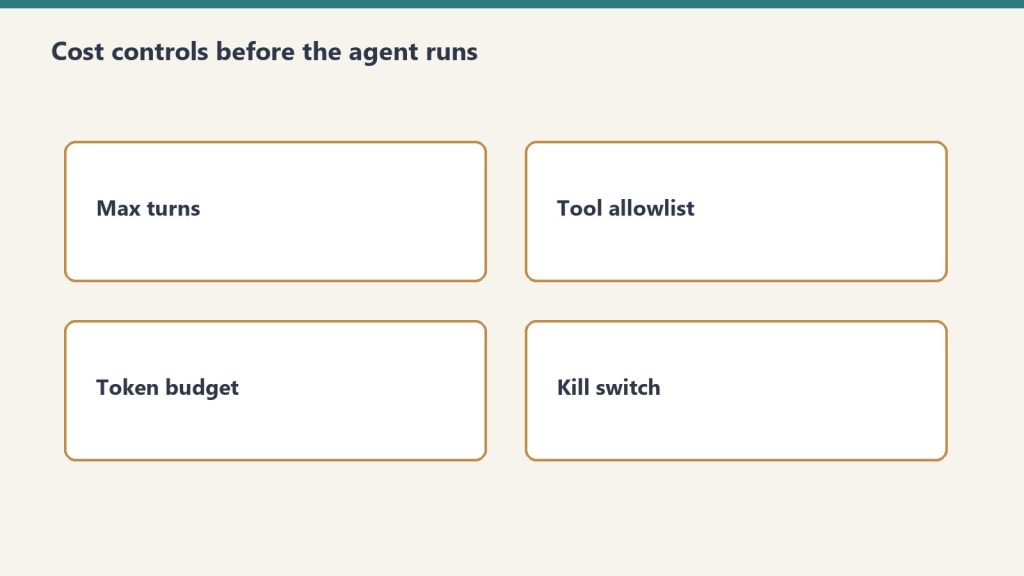
The actual enforcement layer. Four categories, all configurable per workspace, all unconfigured by default.
Budget Policies are the most useful and the most underused. Set a credit limit in dollars and a reset cadence (Day, Week, Month, Year, or N/A). Hit the limit and calls fail until the cadence resets. This is your protection against the runaway loop that drains a balance overnight.
Model and Provider Access is where data-policy posture lives. Toggles for Zero Data Retention enforcement, Non-frontier ZDR, first-party Anthropic on or off (with Bedrock and Vertex always staying available), first-party OpenAI on or off (Azure stays), Google AI Studio on or off (Vertex stays), and three categories of paid and free endpoints with different training and publishing behaviors. There’s also an Access Policy mode (Allow All Except is the useful one) with explicit Blocked Providers and Blocked Models lists. The live Eligibility view shows you which providers and models are actually callable given your current policy.
Prompt Injection Detection runs regex-based detection on inbound prompts. OWASP-inspired patterns. Four modes: Disabled, Flag, Redact, or Block. Free and adds no measurable latency. Worth enabling on every workspace that touches user input.
Sensitive Info Detection runs pattern matching on prompts and completions. Built-in patterns for Email, Phone, SSN, Credit Card, IP address, Person Name, and Address. The latter two add latency. Custom regex patterns supported. A sandbox to test patterns before deploying. Useful for any workspace that processes customer data.
When to think about this layer: every workspace, day one. Default-unconfigured is not a safe state. Set a budget cap before you do anything else.
The mistake to avoid: treating Guardrails as something you’ll get to “later.” Later is after the runaway loop has drained the balance.
Layer 4: API Keys
Per-agent identity. Each key has its own credit cap, its own reset cadence, and its own guardrail overlay.
The mental model that matters: one autonomous behavior, one key. When a scheduled task starts hemorrhaging tokens, the cap on its key contains the damage. The other 47 keys keep working.
Our 48-key distribution is instructive. One testing key has spent $83.26. One development key has spent $33.05. The remaining 46 keys have collectively spent less than $120. That’s the shape of real AI operations: a few keys do most of the work, and a long tail barely moves the needle. Per-key caps make that distribution visible and bounded.
API keys also carry the BYOK relationship. A bring-your-own provider key can be pinned to specific API keys, meaning specific agents. That lets you route a high-volume internal agent through a discounted enterprise contract while letting one-off testing keys fall through to OpenRouter’s pooled pricing. We cover this in depth in BYOK on OpenRouter.
When to think about this layer: when you create any new autonomous behavior. New behavior, new key, new cap. No exceptions.
The mistake to avoid: sharing one key across all your services. The first runaway loop will be the last thing that one key ever does, and the blast radius will be everything else that depended on it.
Layer 5: Presets
Versioned bundles of system prompt, model, parameters, and provider configuration. Called as "model": "@preset/your-preset-name" in any API call.
Three tabs per preset: Configuration (the actual bundle), API Usage (how it’s been called), and Version History (every change, rollback-able).
This is the closest OpenRouter comes to a software release artifact. You can ship a preset, test it in chat, version it, and roll back if v2 turns out to be worse than v1. Code that calls the preset stays the same; only the preset content changes.
For autonomous behavior systems this is the unlock. A behavior’s behavior — its prompt, its model choice, its temperature — becomes a thing you can version and review like code, without touching the code that calls it. Promotion ledger says a behavior is graduating from one tier to the next? You publish a new preset version with tighter constraints and the calling code never changes.
When to think about this layer: the moment you have any system prompt that’s used in more than one place, or that you’ll want to refine over time. If you’ve never copy-pasted a system prompt between two scripts, you don’t need presets yet.
The mistake to avoid: putting the system prompt in the calling code. Every prompt update becomes a deploy. With presets, prompt updates become config changes.
Putting the layers together
Here’s the mental model in one sentence: Organizations contain Workspaces, Workspaces enforce Guardrails on Keys, Keys call Presets, Presets bundle prompts and models.
If you walk into OpenRouter looking for a setting and you can’t find it, ask which of the five layers it should logically live at. The answer almost always tells you where to look.
If you’re building a new integration, start at the bottom. Pick a model. Build a preset around it. Create a dedicated key with a tight budget cap. Sit that key under a workspace with sensible guardrails. The organization is just the billing wrapper.
The whole point of the hierarchy is that each layer constrains the one below it. The organization caps the workspace. The workspace caps the keys. The keys cap the presets they can call. Errors propagate up; permissions cascade down. That’s the model. Everything else is UI.
Frequently asked questions
What are the five layers of OpenRouter?
Organization, Workspace, Guardrails, API Keys, and Presets. Organizations handle billing and members. Workspaces segment policy domains. Guardrails enforce budget, provider access, prompt injection, and sensitive info rules. API Keys are per-agent identity with per-key caps. Presets are versioned bundles of system prompt, model, and parameters.
Do I need multiple Workspaces in OpenRouter?
Only if you operate across businesses with materially different data policies. A single Default Workspace is fine for most accounts. The moment a healthcare client requires Bedrock-only access while a consumer client can use any provider, workspace segmentation becomes valuable.
What is the right way to use OpenRouter Presets?
Treat them like software release artifacts. Bundle the system prompt, model, parameters, and provider config. Version every change. Test new versions in chat before promoting. Code that calls the preset stays the same; only the preset content evolves. This lets you refactor prompt behavior without redeploying.
Are OpenRouter Workspaces a security boundary?
No. They’re a policy boundary, not a security boundary. Someone with organization-level access can move between workspaces freely. Use workspaces to organize intent and enforce different fortress postures across clients — not to isolate threats from each other.
What happens if I don’t configure OpenRouter Guardrails?
By default every workspace has zero enforced budget cap, zero provider restrictions, and zero PII filtering. That’s fine for prototyping. It’s not fine for production. Set a budget cap on every workspace as the first action. The other three guardrail categories you can configure as you scale.
See also: The Multi-Model AI Roundtable: A Three-Round Methodology for Better Decisions · What We Learned Querying 54 LLMs About Themselves (For $1.99 on OpenRouter)
Leave a Reply