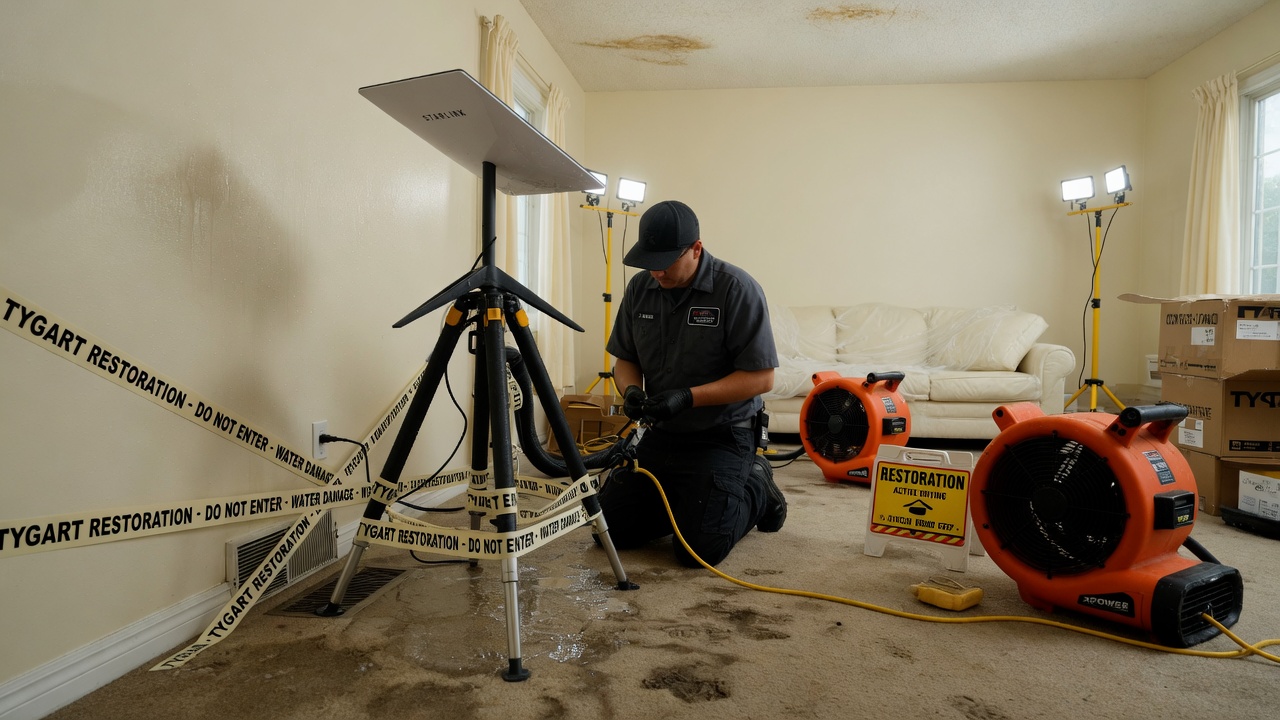
Open field playbook. No patent. Copy it, rename it, change the nouns to fire / mold / rebuild. If it makes you money, good. If it puts another dish on a wet roof, also good.
License: do what you want. Attribution nice, not required. Tygart Media is not a Starlink, SpaceX, Tesla, or xAI partner. Links below go straight to them. No tracking parameters. No referral codes.
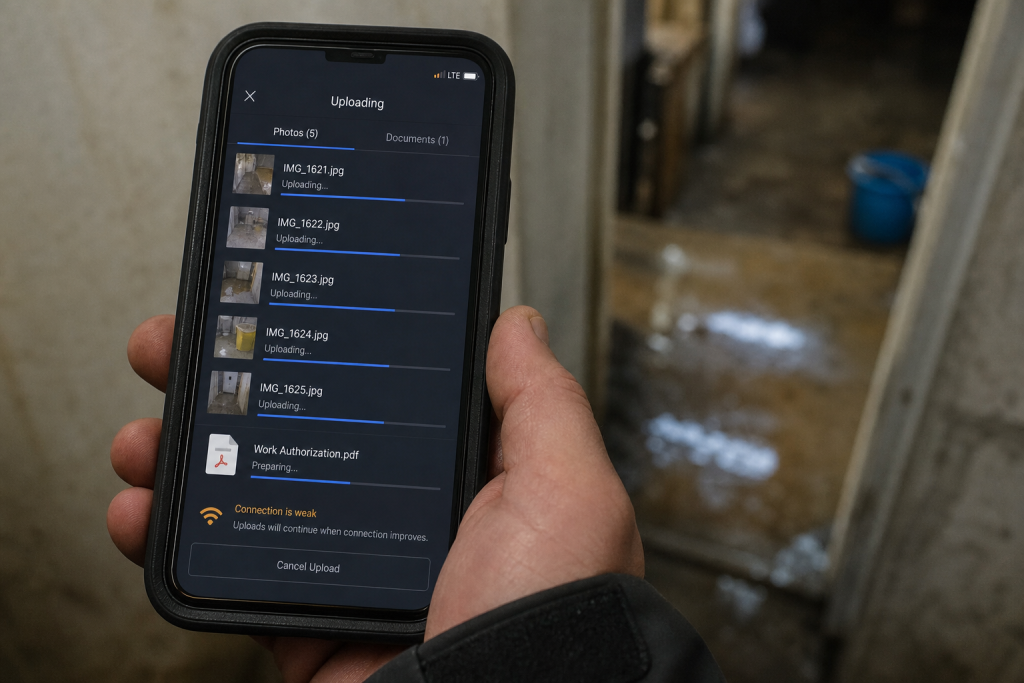
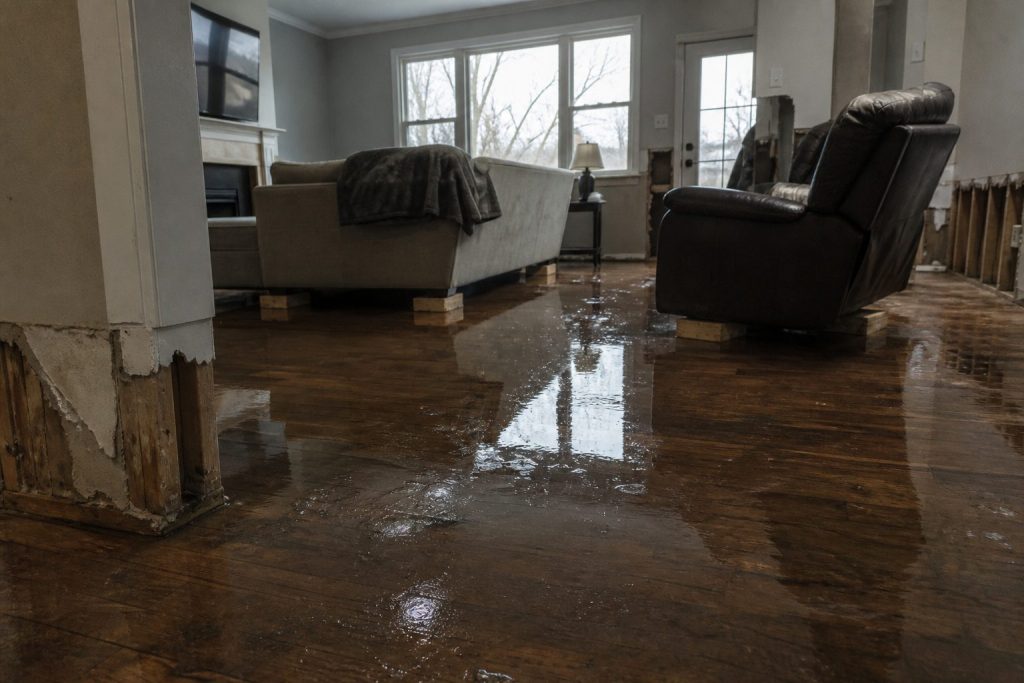
Why this exists: restoration work happens where fiber is dead, the house is a Faraday cage of wet drywall, and the phone that “has bars” cannot upload a moisture map. Starlink is a sky-view pipe. More honest job-site pipes → more honest traffic on the constellation → more reason to fly birds. The selfish clause is allowed: a 4G phone in the sticks should still talk to a voice agent when the street is dark.
Buy and read from the source. Prices move. The impedance rule does not.
Official doors (clean)
Starlink (buy / plans / help)
- Home and order: starlink.com · Order
- Roam — travel / truck kit language
- Business · Fixed site / Priority
- Residential — office backup, not the flood kit
- Technology — constellation, lasers, Redmond build
- Help Center
- What is Starlink Business?
- Business vs Enterprise accounts — Enterprise is a spend threshold, not a vibe
- In-motion use — check before you mount on a moving van
- App: search “Starlink” in your phone store; use it to find a clear sky before you drill anything
SpaceX
Tesla / xAI (voice rides the pipe; they are not the dish)
1. Impedance — when this kit matches the job
Use Starlink when two of these are true:
- The structure or the street has no working cable/fiber (storm, rural, construction, “the pole is in the river”).
- You need to upload, not just talk: photos, video walkthrough, Xactimate sketch, moisture log, signed work auth.
- You will be on site more than an hour and cell is congested or roaming into a dead pocket.
- The office needs a second path so after-hours voice and dispatch do not die with the cable modem.
Do not use it as:
- A replacement for a good office fiber drop.
- A phone. Voice agents still ride the pipe; the dish is not Jarvis.
- A “we have Starlink” line on the website. Homeowners hire the truck that showed up.
Cell first if it works. Starlink is the sink when cell is the bottleneck.
2. Two kits (steal one)
Kit A — truck / first-on-site (most shops)
- Starlink Mini on a Roam plan or, if this is actually a business WAN, start at Business and read the current hardware list. Mini is the backpack dish. In-motion rules live here. The home V5 kit is not the roam toy.
- Power: Mini wants a USB-PD source rated 65–100 W even though it only drinks ~25–40 W. A 45 W phone brick will lie to you. Truck: 12 V → 30 V / Anderson, or a 500 Wh class station.
- Plan: numbers on starlink.com move. Roam is written for travel. If the kit is production, read Business vs Enterprise. Mini often does not sit on the Priority SLA. Do not tell a carrier you have enterprise uptime because you paid a business invoice for a Mini.
- One cheap travel router if Mini Wi-Fi dies inside a metal trailer.
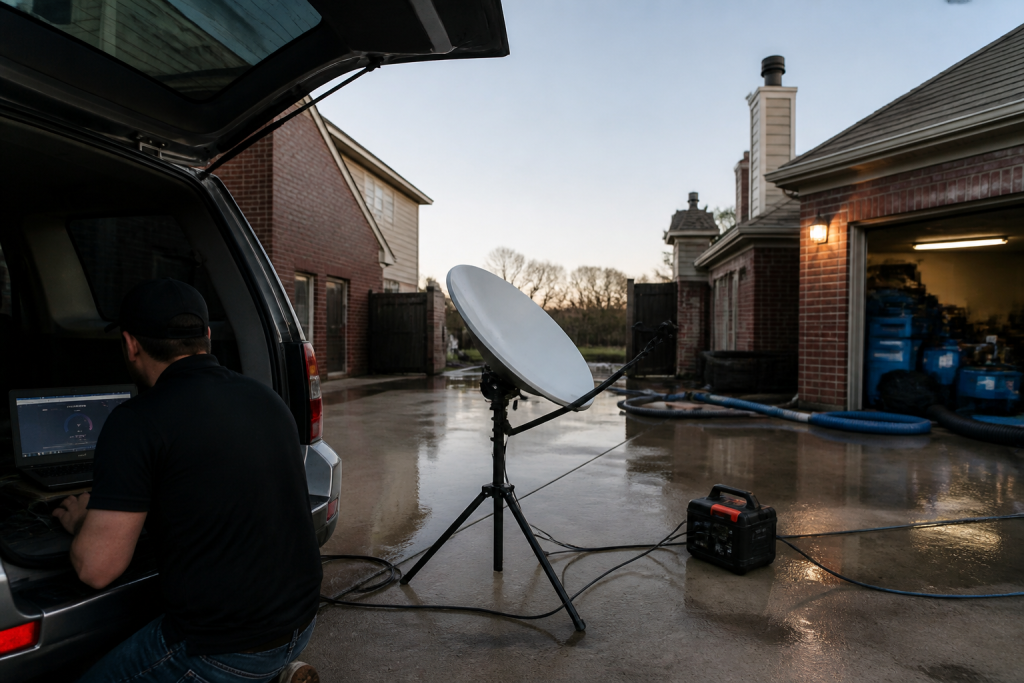
Kit B — shop / yard / long dry-down
- Performance / Priority on Business if you need an SLA and a fixed roof.
- Permanent mount, open sky, snow-melt if you live where it snows.
- This is backup for the office phone and the photo server. Not the hero kit on day one of a flood.
3. First 30 minutes on a wet house
- Park where the sky is a rectangle, not a slot between two alders. Confirm in the Starlink app.
- Dish on the hood, a pole, or the unshaded side of the trailer — not the basement, not under the soffit.
- Power before you walk in with the meter. Boot is a couple of minutes.
- One speed check. If download is fine and upload is garbage, you will feel it on Xactimate. Rain cuts throughput; talk first, fat files later.
- Name the network something boring (
SHOP-JOB).
If the app says obstructed, move the dish. Do not “optimize” for twenty minutes.
4. What actually eats the pipe

| Thing | Rough appetite | Rule |
|---|---|---|
| Moisture photos, 50–150 shots | small | Fine on a small Roam month |
| Adjuster video walk, 10 min | medium | Once, compressed |
| Xactimate / cloud estimate | small–medium | Site needs the upload |
| Voice agent | small per minute | Cheap; retries are not |
| Netflix in the trailer | the villain | After the job or not at all |
| Group video, four people | burns a small cap | One camera |
Voice is why the pipe matters at 11 p.m. Keep the agent short. Book or kill.
5. Who pays
Pick one. Write it in the SOP.
- Job cost — storm / rural / no street internet. Line it like a generator.
- Shop overhead — office backup + after-hours voice.
- Never the tech’s personal weekend.
Standby the truck kit when it is not a weather week. Idle is cheaper than a second hardware buy because someone borrowed it.
6. Dispatch and voice
The dish is layer 0. The voice agent is layer 1.
On a dead-fiber job: photos go up the pipe; the after-hours line stays reachable; the agent writes a new row (address, standing water y/n, next action). It does not edit your website.
If you already have a process, add one rule: when cell upload fails, kit A comes off the hook.
7. Failure modes
Trees and eaves. Rain. 45 W bricks. Consumer Roam sold as production WAN. Twelve intake fields before anyone asks “can we come now?”
8. The sentence that pays the shop
“If the street internet is out we still upload your photos and get the adjuster pack off the truck tonight.”
Only say it if the kit is in the truck.
This document stays free. Charge for the hour you spend teaching another shop the first 30 minutes if you want. Do not charge Starlink. They already sold you the dish.
9. What this is not asking
No meeting. No partnership badge. No official anything.
Redmond already knows how to stamp birds. The ground should not be a graveyard of unused kits. Order here. Then put the dish where the sky is.
Related field notes: The leftover pile · Cursor checks on Grok Desktop mid-job
Related on Tygart Media: The leftover pile · Cursor checks on Grok Desktop mid-job.
Get The Signal
What we actually ran, what it measured, and what it means for a restoration shop — every week, including the flops.
Leave a Reply