
Last verified: September 26, 2026 (Pacific Time)
Model Accuracy Note — Updated September 26, 2026
Current models (September 2026): Fable 5.1 · Opus 5.5 · Sonnet 5 · Haiku 4.5. Current model tracker →
Direct Answer (September 2026): Claude’s current models — Fable 5.1, Opus 5.5, and Sonnet 5 — share a 1,000,000-token context window (~750,000 words or ~1,500 pages) with up to 128,000 tokens of max output per response. Haiku 4.5 (the fast, cheap tier) has a 200,000-token context window and 64,000-token max output.
Claude’s token limits depend on which model you’re using and whether you’re on the web interface or the API. Here are the exact numbers — context window, output limits, and what they mean in practice.
Claude Token Limits by Model (September 2026)
| Model | Context Window | Max Output |
|---|---|---|
| Claude Fable 5.1 | 1,000,000 tokens | 128,000 tokens |
| Claude Opus 5.5 | 1,000,000 tokens | 128,000 tokens |
| Claude Sonnet 5 | 1,000,000 tokens | 128,000 tokens |
| Claude Haiku 4.5 | 200,000 tokens | 64,000 tokens |
Context windows are at standard API pricing (no long-context premium). Claude Opus 5 (released July 24, 2026) is superseded by Opus 5.5 (released September 25, 2026) at a lower price ($4/$20 vs $5/$25 per MTok). Fable 5, Opus 4.8, and Sonnet 4.6 are legacy models — use Opus 4.8 for new projects. Outputs above ~16,000 tokens should be streamed to avoid request timeouts. The original Opus 4 and Sonnet 4 were retired on June 15, 2026 — see the deprecation guide. The asynchronous Message Batches API runs at 50% cost and supports larger per-request outputs for document-generation workloads.
What a Token Is
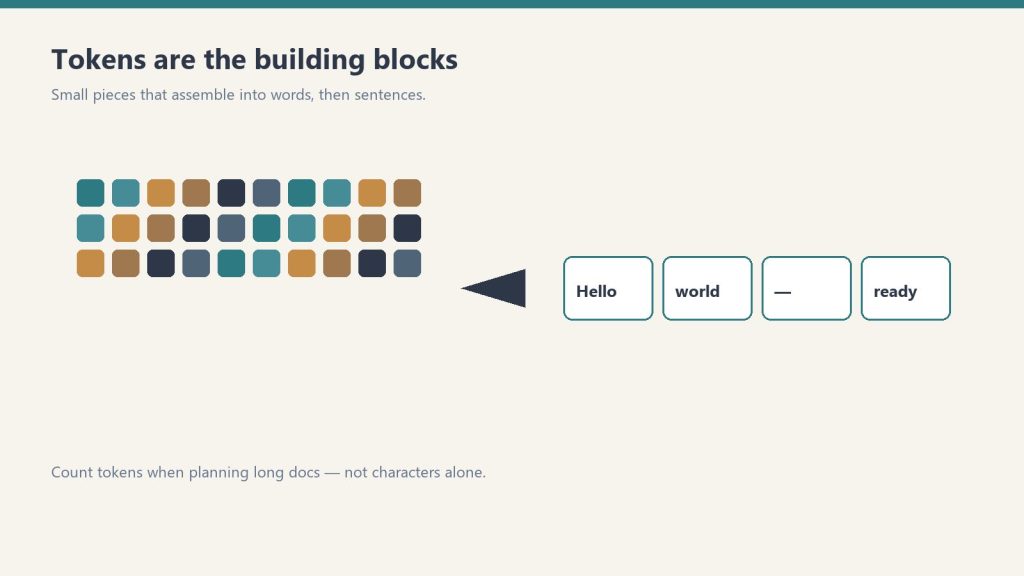
A token is roughly 3–4 characters of English text — about 0.75 words. One page of text is approximately 500–700 tokens. A 200-page book is roughly 100,000–140,000 tokens.
| Content | Approx. tokens |
|---|---|
| 1 word | ~1.3 tokens |
| 1 page of text (~500 words) | ~650 tokens |
| Short novel (80,000 words) | ~104,000 tokens |
| Full codebase (10,000 lines) | ~100,000–200,000 tokens |
| 1M token context (Sonnet/Opus) | ~750,000 words / ~1,500 pages |
Context Window vs. Output Limit

The context window is the total working memory for a session — everything Claude can “see” at once, including the system prompt, all previous messages in the conversation, uploaded files, and Claude’s own prior responses. At 1M tokens, the legacy (still listed) models (Fable 5, Opus 4.8 (legacy — still listed), Sonnet 4.6 (legacy — still listed)) can hold roughly 1,500 pages of text in context simultaneously.
The output limit is how long Claude’s individual response can be, and it is model-dependent: up to 128,000 tokens on Claude Fable 5.1, Opus 5.5, and Sonnet 5, and 64,000 tokens on Haiku 4.5. Outputs above roughly 16,000 tokens should be streamed to avoid request timeouts.
Lineup currency (Sept 2026): Current API list (Sept 2026, verified): Sonnet 5 $2/$10, Opus 5.5 $4/$20, Haiku 4.5 $1/$5, Fable 5.1 $10/$50. Legacy (still listed on Anthropic’s card): Opus 4.8 $5/$25, Sonnet 4.6 $3/$15.
Rate Limits: Separate From Token Limits
Token limits are per-conversation. Rate limits are per-time-period — how many tokens (and requests) you can send across multiple conversations in a given minute or day. Rate limits scale with your API usage tier. If you’re hitting errors in production that look like limits, check whether you’re hitting the context window, the output limit, or a rate limit — they produce different error codes. For the full rate limit breakdown, see Claude Rate Limits: What They Are and How to Work Around Them.
What Happens When You Hit the Context Limit
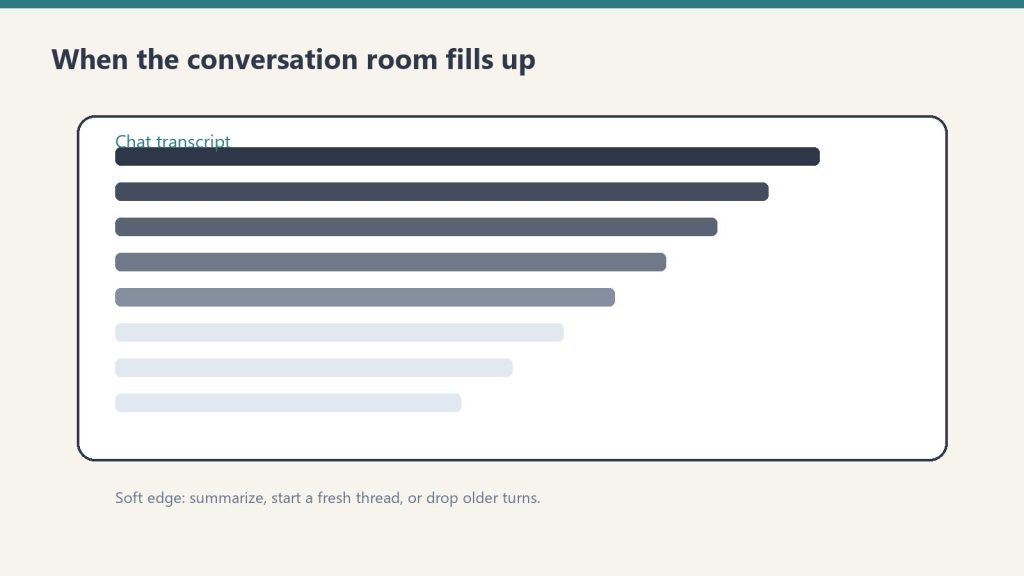
In claude.ai conversations, you’ll see a warning when the conversation is approaching the context window. Claude may summarize earlier parts of the conversation to stay within limits. In the API, sending more tokens than the context window allows returns an error. For very long sessions, breaking work into multiple conversations or using prompt caching (which stores static context at a discount) are the standard approaches.
Frequently Asked Questions
What is Claude’s token limit?
Claude Fable 5, Opus 4.8, and Sonnet 4.6 have a 1 million token context window. Claude Haiku 4.5 has a 200,000 token context window. Maximum output per response is model-dependent — 128,000 tokens on Opus 4.8 and Fable 5, 64,000 on Sonnet 4.6 and Haiku 4.5. These are different limits — context window is total working memory, output limit is maximum response length.
How long can Claude’s responses be?
The maximum output is model-dependent — up to 128,000 tokens on Claude Opus 4.8 and Fable 5, and 64,000 tokens on Sonnet 4.6 and Haiku 4.5 (roughly 48,000–96,000 words). Outputs above ~16,000 tokens should be streamed. In practice, claude.ai conversations have shorter limits than the raw API.
How many tokens is a page of text?
Approximately 650 tokens per page (roughly 500 words). A 200-page document is around 130,000 tokens — well within Claude’s 1M context window for Sonnet and Opus, and within Haiku’s 200K window as well.
How many tokens can Claude Opus 4.8 handle?
Claude Opus 4.8 supports a 1 million token context window for input and up to 128,000 tokens for output. This means you can feed in very large documents, entire codebases, or long conversation histories in a single request.
What happens when you hit Claude’s context window limit?
When your input exceeds Claude’s context window, the API returns an error and the request fails. In claude.ai, the interface warns you before sending. The fix is to summarize earlier conversation turns, split the input into chunks, or use a model with a larger context window.
Is Claude Haiku 4.5 context window smaller than Opus?
Yes. Claude Haiku 4.5 has a 200,000 token context window, compared to 1 million tokens for Opus 4.8 and Sonnet 4.6. For most tasks Haiku’s 200K window is sufficient, but for very long documents or large codebases, Sonnet 4.6 or Opus 4.8 is required.
💼 Deploying Claude or AI Infrastructure in Your Business?
At Tygart Media, we engineer custom Model Context Protocol (MCP) servers, multi-model content pipelines, and AI operational systems. Explore our Claude AI Team Implementation Services or check out our complete Restoration Operations & AI Kit.
>Part of the complete guide: Claude Pricing, Plans & Limits
Leave a Reply