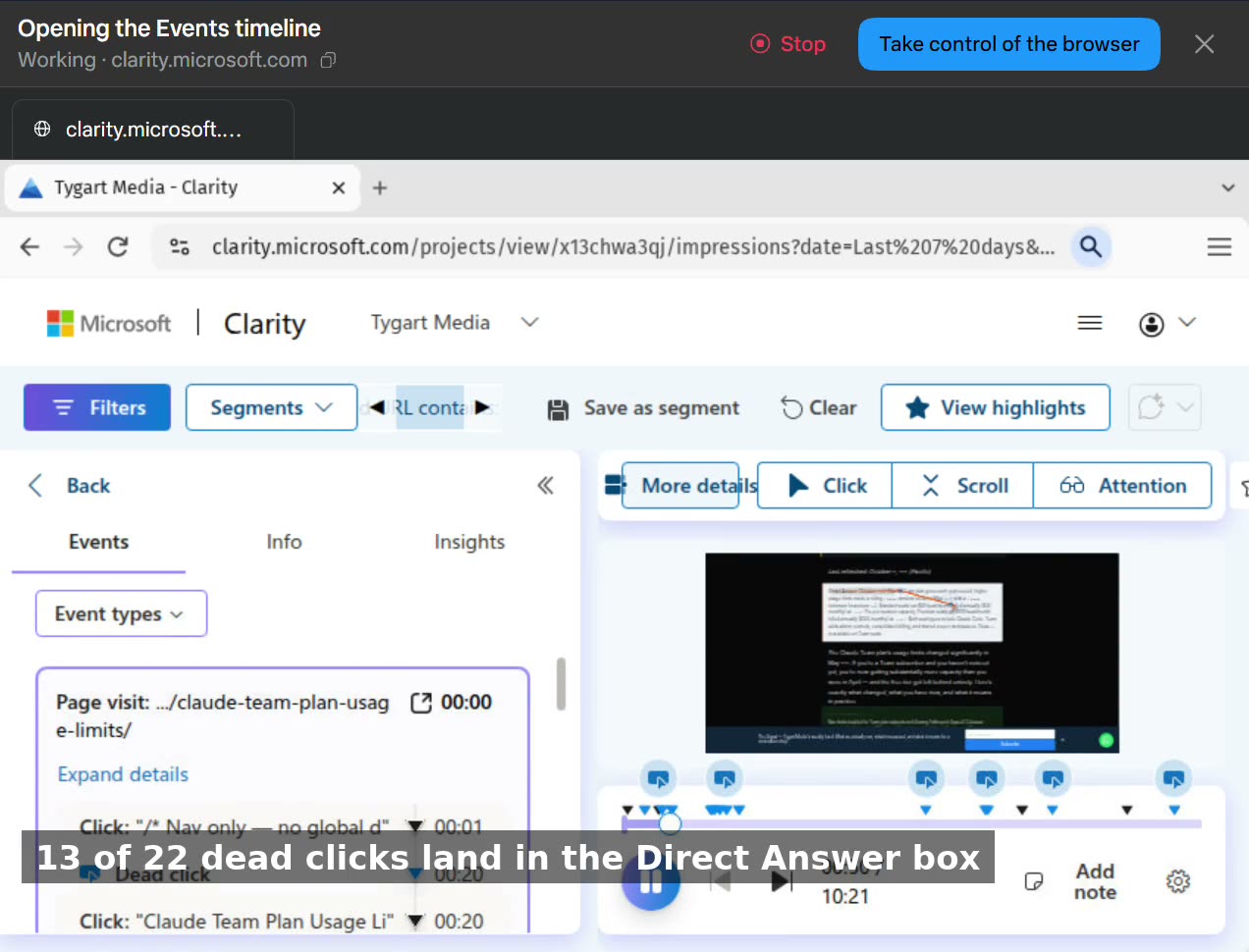
Our analytics flagged 105 dead clicks on our Claude pricing pages this week. Dead clicks are supposed to mean friction — people clicking things that don’t work. The fix, if you believe the dashboard, is a redesign ticket.
So we watched the recordings. All of them, session by session. This video is that walkthrough, narrated as it happened: the three filters that isolate the signal, then the two densest sessions read event by event.
Every flagged click was a reader selecting text. On the enterprise pricing page, one visitor accounts for all 17 dead clicks — four and a half minutes on the page, highlighting as they read. On the team-plan usage-limits page, 13 of the 22 dead clicks land inside the Direct Answer box at the top of the article: people selecting the summary to copy it out. Nobody clicked a broken button. Nobody clicked a price that wouldn’t respond. The one honest exception is a bold line inside a call-to-action block that got clicked like a button, four times — the only element on either page we’d even consider changing.
If we’d worked from the dashboard alone, we’d have “fixed” pages that are doing their jobs — and probably broken the format that makes them get cited in the first place.
This is the part of analytics nobody sells you: the number is a question, not an answer. The recording is the answer — if somebody actually watches it.
Get The Signal
What we actually ran, what it measured, and what it means for a restoration shop — every week, including the flops.
Leave a Reply