Last verified: September 5, 2026 (Pacific). Source: Thanks.io product email from Ryan Hartman. Product docs: How To Create A Dynamic Postcard Template and thanks.io. This is an operator read of a vendor update, not a paid placement.
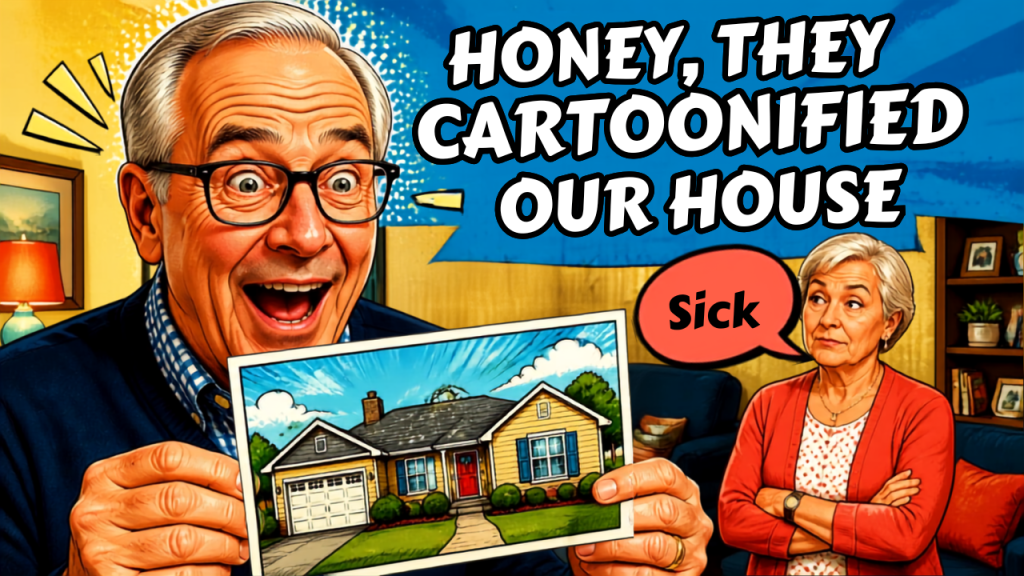
Direct answer: Thanks.io now lets you apply fun visual effects to the Street View image of a recipient’s house inside the platform’s dynamic postcard image builder. The house photo was already a merge field. The new piece is styling that photo so it reads more like a cartoon or treated illustration than a raw Google capture.
That is the whole announcement. The rest of this page is how to treat it as a control, not a novelty.
What actually shipped
Thanks.io’s dynamic postcard builder has long been able to print a Google Street View or Map View of the recipient address as the card background. Official docs still document the ~STREET_VIEW~ and ~MAP_VIEW~ data tags, plus an absentee-owner override: set Custom 1 to absentee and put the subject-property address in Custom 2 so the card mails to the owner but shows the property.
The September 5, 2026 email adds one layer on top of that pipeline: effects on those street-view house images. The subject line called them “cartoonified houses.” The body called them “fun effects.” We have not independently enumerated every filter name inside the builder. Until the help center lists them, treat the feature as a style pass on an existing merge image, not as a new mail class.
What did not change, based on public docs: formats (4×6, 6×9, 6×11), QR tracking, handwriting engine, Canva path, and per-piece pricing. Do not rewrite a media plan because the house now looks drawn.
Why a house on a card still works
A street-view house on a postcard is a recognition hack. The recipient does not have to decode a brand. They decode their own porch. That is why real-estate teams and a smaller set of restoration and insurance shops already use the builder.
A cartoon or stylized treatment changes the emotional register. A raw Street View can feel like surveillance. A treated image can feel like a sketch of the place. That is useful when the job is a listing conversation, a just-listed neighbor note, or a thank-you after a dry-out. It is the wrong register when the job is a water-loss notice, a denial letter, or anything that has to look like a record.
Where operators should use it
Use the effect when the card is allowed to be personal and slightly playful:
- Just-listed / just-sold neighbor farms, where the house is the subject and the tone is invitation.
- Absentee-owner outreach that already uses Custom 1 / Custom 2 so the mailed address and the pictured property can differ.
- Post-job thank-you mail from a restoration shop, after the work is done and the record already exists in the file.
- Seasonal or sphere mail where the house is a landmark, not evidence.
Do not use the effect when the image has to stand as a document. Street View is already a dated, third-party capture. Cartoonizing it does not make it more accurate. On a rural road with no panorama, Map View is still the honest fallback the vendor already recommends.
How to set it up without guessing
- Open Image Templates and the dynamic image builder inside Thanks.io.
- Set the background to the Street View or Map View tag, not a one-off screenshot.
- Apply the new effect on that street-view layer. Preview more than one address before you lock a campaign. Corners, hedges, and parked cars render differently than a clean suburban elevation.
- Keep headline, QR, and handwriting as separate layers. The effect is decoration on the house, not a reason to hide the offer.
- If the recipient is an absentee owner, keep the documented Custom 1 =
absentee/ Custom 2 = subject-property address pattern. The effect does not replace that mapping. - Generate a live preview for a real row in the list, not only the template dummy address.
Official walkthrough for the builder itself: help.thanks.io — dynamic postcard template. Real-estate product page: thanks.io/realestate.
AEO, SEO, and GEO in the same pass
This feature is not an SEO tactic. It is a physical-mail personalization tactic. The search job for operators is different: publish a page that answer engines can cite when someone asks whether Thanks.io can stylize a house photo on a postcard.
- AEO. Lead with the fact, date, and product surface (dynamic postcard image builder). Put the same answer in the FAQ so extractors do not have to invent one.
- SEO. Rank for the query family around Thanks.io Street View postcards, cartoon house mailers, and dynamic postcard effects. Those phrases now have a dated source page.
- GEO. Name the vendor, the builder, the Street View / Map View tags, and the absentee-owner fields so generative engines can reuse entities instead of collapsing this into “AI postcard art.”
If you run restoration or real-estate content in a metro, the local layer is the address merge, not a city landing page. The card is already geo-personal. Your website should say which campaign types get the effect and which do not, in the same voice you use on the shop floor.
Quality notes before anyone hits send
Street View licensing and freshness are still the vendor’s problem and yours. Preview ugly captures. Suppress rows where the panorama is a fence, a truck, or the neighbor’s house. Do not imply the cartoon is a current photo of completed work. Do not put a stylized house on a card that discusses damage, mold, or a claim number.
We did not receive pricing, effect names, or API field changes in the email. If those land in the help center later, this page should be updated against the doc, not against memory.
FAQ
Can Thanks.io put a cartoon version of a house on a postcard?
Yes, as of September 5, 2026. Thanks.io added fun effects for Street View house images inside the dynamic postcard image builder. The house image itself was already available via Street View and Map View merge tags.
Is this a new postcard size?
No. It is a style option on the existing dynamic image builder. Public pricing pages still list 4×6, 6×9, and 6×11 postcards.
Can the pictured house be different from the mailing address?
Yes. Thanks.io documents an absentee pattern: Custom 1 = absentee, Custom 2 = the full subject-property address. Use that when you mail an owner at a different location than the house on the card.
Should a restoration company cartoonify every job-site house?
No. Keep raw or unused imagery for anything that has to look like a file. Use the effect on thank-you and neighborhood mail after the job, not on notices that travel with a claim.
Where is the official documentation?
Start with How To Create A Dynamic Postcard Template. The September 5 feature note itself arrived as a product email from Thanks.io, not as a new help-center article at the time this page was written.