Field measurement has historically been the slowest step in restoration estimating. A tech walks the loss with a tape measure or laser, jots down dimensions, returns to the office, and re-keys everything into Xactimate before the estimate can begin. Xactimate Sketch AR collapses that workflow by moving the measurement and initial sketch into the field, on a mobile device, with cloud sync to the office.
For broader context on how Xactimate fits restoration operations, see our restoration pricing and estimating master guide.
What Sketch AR Does

Sketch AR uses the camera and motion sensors on a tablet or phone to take measurements as the user walks through the loss site. The output is a 2D sketch with dimensions captured directly from the field, plus optional 3D cutaway views that help visualize the interior layout. The data syncs to the cloud and is available on the desktop estimate immediately.
The headline benefit is time. Field measurement that previously took 30 to 60 minutes per loss can be completed in 10 to 20 minutes with Sketch AR, and the office no longer needs a separate sketching step before the line item work begins.
The Mobile-First Restoration Workflow

The mobile-first workflow Sketch AR enables looks like this on a typical water loss:
- Arrival — tech opens the X1 mobile app and creates the estimate shell
- Walkthrough — tech runs Sketch AR through each affected room, capturing dimensions and damage photos tied to specific rooms
- Initial line items — tech adds preliminary line items for obvious scope (extraction, demo, equipment placement)
- Sync — estimate uploads to the cloud before the tech leaves the site
- Office completion — estimator opens the same estimate on desktop, refines line items, runs rules check, prepares for submission
Companies that adopt this workflow consistently report 30 to 50 percent compression in time from loss to estimate submission. That speed flows directly into faster cash flow and improved TPA scoring.
When Sketch AR Is the Right Tool
Sketch AR is well-suited for typical residential interiors with reasonable lighting, distinguishable wall edges, and accessible spaces. It is the right default for most water loss, mold, and partial fire jobs in homes and small commercial spaces.
It is less well-suited for: heavily damaged spaces where wall edges are obscured, dark or smoke-filled environments where the camera cannot track, very large open spaces with limited reference features, or any job requiring precision measurement for dispute defense (where traditional measurement should still be used as a verification step).
Training and Adoption
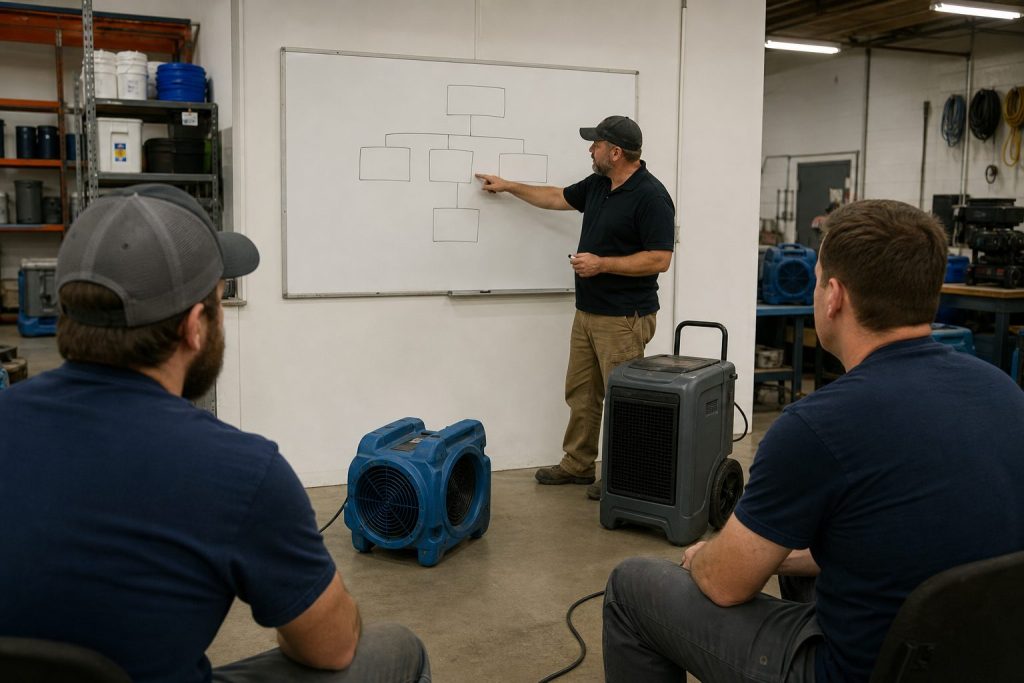
The technical learning curve on Sketch AR is short — most field techs are productive within a single training session. The harder change is workflow: moving the team from “measure on site, sketch at the office” to “sketch on site, refine at the office” requires deliberate process change.
The most common adoption failure is leaving the workflow optional. Teams that allow some techs to sketch on site and others to defer to office sketching never realize the speed benefits. Standardizing on the mobile-first workflow as the company default is the difference between marginal improvement and dramatic cycle-time compression.
Equipment and Device Considerations
Sketch AR works best on modern tablets with strong motion sensors and good cameras. iPads with LiDAR sensors produce particularly clean tracking. Spec out devices for the field team based on actual job conditions — a $400 tablet that struggles in low light produces worse measurements than a $900 tablet that handles real conditions.
Where Sketch AR Fits in the Larger X1 Workflow
Sketch AR is one of several X1 capabilities that together produce the field-to-office continuity that defines the modern Xactimate workflow. It pairs naturally with cloud-synced estimates, the Line Item Advisor for quick line item suggestions, and customizable rules that catch missed scope items at the point of entry. None of these features stand alone — they reinforce each other.
Related on Tygart Media: pricing methodology · scope drafter skill · software guide.
Frequently Asked Questions
What is Xactimate Sketch AR?
Sketch AR is the augmented-reality measurement and sketching feature in the Xactimate mobile app. It uses the device camera and motion sensors to capture room dimensions and produce a 2D sketch in the field, with optional 3D cutaway views. The output syncs to the cloud and is available on the desktop estimate immediately.
How accurate is Sketch AR?
Sketch AR is accurate enough for most residential interior measurements when conditions allow for clean camera tracking. For high-precision requirements (insurance disputes, large commercial losses), traditional measurement is still recommended as a verification step. Devices with LiDAR sensors typically produce cleaner results than camera-only devices.
What kind of device do I need for Sketch AR?
A modern tablet or phone with a good camera and motion sensors. iPads with LiDAR are particularly well-suited because the dedicated depth sensor improves tracking. Field teams should standardize on capable hardware rather than mixing devices that produce inconsistent results.
Can Sketch AR replace traditional measurement entirely?
For typical residential interior work in good conditions, Sketch AR can serve as the primary measurement method. For high-stakes jobs, large commercial spaces, dark or heavily damaged environments, or any situation that may end up in dispute, traditional measurement should still be used as either the primary method or a verification step.
How long does it take to train field techs on Sketch AR?
The technical training is short — most techs are productive within a single training session. The harder change is operational: standardizing the team on a mobile-first workflow rather than leaving it optional. Allow two to four weeks for the new workflow to become muscle memory across the team.
Get The Signal
What we actually ran, what it measured, and what it means for a restoration shop — every week, including the flops.
Leave a Reply