Xactimate X1 is Verisk’s unified estimating platform for property claims work. It runs across desktop, online, and mobile with cloud-synced data, which means a field tech can start a sketch on a tablet at a loss site and a project manager can finish the estimate on a desktop in the office without re-keying anything. For restoration operators, that field-to-office continuity is the single biggest workflow advantage X1 brings to the business.
This guide assumes you already understand how Xactimate fits into a restoration company’s pricing workflow. If not, start with our restoration pricing and estimating master guide for the full context.
What Makes X1 Different
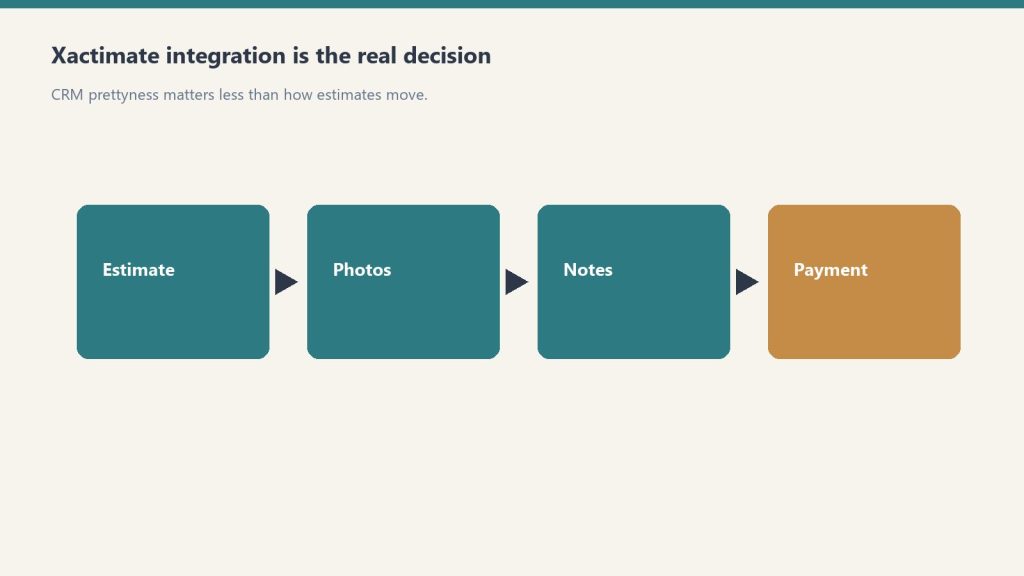
X1 is the modern Xactimate experience Verisk has been moving the platform toward over the last several years. The defining capabilities are cross-device sync (desktop, online, mobile share the same estimate state), Sketch AR for mobile measurement, customizable rules that enforce estimating practices in real time, and the Line Item Advisor that suggests appropriate codes from the roughly 17,000-item Xactimate library.
The practical impact is that X1 reduces the amount of post-claim review time required to catch missed line items, mismatched scopes, and inconsistent estimating practices across a team. For multi-rep restoration companies, this is where the platform pays for itself.
The Field-to-Office Workflow

The intended X1 workflow for a restoration job looks like this: field tech arrives on site, opens the mobile app, runs a Sketch AR measurement of the affected rooms, captures damage photos tied to specific rooms, adds preliminary line items, and syncs to the cloud before leaving the site. Back at the office, the estimator opens the same estimate on desktop, adds the rest of the scope (equipment, labor, content manipulation), runs the rules check, and prepares the estimate for submission.
Companies that adopt this workflow consistently report 30 to 50 percent reductions in time from loss to estimate submission, which directly improves cash flow and TPA scoring.
Customizable Rules: The Quiet Margin Lever
X1’s customizable rules feature is one of the most under-used capabilities on the platform. Rules let you encode your estimating practices (always include this line item with that one, always default to this dehumidifier class on Cat 2 jobs, always flag estimates above a certain dollar amount for senior review) directly into the platform.
The rules then enforce themselves in real time as the estimator builds the estimate. This is the difference between a company whose estimates are inconsistent across reps and a company whose estimates look like they all came from the same hand. For TPA programs and audit defensibility, that consistency is worth real money.
Line Item Advisor and the 17,000-Item Library
Xactimate’s line item library has roughly 17,000 items, which is more than any human estimator can hold in memory. The Line Item Advisor in X1 suggests appropriate codes based on the context of the estimate, which speeds up estimate construction and reduces the chance of using the wrong code for a specific scope item.
For new estimators, this feature shortens the learning curve significantly. For experienced estimators, it surfaces line items they might otherwise default away from out of habit.
X1 vs Legacy Xactimate
If your team is still working primarily on the legacy Xactimate experience, the migration to X1 is worth planning intentionally. The cloud-sync model, the mobile capabilities, and the rules system all require a workflow shift, not just a software update. Plan two to three months of dual-running before retiring legacy workflows entirely.
Getting Your Team on X1
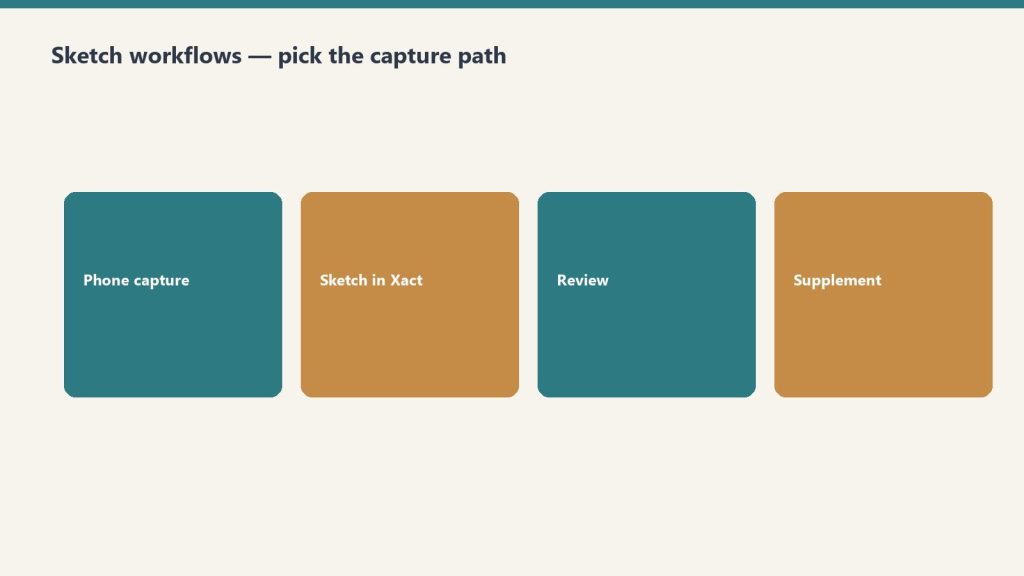
Verisk offers an X1 training course covering the full platform, including importing and creating estimates, claim information setup, interior and roof Sketch diagrams, line item entry with localized pricing, and reporting. Third-party providers also offer X1-specific training. Whichever path you choose, formal training shortens onboarding time substantially compared to self-teaching.
Related on Tygart Media: Starlink on a water job · S500 in the van · local SEO for restoration.
Frequently Asked Questions
What is the difference between Xactimate X1 and the legacy Xactimate experience?
X1 is the unified, cloud-synced version of Xactimate that runs identically across desktop, online, and mobile. The legacy experience was device-specific with manual sync. X1 also adds Sketch AR for mobile measurement, customizable rules, and the Line Item Advisor. Functionality is broadly similar, but the workflow and collaboration model are substantially different.
Do I need separate Xactimate licenses for desktop, mobile, and online?
No. An X1 license covers desktop, online, and mobile use under the same account. A user can move between devices on the same estimate without re-licensing. License pricing depends on the seat type and contract; verify current pricing directly with Verisk.
How accurate is Xactimate Sketch AR for restoration measurement?
Sketch AR is accurate enough for most residential interior measurements when the device camera and lighting allow for clean tracking. For jobs requiring high-precision measurement (insurance disputes, large commercial losses), traditional measurement methods are still recommended as a verification step.
Can I use Xactimate X1 offline?
Yes, the mobile app supports offline work for sketching and basic line item entry. Estimates sync to the cloud when connectivity returns. For full pricing data and the complete line item library, an internet connection is required.
Should restoration owners learn X1 themselves or hire an Xactimate professional?
Both. Owners benefit from understanding the platform well enough to review estimates intelligently and spot scope gaps. For high-volume estimate production, hiring or contracting a dedicated Xactimate professional almost always pays for itself in faster estimate turnaround and fewer scope misses.
Get The Signal
What we actually ran, what it measured, and what it means for a restoration shop — every week, including the flops.
Leave a Reply