Last refreshed: May 15, 2026
Official links: Upload limits help · Try Claude (claude.ai) · Plans & pricing
Model Accuracy Note — Updated May 2026
Current flagship: Claude Opus 4.8 (claude-opus-4-8). Current models: Fable 5 · Opus 4.8 · Sonnet 5 · Haiku 4.5. Claude Fable 5 (claude-fable-5) is the current flagship, and Claude Opus 4.8 (claude-opus-4-8) is the current Opus tier, as of June 2026. Where this article references Opus 4.6 or earlier models, those references are historical. See current model tracker →. See current model tracker →
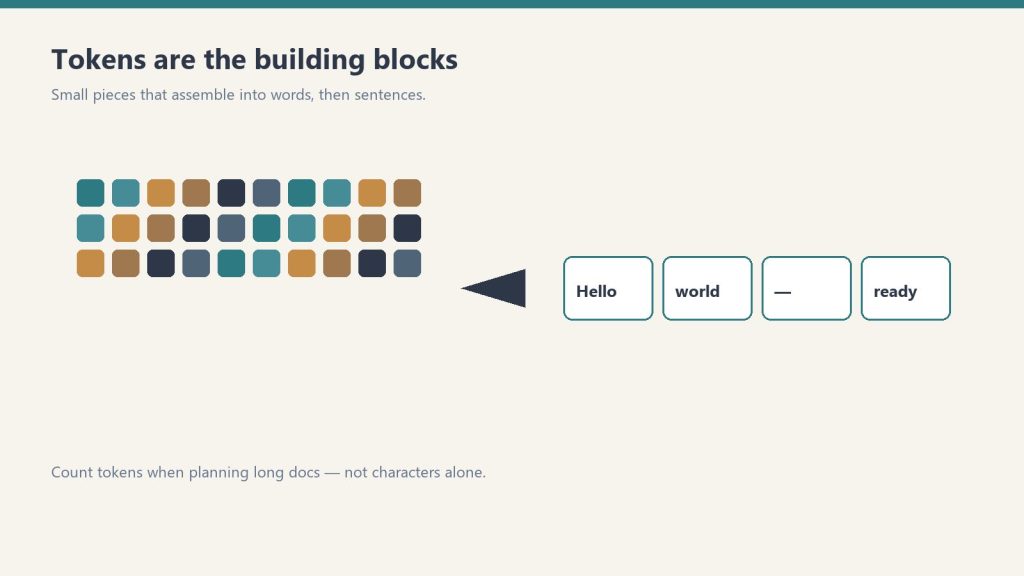
Direct Answer (August 2026): Claude.ai supports uploads up to 30MB per file and up to 5 files per message (PDFs, DOCX, CSV, TXT, images). Text documents are parsed and converted to tokens within Claude’s 200,000-token context window. For larger datasets exceeding 30MB, developers use the Anthropic API with prompt caching or local embeddings to query multi-gigabyte document repositories.
Claude supports file uploads in claude.ai and via the API, with specific limits on file size, page count, and number of files. Here are the exact limits for PDFs, images, and other document types, plus what to do when your file is too large.
Claude File Upload Limits (April 2026)
| File type | Max file size | Page / length limit | Notes |
|---|---|---|---|
| 32 MB | 100 pages | Text layer required for reading. Image-only scans need OCR first. | |
| Images (JPG, PNG, GIF, WebP) | 5 MB per image | Up to 20 images per request | All current Claude models support image input. |
| Text files (TXT, MD, CSV) | ~10 MB | Context window limit | Limited by context window, not file size. |
| Word / DOCX | ~10 MB | Context window limit | Claude extracts text content. |
| Code files | Context window limit | — | No special limit beyond context window. |
What Happens When a File Is Too Large
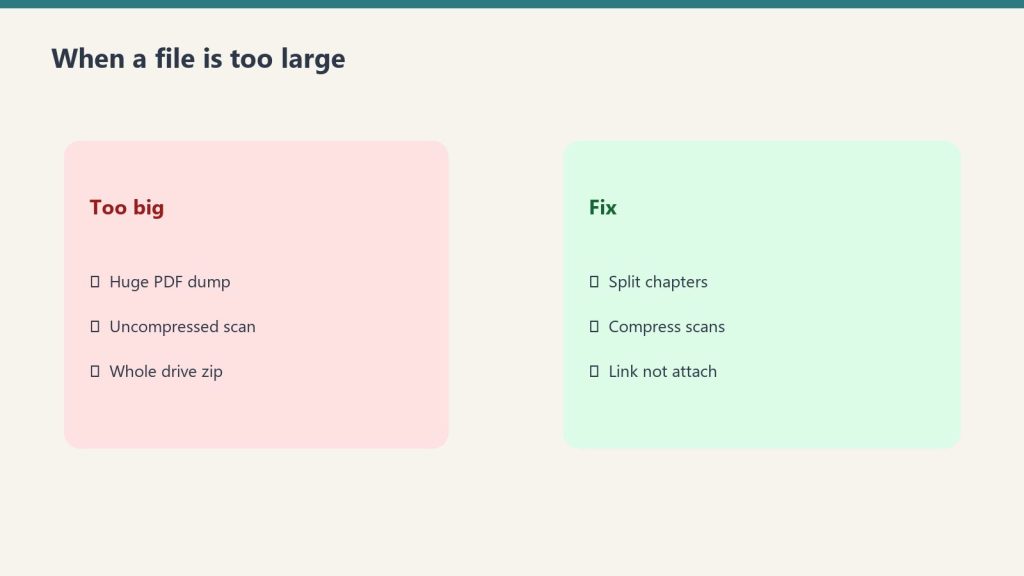
If a PDF exceeds 32 MB or 100 pages, Claude.ai will reject the upload with an error. The file won’t be processed. The practical workarounds:
- Split the PDF. Most PDF readers and tools (Preview on Mac, Adobe, Smallpdf) can split a document into smaller sections. Upload the relevant section rather than the full document.
- Compress the file. Large PDFs are often oversized due to embedded images. Use a PDF compressor to reduce file size while preserving text quality.
- Copy and paste the text. For text-heavy documents, copying relevant sections directly into the chat removes the file size constraint entirely — the only limit is the context window (1M tokens for Sonnet and Opus).
- Use multiple conversations. Process different sections in separate conversations and synthesize results yourself.
Context Window as the True Limit
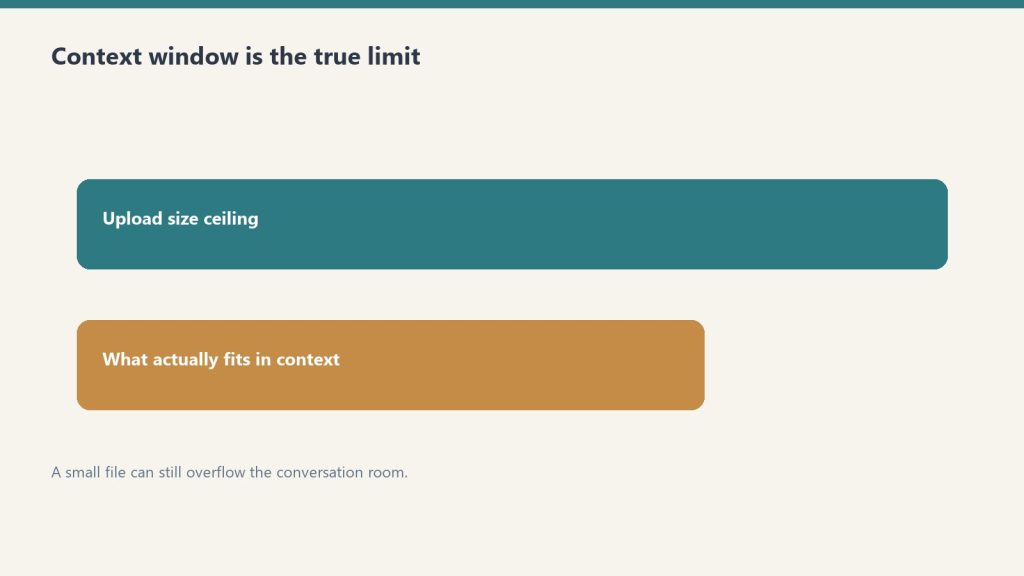
Even within the file size limits, the real constraint is the context window — how much text Claude can process at once. A 100-page PDF that’s text-heavy may contain 60,000–80,000 tokens. Claude Sonnet 4.6 and Opus 4.6 have a 1 million token context window, so most documents fit comfortably. Claude Haiku 4.5’s 200,000 token window is still large enough for most individual documents.
Where the context window becomes the binding constraint is when you’re uploading multiple large files simultaneously — several hundred pages of documents combined may approach context limits on Haiku.
Scanned PDFs: The Hidden Limit
File size and page count are the official limits, but there’s a functional limit that catches many users: scanned PDFs that are image-only have no text layer, so Claude can’t read their content regardless of size. A 5-page scanned document may be effectively unreadable while a 100-page digital PDF works fine. Run scanned documents through OCR software to create a text layer before uploading. See Can Claude Read PDFs? for the full breakdown.
Image Limits in Detail
Each image can be up to 5 MB, with a maximum of 20 images per API request. In Claude.ai conversations, you can upload multiple images in a single message. Claude processes images using its vision capability — all current models (Haiku 4.5, Sonnet 4.6, Opus 4.6) support image input including JPG, PNG, GIF, and WebP formats.
Frequently Asked Questions
What is the Claude file size limit?
PDFs: 32 MB and 100 pages maximum. Images: 5 MB per image, up to 20 images per request. Text files and documents: effectively limited by the context window rather than file size. These limits apply to claude.ai and the API.
What do I do if my PDF is too large for Claude?
Split the PDF into smaller sections, compress it to reduce file size, or copy and paste the relevant text directly into the conversation. Text pasted directly is only limited by the context window (1M tokens for Sonnet and Opus), not file size limits.
How many files can I upload to Claude at once?
Multiple files can be uploaded in a single conversation. The practical limit is the combined text content fitting within Claude’s context window — 1M tokens for Sonnet 4.6 and Opus 4.6, or 200K tokens for Haiku 4.5. For images, the API supports up to 20 per request.
💼 Deploying Claude or AI Infrastructure in Your Business?
At Tygart Media, we engineer custom Model Context Protocol (MCP) servers, multi-model content pipelines, and AI operational systems. Explore our Claude AI Team Implementation Services or check out our complete Restoration Operations & AI Kit.
Leave a Reply