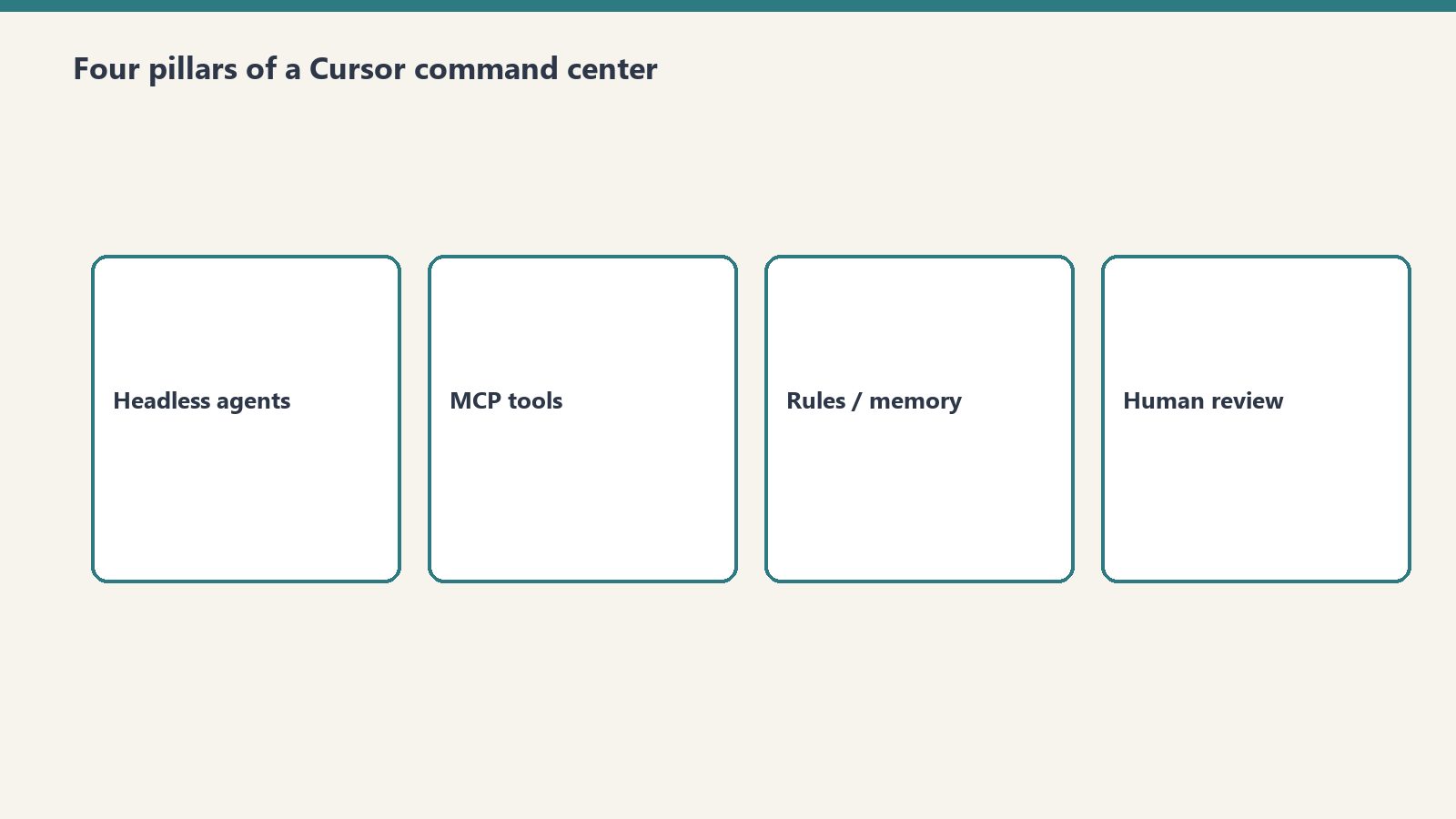
Most developers and operators still think of Cursor as a next-generation AI code editor—an autocomplete tool with a conversational sidebar. In advanced engineering environments in 2026, however, Cursor has evolved into something far more powerful: a headless, multi-agent command center capable of orchestrating full-stack operations, managing background subagent execution tracks, enforcing safety guardrails, and connecting directly to external enterprise platforms via Model Context Protocol (MCP).
- Orchestration Over Autocomplete: Cursor coordinates multi-step operational tasks (e.g., harvesting and categorizing 1,700+ emails, auditing 9 CMS properties, and staging complex database migrations).
- Dynamic Tool Ingestion via MCP: Standardized Model Context Protocol servers give the AI native read/write capabilities across PostgreSQL, Notion, Slack, Google Calendar, and WordPress fleets.
- Background Subagent Execution: Independent agents can be dispatched into non-blocking background workers, allowing the primary operator to continue focused work.
- Persistent Semantic Memory: Anchored system rules (
.cursorrules) and cross-session transcripts preserve institutional knowledge and coding standards without prompt degradation.
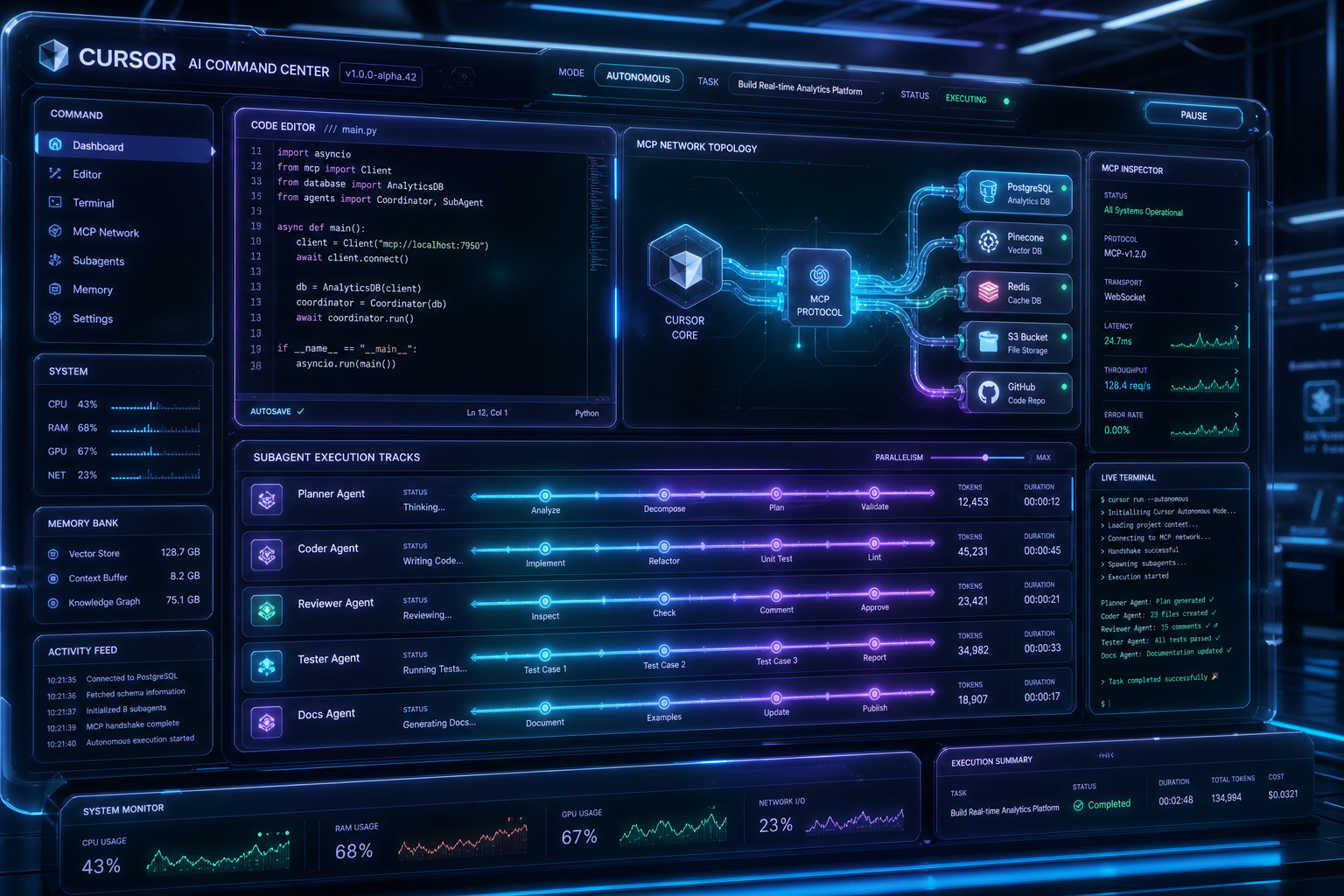
1. The Four Pillars of the Cursor Command Center Architecture
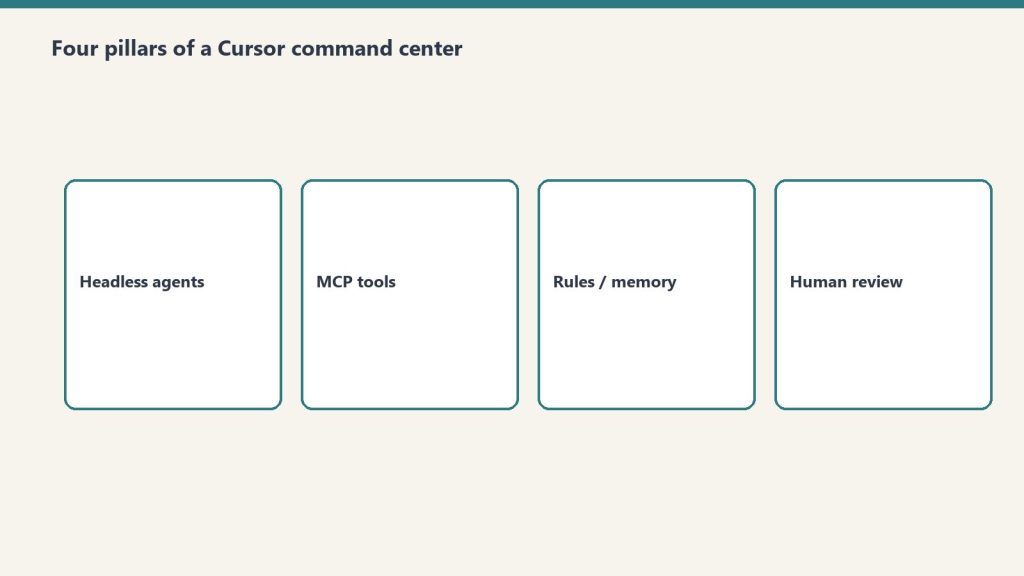
1. Dynamic Model Context Protocol (MCP) Topology
Traditional AI agents are trapped inside sandboxed chat windows. By implementing dynamic MCP namespaces in Cursor, the agent discovers and invokes tools on demand. Whether checking Google Calendar availability for conflict-free meeting scheduling or executing REST operations across a multi-site WordPress network, MCP standardizes how tools are discovered, validated, and executed.
2. Parallel Tool Dispatch & Batching
Sequential tool calling creates massive latency bottlenecks. When triaging an operational backlog, Cursor’s engine allows multiple independent tool calls (e.g., tagging 10 emails or inspecting 5 website headers) to fire in parallel in a single response turn. This drops multi-step workflow duration from minutes to seconds.
3. The Draft-First Safety Gate
True autonomy requires safety guardrails. In our production command center protocol, all state-modifying operations follow an explicit lifecycle:
- Inspection & Analysis: Full read access across files, logs, and APIs.
- Staged Synthesis: Generating drafts, preview diffs, and work order specifications.
- Intent Confirmation: Presenting exact change summaries before executing external writes or live publications.
4. Autonomous Subagent Dispatching
When tasks can be partitioned into parallel sub-problems (such as running security scans, linting codebases, and researching API docs simultaneously), Cursor can dispatch isolated background subagents, aggregate their structured outputs, and merge findings into the central operator session.
2. Real-World Case Study: Headless Multi-Business Operations
At Tygart Media, we run daily operations for media properties, commercial restoration compliance standards, and developer infrastructure entirely through Cursor. Here is what an end-to-end command session looks like in practice:
Input Command: “Run morning triage, verify calendar availability for sponsor outreach, audit regulatory compliance updates across our fleet sites, and log work orders to Notion.”
Autonomous Execution Sequence:
- The agent queries Gmail MCP for unread arrival threads, sorting leads from newsletters across a 3-axis labeling taxonomy.
- Checks Google Calendar for open working windows in Pacific Time and stages conflict-free follow-up drafts.
- Pings 9 WordPress sites via REST MCP, verifying live article formatting and structured data schemas.
- Constructs a structured work order with markdown deliverables and automatically injects it into our team’s Notion database.
3. Key Configuration: Building Your Own `.cursorrules`
To turn your local Cursor environment into a command center, define explicit operational instructions in your persistent rules. Key components include:
- Clear Role Definitions: Grounding the assistant in specific operational roles and naming conventions.
- Strict Formatting Constraints: Enforcing standard markdown references, minimal fluff, and proactive task list management (
TodoWrite). - Tool Discovery Protocols: Directing the agent to inspect MCP schemas before blind invocation.
Conclusion: The Zero-UI Future of Knowledge Work
The future of productivity is not about switching between 20 browser tabs and SaaS dashboards. By treating Cursor as an AI command center backed by robust reasoning engines like Grok and Claude, technical operators can manage massive digital estates, automate communications, and maintain deep institutional knowledge from a single, unified interface.
>Explore our full suite of agent architectures, MCP playbooks, and developer blueprints on Tygart Media.
Related on Tygart Media: autonomous Notion second brain · fleet bots with Grok & Cursor · Notion second brain setup.
Leave a Reply