
Everyone teaches you how to add an MCP server to Claude Code. Almost nobody teaches you where to add it — and that one decision, the scope flag, is the difference between a clean team setup and three engineers debugging why the same server works on one machine and not another. I’ve watched it happen. The fix is always the same: someone added a server at the wrong scope.
If you run claude mcp add without thinking about scope, Claude Code makes the choice for you. It defaults to local. That’s fine for a throwaway experiment and wrong for almost everything else.
The three scopes, and what each one actually controls
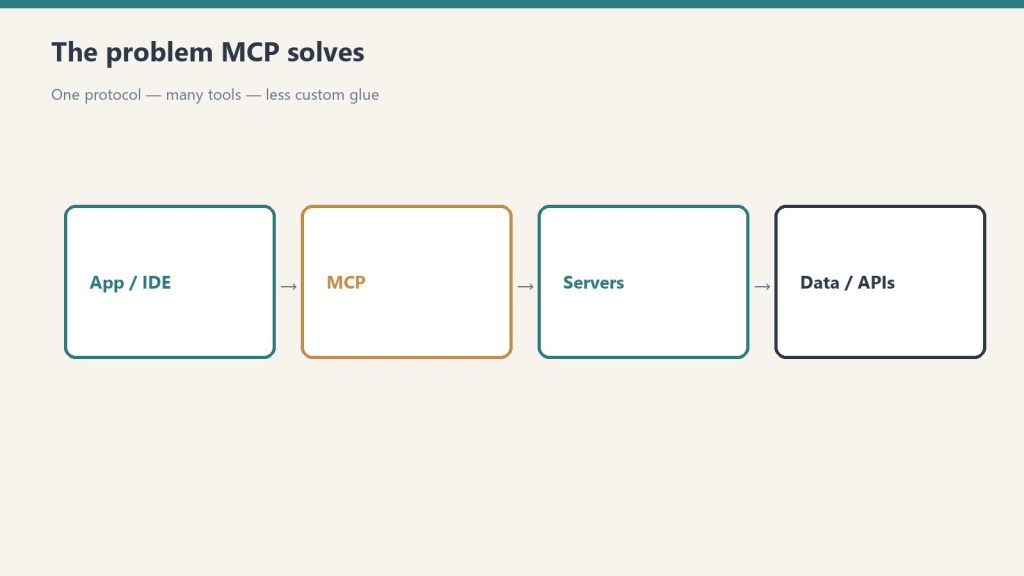
Claude Code stores MCP server configurations in three places, and the --scope flag decides which one you’re writing to.
Local scope (the default) writes the server config into your personal settings, keyed to the current project path, inside ~/.claude.json. Nobody else sees it. It doesn’t get committed. Open the same repo on your laptop at home and the server isn’t there. This is the scope you want for a one-off — a database you’re poking at this afternoon, a server you’re still deciding whether to keep.
Project scope writes to a .mcp.json file at the root of the repository. You commit that file to git. Everyone who clones the repo gets the same servers, configured the same way. This is the scope that makes MCP a team decision instead of a personal one — and it’s the one most people skip because the default never points them at it.
User scope writes to your global config so the server is available in every project you open, regardless of which repo you’re in. This is for the handful of servers you genuinely use everywhere — a documentation search server, a personal notes tool — not for anything project-specific.
The mental model I use: local is “me, here, now.” Project is “anyone on this repo.” User is “me, everywhere.” If you can articulate which of those three sentences describes the server, you know the flag.
The command, written three ways
Same server, three scopes. The only thing that changes is the flag.
# Local — default, personal, not committed
claude mcp add --transport stdio my-db -- npx -y @some/db-mcp-server

# Project — shared via .mcp.json, commit to git
claude mcp add --scope project --transport stdio my-db -- npx -y @some/db-mcp-server

# User — available in every project you open
claude mcp add --scope user --transport stdio my-db -- npx -y @some/db-mcp-server
Verify what’s connected and where it came from with claude mcp list. If a teammate reports a server “isn’t working” and yours is fine, this is the first command to run on both machines — the discrepancy is almost always a scope mismatch, not a broken server.
The .mcp.json pattern that actually pays off

Here’s the workflow that turns this from trivia into leverage. When you onboard a repo that the whole team uses, you decide once which MCP servers belong to that codebase — the Postgres server pointed at the dev database, the issue tracker, whatever the repo’s daily work requires — and you add them all at project scope. The resulting .mcp.json looks like this:
{
  "mcpServers": {
    "postgres": {
      "command": "npx",
      "args": ["-y", "@some/postgres-mcp-server", "postgresql://localhost/devdb"]
    },
    "linear": {
      "type": "http",
      "url": "https://mcp.linear.app/mcp"
    }
  }
}
Commit it. Now a new hire clones the repo, opens Claude Code, and the agent already knows how to query the dev database and read tickets — no setup doc, no Slack thread asking “wait, how do I connect the database again.” The repo carries its own integration surface.
One safety detail worth knowing: when Claude Code encounters project-scoped servers from a .mcp.json it didn’t write, it asks you to approve them before they run. That prompt exists because a committed config file is, technically, code other people can put on your machine. Read what you’re approving — the same way you’d read a package.json script before running it.
Where this bites people
Three failure modes I see repeatedly. First: adding a server at local scope, then wondering why it vanished on a different machine — local is path-and-machine specific, that’s the design. Second: putting a secret directly into .mcp.json and committing it to a public repo. Don’t. Reference an environment variable in the config and keep the actual token out of git. Third: piling everything into user scope so every project loads servers it doesn’t need, which bloats the context the agent has to reason over and slows routing when you have many tools connected.
The cost angle, since it’s a fair question: scoping itself costs nothing. But every connected MCP server adds its tool definitions to the model’s context on each turn. With Sonnet 4.6 as the workhorse model, a lean per-project tool set is faster and cheaper than a kitchen-sink user-scope config you never pruned. Scope discipline is, indirectly, token discipline.
The rule that replaces all of this
Before you run claude mcp add, finish this sentence: “This server should be available to ___.” If the answer is “just me, just here” — local. If it’s “anyone working in this repo” — project, commit the file. If it’s “me, in everything I do” — user. The flag follows from the sentence. Get that habit, and the entire class of “works on my machine” MCP bugs disappears from your team’s life.
Leave a Reply