
Last refreshed: August 2026
The Claude Agent SDK tutorial starts here — the SDK (formerly the Claude Code SDK, renamed late 2025) eliminates the boilerplate of building agentic loops by hand, shipping the same tool execution, context management, and permission system that powers Claude Code into a Python or TypeScript library you can embed in any product, pipeline, or internal tool.
This is a practical build guide. It covers when to use an agent versus a script, what the SDK actually does, how to set one up with working code, and what to watch for in production.
When to Use an Agent vs. a Script

Use an agent when the number of steps to complete the task is unpredictable. If the workflow can be hardcoded, a linear script is faster, cheaper, and easier to debug.
This is Anthropic’s own guidance in Building Effective Agents, and it’s the right frame. The common mistake is reaching for agents because agents are fashionable — not because the problem requires them.
Agents fit:
- Open-ended research tasks where the number of searches needed varies
- Code debugging where the error chain isn’t known in advance
- Multi-step data pipelines where decisions at each step depend on prior outputs
- Any workflow where the model needs to try, observe, and adjust
Scripts fit:
- Known sequences of steps that always run in the same order
- Simple data transformation with no conditional branching
- Any task where the output of each step is fully predictable
The cost implication matters too: a 15-step agentic research task can hit 200K+ tokens without optimization. Agents are expensive when you don’t need them.
How the Claude Agent SDK Works
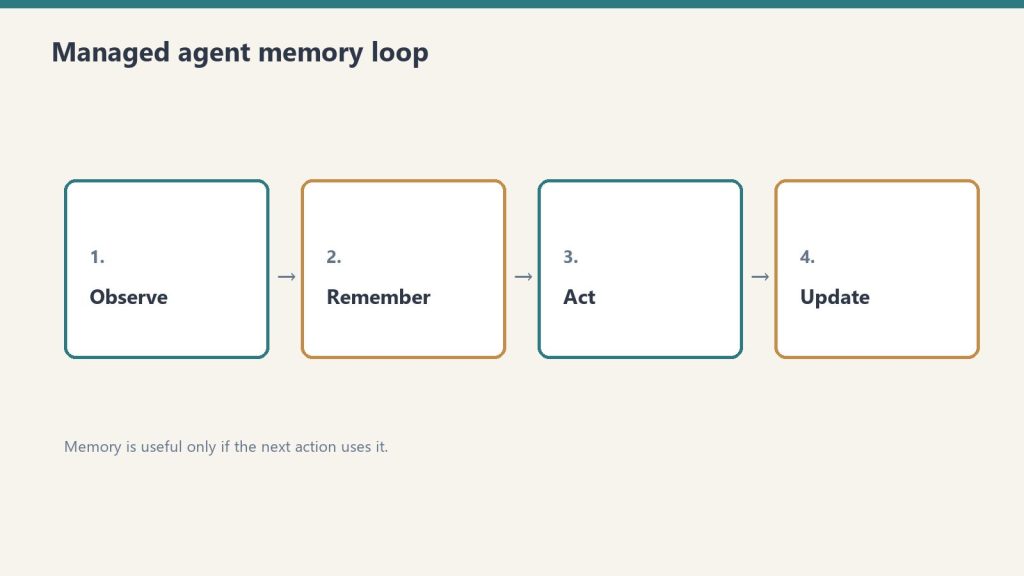
The SDK automates the ReAct loop — Reason, Act, Observe, repeat — so you define the tools and instructions and the SDK handles the rest. You never write the prompt → check stop_reason → execute tool → loop boilerplate yourself.
The core loop the SDK manages:
- Send the task to Claude with available tool definitions
- Claude reasons and produces a tool call (or a final answer)
- The SDK executes the tool in the local environment
- The SDK sends the result back to Claude
- Claude observes and decides: call another tool or produce final output
- Loop until done
This continues until Claude produces a response with no tool calls. The SDK handles conversation history, token tracking, error handling, and session management across the entire loop.
Installing the SDK
# Python
pip install claude-agent-sdk

# TypeScript
npm install @anthropic-ai/claude-agent-sdk
Set your API key:
export ANTHROPIC_API_KEY="sk-ant-..."
Building a Minimal Agent
A working agent requires three things: a task, tool definitions, and a Runner call. Everything else is configuration.
from claude_agent_sdk import ClaudeAgentOptions, Runner
import subprocess
import json

# Define tools the agent can use
tools = [
    {
        "name": "run_command",
        "description": "Run a shell command and return its output",
        "input_schema": {
            "type": "object",
            "properties": {
                "command": {
                    "type": "string",
                    "description": "The shell command to execute"
                }
            },
            "required": ["command"]
        }
    },
    {
        "name": "read_file",
        "description": "Read the contents of a file",
        "input_schema": {
            "type": "object",
            "properties": {
                "path": {
                    "type": "string",
                    "description": "File path to read"
                }
            },
            "required": ["path"]
        }
    }
]

# Tool execution handlers
def execute_tool(tool_name: str, tool_input: dict) -> str:
    if tool_name == "run_command":
        result = subprocess.run(
            tool_input["command"],
            shell=True,
            capture_output=True,
            text=True
        )
        return result.stdout or result.stderr
    elif tool_name == "read_file":
        with open(tool_input["path"], "r") as f:
            return f.read()
    return f"Unknown tool: {tool_name}"

# Configure and run the agent
options = ClaudeAgentOptions(
    model="claude-sonnet-4-6",
    max_turns=20,               # safety ceiling
    tools=tools,
    tool_executor=execute_tool
)

result = Runner.run_sync(
    task="Check the disk usage on this machine and report the top 5 largest directories under /home",
    options=options
)

print(result.final_output)
That’s a complete working agent. The SDK handles the loop; the tool definitions and executor are the only custom code.
Adding Cost Controls
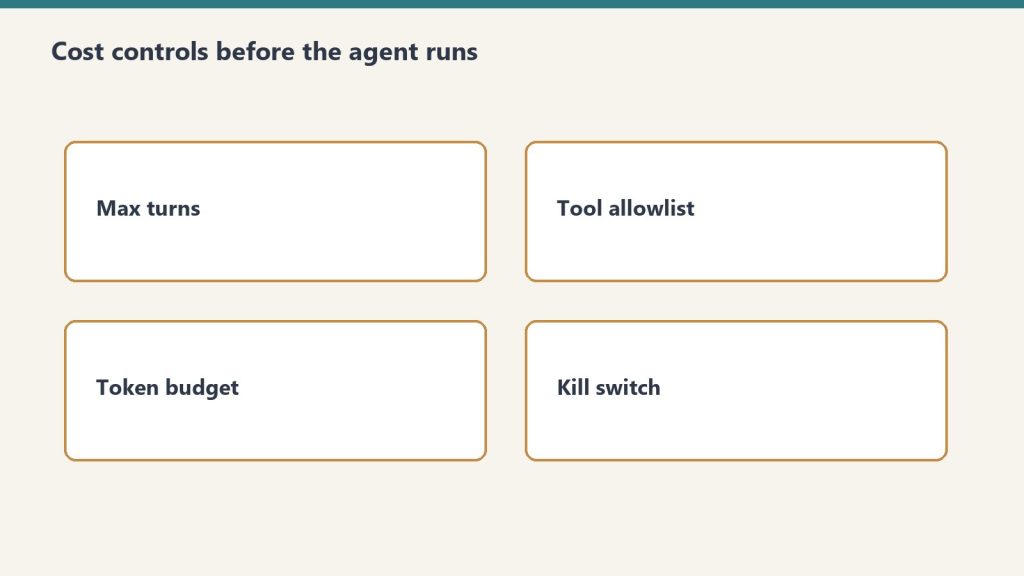
Always set a max_turns ceiling and a token budget. An uncapped agent loop can run indefinitely on an ambiguous task.
options = ClaudeAgentOptions(
    model="claude-sonnet-4-6",
    max_turns=20,
    max_tokens_per_turn=4000,   # cap per individual turn
    tools=tools,
    tool_executor=execute_tool
)
Cost at 20 turns using Claude Sonnet 4.6 with an average of 2,000 tokens per turn:
- Input: 40,000 tokens × $3/M = $0.12
- Output: 10,000 tokens × $15/M = $0.15
- Total per agent run: ~$0.27
At 1,000 agent runs per month: ~$270. At 10,000: ~$2,700. Budget from these numbers, not from seat prices.
Switching the inner loop to Haiku 4.5 for tool selection and Sonnet only for synthesis cuts cost significantly:
# Route lighter reasoning to Haiku, reserve Sonnet for synthesis
light_options = ClaudeAgentOptions(model="claude-haiku-4-5-20251001", ...)
heavy_options = ClaudeAgentOptions(model="claude-sonnet-4-6", ...)
Multi-Turn Agents (Conversational)
For agents where a human asks follow-up questions across multiple turns, maintain conversation history and pass it on each call.
from claude_agent_sdk import ClaudeAgentOptions, Runner

conversation_history = []

def chat_with_agent(user_message: str) -> str:
    conversation_history.append({
        "role": "user",
        "content": user_message
    })

    options = ClaudeAgentOptions(
        model="claude-sonnet-4-6",
        max_turns=10,
        tools=tools,
        tool_executor=execute_tool,
        messages=conversation_history  # full history each call
    )

    result = Runner.run_sync(task=user_message, options=options)

    conversation_history.append({
        "role": "assistant",
        "content": result.final_output
    })

    return result.final_output

# Usage
print(chat_with_agent("What Python packages are installed on this system?"))
print(chat_with_agent("Which of those are outdated?"))
Claude Managed Agents vs. the Agent SDK
The Agent SDK runs locally in your environment. Claude Managed Agents runs in Anthropic’s cloud infrastructure with persistent sessions, built-in tools, and cross-session memory. Choose based on where you need the agent to execute.
| Agent SDK | Managed Agents | |
|---|---|---|
| Where it runs | Your server / local machine | Anthropic-managed cloud |
| Persistent sessions | Manual (maintain history) | Built-in |
| Cross-session memory | Manual | Built-in (public beta) |
| Built-in tools | Bring your own | 20+ included |
| Multi-agent coordination | Manual | Built-in |
| Cost | API tokens only | API tokens + platform fee |
| Control | Full | Managed |
The Agent SDK is right for custom environments, data that can’t leave your infrastructure, and workflows deeply embedded in existing systems. Managed Agents is right when you want to skip infrastructure and get to the agent behavior faster.
What Goes Wrong in Production
The most common production failures are uncapped loops, conversation history that grows without bound, and tool definitions written too vaguely.
Uncapped loops: An agent on an ambiguous task will keep calling tools indefinitely without a max_turns ceiling. Always set one. Always check message.subtype rather than is_error — a max-turns termination doesn’t set is_error: true correctly in some SDK versions.
Growing conversation history: Each turn adds tokens to history. At 20 turns on a complex task, history can push 100K+ tokens. Summarize aggressively between phases for long-running agents: prompt Claude to summarize phase 1 outputs before starting phase 2.
Vague tool definitions: Tool descriptions are how Claude decides which tool to call and how to use it. Vague descriptions produce tool call errors and unnecessary retry loops. Write tool descriptions as precisely as you would write a function docstring — what it does, what inputs it expects, what it returns.
camelCase vs snake_case mismatch: AgentDefinition uses camelCase (disallowedTools); ClaudeAgentOptions uses snake_case (disallowed_tools). This caught teams in early SDK versions.
Related on Tygart Media: how to use Claude · Anthropic API key.
Frequently Asked Questions
What is the Claude Agent SDK?
The Claude Agent SDK is Anthropic’s Python and TypeScript library for building autonomous AI agents. It wraps the same agentic loop that powers Claude Code — tool execution, context management, and session handling — so developers don’t build that infrastructure from scratch. It was formerly called the Claude Code SDK and was renamed in late 2025.
What is the difference between the Agent SDK and Claude Code?
Claude Code is Anthropic’s interactive terminal-based development tool for agentic coding. The Agent SDK is the programmatic library for embedding agent behavior in custom applications and pipelines. They share the same underlying agent loop and tool system. Claude Code stays in the picture for interactive development; the SDK is for production automation.
How much does it cost to run an agent?
Agent cost is API token cost only (no platform fee for the SDK itself). A 20-turn agent on Claude Sonnet 4.6 with 2,000 tokens average per turn costs approximately $0.27. At 10,000 agent runs per month, that’s about $2,700. Switching the tool selection loop to Haiku 4.5 and reserving Sonnet for synthesis significantly reduces cost.
When should I use Managed Agents instead of the Agent SDK?
Use Managed Agents when you want cloud-hosted execution, persistent cross-session memory, built-in tools (20+ included), and multi-agent coordination without building that infrastructure yourself. Use the Agent SDK when you need local execution, full control over the environment, or your data can’t leave your infrastructure.
What to Read Next
Anthropic Console: API Keys, Billing, and the Workbench
Claude AI Pricing — All Plans and API Rates