Tag: Enterprise AI Selection

  • Which AI Assistant Is Right for Your Organization? The Complete Decision Framework (2026)

    Beyond the Hype Cycle: Making a Rational AI Platform Decision

    Every enterprise technology leader in 2026 faces the same question: which AI assistant should we deploy across our organization? The stakes are high—this decision affects every knowledge worker’s daily productivity, touches sensitive organizational data, and commits significant budget for years to come. Yet most organizations are making this decision based on vendor demos, executive enthusiasm, or competitive anxiety rather than structured evaluation.

    The AI assistant market has consolidated around four major platforms: Microsoft Copilot, ChatGPT Enterprise (by OpenAI), Google Gemini for Workspace, and Claude for Work (by Anthropic). Each platform has genuine strengths, real limitations, and specific organizational profiles where it delivers the highest value. None is universally superior.

    This guide provides a structured decision framework that removes emotion from the equation. It gives you a repeatable evaluation methodology, objective scoring criteria, and a practical timeline for reaching a defensible platform decision. Whether you are a CIO building a recommendation for the board, a procurement team evaluating vendors, or a technology strategist shaping the organization’s AI roadmap, this framework produces better decisions than any demo or trial alone.

    The 6-Axis Evaluation Model

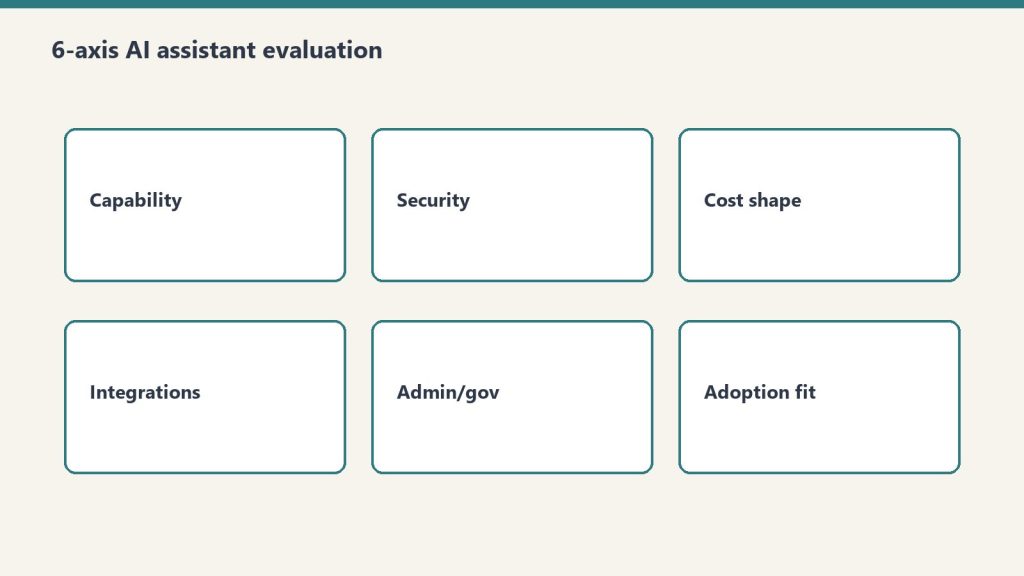
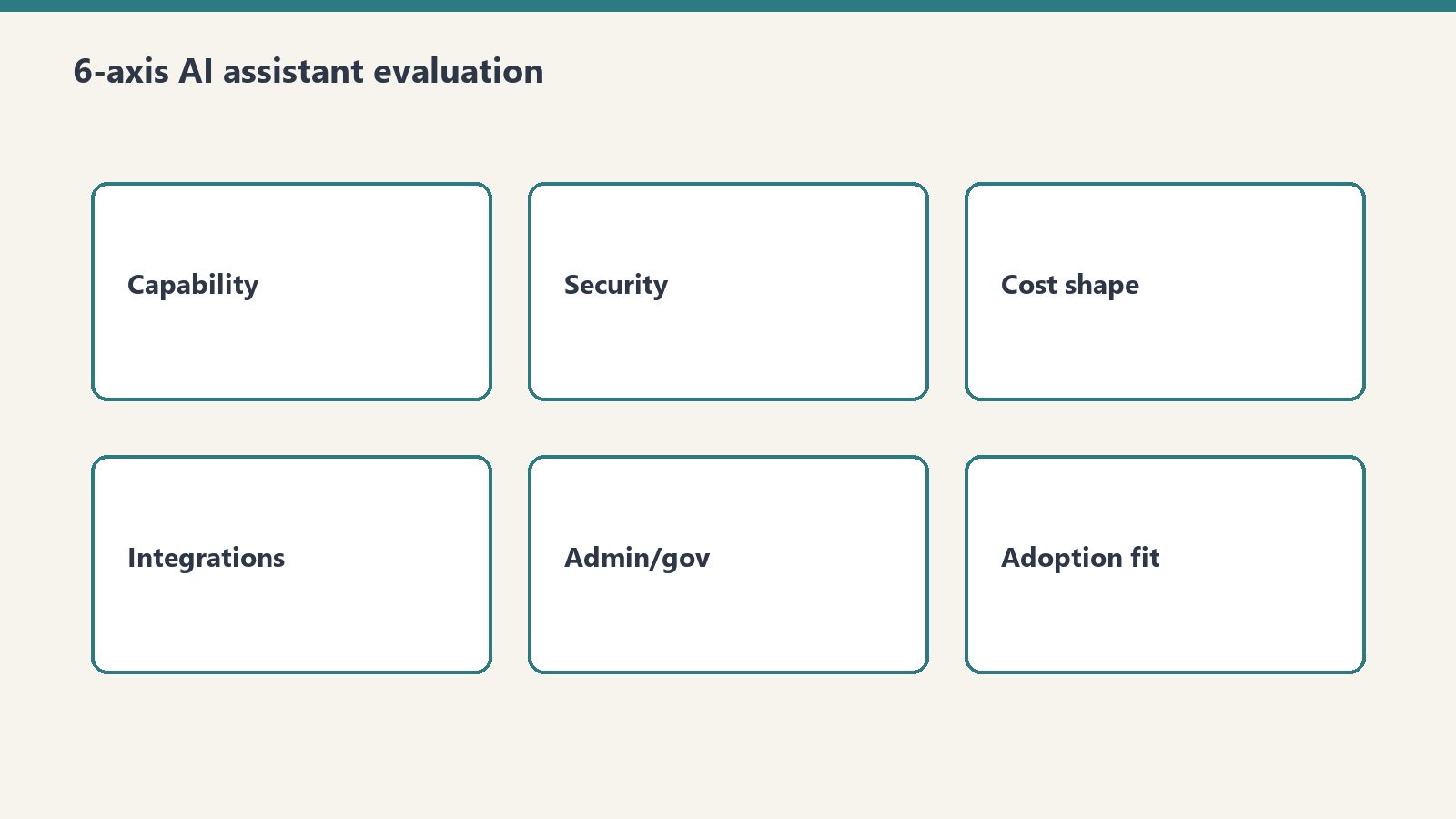
    The framework evaluates AI platforms across six dimensions. Each axis captures a distinct aspect of platform value, and the relative weighting of these axes should reflect your organization’s specific priorities.

    Axis 1: Ecosystem Fit

    Ecosystem fit measures how naturally the AI platform integrates with your existing technology stack. This is the most frequently underweighted axis in AI evaluations, yet it is often the strongest predictor of long-term success.

    What to evaluate: Which productivity suite does your organization use (Microsoft 365, Google Workspace, or hybrid)? Which identity provider manages your users (Azure AD, Google Identity, Okta)? What is your cloud infrastructure (Azure, AWS, GCP, multi-cloud)? Which collaboration tools are standard (Teams, Slack, other)? What is your device management strategy (Intune, Workspace MDM, JAMF)?

    Microsoft Copilot ecosystem score: Highest for organizations running Microsoft 365, Azure AD, and Azure cloud. Copilot’s deep integration across Word, Excel, PowerPoint, Outlook, Teams, and SharePoint creates a seamless experience that no competitor can match within the Microsoft ecosystem. The integration extends to Power Platform, Dynamics 365, and Azure services.

    ChatGPT Enterprise ecosystem score: Platform-agnostic—ChatGPT works equally well regardless of your productivity suite. This neutrality is an advantage for organizations with heterogeneous environments or those not committed to a single ecosystem. API integration allows connection to virtually any system. The tradeoff is that ChatGPT does not deeply integrate with any productivity suite.

    Google Gemini ecosystem score: Highest for Google Workspace organizations. Gemini integrates natively across Gmail, Docs, Sheets, Slides, Meet, and Chat. For organizations running on Google infrastructure (GCP, Chrome OS), the integration extends to development and infrastructure workflows.

    Claude for Work ecosystem score: Claude integrates through API and dedicated interfaces rather than deep productivity suite integration. It connects to organizational data through various integrations and offers strong document analysis capabilities. Best suited for organizations that value reasoning quality over suite integration or that use Claude alongside another platform’s suite integration.

    Axis 2: Workflow Coverage

    Workflow coverage measures how many of your organization’s daily workflows the AI platform can meaningfully augment. This goes beyond feature lists to assess practical utility across departments.

    What to evaluate: Map your top 20 organizational workflows by time investment. For each workflow, assess whether the AI platform can reduce time-to-completion by at least 20%. Coverage across diverse workflows (email, documents, data analysis, meetings, code, customer interaction) matters more than depth in any single workflow.

    Microsoft Copilot workflow coverage: Broadest coverage within the Microsoft ecosystem. Email management (Outlook), document creation (Word), data analysis (Excel), presentations (PowerPoint), meeting management (Teams), knowledge management (SharePoint), automation (Power Platform), and business intelligence (Power BI). The breadth of coverage is unmatched for Microsoft shops.

    ChatGPT Enterprise workflow coverage: Deepest coverage for creative and analytical workflows. Content creation, research, data analysis (through Advanced Data Analysis), brainstorming, and general-purpose problem-solving. ChatGPT excels at open-ended tasks where the user needs to explore ideas, analyze complex scenarios, or generate novel content. Weaker in structured productivity workflows (email, meetings) because it lacks native integration.

    Google Gemini workflow coverage: Strong coverage across Google Workspace workflows: email (Gmail), documents (Docs), spreadsheets (Sheets), presentations (Slides), meetings (Meet), and communication (Chat). Coverage pattern is similar to Copilot’s within the Google ecosystem, though the feature maturity in some areas is still evolving.

    Claude for Work workflow coverage: Strongest in document analysis, research synthesis, technical writing, and complex reasoning tasks. Claude’s strength is depth rather than breadth—it handles nuanced analysis and long-form content exceptionally well. Organizations with heavy document review, research, legal analysis, or technical writing needs find Claude’s coverage particularly valuable.

    Axis 3: Security and Compliance

    Security and compliance evaluates the platform’s data handling practices, certifications, governance controls, and regulatory compliance capabilities.

    What to evaluate: Data residency (where is your data processed and stored?), encryption standards (at rest and in transit), compliance certifications (SOC 2, ISO 27001, HIPAA, FedRAMP, GDPR), data retention policies, model training data usage (is your data used to train models?), audit logging, access controls, and DLP integration.

    Microsoft Copilot: Leverages Microsoft’s enterprise compliance infrastructure. Data stays within the Microsoft 365 compliance boundary. Supports sensitivity labels, DLP policies, eDiscovery, and audit logging through Microsoft Purview. Extensive certifications including SOC 2, ISO 27001, HIPAA, and FedRAMP. Organizational data is not used to train foundation models.

    ChatGPT Enterprise: SOC 2 compliant with data encryption at rest and in transit. Enterprise data is not used for model training. Supports SSO/SAML, data retention controls, and admin analytics. HIPAA compliance available through specific enterprise agreements. Compliance infrastructure is less integrated with productivity suite governance compared to Microsoft and Google.

    Google Gemini: Leverages Google Cloud’s compliance infrastructure. Data processed within Google’s enterprise security boundary. SOC 2, ISO 27001 certified. Workspace data is not used for model training in enterprise tier. Integrates with Google Workspace DLP and security controls.

    Claude for Work: SOC 2 Type II compliant with strong data privacy commitments. Enterprise data is not used for model training. Supports SSO integration and access controls. Anthropic has built its reputation around AI safety and responsible deployment, which resonates with organizations prioritizing ethical AI governance.

    Axis 4: Total Cost of Ownership (TCO)

    TCO goes beyond license costs to include implementation, training, management, and opportunity costs.

    Direct license costs (per user/month):

    • Microsoft Copilot: $30 add-on to existing M365 subscription
    • ChatGPT Enterprise: approximately $60 (varies by contract)
    • Google Gemini for Workspace: included in select tiers or $30 add-on
    • Claude for Work: varies by plan and usage model

    Implementation costs: Microsoft Copilot and Google Gemini have lower implementation costs for organizations already on their respective platforms. ChatGPT Enterprise requires integration work to connect with existing workflows. Claude for Work requires similar integration effort.

    Training costs: All platforms require user training, but platforms integrated into existing tools (Copilot for M365 users, Gemini for Workspace users) typically have lower training requirements because users are already familiar with the host applications.

    Management costs: Ongoing management (license administration, security monitoring, adoption tracking, prompt library maintenance) adds $3-8/user/month in IT labor regardless of platform. Integrated platforms typically cost less to manage than standalone platforms.

    Axis 5: Organizational Readiness

    Organizational readiness evaluates your organization’s capacity to adopt and benefit from an AI platform. This is the most commonly ignored axis and the most common source of deployment failure.

    What to evaluate: Change management capacity (how many organizational changes are currently in flight?), digital literacy levels across the workforce, executive sponsorship strength, IT support capacity, existing AI experience (have users used consumer AI tools?), and organizational culture around technology adoption.

    Organizations with low change management capacity should prefer platforms that integrate into existing tools (reducing the behavioral change required). Organizations with high digital literacy and existing AI experience can benefit from more powerful but less integrated platforms like ChatGPT Enterprise or Claude for Work.

    Axis 6: Scalability and Roadmap

    Scalability and roadmap evaluates the platform’s growth trajectory, vendor investment level, and long-term viability.

    What to evaluate: Vendor R&D investment trajectory, feature release cadence, platform extensibility (APIs, custom agent development), vendor financial stability, partnership ecosystem, and strategic roadmap alignment with your organization’s technology direction.

    All four major platforms are backed by well-resourced organizations with significant AI investment. The differentiation is in platform extensibility and ecosystem growth. Microsoft’s Power Platform integration gives Copilot a uniquely extensible enterprise platform. OpenAI’s rapid innovation pace gives ChatGPT Enterprise access to cutting-edge capabilities quickly. Google’s infrastructure advantages support Gemini’s scalability. Anthropic’s focus on safety and reasoning quality positions Claude for Work in specialized enterprise applications.

    Weighted Scoring Methodology

    The 6-axis model becomes actionable when you assign weights to each axis based on your organization’s priorities. Here is a recommended starting point that you should customize:

    Ecosystem Fit: 25% — The strongest predictor of adoption and long-term success. Reduce this weight only if your organization is actively planning an ecosystem migration.

    Workflow Coverage: 20% — Determines daily productivity impact. Increase this weight if your primary goal is immediate productivity gains.

    Security and Compliance: 20% — Non-negotiable baseline for regulated industries. Increase to 30% for healthcare, financial services, government, or defense organizations.

    Total Cost of Ownership: 15% — Important but should not be the primary driver. AI platform value is measured in productivity gains, not license costs.

    Organizational Readiness: 10% — A reality check that prevents organizations from choosing platforms they cannot successfully adopt.

    Scalability and Roadmap: 10% — Ensures the decision accounts for future needs, not just current requirements.

    Score each platform on each axis using a 1-5 scale based on your organization-specific evaluation. Multiply scores by weights. The highest weighted total score identifies your recommended platform, but use the scores to inform rather than automate the decision.

    Platform Profiles: Strengths in Context

    Microsoft Copilot: The Ecosystem Play

    Ideal for: Organizations with 80%+ Microsoft 365 adoption, Teams-centric collaboration, SharePoint-based knowledge management, and Azure cloud infrastructure. Companies where the primary AI use cases are email management, document creation, meeting management, and data analysis within Office applications.

    Strongest when: AI value comes from augmenting existing Microsoft workflows rather than creating new capabilities. The data grounding advantage—Copilot’s ability to reference organizational content across Microsoft 365—is the killer feature that no competitor can replicate outside the Microsoft ecosystem.

    Weakest when: The organization needs AI for creative exploration, open-ended research, or workflows that exist outside Microsoft 365. Copilot’s application-embedded approach limits flexibility for novel use cases.

    ChatGPT Enterprise: The Flexibility Play

    Ideal for: Organizations with diverse technology stacks, strong AI-savvy user bases, and use cases centered on content creation, research, data analysis, and creative problem-solving. Companies where users need a powerful general-purpose AI that works across any context.

    Strongest when: Users need flexible, open-ended AI capabilities not constrained by a specific productivity suite. ChatGPT’s conversational depth, Custom GPTs, and Advanced Data Analysis provide capabilities that purpose-built suite integrations cannot match.

    Weakest when: The organization wants AI embedded in existing workflows without context-switching. ChatGPT operates as a separate application, which creates adoption friction for users who prefer tools embedded in their daily environment.

    Google Gemini: The Workspace Play

    Ideal for: Organizations committed to Google Workspace with Google-centric infrastructure. Companies where Gmail, Docs, Sheets, and Meet are the daily work environment and where Chrome OS may be part of the endpoint strategy.

    Strongest when: The organization is fully invested in the Google ecosystem and wants AI augmentation across Workspace applications. Gemini’s integration with Google’s AI research provides access to leading-edge capabilities within a familiar environment.

    Weakest when: The organization operates in a Microsoft-dominated industry ecosystem or requires compliance tooling that is more mature in the Microsoft stack.

    Claude for Work: The Reasoning Play

    Ideal for: Organizations with intensive document analysis, research synthesis, technical writing, and complex reasoning needs. Companies in legal, consulting, research, and technical industries where the quality and nuance of AI outputs matters more than breadth of integration.

    Strongest when: Use cases demand sophisticated reasoning, careful analysis of long documents, nuanced content generation, or ethical AI governance. Anthropic’s focus on safety and reasoning quality produces outputs that are notably different in character from competing platforms.

    Weakest when: The primary need is broad workflow automation across a productivity suite. Claude’s integration breadth is narrower than Copilot or Gemini within their respective ecosystems.

    The Decision Tree

    For organizations that want a quick directional answer before conducting the full evaluation:

    Question 1: What is your primary productivity suite?

    If Microsoft 365 with 80%+ adoption: start your evaluation with Microsoft Copilot. If Google Workspace with 80%+ adoption: start with Google Gemini. If mixed or other: proceed to Question 2.

    Question 2: What is your primary AI use case?

    If augmenting existing email, document, and meeting workflows: favor Copilot (Microsoft) or Gemini (Google). If open-ended content creation, research, and analysis: favor ChatGPT Enterprise. If document analysis, reasoning, and technical writing: favor Claude for Work.

    Question 3: What is your compliance environment?

    If highly regulated (healthcare, financial services, government): favor platforms with the deepest compliance integration in your ecosystem—typically Copilot for Microsoft shops, Gemini for Google shops. If moderately regulated: all platforms can meet requirements with appropriate configuration. If minimally regulated: compliance is not a differentiator; weight other axes more heavily.

    Pilot Program Design: 30 Days, 50 Users

    A structured pilot program is the most reliable way to validate your evaluation findings before committing to an organization-wide deployment.

    Pilot Structure

    User selection: 50 users across at least 3 departments. Include a mix of technology enthusiasts (who will push the platform’s capabilities), average users (who represent the majority of your workforce), and technology-resistant users (who will reveal adoption barriers). Include at least 5 executives whose experience will influence the deployment decision.

    Duration: 30 days minimum. The first two weeks capture novelty-driven usage, while weeks three and four reveal sustained adoption patterns. Pilots shorter than 21 days cannot distinguish genuine productivity gains from novelty effects.

    Training: Provide 2 hours of structured training before the pilot begins, plus weekly 30-minute office hours for questions and advanced tips. Give pilot users a prompt library with 20-30 tested prompts organized by use case.

    Measurement Framework

    Quantitative metrics: Daily active usage rate (target: 60%+ by week 3), feature adoption breadth (how many different AI features each user touches), task completion time comparisons for defined benchmark tasks, and user-reported time savings (weekly survey).

    Qualitative metrics: User satisfaction survey (NPS or similar at pilot end), workflow-specific feedback (what works, what does not, what is missing), integration friction points, and training effectiveness assessment.

    Decision criteria: Before the pilot begins, define the success thresholds that would trigger a full deployment recommendation. Example: “If 50%+ of pilot users report meaningful time savings and satisfaction scores exceed 7/10, we recommend proceeding with deployment.”

    The Multi-Platform Reality

    Many organizations will deploy more than one AI platform. This is not a failure of the decision process—it is a pragmatic acknowledgment that different platforms excel at different tasks.

    Common Multi-Platform Configurations

    Microsoft Copilot + GitHub Copilot: The most common enterprise configuration. Copilot handles productivity workflows for all knowledge workers while GitHub Copilot handles developer-specific needs. Both operate under the Microsoft umbrella, simplifying governance.

    Microsoft Copilot + ChatGPT Enterprise (limited): Copilot as the primary platform for all users, with limited ChatGPT Enterprise licenses for power users who need Advanced Data Analysis, Custom GPTs, or creative capabilities beyond Copilot’s scope.

    Google Gemini + Claude for Work: Gemini for daily Workspace workflows, Claude for document-intensive analysis, research, and technical writing tasks.

    Multi-Platform Governance

    If you deploy multiple platforms, establish clear governance: which platform handles which data types, which platform is the system of record for AI-generated content, how user access is managed across platforms, and how compliance requirements are met across the combined platform footprint. Without clear governance, multi-platform deployments create data fragmentation and compliance gaps.

    Stakeholder Alignment: Getting Everyone on Board

    AI platform decisions involve multiple stakeholders with different priorities. Aligning these stakeholders early prevents political paralysis later.

    CIO/CTO Priorities

    Technology strategy alignment, integration architecture, security posture, and vendor relationship management. Speak to these stakeholders in terms of architectural fit, total cost of ownership, and strategic roadmap alignment.

    CFO Priorities

    Cost justification, ROI timeline, and budget predictability. CFOs need clear per-user economics, expected productivity gains quantified in dollars, and a realistic ROI timeline. Avoid vague “productivity improvement” claims—provide specific metrics from pilot data.

    End User Priorities

    Ease of use, daily workflow improvement, and minimal disruption. Users care about whether the tool makes their day better, not about enterprise architecture. Pilot program feedback is the most persuasive evidence for this stakeholder group.

    CISO/Security Team Priorities

    Data protection, compliance coverage, threat surface, and governance controls. Security teams need detailed documentation of data handling, compliance certifications, audit capabilities, and incident response procedures. Engage security early—a late-stage security veto derails months of evaluation work.

    Common Decision Mistakes

    Understanding common mistakes is as valuable as understanding best practices. These are the patterns that consistently produce suboptimal AI platform decisions.

    Mistake 1: Choosing based on demos. Vendor demos showcase best-case scenarios with prepared prompts and curated data. They do not reflect how the tool performs with your organization’s data, your users’ skill levels, and your specific workflows. Always supplement demos with structured pilots using your own data and users.

    Mistake 2: Ignoring ecosystem fit. The most capable AI platform in isolation is not necessarily the best choice for your organization. A platform that integrates seamlessly with your existing tools and workflows at 80% capability will outperform a superior platform at 100% capability that creates adoption friction through poor integration.

    Mistake 3: Underestimating change management. Technology procurement teams often assume that deploying a new AI tool is similar to deploying a new version of existing software. It is not. AI tools require behavioral change—users must learn new interaction patterns, develop prompting skills, and develop judgment about when to use AI and when not to. Budget 15-20% of total deployment cost for change management.

    Mistake 4: Failing to involve security and compliance early. Organizations that complete their evaluation and select a vendor before engaging security and compliance teams frequently discover disqualifying issues late in the process. Engage these teams in week one of the evaluation, not week twelve.

    Mistake 5: Deciding without defined use cases. “We need AI” is not a use case. Before evaluating platforms, define specific workflows where AI will be applied, the expected impact on each workflow, and how success will be measured. Without defined use cases, evaluations become abstract capability comparisons that do not predict real-world value.

    15 Vendor Evaluation Questions

    Use these questions during vendor evaluations to surface information that marketing materials and demos do not reveal.

    1. How is our organizational data handled during processing? Ask for specific data flow documentation, not marketing claims.
    2. Is our data ever used for model training or improvement? Require a contractual guarantee, not a verbal assurance.
    3. What compliance certifications do you hold, and what is the audit schedule? Request current audit reports, not just certification listings.
    4. How do you handle data residency requirements? Specify your requirements and get documented confirmation of capability.
    5. What is your incident response process for data security events? Request the actual incident response plan, not a summary.
    6. What administrative controls are available for managing user access? Get a detailed feature list with screenshots, not a capabilities overview.
    7. What audit logging is available, and how long are logs retained? Define your audit requirements and verify the platform meets them.
    8. What is your product roadmap for the next 12 months? Understand where the platform is heading, not just where it is today.
    9. How do you handle API rate limits and usage caps? Understand the practical constraints that affect heavy users.
    10. What is your IP indemnification policy for AI-generated content? Legal teams increasingly require this protection.
    11. How does pricing change as we scale? Get volume discount structures in writing before committing.
    12. What integration APIs and extensibility options are available? Verify that the platform can connect to your specific systems.
    13. What customer support tiers are available, and what are the SLAs? Enterprise deployments require enterprise support.
    14. Can you provide references from organizations of similar size in our industry? References validate vendor claims against real-world experience.
    15. What is your approach to AI safety and content filtering? Understand how the platform handles sensitive topics, harmful content generation, and output quality controls.

    The 90-Day Decision Timeline

    Days 1-30: Discovery and Requirements

    Week 1: Assemble the evaluation team (IT, security, procurement, representative business users). Define evaluation criteria and axis weights using the 6-axis framework.

    Week 2-3: Conduct vendor briefings. Request documentation packages from each vendor. Begin security and compliance review.

    Week 4: Complete requirements documentation, finalize evaluation criteria, and select 2-3 platforms for pilot evaluation. Eliminating platforms that clearly do not meet requirements saves pilot resources for viable options.

    Days 31-60: Pilot Evaluation

    Week 5: Set up pilot environments. Select and brief pilot users. Conduct baseline measurements for benchmark tasks.

    Week 6-8: Run 30-day pilots for shortlisted platforms (sequentially or in parallel, depending on resources). Collect quantitative and qualitative data weekly.

    Week 8-9: Compile pilot results. Conduct pilot user focus groups. Complete security and compliance assessment.

    Days 61-90: Decision and Planning

    Week 10: Score platforms against the 6-axis model using pilot data and evaluation findings. Identify the recommended platform and any multi-platform scenarios.

    Week 11: Present recommendation to executive stakeholders. Address questions, objections, and budget requests. Obtain deployment approval.

    Week 12-13: Negotiate enterprise agreement. Develop deployment plan. Begin procurement process. This timeline assumes the decision outcome is a single primary platform; multi-platform strategies may require additional negotiation time.

    The Bottom Line

    Choosing the right AI assistant for your organization is a strategic decision that will shape workplace productivity for years. The decision deserves the same rigor you apply to ERP selection, cloud platform decisions, or other foundational technology choices.

    The framework presented in this guide—the 6-axis evaluation model, weighted scoring methodology, structured pilot program, and 90-day decision timeline—provides the structure needed to make a defensible, evidence-based decision. Customize the axis weights to your organization’s priorities, run the pilots with your own users and data, and let the evidence guide the decision rather than vendor enthusiasm or competitive anxiety.

    No AI platform is perfect for every organization. But the right platform for your specific context—your ecosystem, your workflows, your compliance requirements, your users—will deliver transformative productivity gains that justify the investment many times over. The goal of this framework is to help you find that right fit with confidence.

    Frequently Asked Questions

    What is the best AI assistant for enterprise in 2026?

    There is no single best AI assistant for all enterprises. Microsoft Copilot is optimal for organizations deeply embedded in the Microsoft 365 ecosystem. ChatGPT Enterprise excels for teams needing flexible AI across diverse workflows with strong conversational capabilities. Google Gemini is the natural choice for Google Workspace organizations. Claude for Work suits organizations prioritizing nuanced reasoning and document analysis. The right choice depends on your existing ecosystem, specific use cases, compliance requirements, and budget.

    How should an organization evaluate AI assistants?

    Use a 6-axis evaluation model covering ecosystem fit, workflow coverage, security and compliance, total cost of ownership, organizational readiness, and scalability and roadmap. Weight each axis based on your organization’s priorities. Score each platform 1-5 on each axis using data from vendor briefings, documentation review, security assessment, and structured pilot programs with your own users and data.

    How long should an AI assistant pilot program run?

    A well-structured AI pilot should run 30 days with 50 users across at least 3 departments. The first two weeks capture novelty-driven usage patterns, while weeks three and four reveal sustained adoption behaviors and genuine productivity impact. Pilots shorter than 21 days cannot distinguish genuine productivity gains from initial novelty effects and should be avoided for enterprise decision-making.

    Can organizations use multiple AI assistants simultaneously?

    Yes, and many organizations do. A common multi-platform strategy uses Microsoft Copilot as the primary productivity AI for document and email workflows, GitHub Copilot for development teams, and a second platform like ChatGPT Enterprise or Claude for Work for specialized research and analysis tasks. The key is defining clear governance about which platform handles which use cases and data types to avoid data fragmentation and compliance gaps.

    What are the most common mistakes when selecting an enterprise AI platform?

    The five most common mistakes are choosing based on a vendor demo rather than a structured pilot, ignoring ecosystem fit in favor of raw AI capability comparisons, underestimating change management costs by 50% or more, failing to involve security and compliance teams before shortlisting vendors, and beginning the evaluation without defining specific use cases and measurable success metrics. Organizations that systematically avoid these mistakes make better decisions and achieve faster return on their AI investment.