Tag: bing-webmaster-tools

  • Bing Webmaster Tools Has an AI Tab Nobody Is Using — Here’s What It Shows

    The Best-Kept Secret in Search Marketing

    Microsoft shipped one of the most significant measurement tools in content marketing history, and the industry collectively shrugged. Sometime in late 2025, an “AI Performance” tab appeared in Bing Webmaster Tools. No announcement. No blog post. No conference keynote. It just showed up in the sidebar, labeled “(beta),” waiting for someone to notice.

    I noticed. And what I found inside was the first real dataset on AI citation behavior that any search engine has ever exposed to publishers. The tab shows exactly how many times Microsoft Copilot cites your content, which queries triggered those citations, and how the volume trends over time.

    For my domain, that data showed 98,800 AI citations across 576 grounding queries — numbers that completely changed how I think about content strategy. But when I talk to other marketers about it, the most common response is: “Wait, there’s an AI tab?”

    This is a walkthrough. By the end, you’ll know where to find it, what it shows, and how to read the data.

    Getting to the AI Performance Tab

    Step 1: Verify your site with Bing Webmaster Tools. If you haven’t done this, start at bing.com/webmasters. You can verify using DNS, a meta tag, a CNAME record, or by importing from Google Search Console. The Google Search Console import is the fastest path — it takes about 30 seconds and automatically verifies all your Search Console properties in Bing.

    Step 2: Navigate to your verified property. Once you’re in the dashboard, select the domain you want to analyze.

    Step 3: Find the AI Performance tab. In the left sidebar, look under the “Performance” section. You’ll see the standard “Search Performance” tab (clicks and impressions from Bing search) and below it, “AI Performance (beta).” Click it.

    If you don’t see the tab, there are two possible reasons: your site hasn’t been verified long enough for Bing to accumulate data, or your site hasn’t earned any Copilot citations yet. The tab may not appear until there’s data to show.

    What You’ll See Inside

    The AI Performance tab has three main data views:

    Citation Count (total): This is the big number at the top. It shows the total number of times Copilot used your content as a grounding source in its responses. For context: my domain shows 98,800 total citations. This number represents actual instances where Copilot pulled information from my pages and embedded it in responses to real users.

    Grounding Queries: Below the total count, you’ll see a list of the actual queries that triggered citations. These are natural language questions — not keywords. They show exactly what Copilot users asked when your content was cited. My top query is “claude ai pricing” at 16,500 citations. The query list is sorted by citation volume, showing your highest-impact content first.

    Daily Trend Chart: A time-series chart showing daily citation volume. This is where you see growth patterns. My chart shows a clear acceleration: 672 daily citations at the start growing to 5,500 daily citations over 90 days. The shape of this curve tells you whether your citation authority is growing, stable, or declining.

    Reading the Data: What the Numbers Mean

    High citation count + few queries = concentrated authority. If you have thousands of citations but only 10-20 queries, your content is the dominant source for a small number of high-volume topics. This is a strong position — you own those topics in Copilot’s grounding index. My domain has this pattern: a few articles about Claude pricing and tools generate the bulk of citations.

    Moderate citations + many queries = broad relevance. If you have hundreds of queries each generating modest citation counts, your domain is recognized as relevant across a wide topic area but isn’t dominant for any single query. This is a growth opportunity — identify the queries with the highest potential and create dedicated, optimized content for each.

    Growing daily trend = citation flywheel. If your daily trend shows consistent growth, Copilot is developing increasing trust in your domain. This flywheel effect means each new citation makes your domain more eligible for additional queries. Protect this growth by keeping cited content accurate and current.

    Flat or declining trend = stale content signal. If citations plateau or decline, it may indicate that your content is becoming outdated or that competitors have published more current versions. Check whether your most-cited pages have stale information — especially pricing, feature lists, or version numbers.

    The Queries Are the Gold

    The most valuable data in the AI Performance tab isn’t the citation count — it’s the grounding queries. These reveal exactly what enterprise workers are asking Copilot, which is intelligence you cannot get from any other tool.

    Google Search Console shows you keywords — fragments that users type into a search bar. Bing’s grounding queries show you full natural language questions that users ask an AI assistant. The difference is significant:

    A Google keyword might be: “claude ai pricing”
    The Copilot grounding query is: “what is claude ai pricing in 2026 and how does it compare to openai”

    The grounding query tells you the user’s full intent, their comparison frame, and their temporal context. This is richer intent data than any keyword tool provides, and it’s free, sitting in your Bing Webmaster Tools dashboard right now.

    Use these queries to:

    Identify content gaps. If users are asking questions that your content doesn’t fully answer, you know exactly what to add. A grounding query like “claude ai pricing vs openai pricing 2026 comparison” tells you to add an explicit comparison section to your pricing article.

    Discover adjacent topics. The long tail of grounding queries often reveals related topics you haven’t covered. If you’re earning citations for “claude ai pricing” but also seeing queries about “claude api rate limits” and “claude team plan features,” those are content opportunities.

    Understand your audience’s context. Grounding queries reveal the user’s situation. “What is the best AI coding tool for a team of 5” tells you the user is a tech lead making a purchasing decision. “How do I set up claude code on windows” tells you the user is a developer getting started. Each query paints a picture of who is consuming your content through Copilot.

    What to Do With the Data

    Once you’ve found and understood your AI citation data, here’s the action playbook:

    Identify your citation pillars. Which pages earn the most citations? These are your highest-authority assets. Invest in keeping them accurate, current, and comprehensively structured. A $0.10 update to a page earning 1,000 daily citations is the highest-ROI content investment you can make.

    Fill the gaps in your query coverage. Look at grounding queries that cite your content — are there related queries you’re not capturing? Build content for the gaps. If you earn citations for “claude ai pricing” but not “claude ai pricing for enterprise,” that’s a targeted content opportunity.

    Structure for extraction. Look at which content formats earn the most citations. In my data, structured content — pricing tables, comparison matrices, step-by-step configurations — earns dramatically more citations than narrative-only content. Add extractable elements to your highest-value pages.

    Set up a monitoring cadence. Check your AI Performance tab weekly. Track your daily citation trend and watch for inflection points. If a new article suddenly starts earning citations, double down on that topic. If an existing article’s citations start declining, check whether the content has become outdated.

    Cross-reference with Search Performance. Compare your AI citation data with your traditional Bing search data in the same tool. Which pages earn citations but not clicks? Which earn clicks but not citations? This comparison reveals which content serves AI audiences vs human audiences — the foundation of platform-specific optimization.

    Why This Matters Beyond Bing

    Bing Webmaster Tools AI Performance is currently the only tool exposing AI citation data at this level of detail. Google Search Console doesn’t show AI Overview citation data. ChatGPT, Perplexity, and Claude don’t offer webmaster analytics dashboards.

    But the data from Bing is a leading indicator for the entire AI citation landscape. Microsoft Copilot’s behavior reflects broader patterns in how AI engines consume and cite web content. The topics that earn Copilot citations are likely earning citations across other AI platforms too — you just can’t see the data yet.

    By the time Google and other platforms expose their citation data (which I believe is inevitable as publisher demand grows), the early movers who used Bing’s data to develop platform-specific content strategies will have a compounding advantage. They’ll have built the citation authority, refined their content formats, and mapped their topic-platform fit while everyone else was waiting for better tools.

    The tools aren’t perfect. They’re beta. But they’re real data about a real shift in how content gets consumed. And right now, almost nobody is using them.

    Frequently Asked Questions

    Is Bing Webmaster Tools free?

    Yes. Bing Webmaster Tools is completely free to use. You only need to verify ownership of your domain, which can be done through DNS records, meta tags, or by importing your Google Search Console properties directly.

    What if I don’t see the AI Performance tab?

    The tab may not appear until your site has accumulated AI citation data. Verify your site, ensure it’s been indexed by Bing, and check back after a few weeks. Not all sites earn Copilot citations — the tab appears when there’s data to display.

    Can I see which specific pages are being cited?

    The current beta shows grounding queries and total citation counts. The page-level attribution is inferred through the queries — if a query about “claude ai pricing” cites your content, it’s almost certainly citing your Claude pricing page. Microsoft may add explicit page-level data as the tool matures.

    How does Copilot decide which sites to cite?

    Copilot uses Bing’s search index to find relevant content for grounding. The selection factors appear to include content relevance, structural quality, accuracy, domain authority, and trust signals built through consistent citation history. Well-structured, accurate, reference-grade content on topics matching Copilot user queries earns the most citations.

    Should I optimize for Bing search to get more Copilot citations?

    Bing indexation is a prerequisite for Copilot citations since Copilot uses Bing’s index. Ensure your site is indexed in Bing Webmaster Tools and that your key pages are crawlable. Beyond that, the most effective optimization for Copilot citations is creating structured, accurate, reference-grade content on topics that enterprise workers ask about.

  • 98,800 AI Citations from One Laptop: What Microsoft Copilot Is Actually Sourcing

    The Number Nobody Expected

    I run a portfolio of WordPress sites. One of them — a media property publishing articles about AI tools, local business intelligence, and content strategy — started showing up in a place I didn’t expect: inside Microsoft Copilot’s answers.

    Not as a search result. Not as a backlink. As a citation — the source that Copilot grounded its response on when enterprise users asked questions inside Word, Edge, Outlook, and the Copilot sidebar.

    The Bing Webmaster Tools AI Performance tab — still in beta, still barely documented — told me exactly how much: 98,800 AI citations across 576 unique grounding queries in under 90 days.

    That’s not a typo. Ninety-eight thousand, eight hundred times an AI engine pulled content from my site and embedded it in a response to a real user. And here’s the part that flipped my understanding of content economics: during that same period, the site received roughly 1,900 human clicks from Bing search.

    The AI was reading my content 52 times more often than humans were clicking on it.

    What the Bing AI Performance Tab Actually Shows

    Most marketers don’t know this tab exists. It appeared in Bing Webmaster Tools sometime in late 2025, buried under the Performance section. Microsoft labeled it “AI Performance (beta)” and didn’t announce it with any fanfare. No blog post. No keynote mention. It just showed up.

    Here’s what it tracks:

    Citations: The number of times your content was used as a grounding source in a Copilot-generated response. This isn’t an impression — it’s a direct attribution. Copilot pulled from your page, used your information, and (in many cases) linked back to you as the source.

    Grounding Queries: The actual questions users asked that triggered your content to be cited. These aren’t keywords — they’re natural language questions. Full sentences. “What is claude ai pricing in 2026.” “How do I connect Claude to Notion.” “What’s the difference between Claude Code and Cursor.”

    Daily Trend Data: The day-by-day citation count. This is where the story gets interesting.

    The Growth Curve That Changed My Strategy

    When I first noticed the AI Performance tab, my daily citation count was sitting at around 672 per day. Modest. Interesting, but not transformative.

    Ninety days later, it was 5,500 citations per day. That’s an 8x increase with no corresponding change in my publishing cadence, no new backlink campaigns, no paid distribution. The content was the same. What changed was Copilot’s appetite for it.

    The growth wasn’t linear. It came in steps:

    Days 1-30: Steady at 600-800 citations/day. Copilot was discovering the site.
    Days 30-50: Jump to 1,500-2,200/day. A handful of articles got locked in as preferred sources.
    Days 50-70: Acceleration to 3,000-4,000/day. The site was now a default grounding source for an expanding set of queries.
    Days 70-90: Peak at 5,500/day. Citation velocity was compounding — the more Copilot cited the site, the more queries it became eligible for.

    This looks like a flywheel, and I believe that’s exactly what it is. Copilot’s grounding algorithm appears to develop trust in sources over time. Once a domain proves reliable for a topic cluster, it gets promoted for adjacent queries in that cluster.

    The 576 Queries: What Enterprise Users Actually Ask

    The grounding queries are the most valuable dataset I’ve ever had access to. They reveal what Copilot users — overwhelmingly enterprise workers inside Microsoft 365 — are actually asking when they invoke the AI.

    The top query by citation volume: “claude ai pricing” — generating 16,500 citations on its own. One query. One article. Sixteen thousand five hundred times Copilot used my page as the source for its answer.

    The next tier includes queries like “claude code vs cursor,” “how to use claude code,” “anthropic console guide,” and “notion mcp setup.” These are highly specific, tool-comparison, how-do-I-use-this queries from people who are actively working. They’re not browsing. They’re not exploring. They’re in the middle of a task and they need an answer right now.

    This tells me something fundamental about who Copilot serves: knowledge workers making decisions inside productivity software. They’re writing a memo and need a pricing comparison. They’re evaluating a developer tool and need a feature breakdown. They’re setting up an integration and need configuration steps.

    The content that wins Copilot citations isn’t SEO content. It isn’t listicles. It isn’t keyword-stuffed landing pages. It’s reference-grade material that answers specific operational questions.

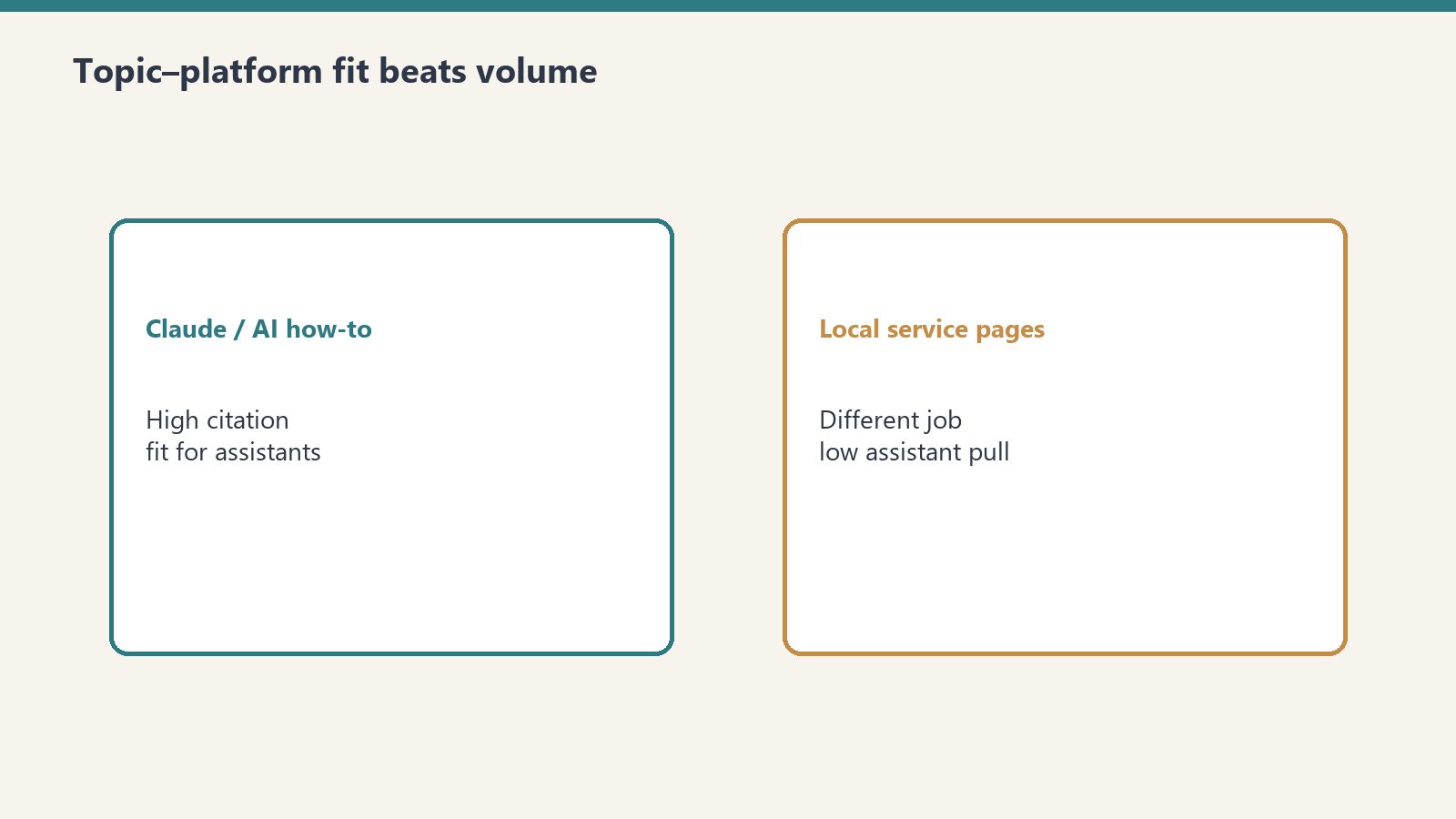
    What Roofing Articles Got: Zero

    I also publish content in trade verticals — restoration, construction, and local services. Those articles have solid traditional SEO performance. Google sends traffic. The content ranks.

    Copilot citations for those articles: zero.

    Not low. Not “a few.” Zero. Because the people using Copilot in their daily workflow aren’t asking about emergency water damage repair or roofing contractors in Houston. They’re asking about the tools they use to do their jobs — AI platforms, development environments, productivity software, and business strategy.

    This is the first data point that made me realize: AI citation optimization is platform-specific. The topics that win on Copilot are not the topics that win on Google, and they’re not the same topics that win on ChatGPT or Perplexity. Each platform has a different user base with different intent patterns.

    The Raw Numbers, Laid Out

    Here’s the data from one domain over approximately 90 days, pulled directly from Bing Webmaster Tools AI Performance (beta):

    Total AI Citations: 98,800
    Total Grounding Queries: 576
    Average Daily Citations (start): 672
    Average Daily Citations (end): 5,500
    Top Single Query Citations: 16,500 (“claude ai pricing”)
    Human Clicks from Bing (same period): ~1,900
    AI-to-Human Ratio: 52:1
    Top Content Type Cited: Detailed comparison/pricing guides
    Content Types with Zero Citations: Local service pages, trade industry content

    What This Means for Content Strategy

    The industry is currently arguing about SEO vs GEO vs AEO. That argument is already outdated. What the data shows is something more granular: different AI platforms are different audiences, and they require different content strategies, the same way that smart TV advertising requires different creative than mobile advertising.

    I’m calling this Platform-Specific AI Optimization (PSAO) because nobody else has named it yet. Nobody else has named it because nobody else is measuring it. The tools are there — Bing Webmaster Tools shows Copilot citation data right now — but the marketing industry hasn’t caught up to the idea that AI engines are audiences, not just algorithms.

    Here’s what I’m doing with this data:

    I’m writing content specifically engineered for Copilot’s enterprise user base during business hours — detailed tool comparisons, pricing breakdowns, integration guides, and operational how-tos. I’m writing different content for Google’s organic audience — local business directories, event guides, and community resources. Same domain. Two completely different content strategies running simultaneously.

    The Copilot content doesn’t need to rank on Google. The Google content doesn’t need Copilot citations. Each serves its platform’s audience where they actually are.

    Why I’m Publishing This

    I’m publishing this data because the industry needs a baseline. Right now, there is no public benchmark for AI citation volume. No one is talking about citation-per-query rates, daily citation growth curves, or topic-platform fit analysis. There’s no equivalent of “Domain Authority” or “organic traffic” for the AI citation economy.

    Someone needs to be first. I have the data. So here it is.

    If you run a content operation and you haven’t checked your Bing Webmaster Tools AI Performance tab, do it today. You might be sitting on citation data you didn’t know existed. And if you’re building content strategy without accounting for which AI platforms are actually consuming your content, you’re optimizing for one audience while ignoring the one that’s reading you 50 times more often.

    The AI citation economy is already here. The question is whether you’re measuring it.

    Frequently Asked Questions

    What are AI citations in Bing Webmaster Tools?

    AI citations are instances where Microsoft Copilot uses your website content as a grounding source in its responses to user queries. They appear in the AI Performance (beta) tab within Bing Webmaster Tools and represent direct attribution — Copilot pulled information from your page and used it to construct an answer for a real user.

    How do I check my AI citation data?

    Log into Bing Webmaster Tools, navigate to the Performance section, and look for the “AI Performance” tab. It’s currently in beta. You’ll see total citations, grounding queries (the actual questions users asked), and daily trend data showing how your citation volume changes over time.

    Why does Copilot cite some content but not others?

    Copilot’s user base is predominantly enterprise workers inside Microsoft 365 applications. They ask operational questions — tool comparisons, pricing details, integration guides, and how-to content related to their daily work. Content that answers specific, task-oriented questions earns citations. Generic listicles, local service pages, and broadly targeted SEO content typically receives zero citations because it doesn’t match what Copilot users are asking.

    What is Platform-Specific AI Optimization (PSAO)?

    PSAO is a content strategy framework that recognizes different AI platforms serve different audiences with different intent patterns. Copilot users are enterprise workers mid-task. ChatGPT users are explorers and researchers. Perplexity users want curated multi-source answers. PSAO means creating content tailored to each platform’s user behavior rather than treating all AI engines as interchangeable.

    Is AI citation data more valuable than traditional search clicks?

    The data suggests AI citations represent a fundamentally different type of content consumption. With a 52:1 ratio of AI citations to human clicks, AI engines are consuming content at dramatically higher volumes. Whether this translates to direct revenue depends on your monetization model, but from a reach and authority perspective, AI citations may represent the larger audience for many content categories.